Powerful Windows Tools for a Faster, Cleaner PC
Built for Windows. Works Offline. Yours Forever.
A growing collection of native Windows desktop utilities — each one designed to do one thing exceptionally well. No subscriptions, no cloud accounts, no telemetry. Just fast, focused tools that run entirely on your PC.
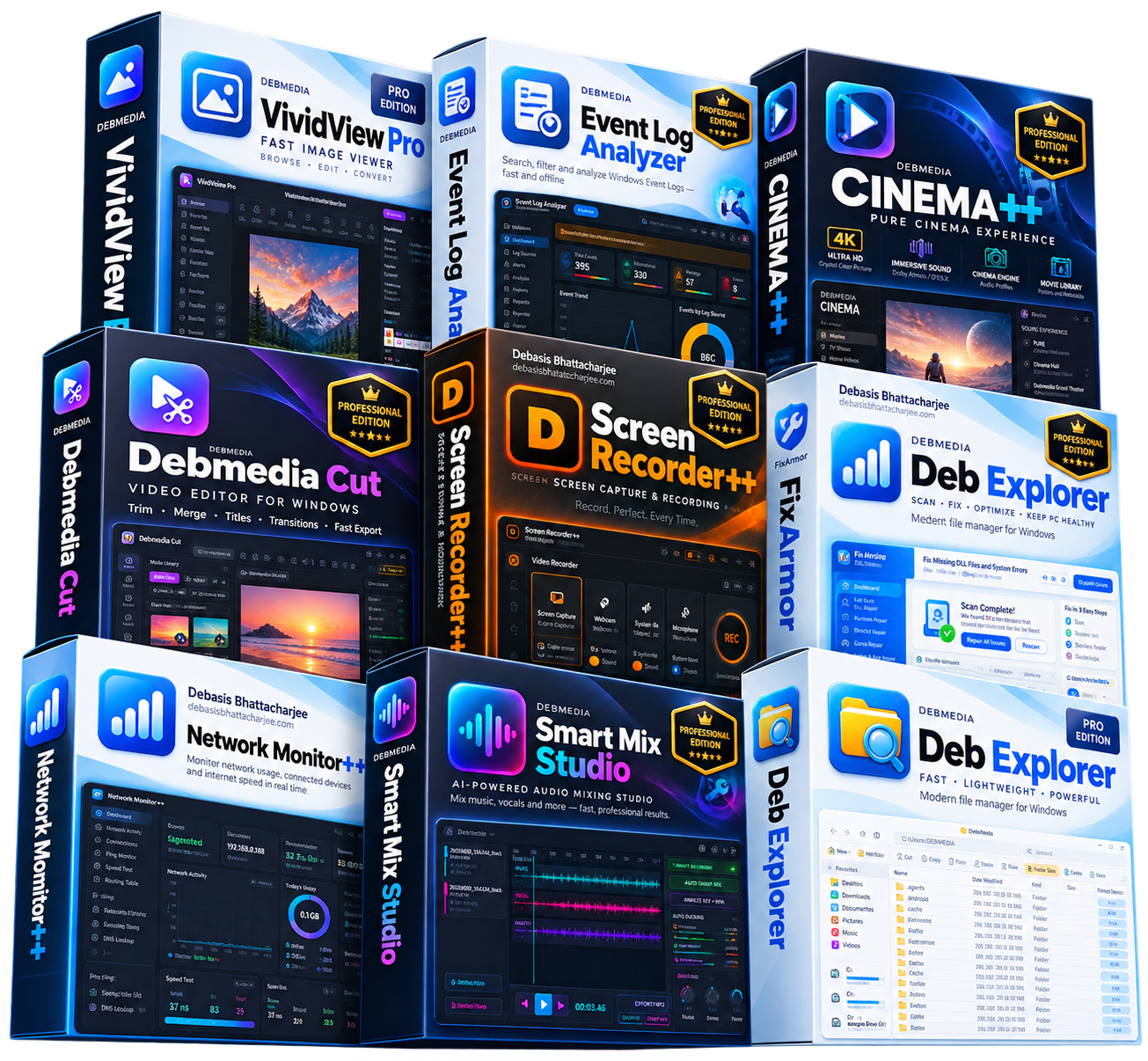
Built to Solve Real Problems, Built to Last
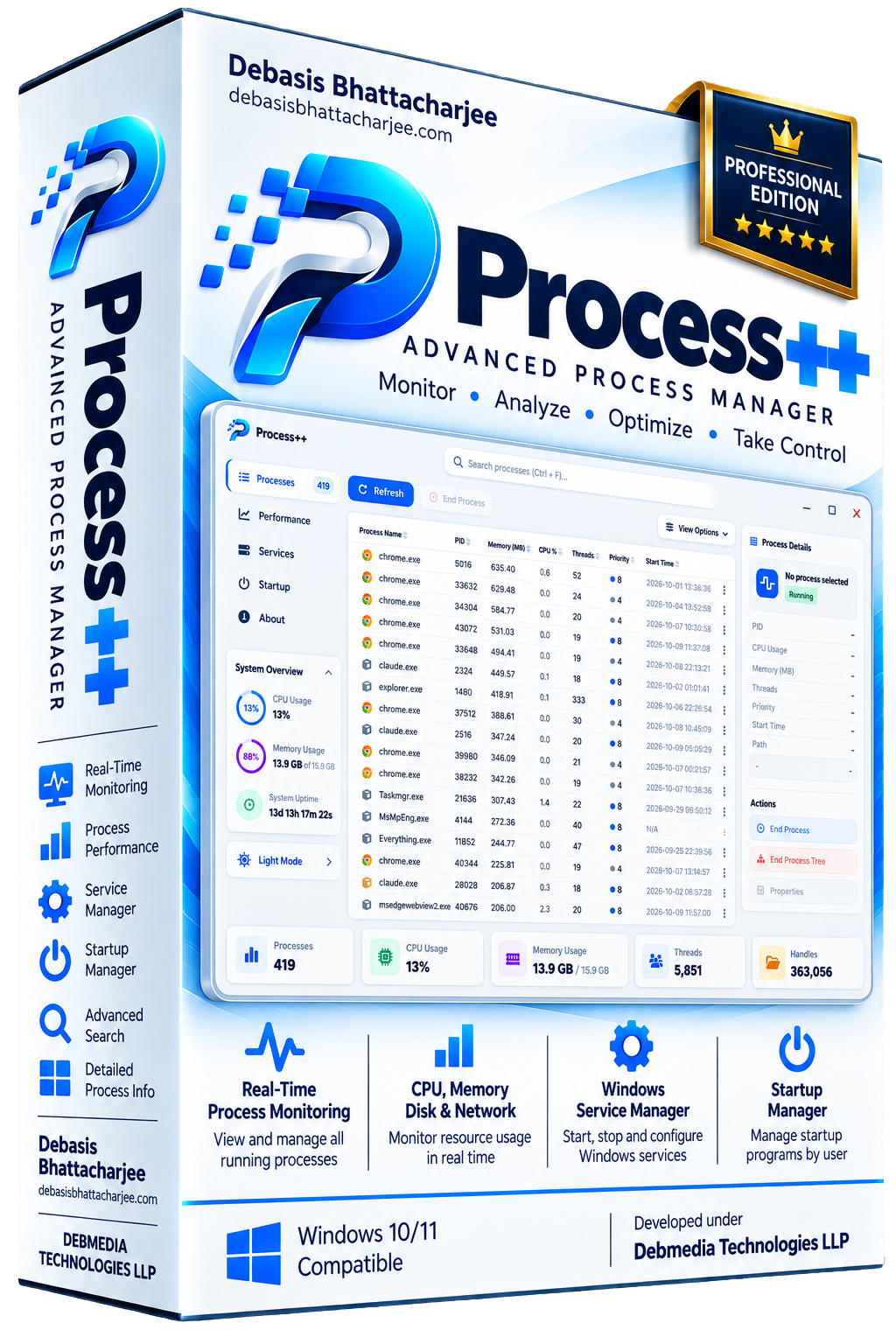
Process++ gives you full visibility and control over every running process, Windows service and startup item on your PC. The process list updates in real time, showing CPU usage, memory consumption, disk I/O, network activity and process priority for every running application and system process. Click any process for a detailed breakdown including open file handles, loaded DLLs, network connections and parent process. The service manager lists every Windows service with its current state, startup type and description — start, stop, pause and change startup type without opening the Services console. The startup manager shows every program that launches at Windows boot. Process++ also includes a one-click kill for frozen processes and a search by name, PID or path.
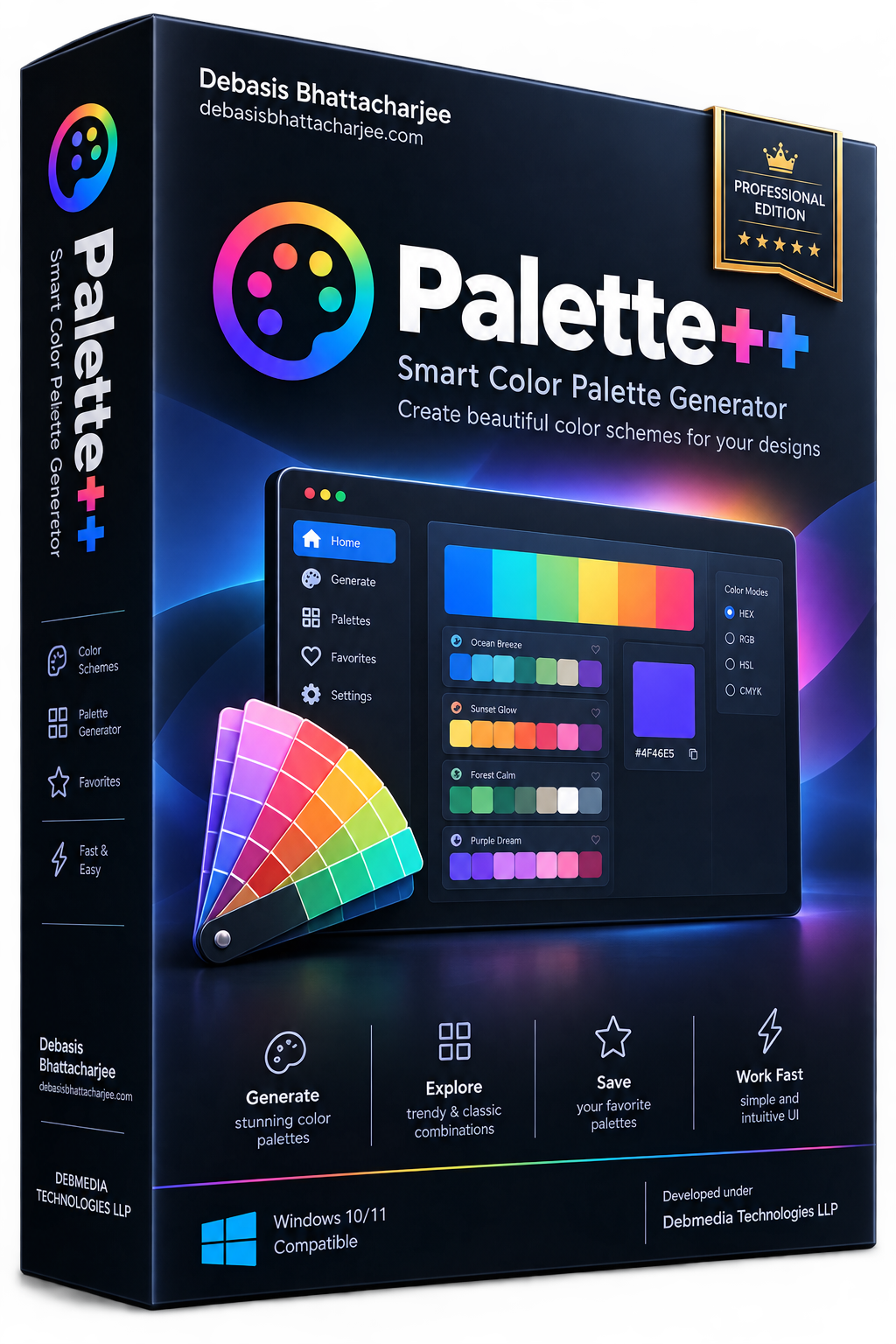
Palette++ is a full-featured color palette studio for Windows. Generate palettes from any starting color using multiple algorithms — complementary, analogous, triadic, split-complementary, tetradic and monochromatic. Paste any image and Palette++ extracts a dominant color palette automatically. The explorer mode lets you browse thousands of curated palettes from the built-in library. Every color shows its hex, RGB, HSL, HSV and CMYK values — copy any format with one click. Export palettes as PNG swatches, SVG, CSS variables, JSON, Adobe ASE, Tailwind config or SCSS. Palette++ also includes a screen color picker, a contrast checker for accessibility compliance and a palette history so you never lose a combination you liked.
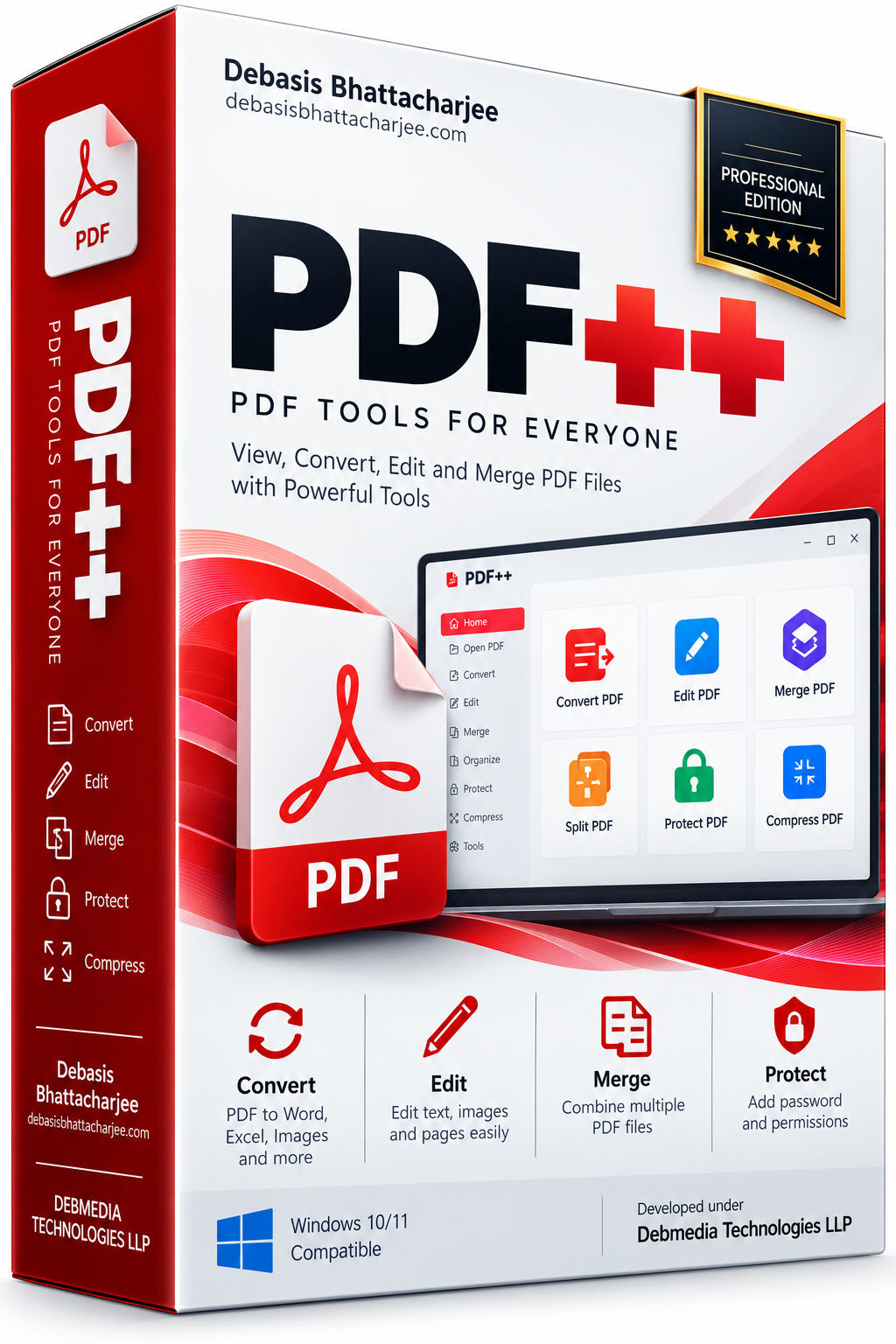
PDF++ is a complete all-in-one PDF toolkit for Windows. Edit text and images directly inside PDF files, convert PDFs to Word, Excel, PowerPoint and image formats, convert documents back to PDF, merge multiple PDFs into one, split a single PDF into individual pages or ranges, compress PDF file size without visible quality loss, add or remove passwords and permissions, annotate with highlights and comments, apply digital signatures and extract text and images from any PDF. The OCR engine makes scanned PDFs searchable and editable. Everything runs locally — no uploading sensitive documents to an online service, no file size limits, no subscription. PDF++ handles individual files or entire folder batches.
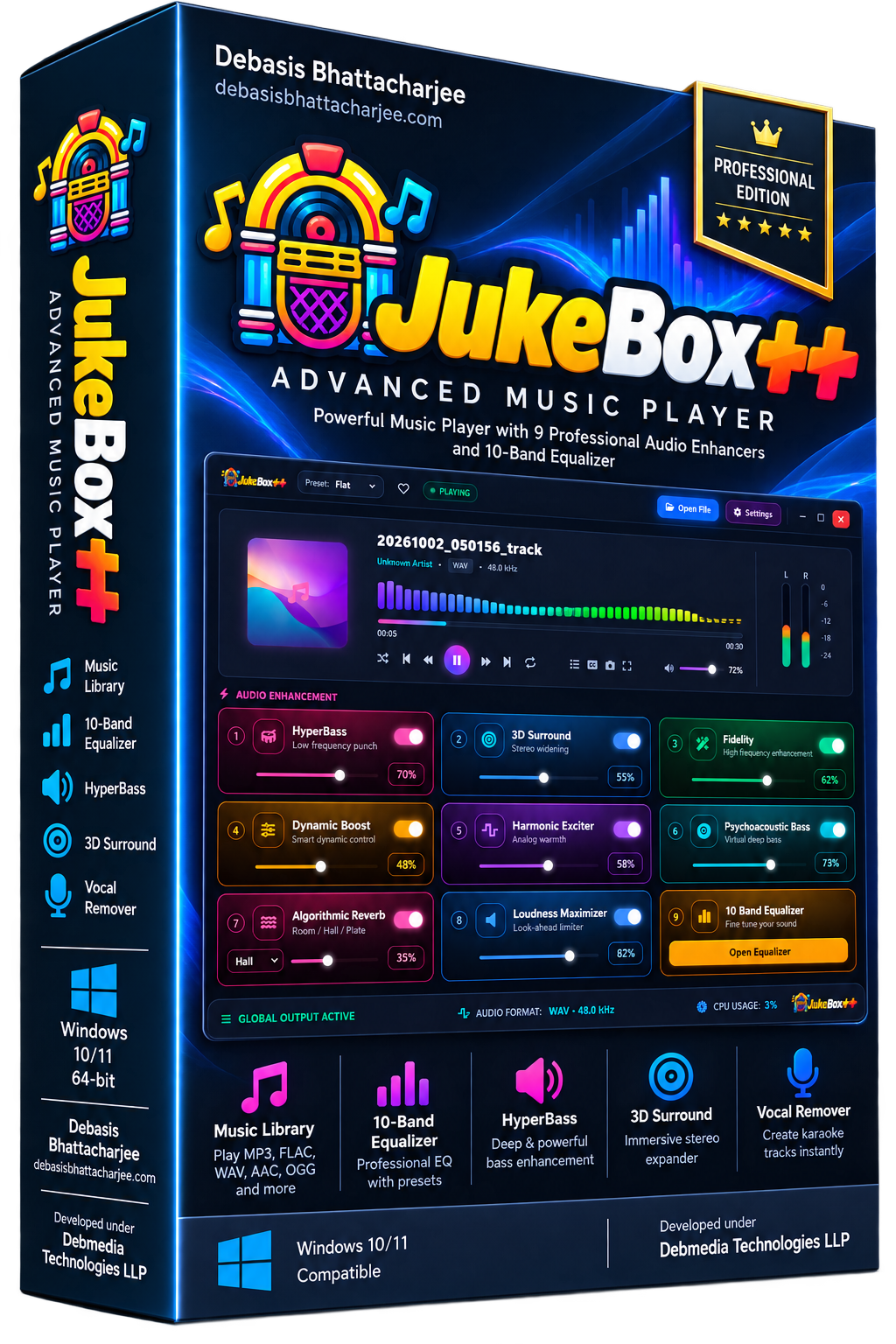
JukeBox++ is a desktop music player for Windows with a built-in professional audio enhancement suite. It plays MP3, FLAC, WAV, AAC, OGG and virtually every audio format with a clean, fast interface for browsing your local music library by artist, album, genre or folder. What sets JukeBox++ apart is its nine built-in audio processors: a 10-band graphic equalizer, HyperBass bass booster, 3D Surround expander, Reverb room simulator, Vocal Remover, Pitch Shifter, Stereo Widener, Compressor and Limiter. Each processor can be independently enabled, disabled and fine-tuned. Whether you want concert-hall reverb, punchy bass, wide stereo or pure unprocessed audio, JukeBox++ gives you full sonic control.
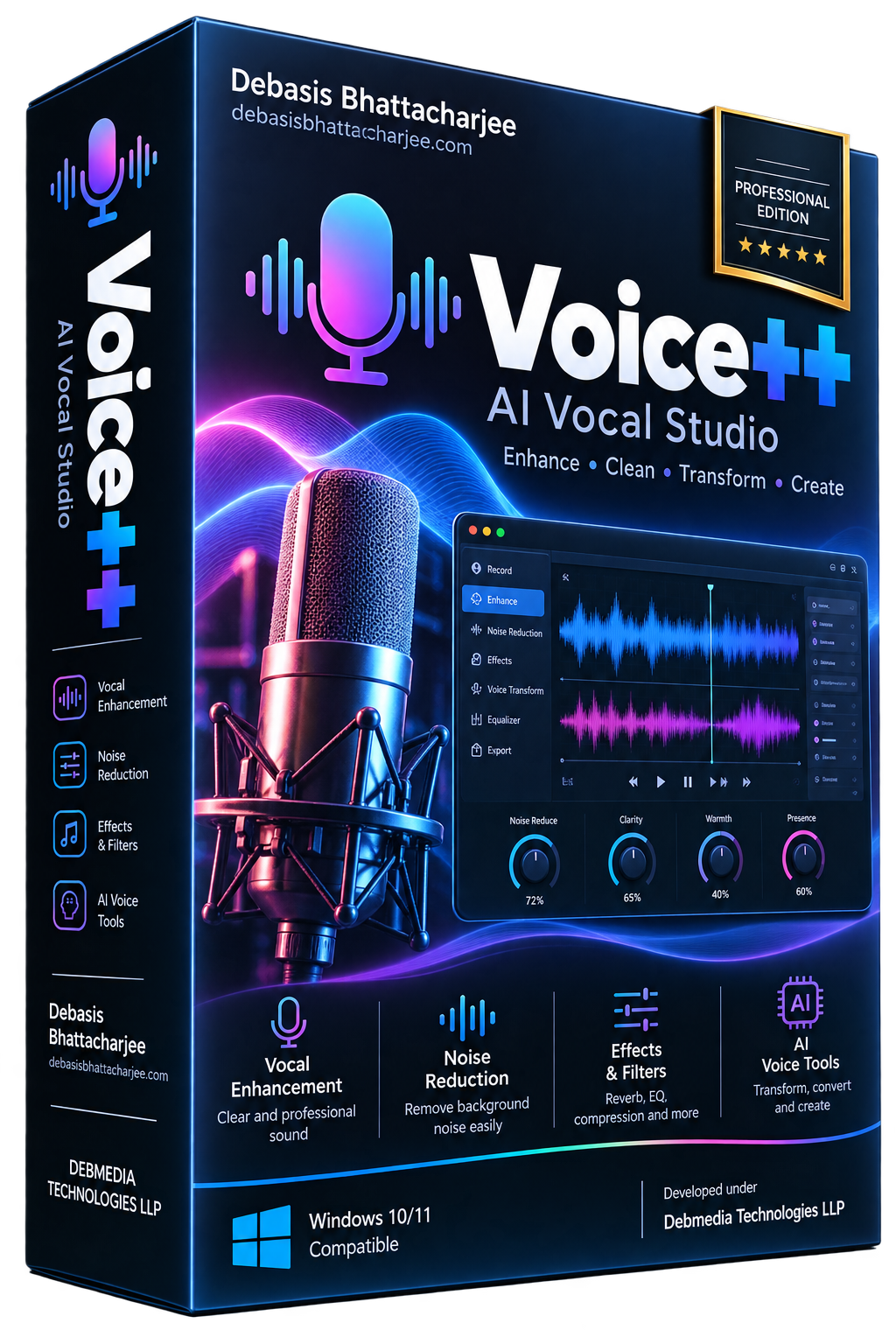
Voice++ is a desktop vocal recording and mixing studio for Windows. Import a music track, record your voice over it using any connected microphone, then shape your vocal sound with a built-in chain of professional processors: a 10-band parametric EQ, a reverb module with room size and decay controls, a compressor for consistent vocal level, a noise gate to cut background noise between phrases, a pitch corrector and a stereo delay for depth. Choose from built-in vocal presets — Studio, Booth, Hall, Radio, Rock, Pop and more — for an instant professional sound. Mix your vocal and music levels, monitor through headphones in real time and export the finished mix as MP3 or WAV. Voice++ brings professional vocal production to your desktop without the cost or complexity of a full DAW.
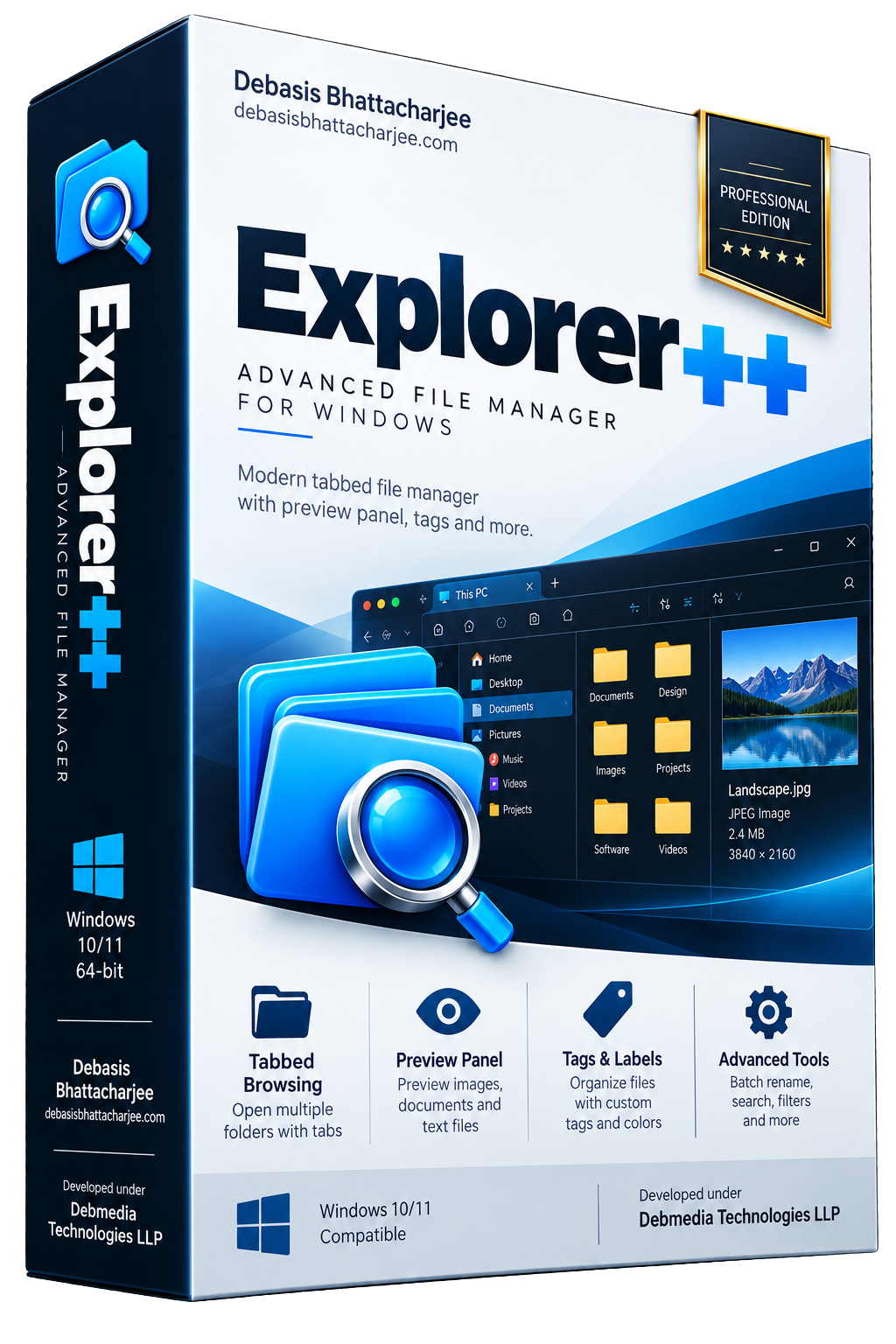
Explorer++ is a powerful Windows file manager built as a complete replacement for Windows Explorer. Browse your files in multiple tabs, open a dual-pane layout for fast file operations between folders, and use the preview panel to see the contents of images, documents and text files without opening a separate application. Explorer++ calculates folder sizes, shows file metadata at a glance, and supports custom tags for organizing files your way. The built-in quick search finds files instantly. Keyboard-driven operation covers nearly every action for power users who prefer to keep their hands off the mouse. Explorer++ also includes a built-in AI file assistant for natural-language file operations — describe what you want and it handles the rest.
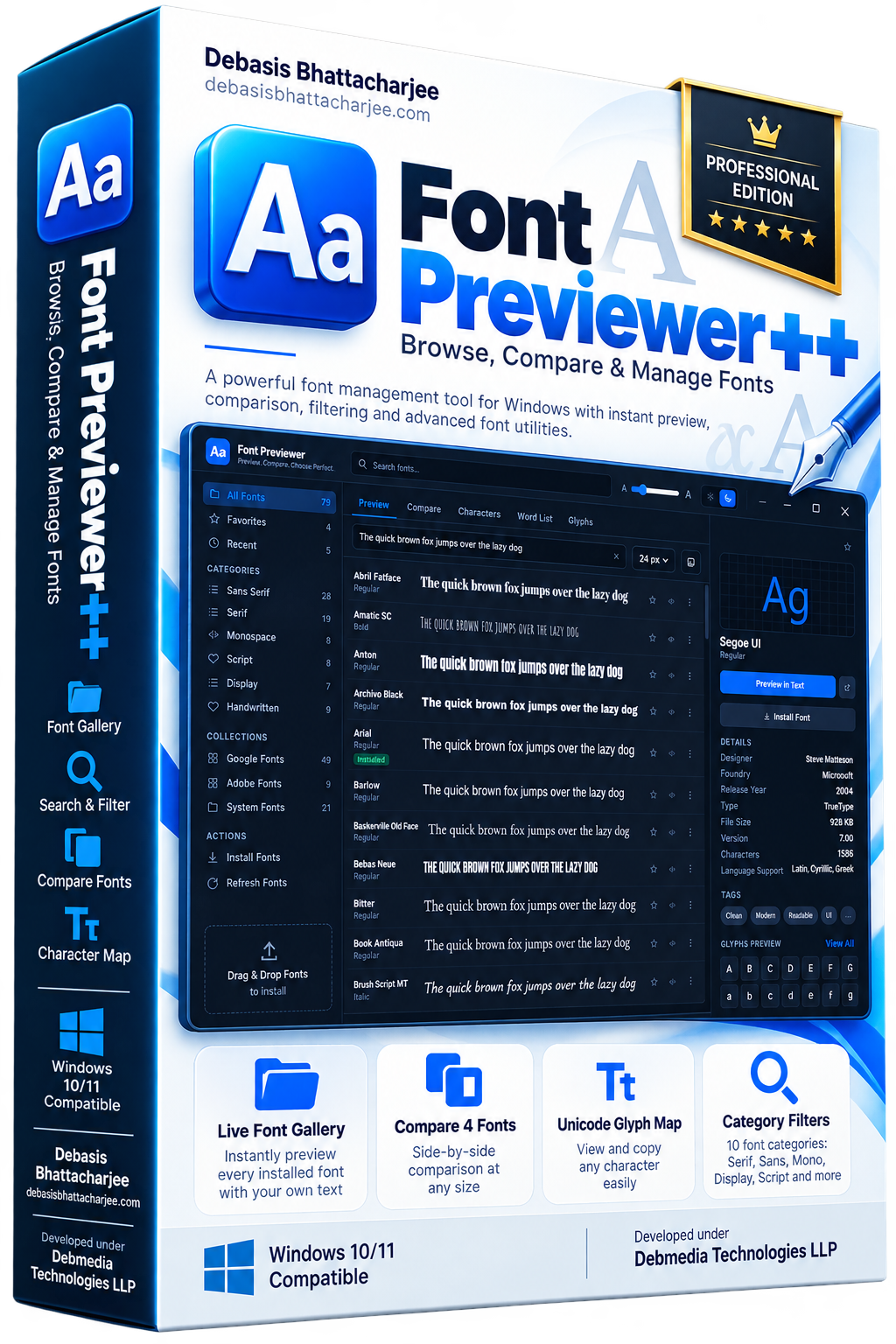
Font Previewer++ gives you instant visual access to every font installed on your Windows PC. Instead of opening a dropdown and guessing what a font looks like, Font Previewer++ renders your own custom sample text across every font simultaneously so you can scan hundreds of typefaces and spot the right one in seconds. It includes a 10-category filter system, full character map for every font, side-by-side comparison mode for up to four fonts, a screen colour picker, WCAG contrast checker, and a favourites collection for fonts you return to regularly.
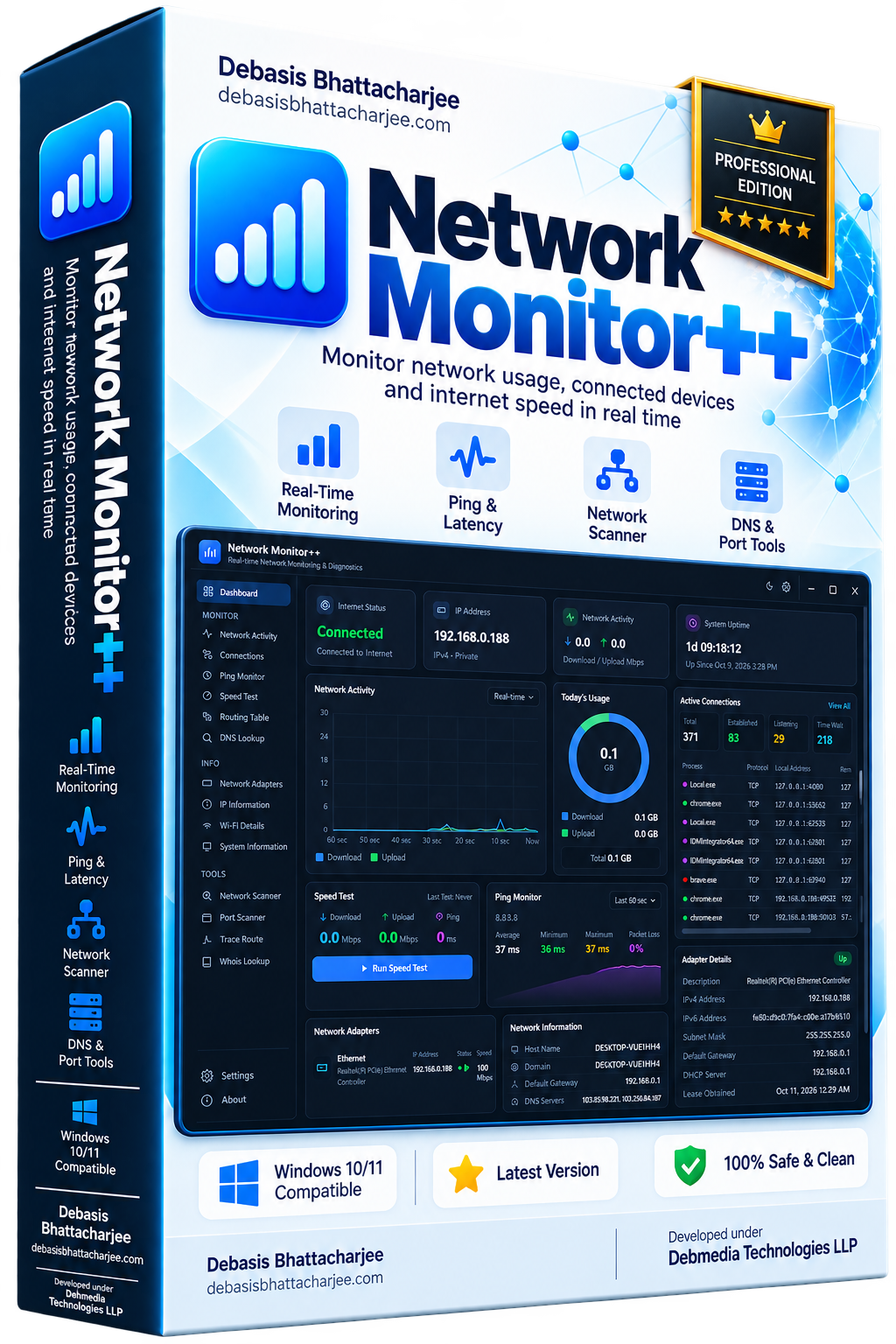
Network Monitor++ tracks your Windows network in real time — live upload/download speed, per-application bandwidth usage, connected devices on your LAN, internet latency and packet loss, and connection history.
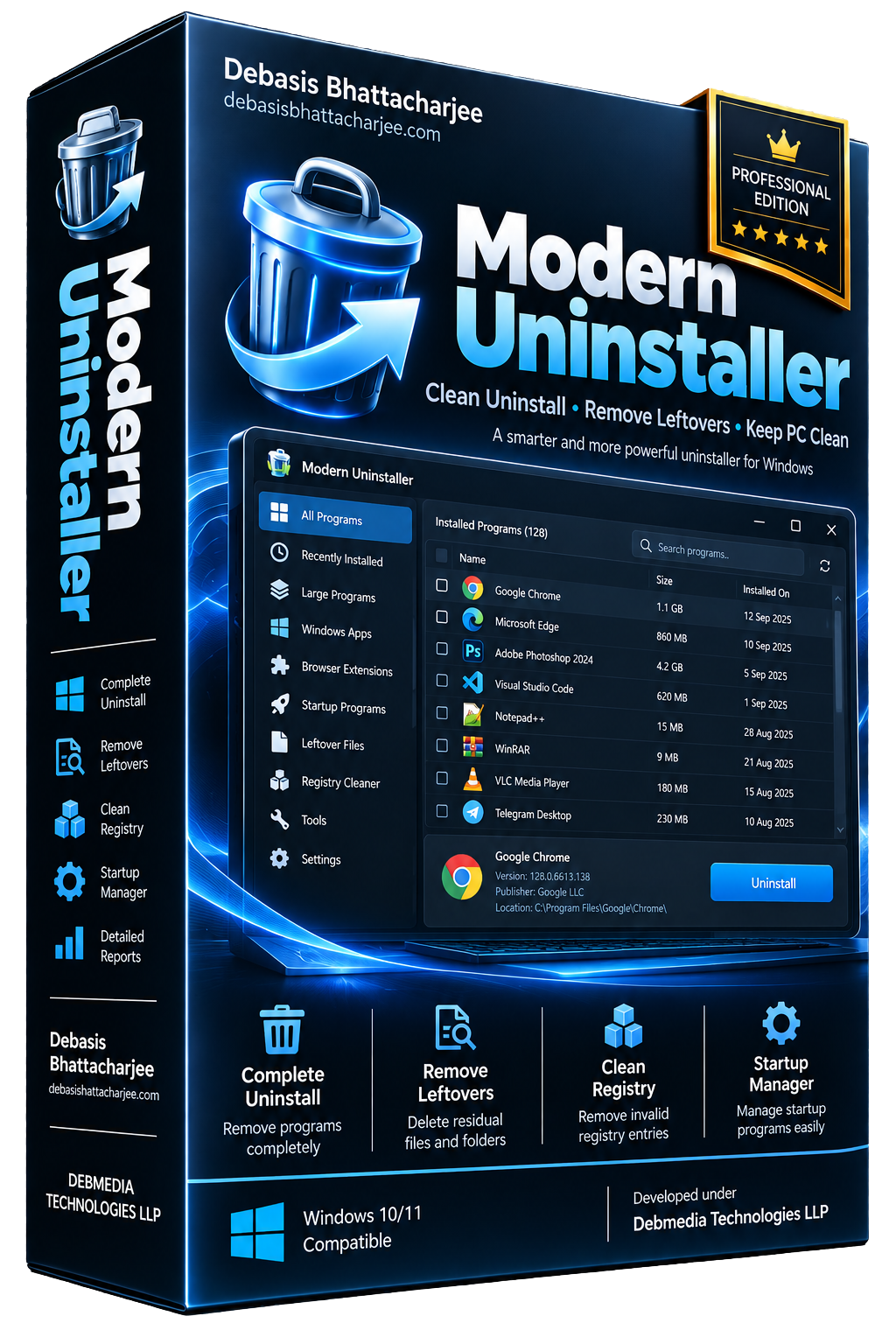
Uninstaller++ removes Windows software completely — not just the main program, but every leftover file, folder, registry key and scheduled task the uninstaller misses. Force-remove stubborn apps that resist normal uninstallation.
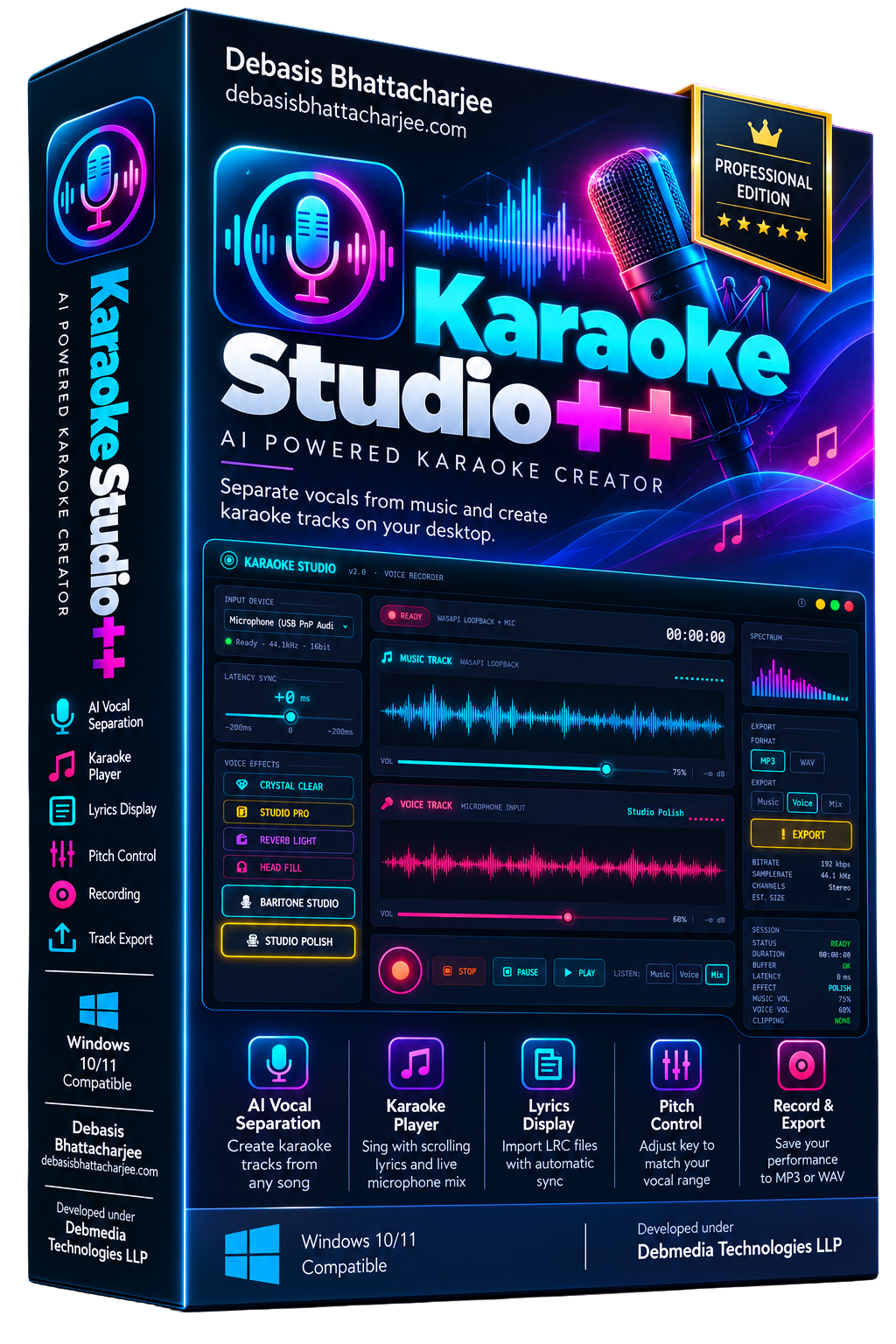
Karaoke Studio++ uses AI-powered vocal separation to remove vocals from any song and create instant karaoke backing tracks — entirely on your desktop, with no internet connection required. Load any MP3, WAV or FLAC file, run the vocal separation, and within seconds you have two files: the instrumental track and the isolated vocals. The built-in karaoke player lets you sing along to the instrumental while lyrics scroll in sync, with a microphone mixer so your voice blends naturally with the backing track. Karaoke Studio++ also lets you import LRC lyrics, adjust the pitch of the backing track to suit your vocal range, and record your performance to save or share. Everything stays on your machine — no uploads, no subscriptions.
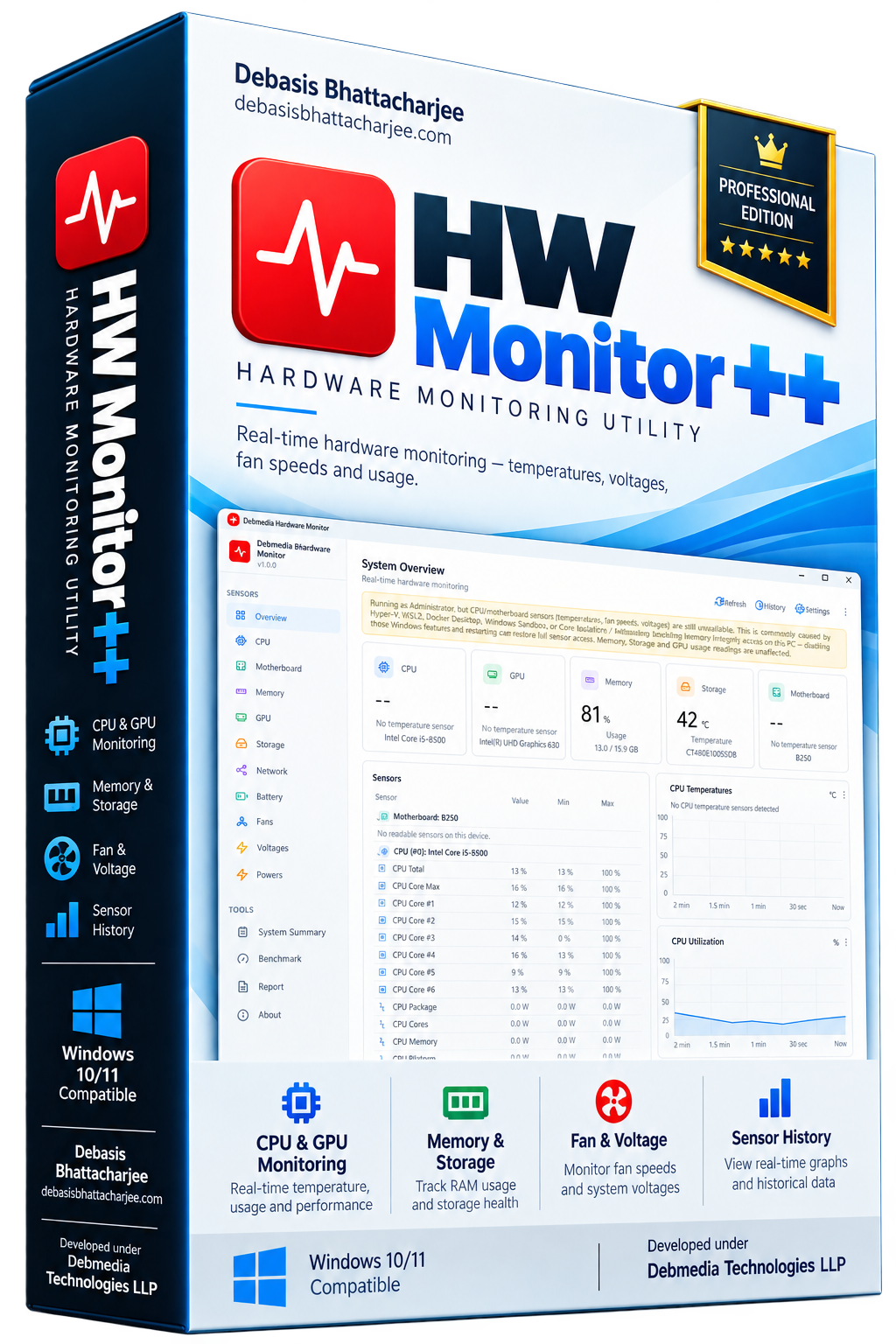
HW Monitor++ displays live sensor data from every hardware component in your PC — CPU and GPU temperatures, individual core usage, RAM consumption, fan RPM readings, system voltages and storage temperatures — all updated in real time. The interface is organized into clear panels: an Overview dashboard shows your system at a glance, while dedicated sections for CPU, GPU, Memory, Storage, Motherboard and Fans give you deep per-component detail. Historical charts let you track how your hardware behaves under load over time. HW Monitor++ reads data directly from hardware sensors using low-level libraries — no guessing, no estimates. It is the tool to have open during gaming sessions, benchmarks, stress tests or whenever you suspect your PC is running hot.
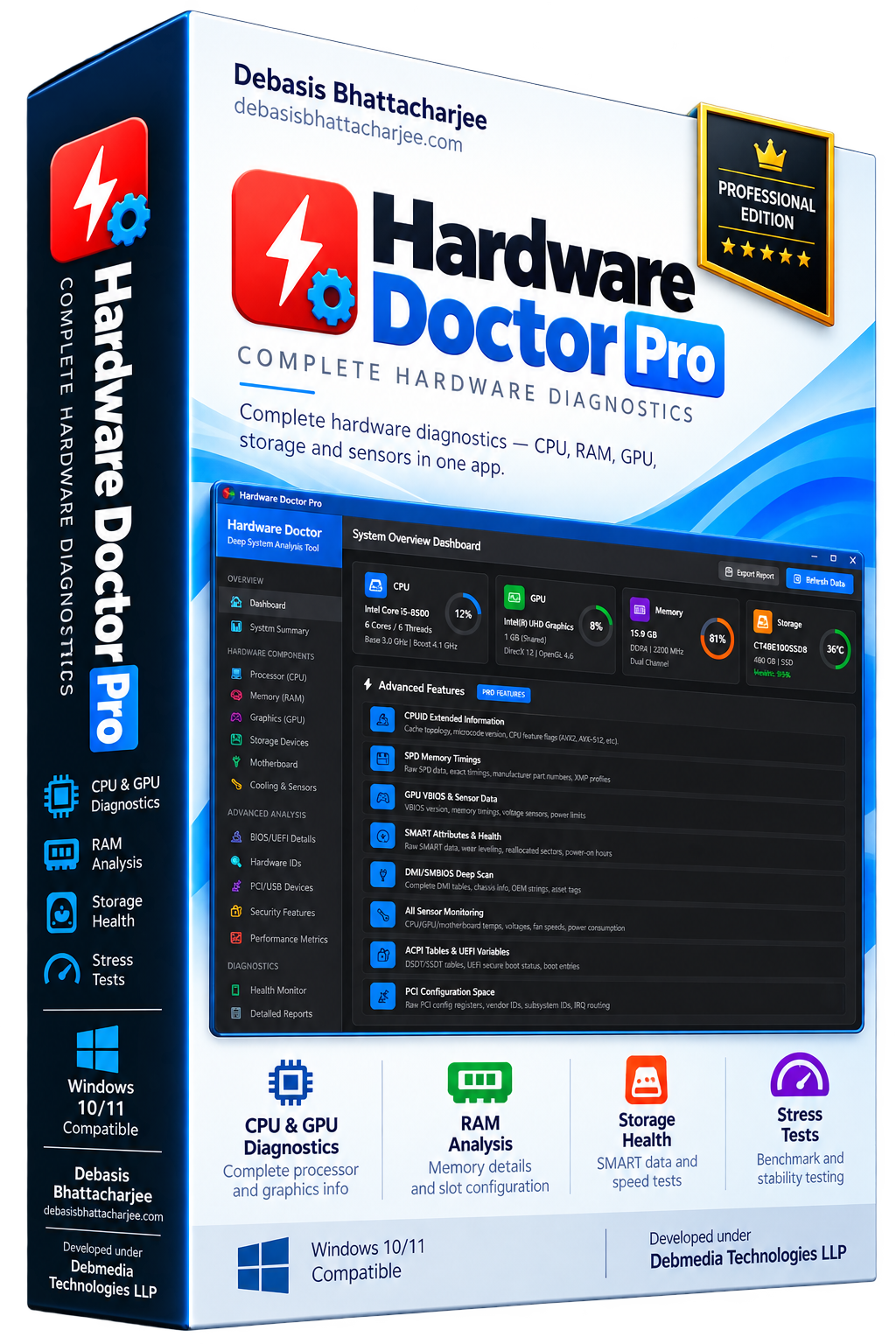
Hardware Doctor provides detailed hardware information and diagnostics for every component in your Windows PC. The CPU panel shows your processor model, architecture, core and thread count, base and boost clock speeds, cache sizes, instruction set support and real-time temperature. RAM detail covers module count, capacity, speed, type, manufacturer and slot configuration. GPU information includes VRAM size, driver version, DirectX level and current utilization. Storage detail shows drive model, interface, capacity, health status via SMART and read/write speeds. The diagnostics engine runs stress tests and benchmarks for CPU, RAM and storage, generates a complete system report and flags any component showing signs of failure or abnormal readings.
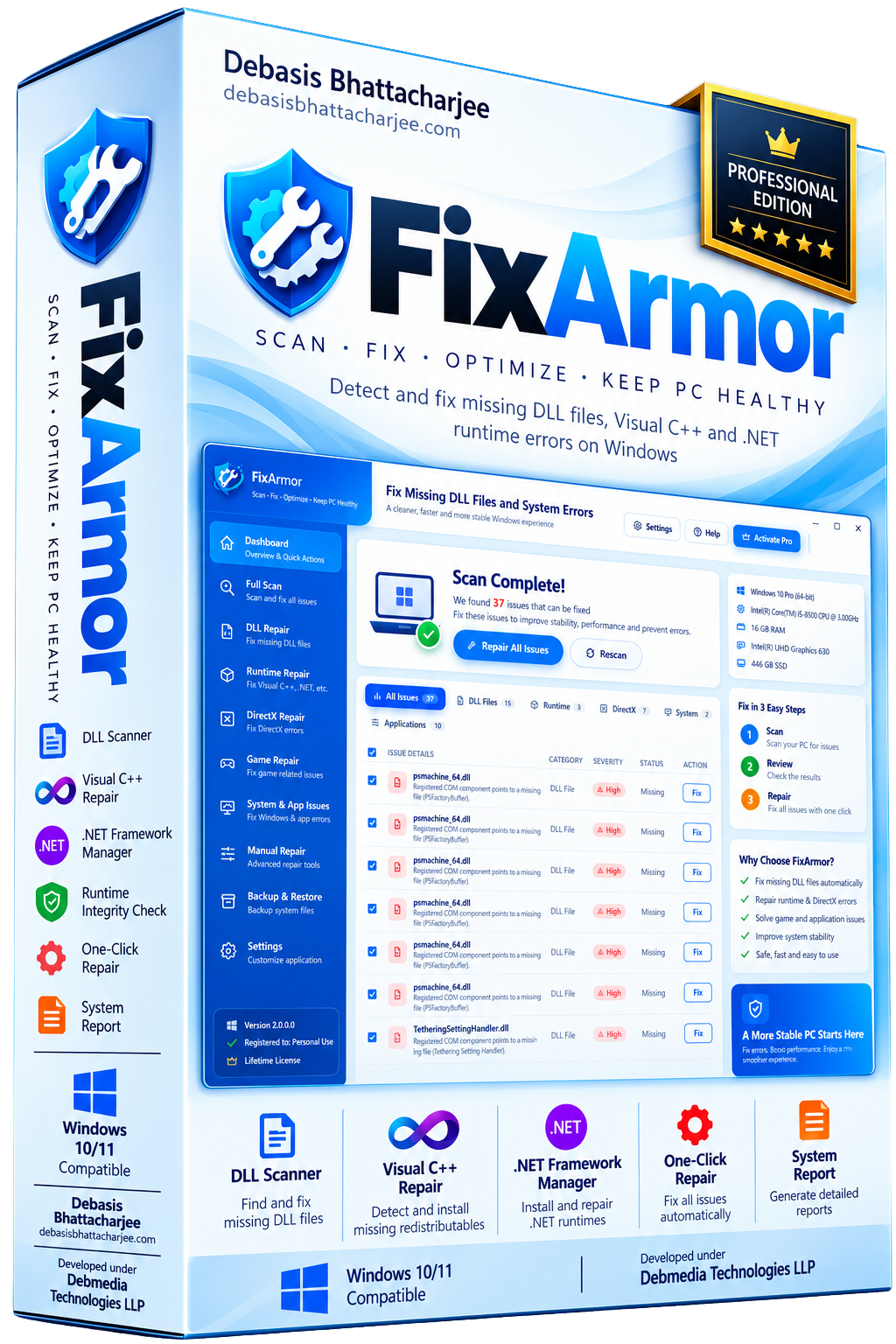
FixArmor scans your Windows PC for missing or corrupted DLL files, broken Visual C++ redistributable installations and outdated or missing .NET framework versions — the three most common causes of application startup errors on Windows. When a program refuses to launch with an error like msvcp140.dll not found or VCRUNTIME140.dll is missing, FixArmor identifies exactly what is missing and installs the correct version automatically. It supports all Visual C++ redistributable versions from 2005 through the latest release, all .NET Framework and .NET Core versions, and common system DLLs. FixArmor also verifies the integrity of installed runtimes and repairs corrupted installations.
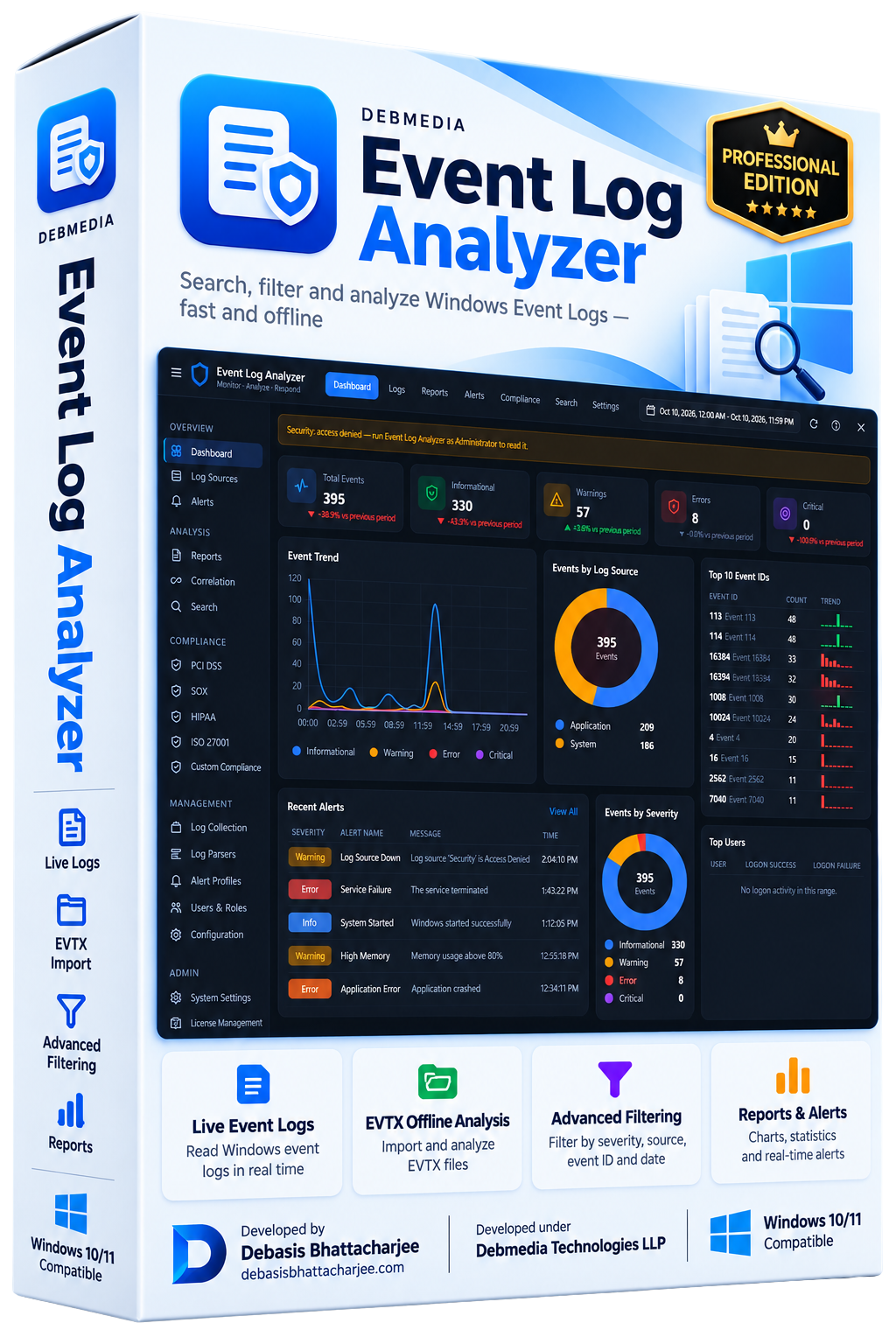
Event Log Analyzer reads and analyzes Windows Event Logs entirely on your local machine — no data leaves your PC. Load logs from the live Windows Event Log system or import saved EVTX files for offline analysis. Filter events by severity level, event source, event ID, date range or free-text keyword search. The dashboard gives you an instant statistical overview — event counts by level, top sources, event frequency over time and a severity distribution chart. Drill into any event for the full XML detail. Export filtered results to CSV or HTML report. Built for IT administrators, developers and power users who need to diagnose system issues, track security events or audit Windows behavior without sending data to an external service.
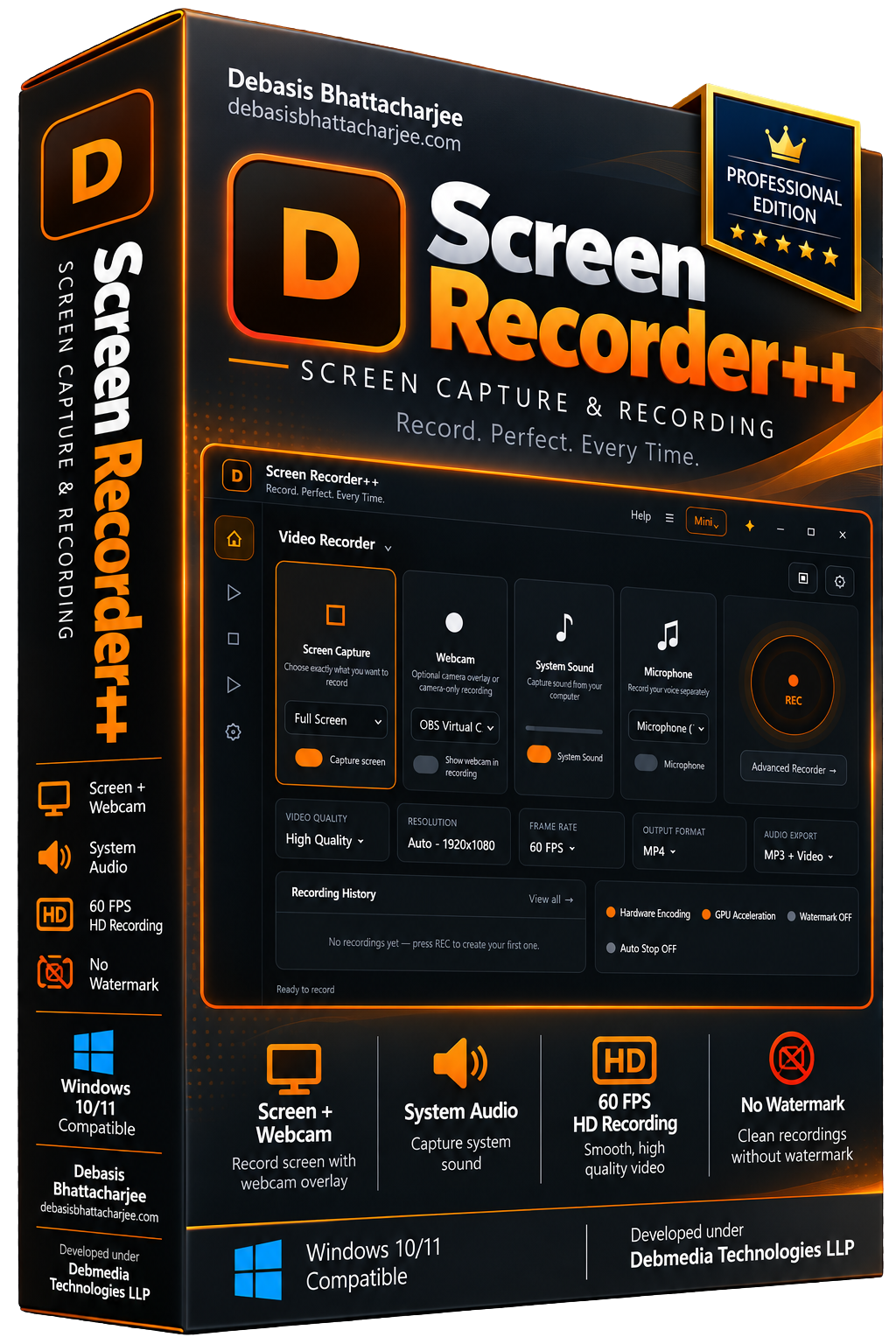
Screen Recorder++ captures your Windows screen in full HD with system audio, microphone input and optional webcam overlay — no watermark and no time limits. Choose to record the entire screen, a specific monitor, a single application window or a custom-defined region. The webcam-in-picture overlay works with any connected camera and can be repositioned freely. A built-in annotation toolbar lets you draw, highlight and add text in real time during recording. Recordings export in MP4, AVI or GIF format at your chosen quality. Screen Recorder++ also includes a screenshot mode with annotation tools, making it a complete screen capture toolkit for tutorials, demos, support and content creation.
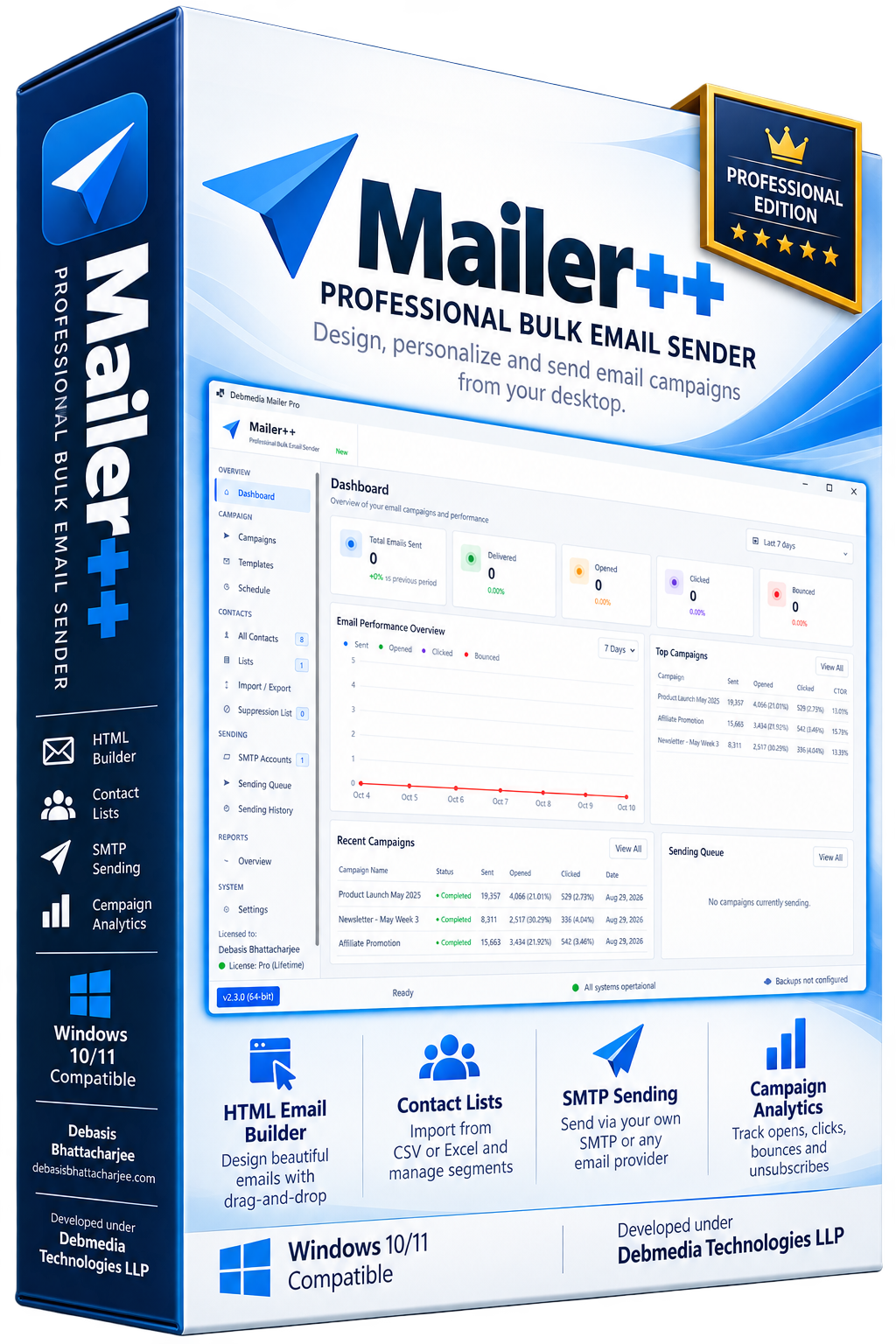
Mailer++ is a desktop bulk email application for Windows that lets you design, personalize and send email campaigns entirely from your own machine — no monthly SaaS fees, no sending limits imposed by a third-party platform. Build rich HTML emails with the visual drag-and-drop editor, import your contact lists from CSV or Excel, personalize each message with name and custom fields, then send through your own SMTP server or any email provider. Mailer++ supports list segmentation, unsubscribe tracking, bounce management and campaign reporting with open and click statistics. Whether you are sending newsletters, promotional offers or transactional messages, Mailer++ puts full control in your hands without the recurring cost.
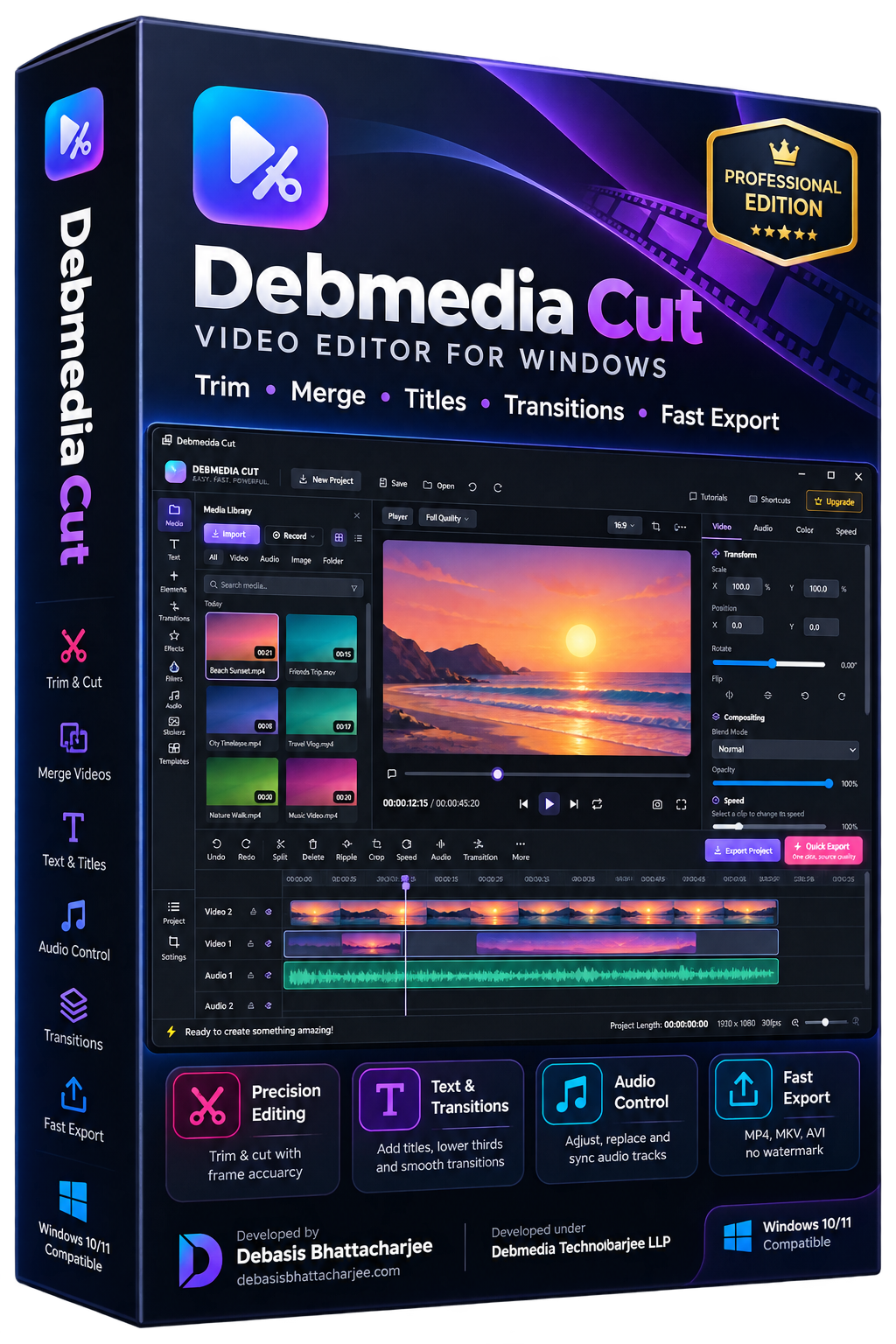
Debmedia Cut is a lightweight desktop video editor for Windows. Trim clips, merge videos, add text overlays and transitions, adjust audio, and export in any format — fast, simple and without a watermark.
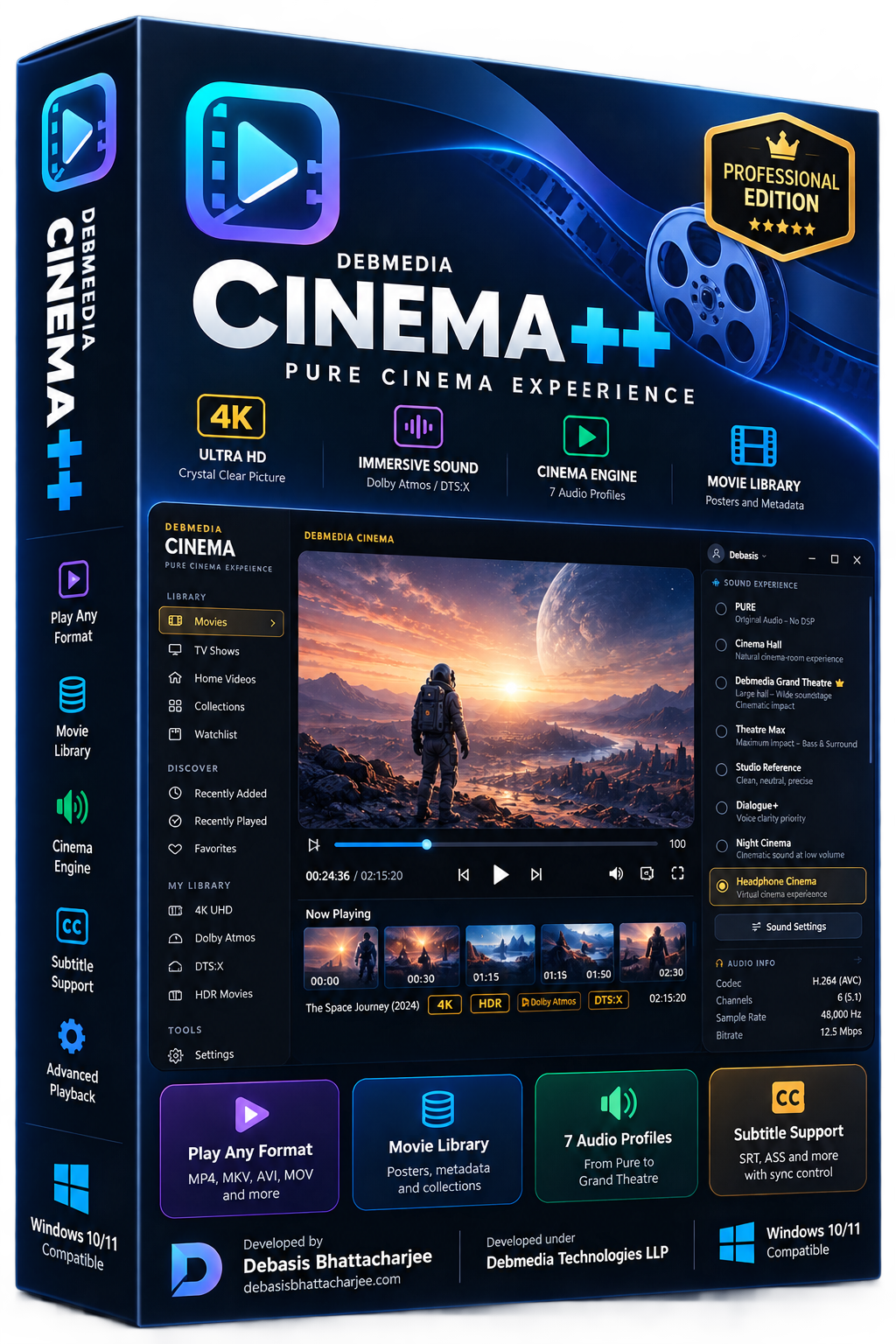
Cinema++ is a desktop media player and movie library organizer for Windows that treats your film collection with the respect it deserves. It plays every major video format — MP4, MKV, AVI, MOV, TS, M2TS and more — with no codec installation required. Cinema++ also builds a rich visual library from your local folders, automatically organizing your movies with poster art, genre tags, ratings and metadata. The player features a dark cinema-mode interface, chapter navigation, subtitle support with sync control, audio track switching and playback speed control. Whether you have 10 movies or 10,000, Cinema++ keeps your collection organized, searchable and beautiful to browse.
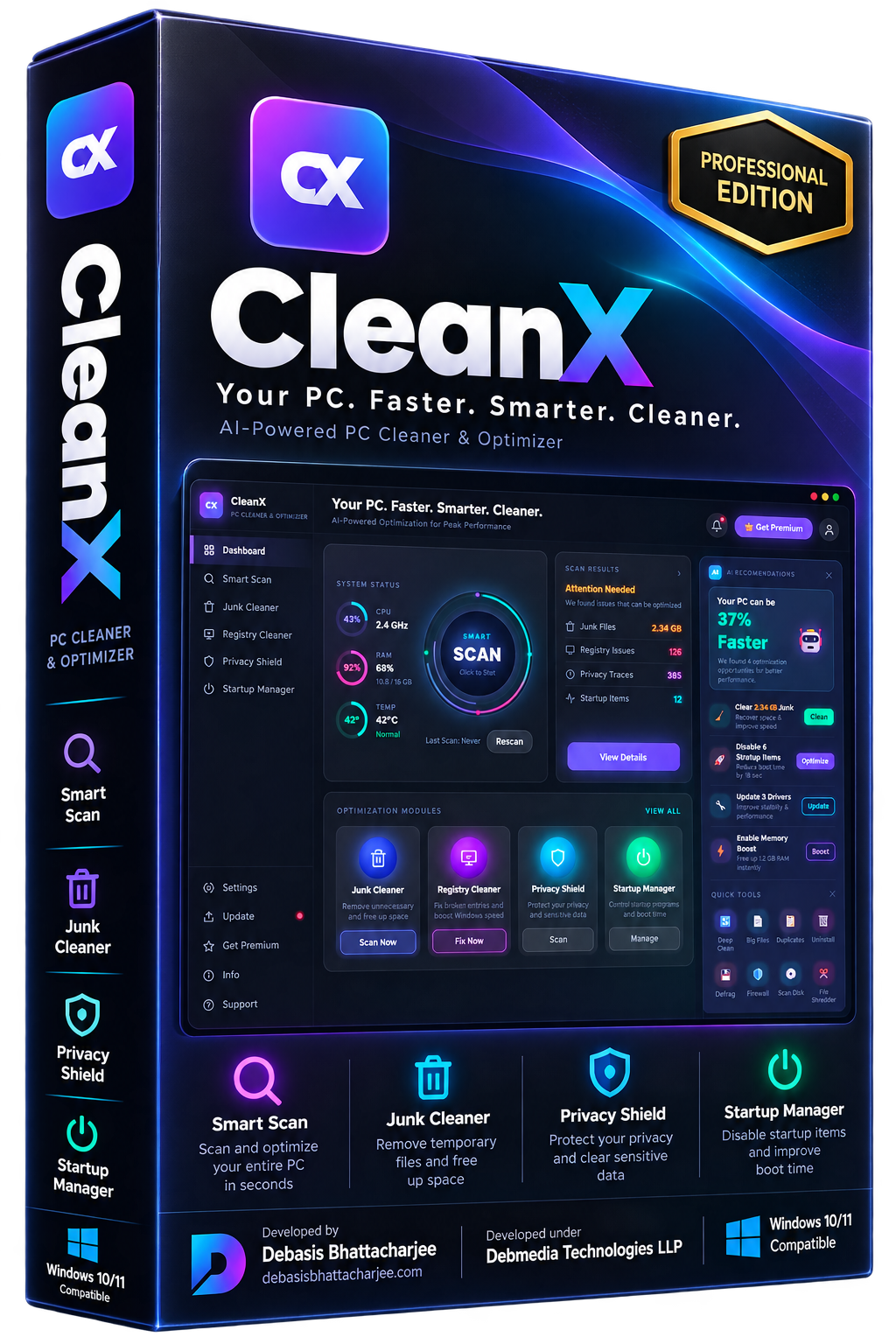
CleanX is a fast, no-nonsense Windows cleaner built for users who want results without complexity. It targets the files that actually slow your PC down — temporary system files, browser cache, Windows log files and application junk that accumulates invisibly over time. The interface is clean and direct: scan, review what was found, clean. No subscriptions, no upsells, no background processes running when you are not using it. CleanX is also extremely lightweight — it launches instantly and completes a full scan in moments. Ideal for quick weekly maintenance or whenever your PC starts to feel sluggish. Individual category selection lets you choose exactly what gets removed.
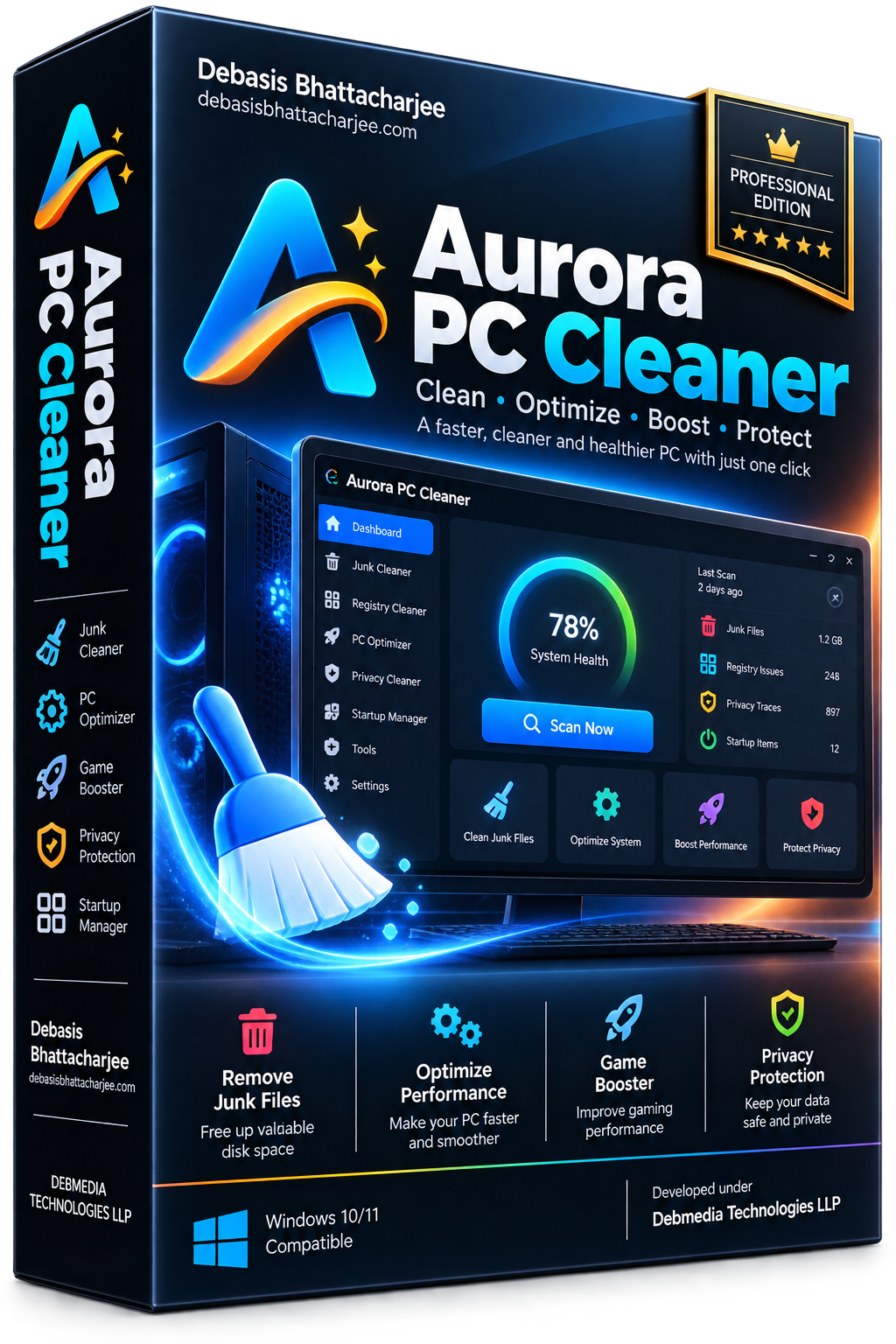
Aurora PC Cleaner Pro is a comprehensive Windows optimization suite that goes beyond simple junk removal. It performs a deep scan of your entire system — clearing temporary files, browser caches, broken registry entries, startup bloat, privacy traces and residual installer leftovers — then shows you exactly what it found before removing anything. The one-click Smart Clean mode handles everything automatically, while Advanced mode gives you full control over every category. Aurora also monitors startup programs, manages scheduled tasks and includes a built-in duplicate file finder and disk usage analyzer. Whether you are maintaining a new machine or rescuing a slow one, Aurora PC Cleaner Pro delivers measurable, visible results every single time.
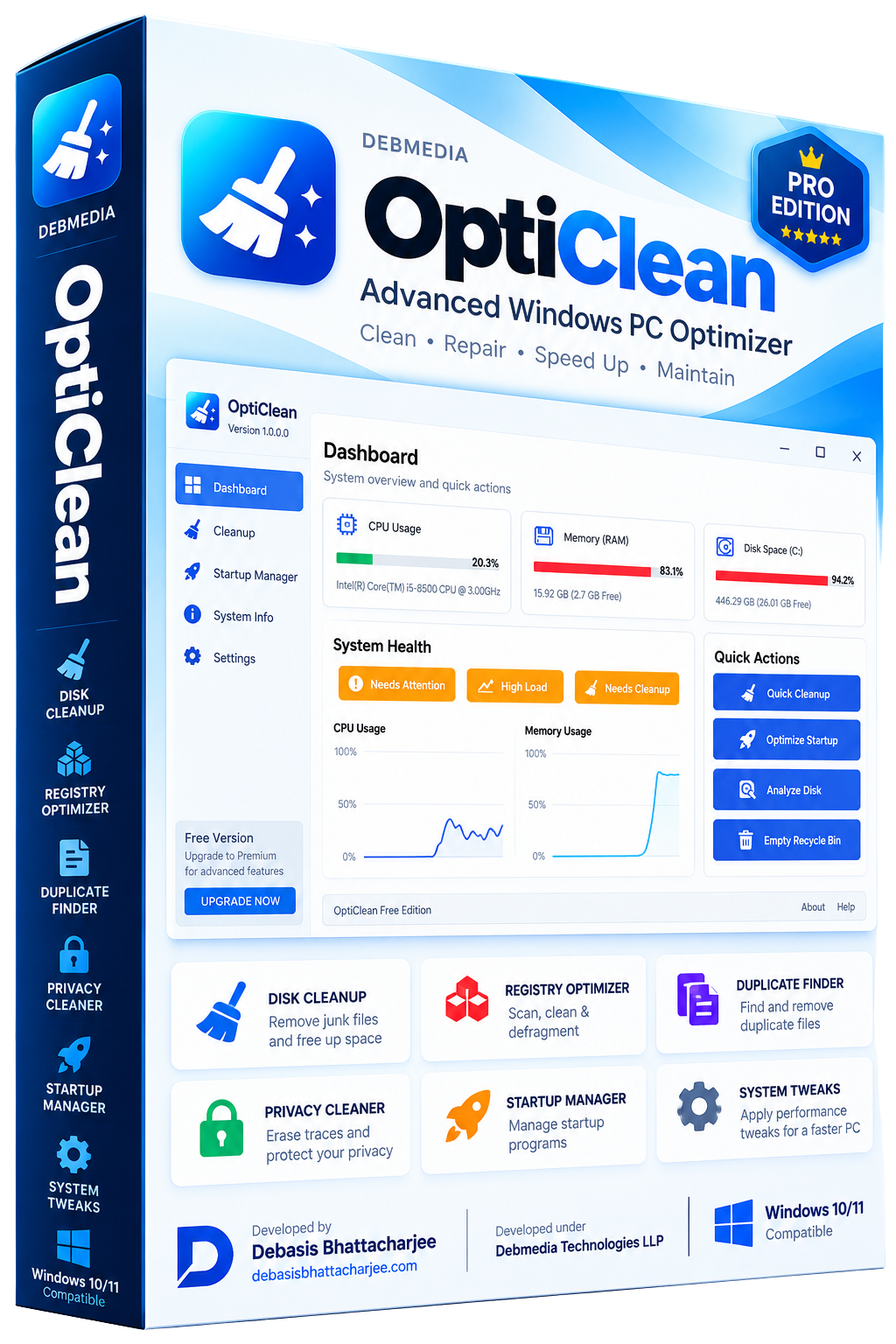
OptiClean is a comprehensive Windows optimizer covering disk cleanup, registry repair, startup management, duplicate file removal, privacy cleaning and system tweaks — delivering measurable speed improvements across every Windows subsystem.
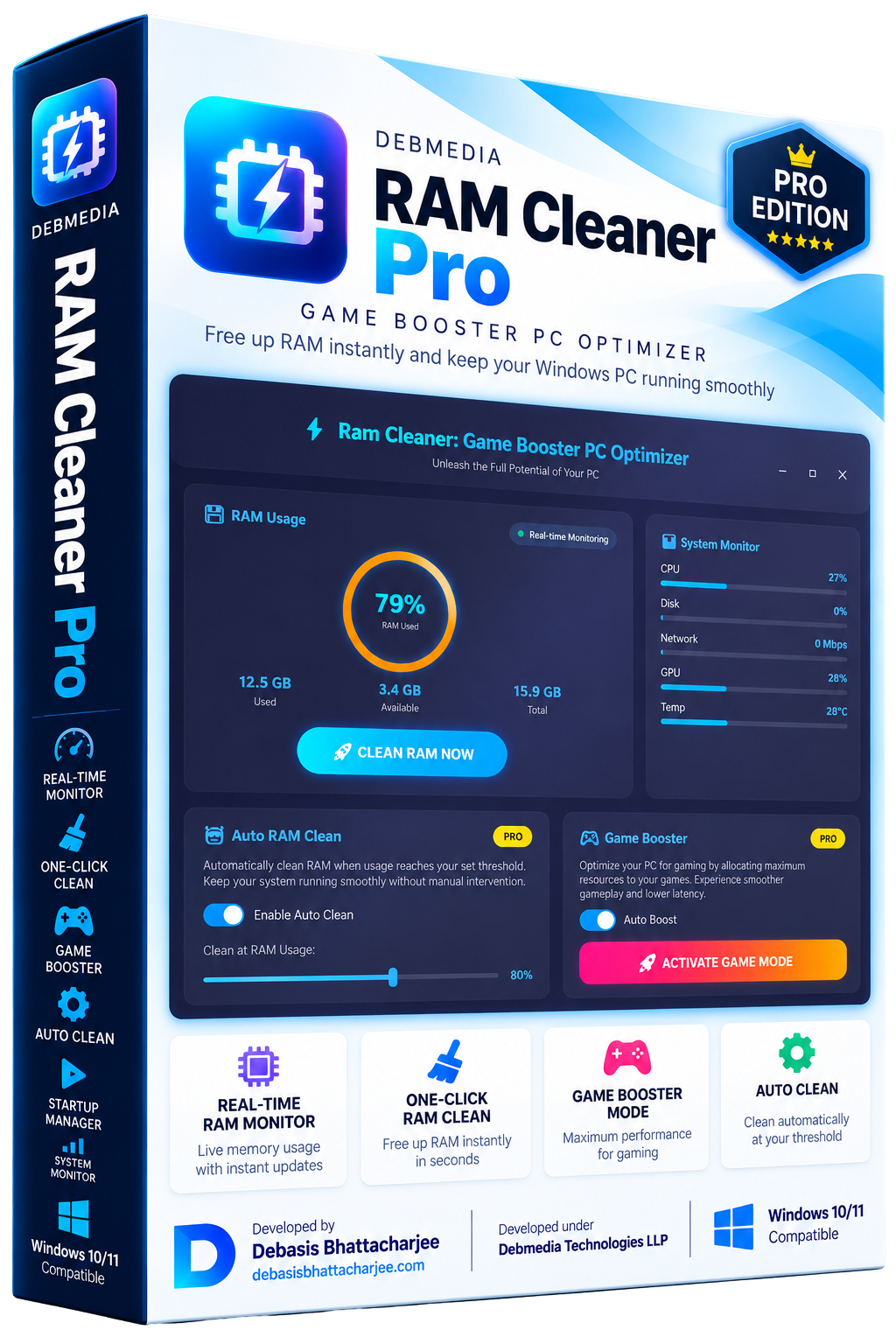
RAM Cleaner Pro monitors your Windows memory usage in real time and frees RAM on demand — flushing the standby cache, releasing working set memory from idle processes and collecting garbage from managed runtimes — to give your active applications more breathing room. The circular gauge on the dashboard shows current RAM usage at a glance, with used and available gigabytes updated every two seconds. Game Boost mode cleans RAM then elevates the priority of your foreground application for maximum responsiveness during gaming sessions. The auto-clean feature triggers a RAM flush automatically when usage crosses a configurable threshold. RAM Cleaner Pro also includes a startup monitor, disk cleaner and full system performance overview.
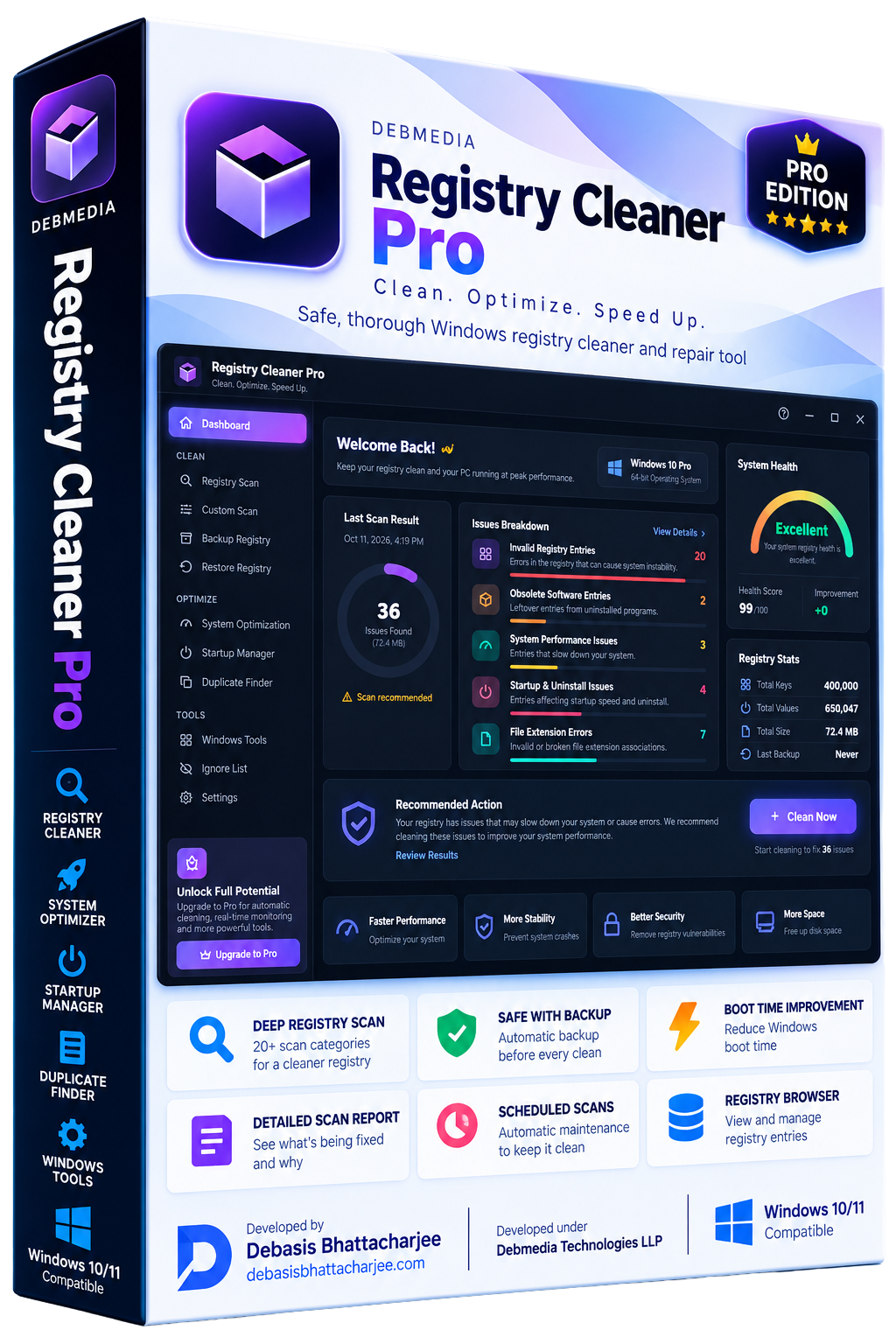
Registry Cleaner Pro scans the Windows registry for invalid entries, broken references, orphaned keys and startup errors — then safely removes them to improve boot times and system stability, with automatic backup before every clean.
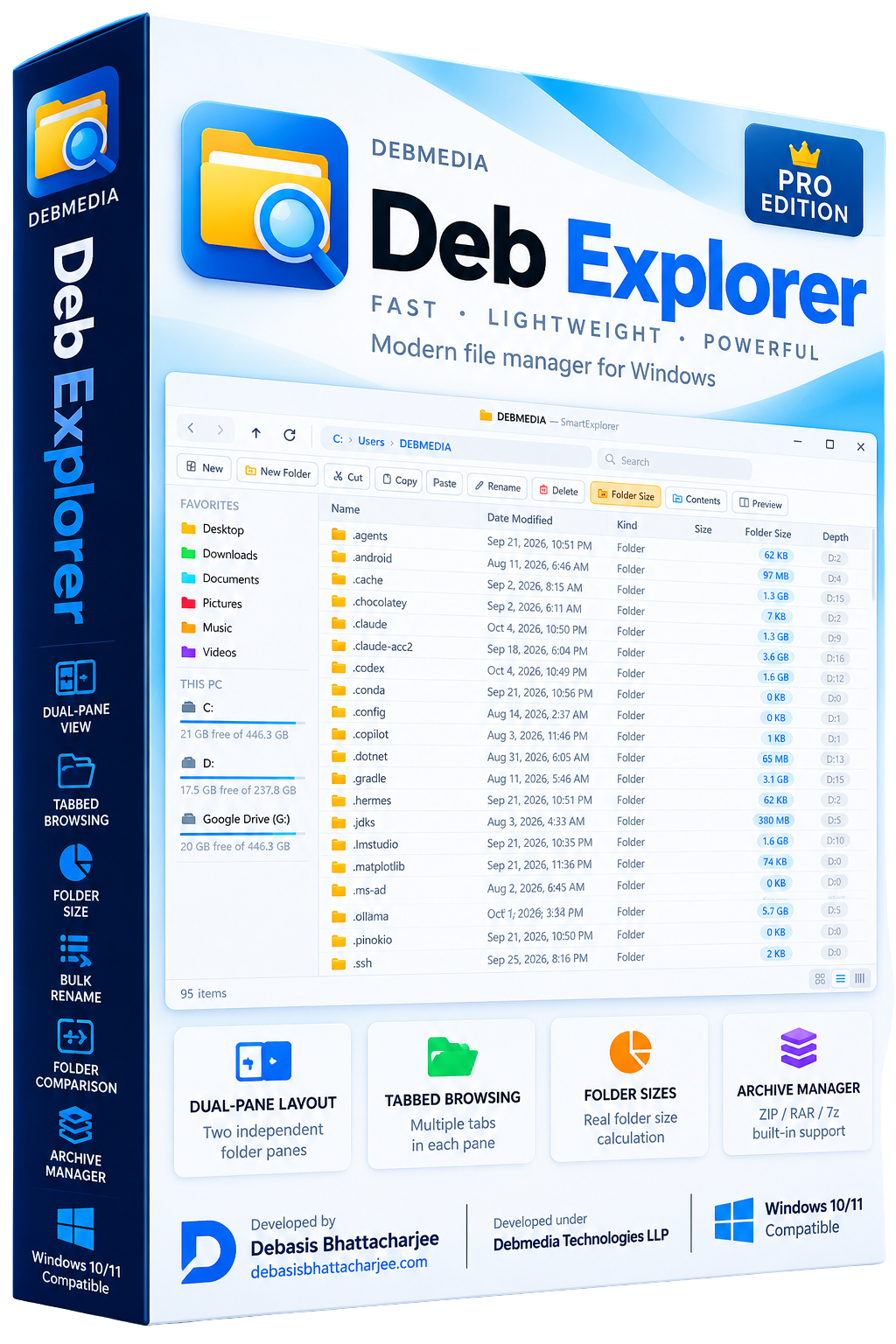
Deb Explorer is a fast, lightweight Windows file manager with a dual-pane layout, tabbed browsing, folder size calculation, bulk rename, file comparison and archive management — designed for power users who outgrew File Explorer.
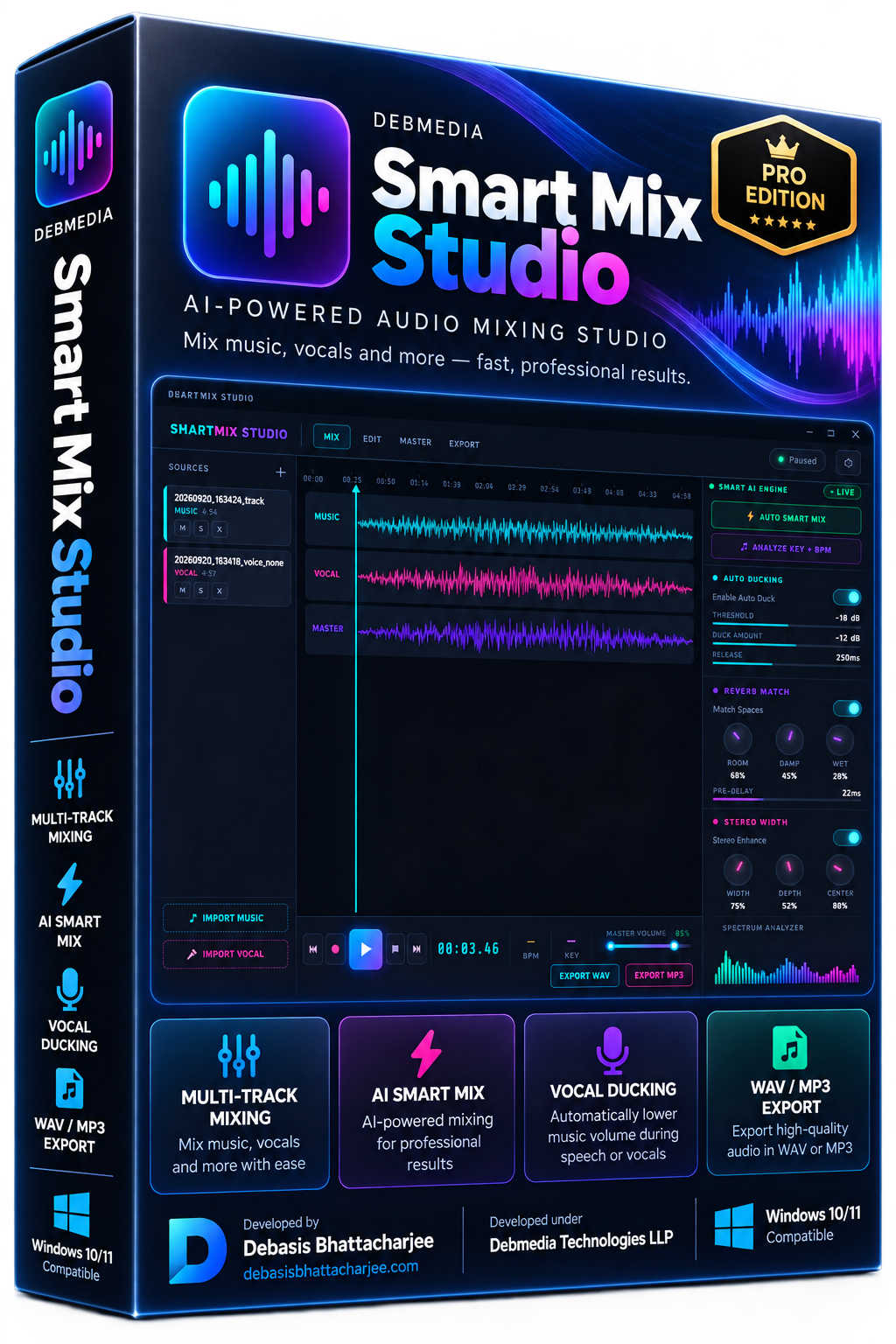
Smart Mix Studio is a desktop multi-track audio mixing application for Windows. Arrange tracks on a timeline, adjust volume and panning, apply EQ and effects per track, and mix down to a final stereo master — no subscription, fully offline.
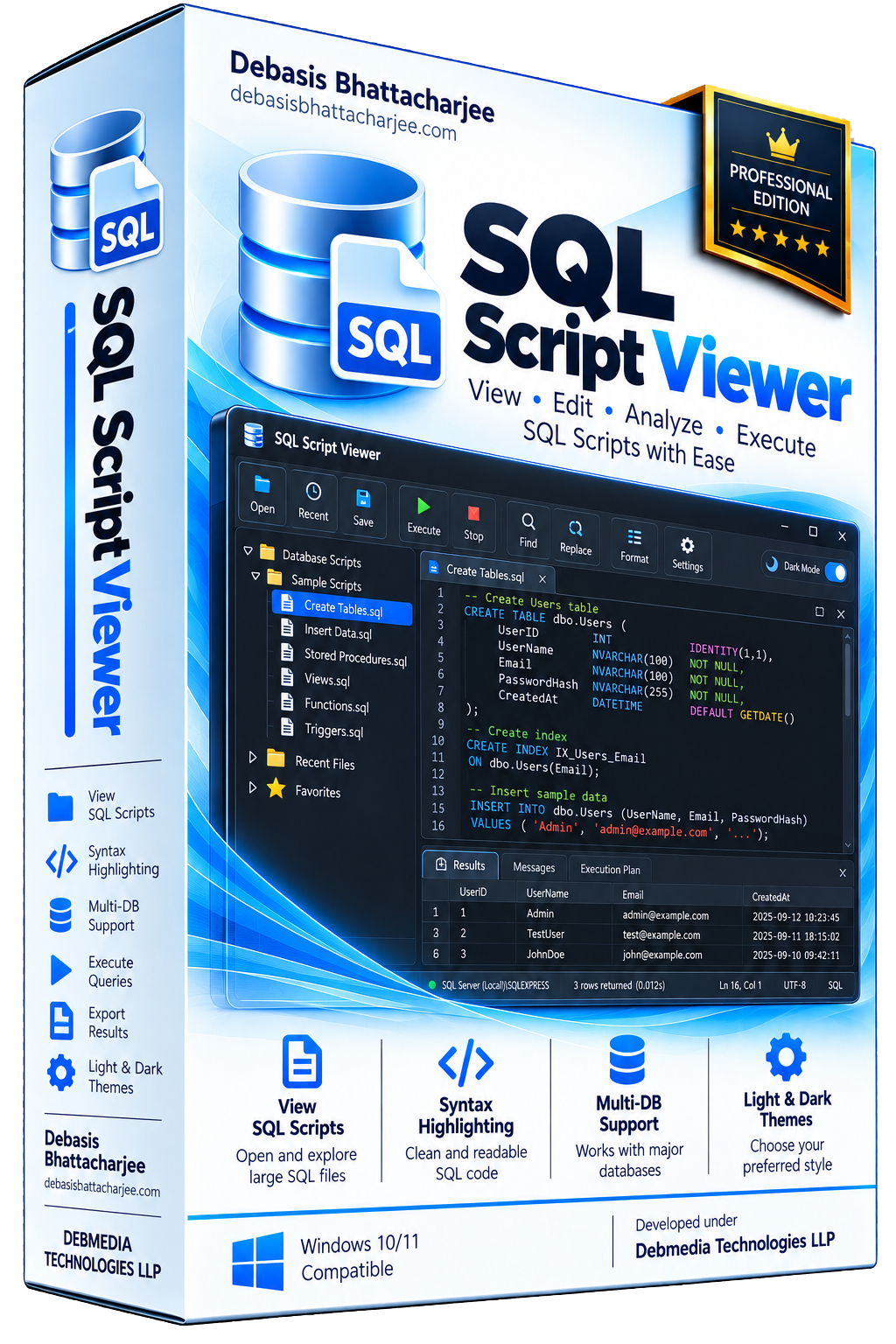
SQL Script Viewer lets you open any .sql script file, browse its statements with full syntax highlighting, and execute individual statements or the entire script against a connected database — without needing a full database management application installed. Load multi-thousand-line SQL files and navigate them with the built-in statement browser, which splits the script by statement type and lets you jump directly to any CREATE, INSERT, UPDATE, SELECT or stored procedure. Execute statements against SQLite, MySQL or PostgreSQL connections and see results in a formatted grid. Export results to CSV or Excel. Built for developers who receive SQL scripts from clients, need to review them quickly and want to run selected statements without the overhead of a full IDE.
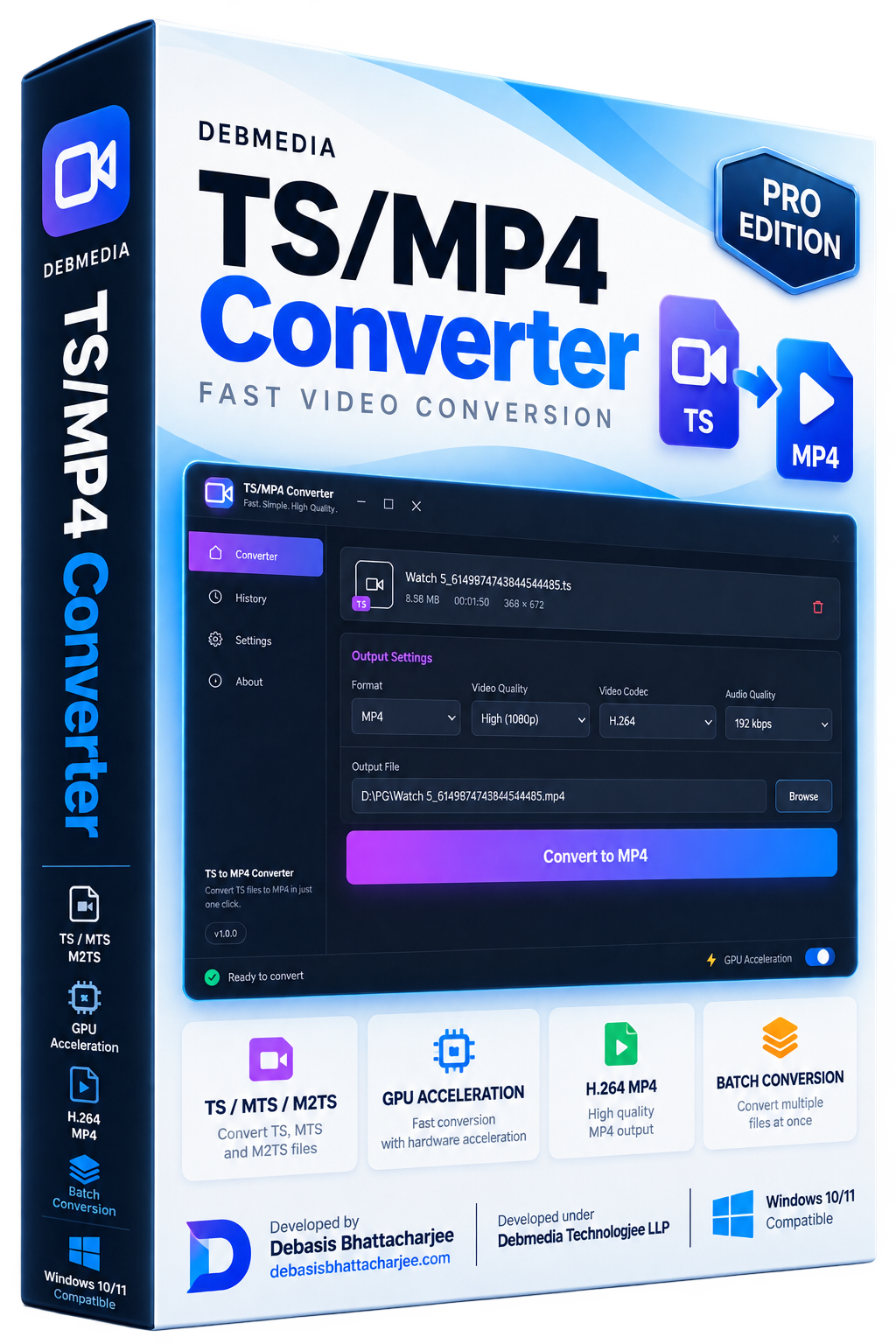
TS/MP4 Converter is a dedicated tool for converting MPEG-2 Transport Stream files (TS, MTS, M2TS) to MP4. Fast hardware-accelerated conversion, no quality loss, batch processing and direct support for broadcast and camera-recorded files.
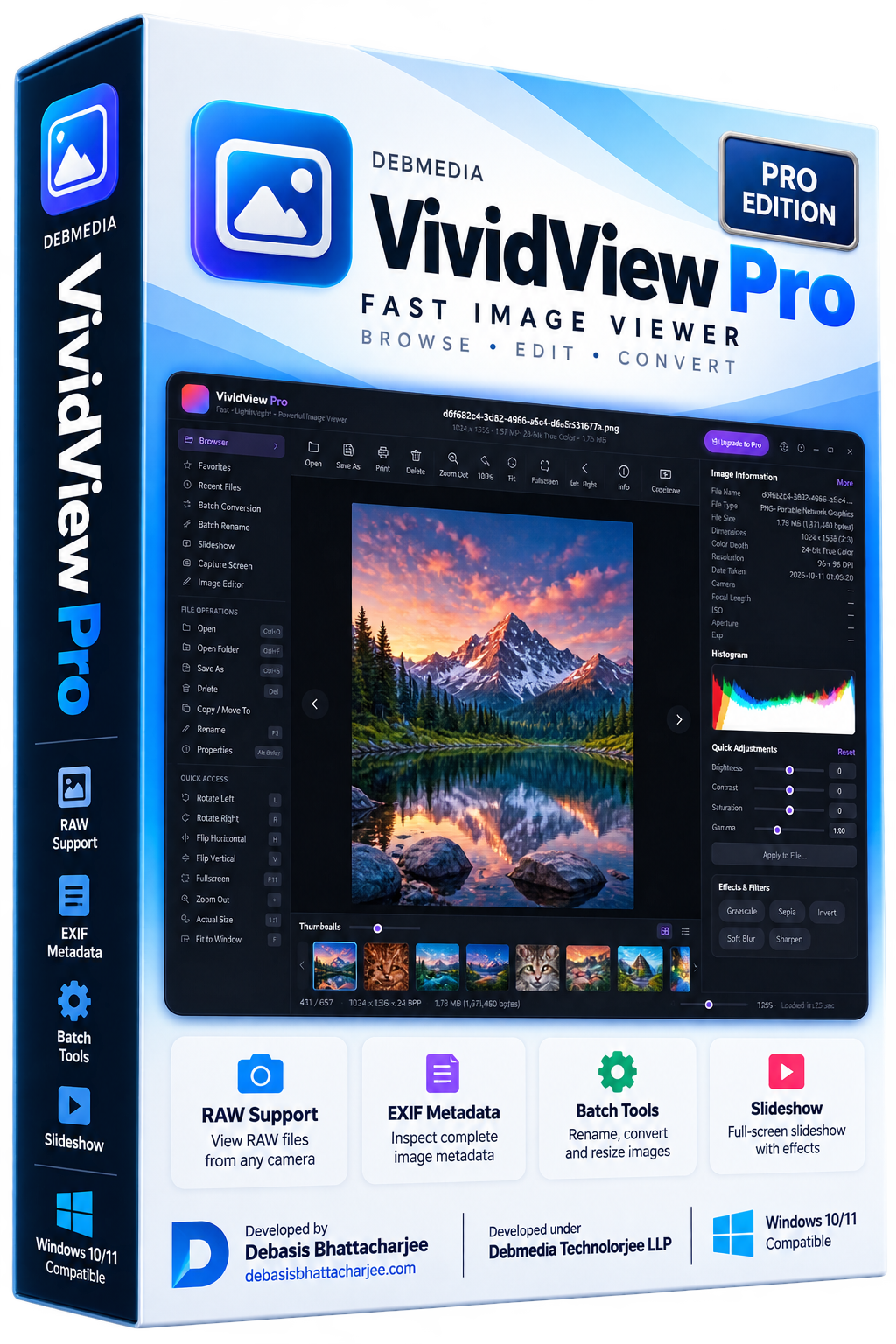
VividView Pro is a high-performance Windows image viewer. Browse large photo libraries at speed, view RAW and all major formats, inspect EXIF metadata, apply quick adjustments, create slideshows and batch rename or convert images.