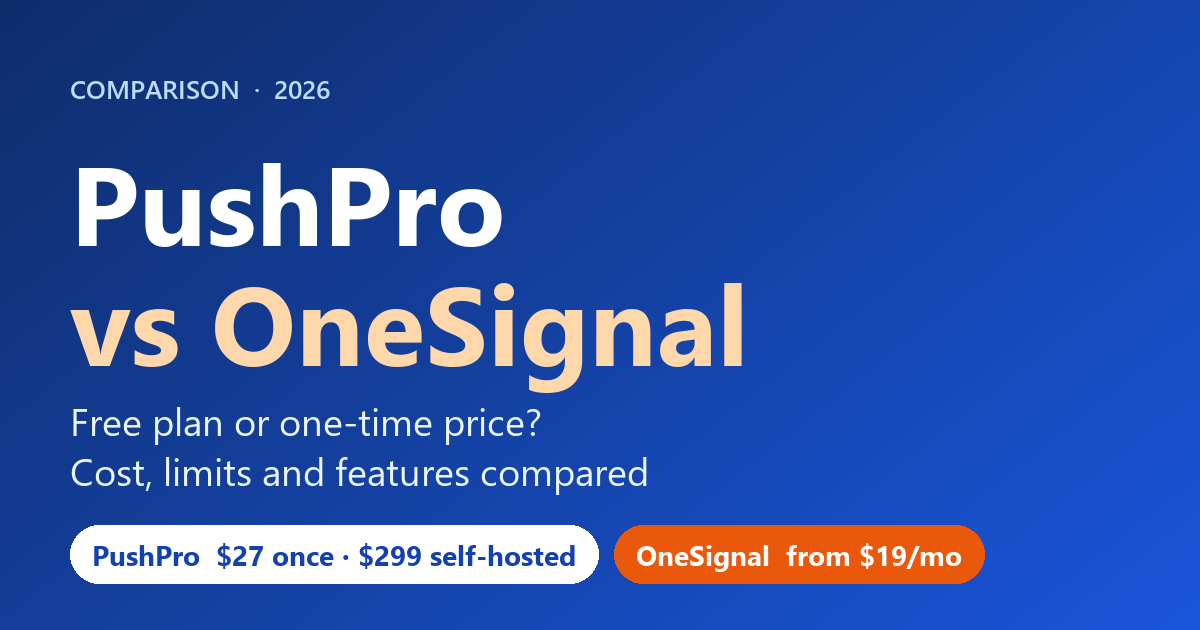
Short answer: OneSignal is the safer pick if you want a free start, several channels (push, email, SMS, in-app) and wide browser support. PushPro is the cheaper pick once you have more than a few thousand subscribers, because it is a one-time purchase instead of a per-subscriber bill. I built PushPro, so read this as an interested but numbers-first comparison.
Most “PushPro vs OneSignal” questions come down to one thing: how you want to pay as your list grows. This guide puts the real plans, limits and costs side by side, shows where OneSignal is the better choice, and says plainly what I do not know.
Disclosure: PushPro is my product. OneSignal facts come from its public pricing page and documentation, which I read on 23 October 2026. PushPro facts come from the product and my PushPro review. I have not published a head-to-head test of delivery speed or click rates, so this comparison makes no claims about them.
PushPro vs OneSignal at a glance
| PushPro | OneSignal | |
|---|---|---|
| What it is | Web push platform: hosted account, plus a self-hosted edition | Messaging platform: push, email, SMS/RCS and in-app |
| Price model | One-time: $27 launch price hosted (then $47), $299 self-hosted | Free plan; Growth from $19 a month plus $0.004 per web push subscriber |
| Free option | No free plan; 30-day money-back guarantee | Yes, $0 a month with limits |
| Subscriber limit | 100,000 hosted; no cap self-hosted | Billed by subscriber on Growth |
| Sends | 2 million a month hosted | Unlimited sends (web push is billed by subscriber) |
| Channels | Web push only | Push, email, SMS/RCS, in-app |
| Browsers | Chrome, Firefox and Edge listed on the sales page | Chrome, Firefox, Safari (macOS and iOS 16.4+) and Edge |
| Track record | New, no independent reviews yet | Established, large platform |
What each product actually is
OneSignal is a multi-channel messaging platform. Its documentation describes push, email, SMS/RCS and in-app messaging in one place, with web push as one part. It has a Free plan, a month-to-month Growth plan, and annual Professional and Enterprise contracts with custom prices.
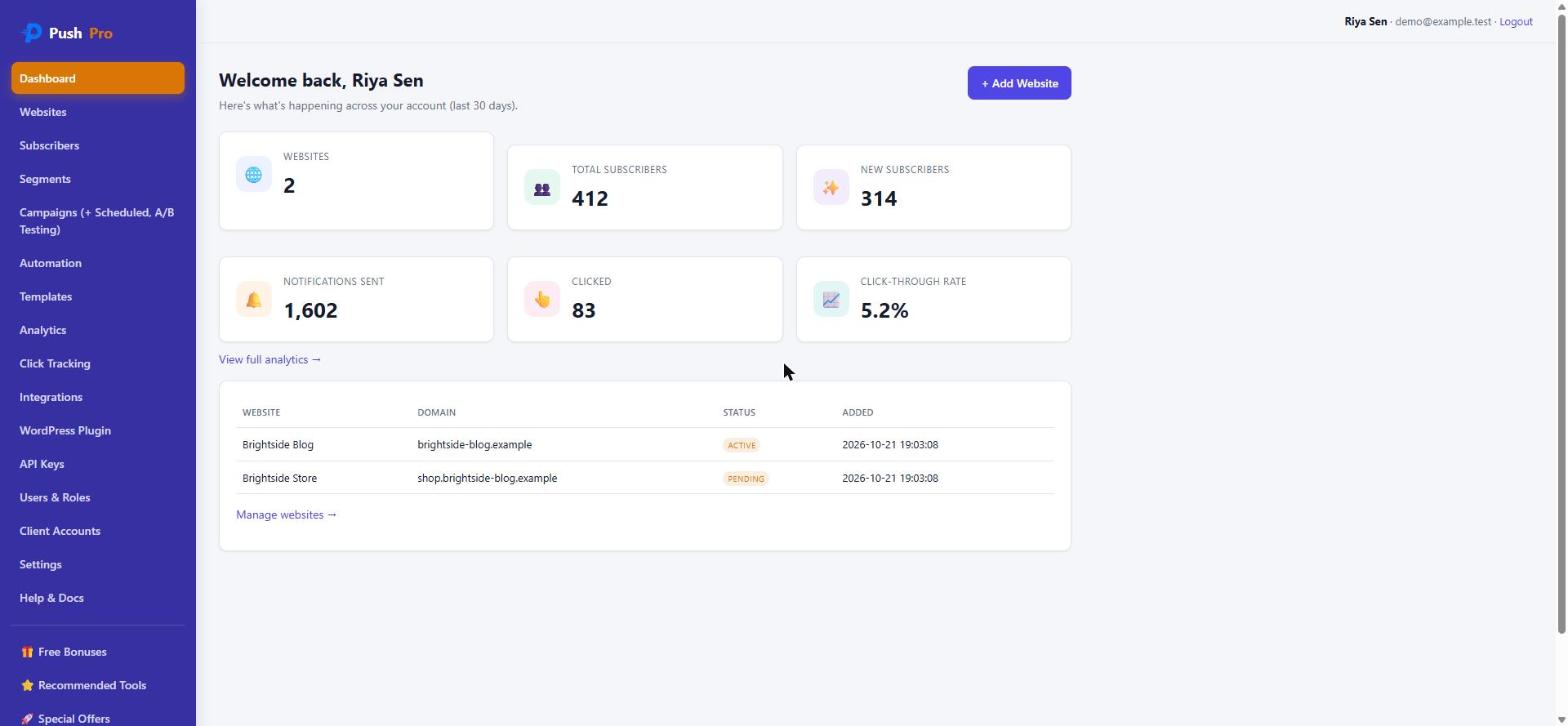
PushPro is a web push tool. The $27 launch offer is a hosted account that I run for you, with published limits of 3 websites, 100,000 subscribers and 2 million notifications a month. There is also a $299 self-hosted edition if you want to run it on your own Linux server. PushPro does not send email, SMS or app notifications.
What it costs as your list grows
OneSignal’s pricing page says web push is billed by subscriber on the Growth plan: $19 a month for the platform plus $0.004 per web push subscriber, with unlimited sends. Using only those two numbers, the monthly bill grows like this:
| Web push subscribers | OneSignal Growth (est. per month) | PushPro hosted |
|---|---|---|
| 10,000 | about $59 | $27 once |
| 25,000 | about $119 | $27 once |
| 50,000 | about $219 | $27 once |
| 100,000 | about $419 | $27 once (this is the account cap) |
| 250,000 | about $1,019 | Not on the hosted account; self-hosted is $299 once plus your server |
These OneSignal figures are my own arithmetic from the published rates, not a quote. OneSignal’s calculator may include free allowances or discounts, and email, SMS or mobile push would add to the bill. Use its calculator for a real number.
The comparison is not entirely fair in PushPro’s favour either. OneSignal includes things PushPro does not (other channels, a bigger platform), and PushPro’s lifetime covers version 1.x on the hosted service, not any future major version. For a small blog that stays under a few thousand subscribers, OneSignal’s free plan may cost you nothing at all.
Limits on the free and entry plans
From OneSignal’s pricing page, the Free plan includes:
- All channels, with basic automation and analytics
- 3 active Journeys (automation flows) and 6 audience segments
- A/B tests of up to 2 variants, which run from the dashboard only and need you to pick the winner manually, according to its documentation
- Unlimited API sends
- 30 days of reporting history, and subscription records deleted after 18 months of inactivity
The Growth plan raises some of these (5 Journeys, 10 segments) and keeps A/B testing at 2 variants. PushPro’s $27 account includes segments, automation, A/B testing on notification text, templates, click analytics, 2 team members and 2 API keys, within the limits above.
Features side by side
| Feature | PushPro | OneSignal |
|---|---|---|
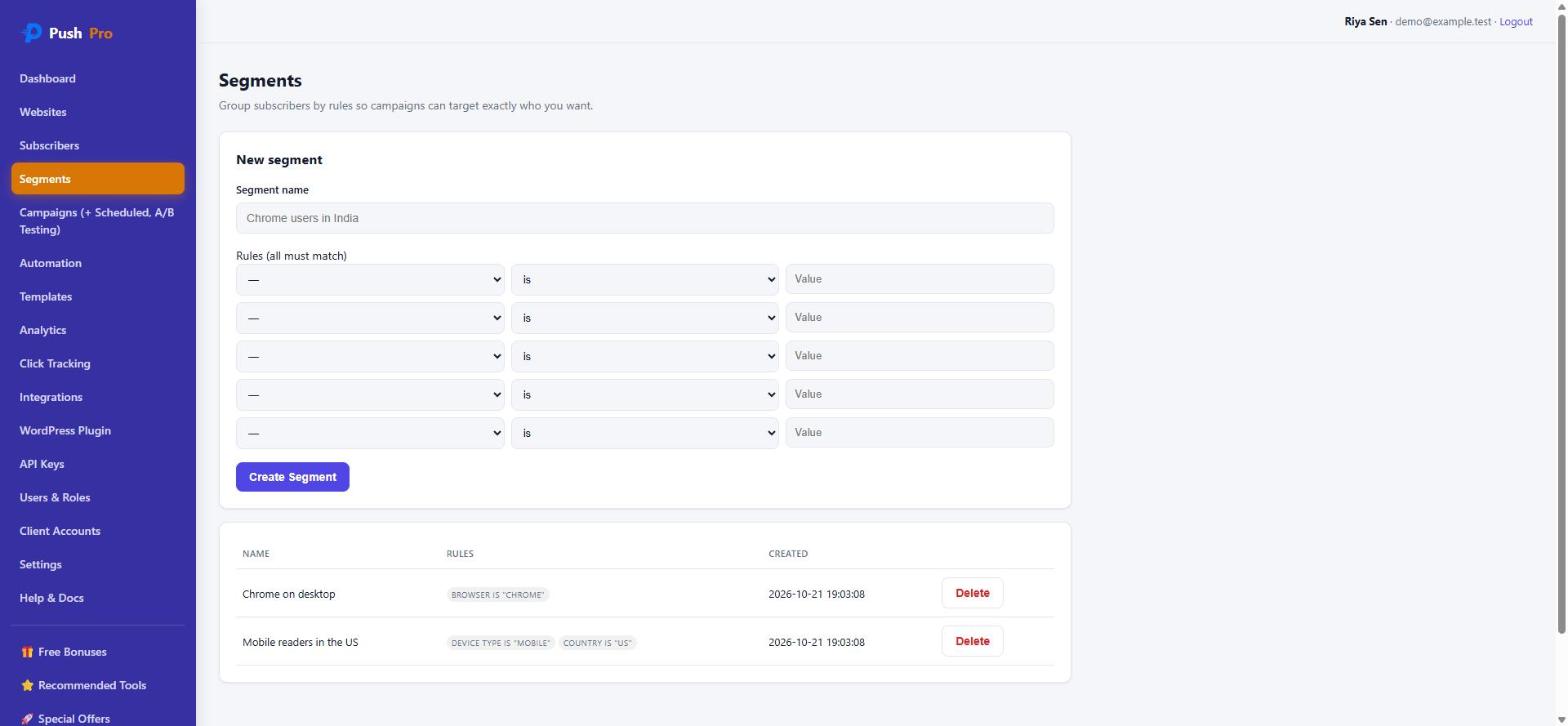
| Segmentation | Browser, OS, device, country, language, tag, subscribed days | Filters such as country, language, device type, tags, sessions and events; 6 segments on Free |
| Automation | Triggers and steps, up to six steps | Journeys; 3 active on Free, 5 on Growth |
| A/B testing | Two versions of title and body | Up to 2 variants on Free and Growth, up to 10 on higher plans |
| Analytics | Click tracking, KPI tiles, growth chart | Message reports; 30 days of history on Free |
| API | REST API v1 with signed webhooks | REST API with unlimited sends |
| WordPress | Included plugin, notifies on new posts | Official plugin, no SDK or service worker upload |
| Other channels | None | Email, SMS/RCS, in-app |
| Client accounts and white-label | Agency Mode (25 clients) and a rebrand upgrade | Not stated on the pages I read |
Browser support and iPhone
This is a real difference. OneSignal’s documentation says Chrome, Firefox, Safari (macOS and iOS 16.4 or later) and Edge support web push. On iPhone, the permission prompt does not appear until the visitor has added your site to their Home Screen, and private browsing cannot subscribe. PushPro’s sales page lists Chrome, Firefox and Edge. If a large part of your audience is on Safari or iPhone, test it before you rely on any web push tool.
Your data and switching later
OneSignal’s documentation describes CSV and API exports of subscription records, though its pricing table lists notification data exports as Professional and Enterprise features, so the two pages do not agree. It does not state where data is hosted on the pages I read.
Switching is the part few comparisons mention. A web push subscription belongs to the key pair used when the visitor subscribed, so moving between platforms usually means asking visitors to subscribe again, unless the old provider lets you take the keys. If you might switch, run both for a while and build the new list from fresh visitors. With PushPro Self-Hosted you hold the keys and the database yourself.
Where OneSignal is the better choice
- You want to start free and stay small.
- You need email, SMS or in-app messaging alongside push.
- Safari and iPhone visitors are a large part of your audience.
- You want a long-established platform with extensive documentation.
Where PushPro is the better choice
- You expect tens of thousands of subscribers and prefer a one-time price to a per-subscriber bill.
- Web push is all you need, on up to three sites.
- You want a money-back guarantee while you test web push on your own audience.
- You sell push to clients, or want to host it yourself with the $299 edition.
How to decide in 60 seconds
- Estimate your subscribers in a year. Under a few thousand: try OneSignal’s free plan first. Above that: compare the monthly bill with a one-time price.
- List the channels you need. If you need email or SMS too, OneSignal wins. If it is web push only, PushPro is enough.
- Check your audience’s browsers. Heavy Safari or iPhone use favours OneSignal’s documented support.
- Weigh track record against price. OneSignal is established; PushPro is cheaper and new.
Frequently asked questions
Is OneSignal free for web push?
OneSignal has a Free plan at $0 a month, and its pricing page advertises 10,000 free web push. Its comparison table words the limit as "Max 10,000 subscribers per send", so confirm with OneSignal whether that is a cap on total subscribers or on each send before you rely on it.
How much does OneSignal web push cost after the free plan?
The Growth plan starts at $19 a month, and OneSignal's pricing page lists web push at $0.004 per subscriber with unlimited sends. By that rate 50,000 subscribers is about $200 a month plus the $19 platform fee. OneSignal's own calculator is the final word, because it may apply allowances or discounts.
Is PushPro cheaper than OneSignal?
At the list prices, yes for most sites that outgrow a free plan: PushPro is a one-time $27 launch price for a hosted account (up to 100,000 subscribers) or $299 for the self-hosted edition. OneSignal is better value if you stay small or need email, SMS and in-app messaging as well.
Can I move my subscribers from OneSignal to PushPro?
Usually not directly. A web push subscription is tied to the key pair that was used when the visitor subscribed, so a new platform normally means visitors have to subscribe again. Ask OneSignal what it can export, and plan to run both for a while.
Does web push work on iPhone and Safari?
OneSignal's documentation says Safari on macOS and iOS 16.4 or later support web push, but on iOS the permission prompt only appears after the visitor adds your site to their Home Screen. PushPro's sales page lists Chrome, Firefox and Edge, so check Safari and iPhone behaviour for your audience.
Which one is better for WordPress?
Both have a WordPress plugin. OneSignal's official plugin needs no JavaScript SDK or service worker upload, and PushPro's included plugin notifies subscribers when you publish a new post. Both need your site on HTTPS.
What I checked, and what this comparison cannot tell you
I read OneSignal’s pricing page and its documentation on web push setup, A/B testing, segmentation and exporting data on 23 October 2026. I did not run OneSignal on a live site for this update, and I make no claims about its speed or deliverability. Prices change, so confirm them before you buy. PushPro’s details come from the product and the PushPro review, where I list its weaknesses too.
Related: PushPro vs LaraPush and PushPro vs PushEngage. If you run WordPress, see web push notifications for WordPress. All my products are on the products page.