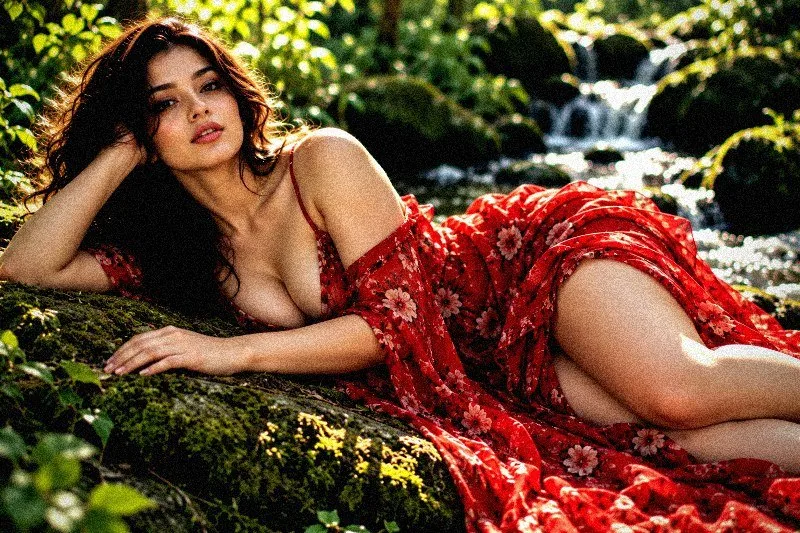
This page shows every Atmosphere preset from the free Image Filters & Effects tool on its own: a before-and-after comparison and a full picture with the filter applied. There are 20 filters here, all run at 100% strength on the same sample photo.
Atmosphere presets set the overall feel of a scene, such as hazy, dreamy, moody or crisp, mostly through tone, colour cast and softness. In this set of 20, 7 lean warm, 10 lean cool and 3 stay close to neutral. On average they change contrast by +10 and saturation by -2; 5 boost colour, 4 add visible grain and 8 add a noticeable vignette.
Jump to a filter
All 20 Atmosphere filters
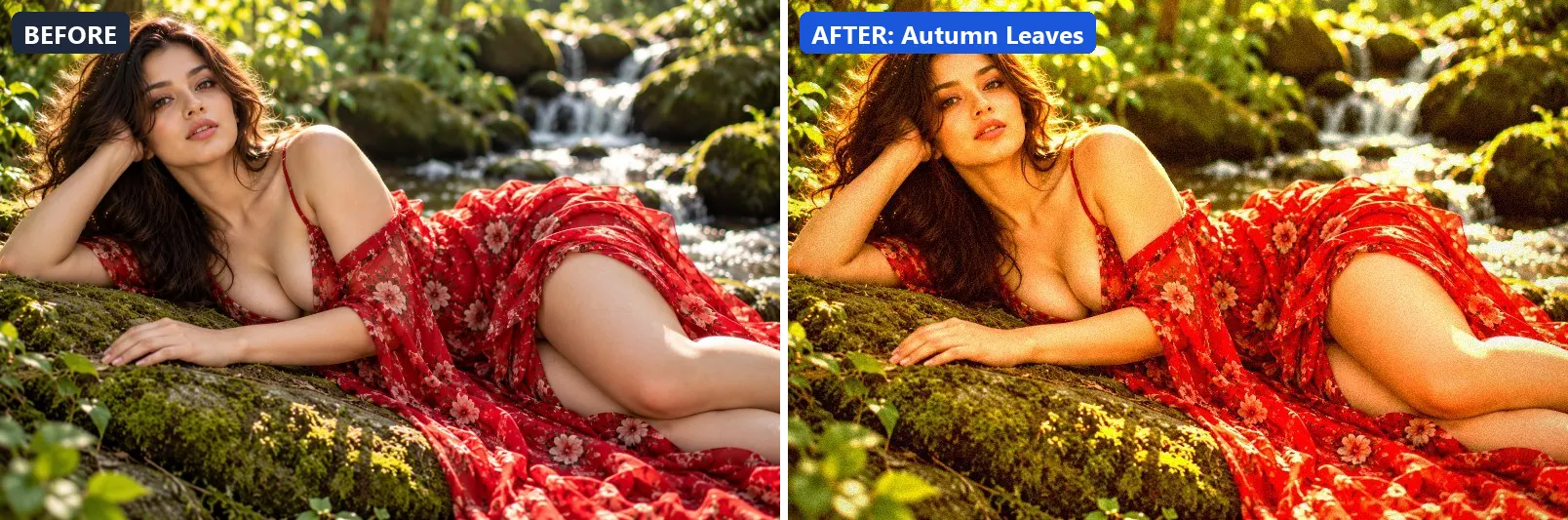
1. Autumn Leaves
Rich autumn warmth — red-orange-gold with deep contrast.
This preset boosts colour, adds a clearly warm, orange cast, lifts exposure slightly and gently lifts the midtones. For depth it uses warm red-tinted shadows and warm golden highlights. On top of that it adds some contrast and applies extra clarity. The look is finished with a noticeable vignette and a touch of grain.
Brightness +5 · Contrast +18 · Saturation +25 · Gamma 1.04 · Warmth (R−B) +40 · Clarity +12 · Vignette 25 · Grain 8 · Sharpen 1
2. Cinematic Dust
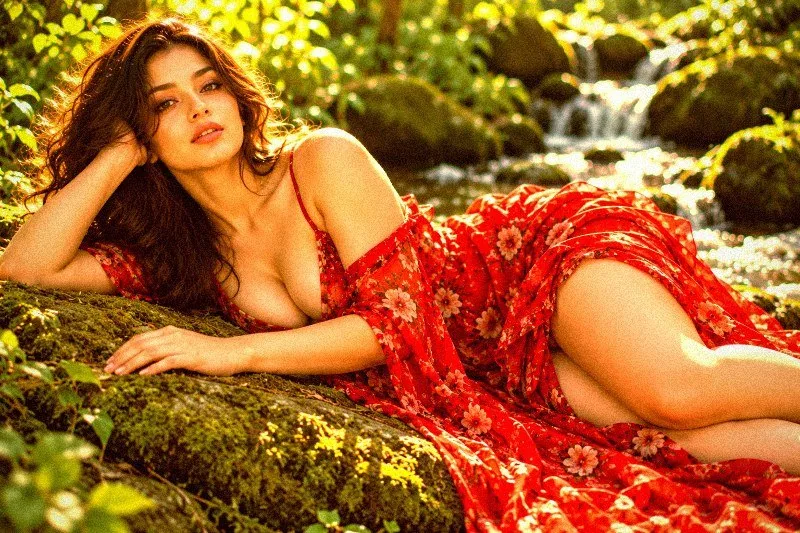
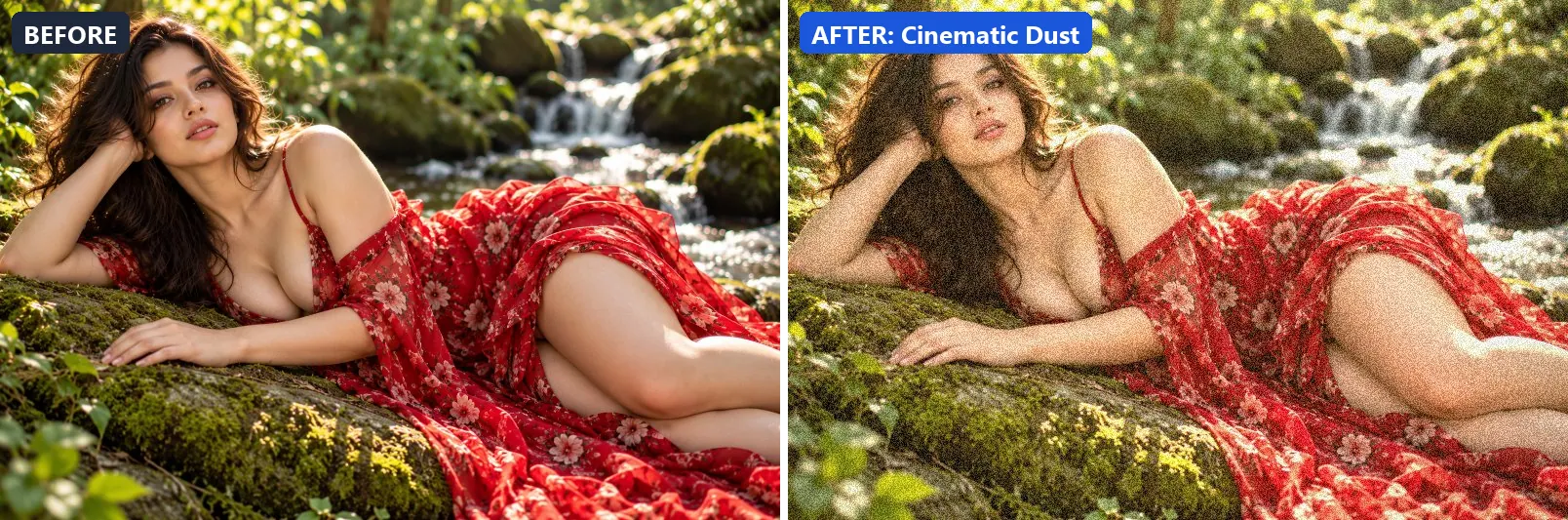
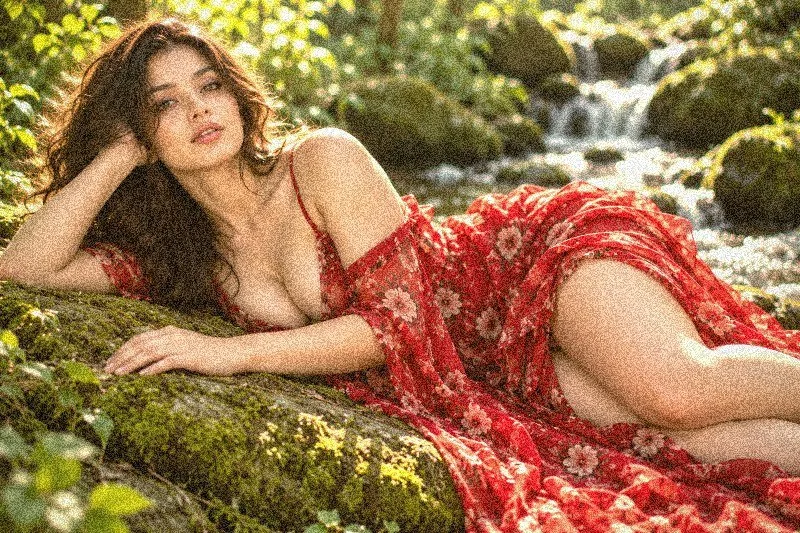
Dusty cinematic atmosphere — warm haze with grain and faded contrast.
Applied at 100%, it adds a clearly warm, orange cast, pushes the greens, lifts exposure slightly and gently lifts the midtones. It also adds warm red-tinted shadows and warm golden highlights. It closes with a light vignette and visible film grain.
Brightness +8 · Contrast −5 · Saturation −8 · Gamma 1.1 · Warmth (R−B) +20 · Vignette 22 · Grain 22
3. Dark Cloud
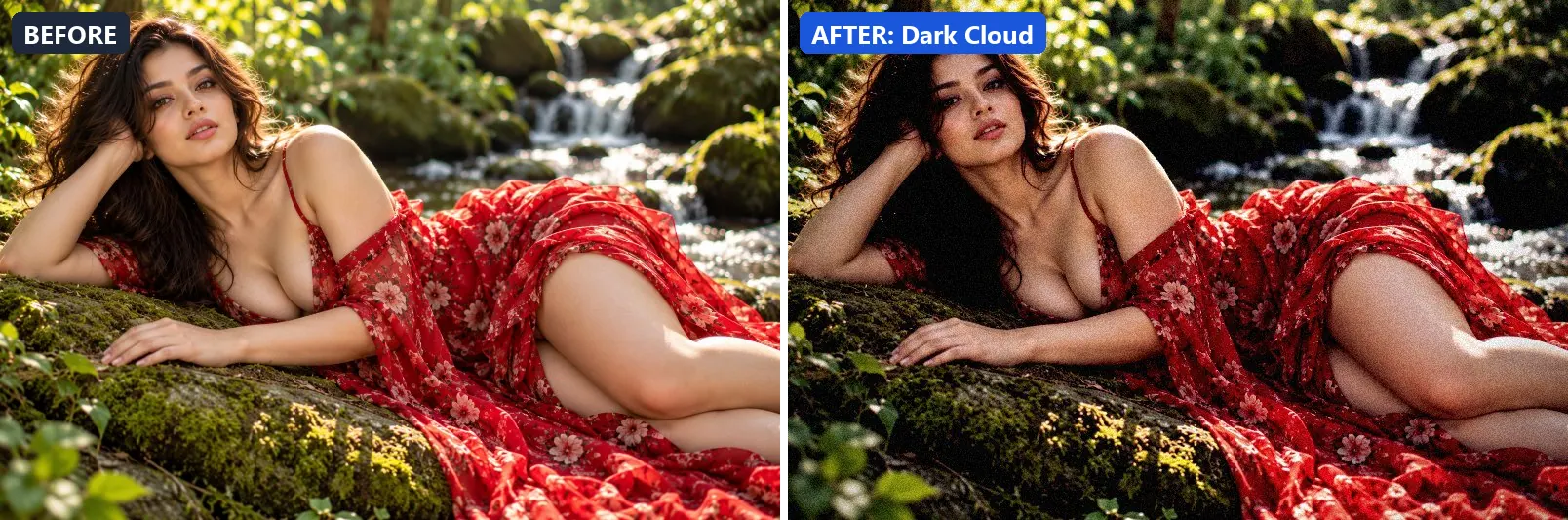
Oppressive dark clouds — heavy and brooding with muted palette.
The grade softens colour, leans cool, darkens the frame noticeably and deepens the midtones strongly. Colour is split-toned with blue-tinted shadows. In addition it adds strong contrast and applies extra clarity. Final touches: a heavy vignette that darkens the edges and a touch of grain.
Brightness −12 · Contrast +22 · Saturation −18 · Gamma 0.88 · Warmth (R−B) −11 · Clarity +8 · Vignette 50 · Grain 10 · Sharpen 1
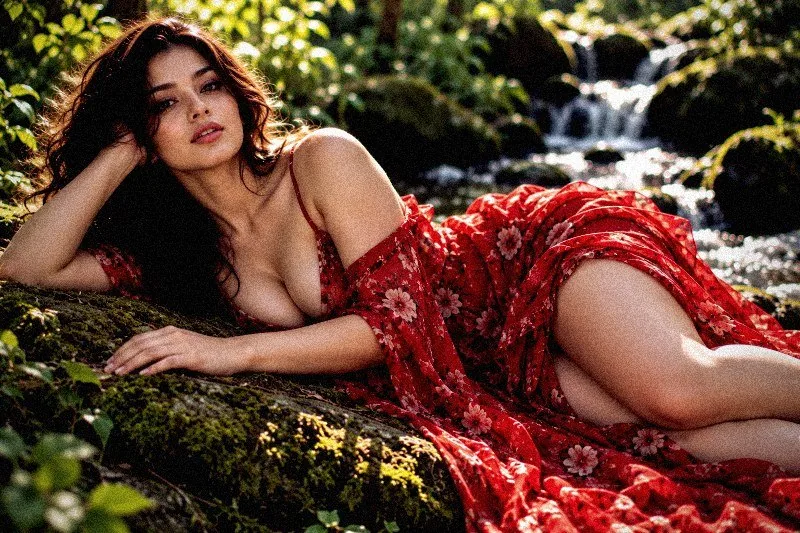
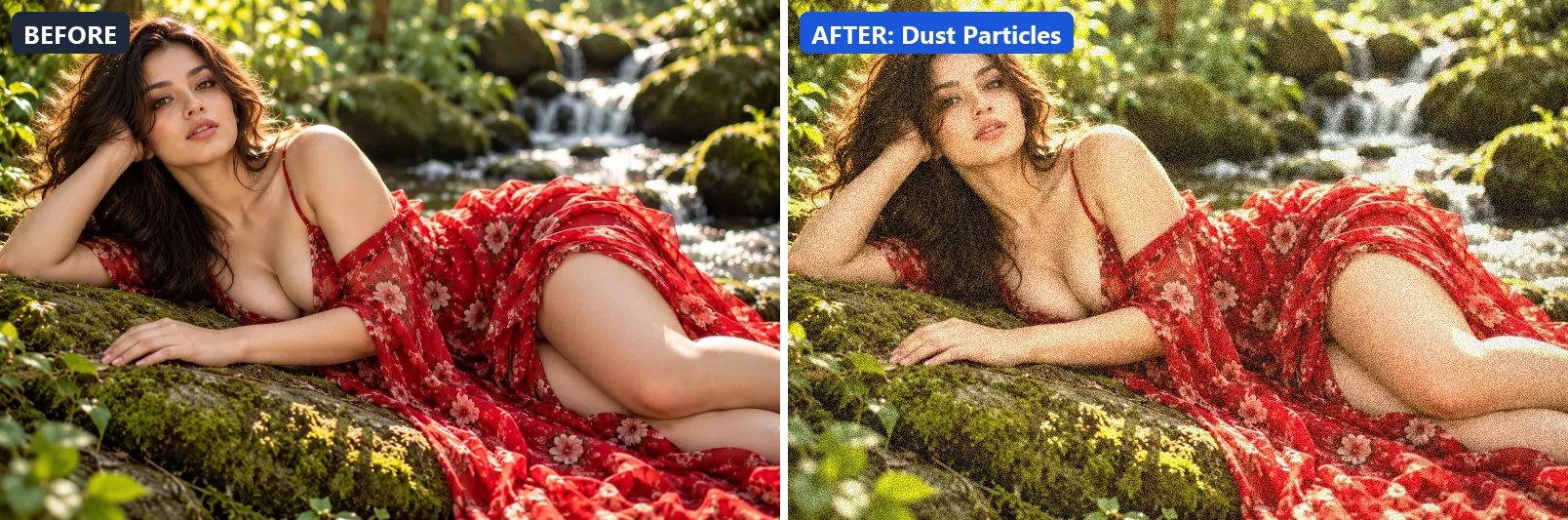
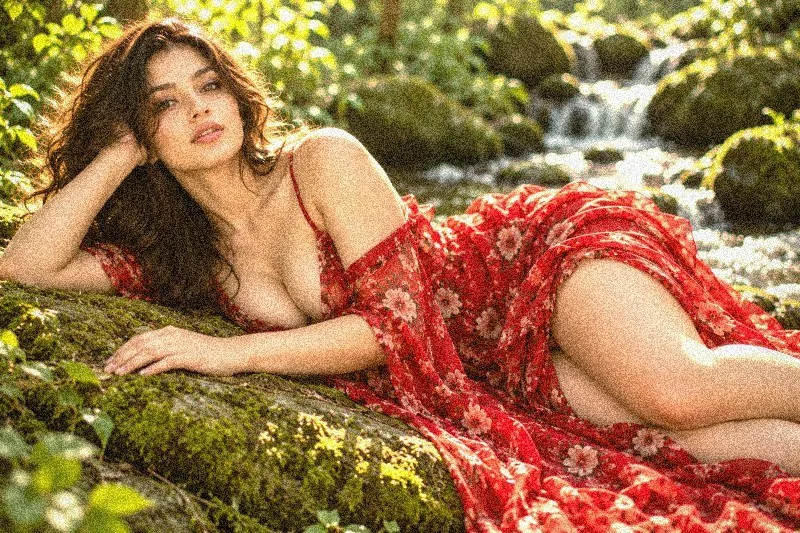
4. Dust Particles
Floating dust in light — warm haze with elevated grain.
At full strength it adds a clearly warm, orange cast, pushes the greens, brightens the frame and gently lifts the midtones. The look is split-toned with warm red-tinted shadows and warm golden highlights. To finish, it adds a light vignette and visible film grain.
Brightness +10 · Contrast +5 · Saturation −5 · Gamma 1.1 · Warmth (R−B) +19 · Vignette 15 · Grain 20
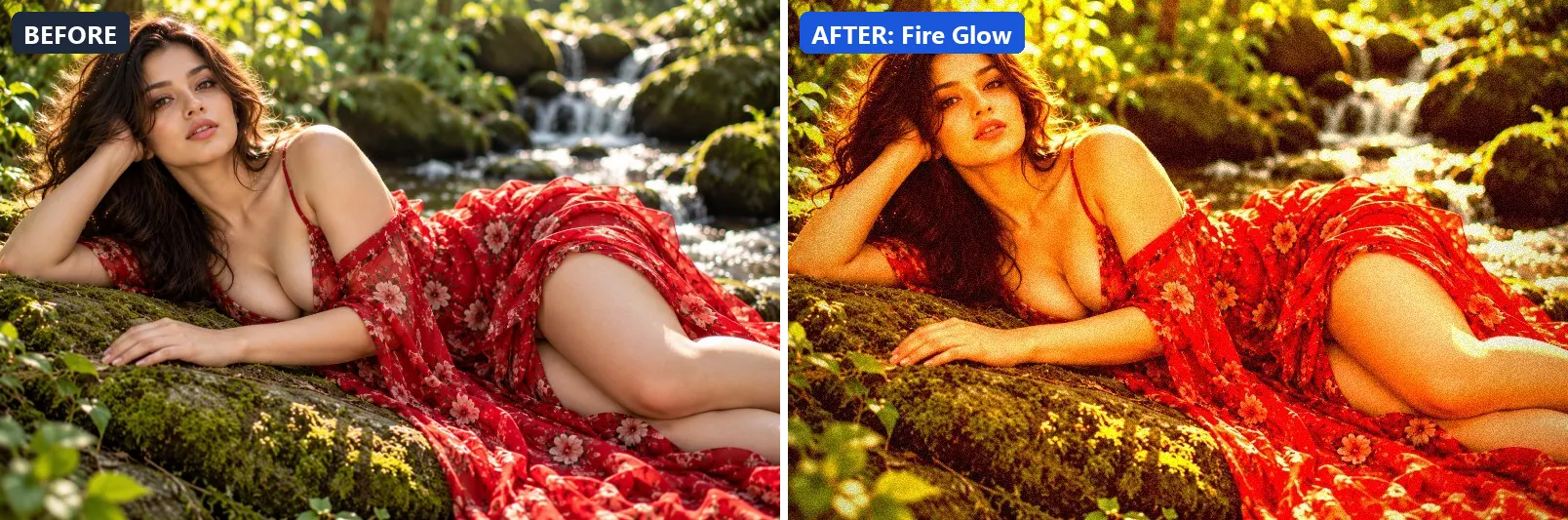
5. Fire Glow
Intense fire warmth — deep reds and oranges with dark shadows.
This preset pushes colour to a vivid level, adds a clearly warm, orange cast and adds strong contrast. For depth it uses warm red-tinted shadows and warm golden highlights. On top of that it applies extra clarity. The look is finished with a heavy vignette that darkens the edges and a touch of grain.
Brightness +3 · Contrast +25 · Saturation +30 · Gamma 1 · Warmth (R−B) +63 · Clarity +10 · Vignette 45 · Grain 12 · Sharpen 1
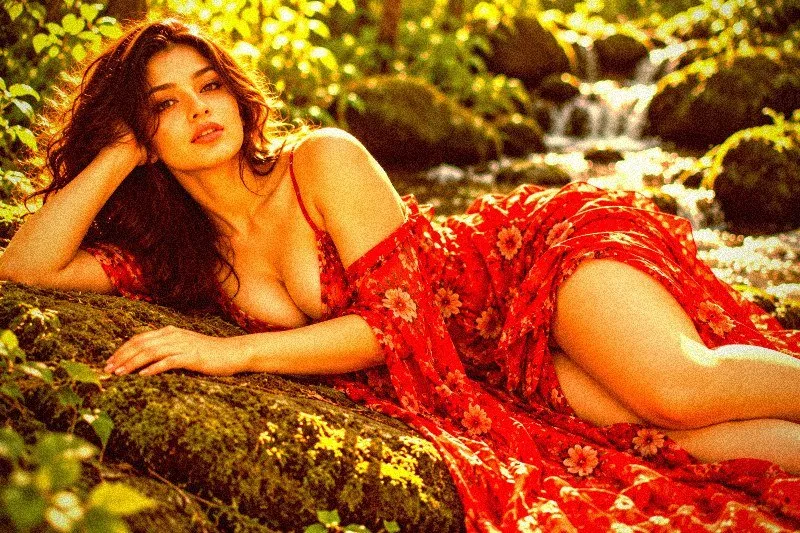
6. Floating Ash
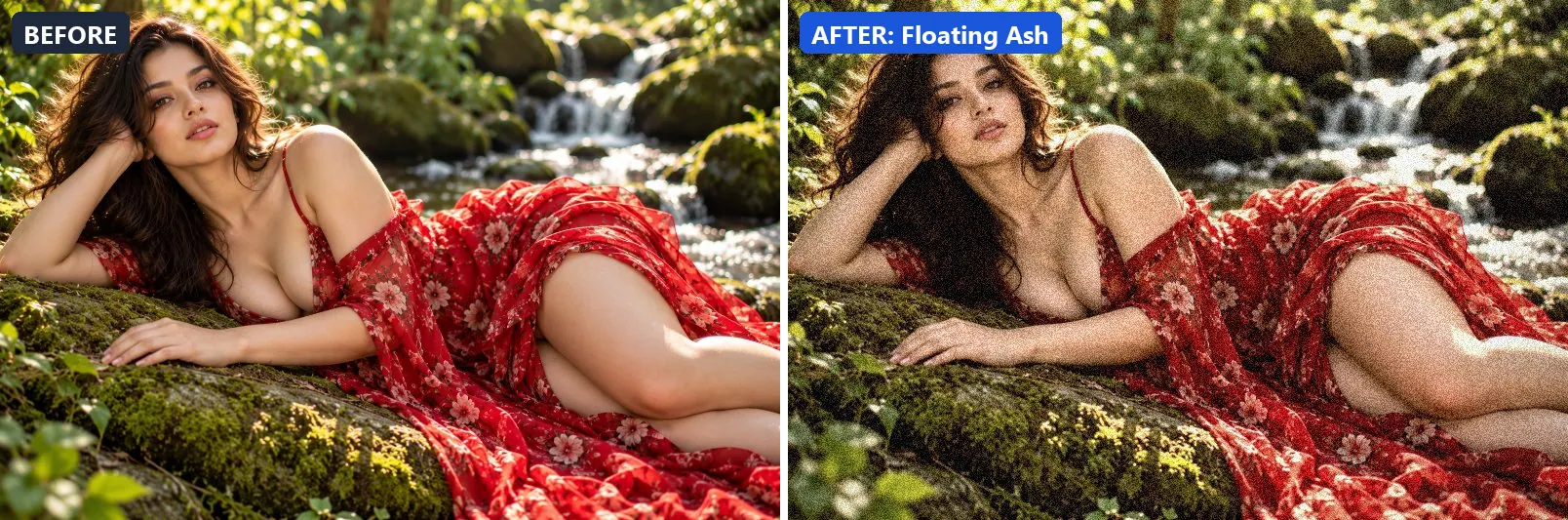
Volcanic ash atmosphere — desaturated grey with warm ember glow.
Applied at 100%, it softens colour, adds a clearly warm, orange cast and adds some contrast. It also adds warm golden highlights. It closes with a noticeable vignette and visible film grain.
Brightness −3 · Contrast +15 · Saturation −30 · Gamma 0.98 · Warmth (R−B) +15 · Clarity +5 · Vignette 30 · Grain 20
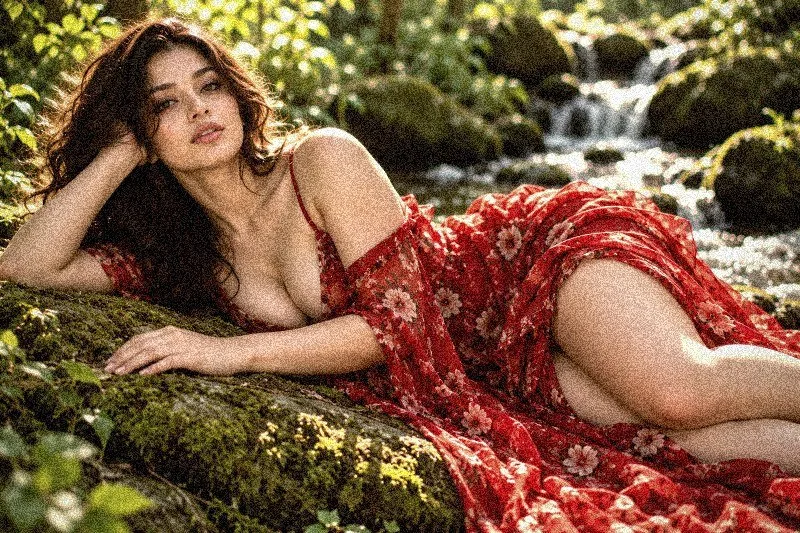
7. Foggy Mood
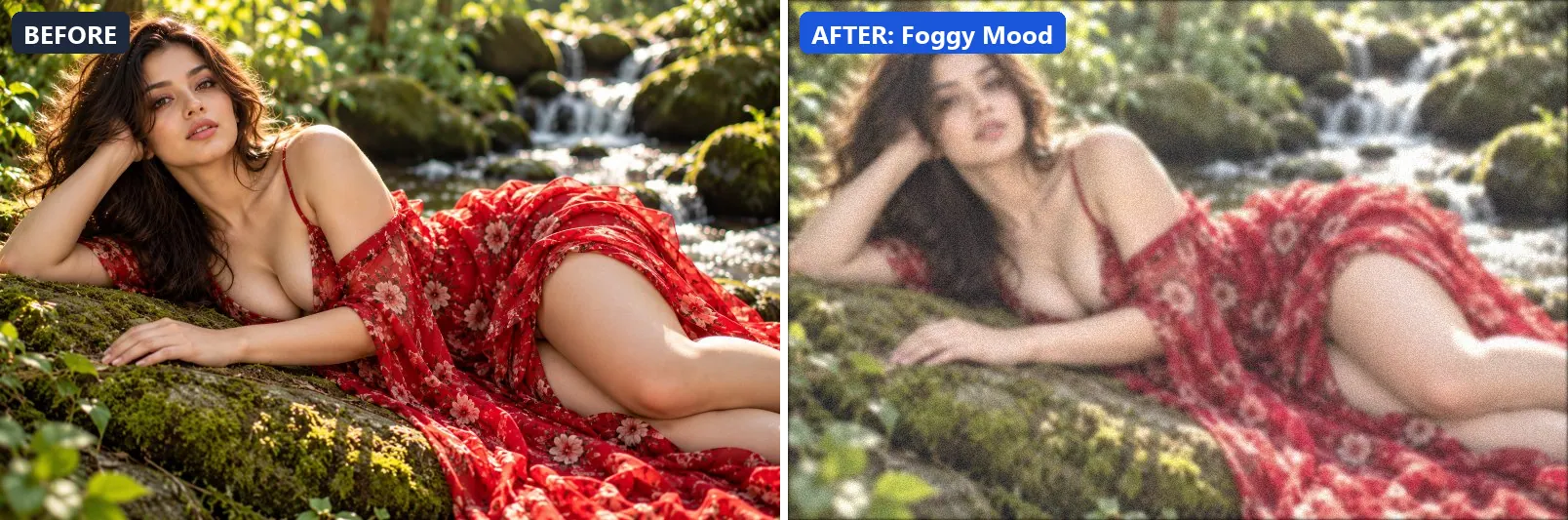
Dense atmospheric fog — desaturated with lifted shadows and haze.
The grade softens colour, brightens the frame and opens up the midtones. Colour is split-toned with blue-tinted shadows and cool, icy highlights. In addition it flattens contrast for a soft, faded feel and applies a soft blur of about 2 px for a dreamy look. Final touches: a touch of grain.
Brightness +15 · Contrast −15 · Saturation −25 · Gamma 1.2 · Warmth (R−B) −3 · Clarity −8 · Grain 8 · Blur 2
8. Galaxy Overlay
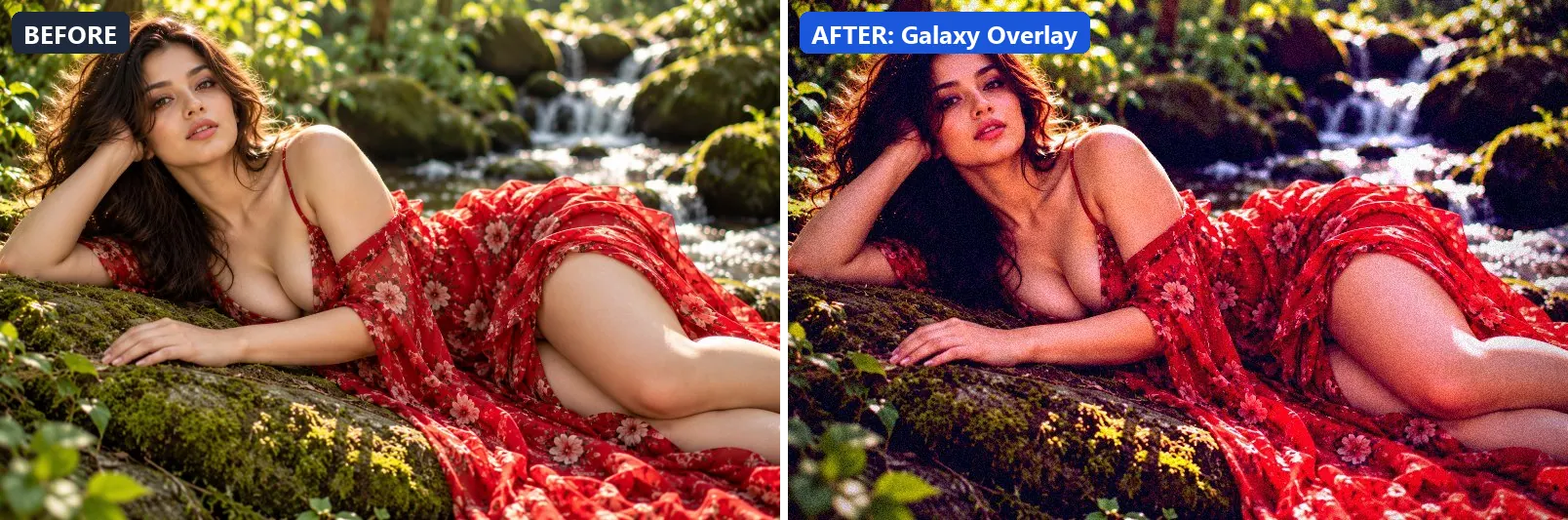
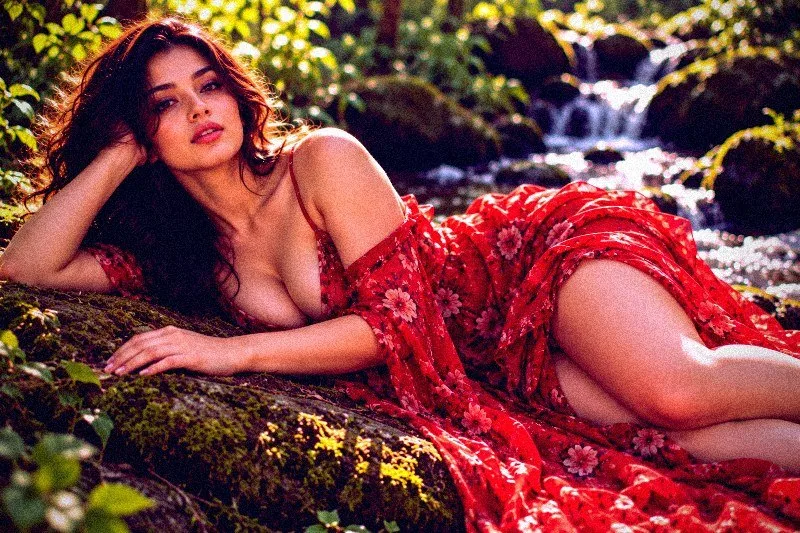
Deep galaxy tones — dark purple-blue with cosmic enhancement.
At full strength it boosts colour, adds a clearly cool, blue cast, pulls exposure down a little and settles the midtones a bit darker. The look is split-toned with blue-tinted shadows and cool, icy highlights. It also adds strong contrast and applies extra clarity. To finish, it adds a heavy vignette that darkens the edges and a touch of grain.
Brightness −8 · Contrast +25 · Saturation +25 · Gamma 0.9 · Warmth (R−B) −20 · Clarity +15 · Vignette 50 · Grain 10 · Sharpen 1
9. Heat Wave
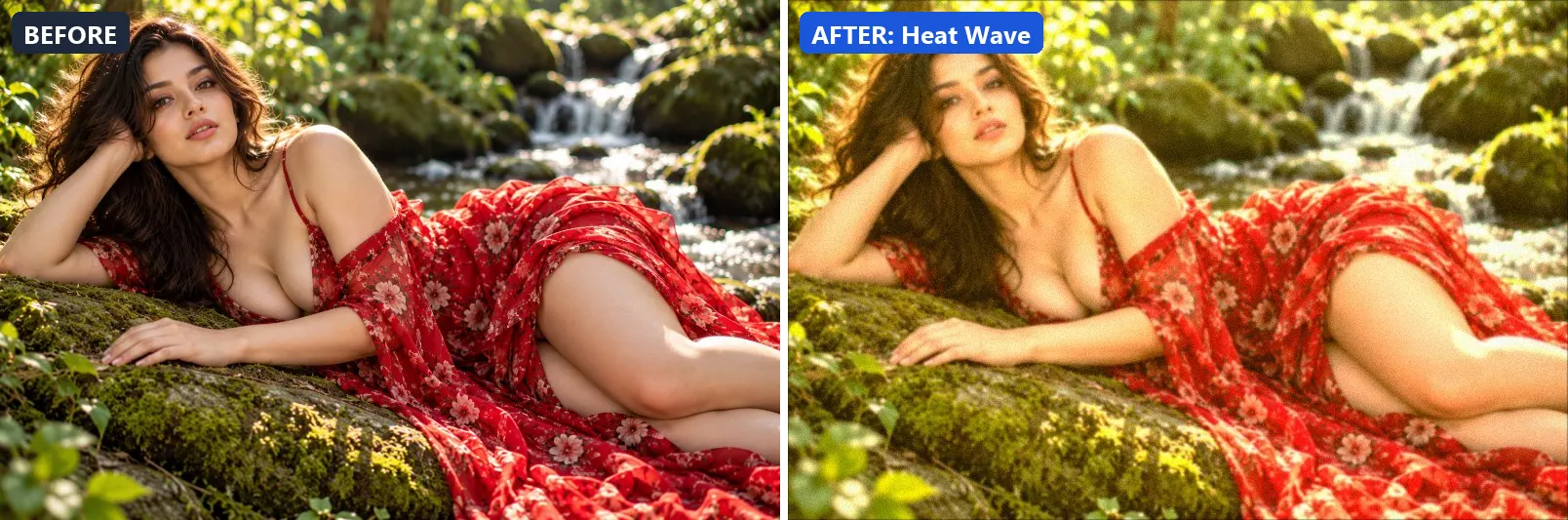
Shimmering heat distortion — bleached warm tones with haze.
This preset adds a clearly warm, orange cast, pushes the greens, brightens the frame and opens up the midtones. For depth it uses warm red-tinted shadows and warm golden highlights. On top of that it adds some contrast and applies a soft blur of about 1 px for a dreamy look. The look is finished with a touch of grain.
Brightness +15 · Contrast +8 · Saturation +5 · Gamma 1.15 · Warmth (R−B) +38 · Vignette 8 · Grain 6 · Blur 1
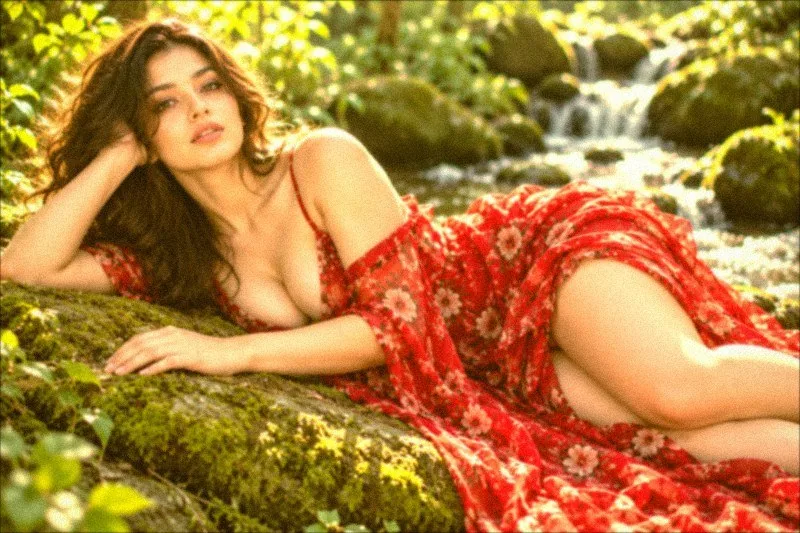
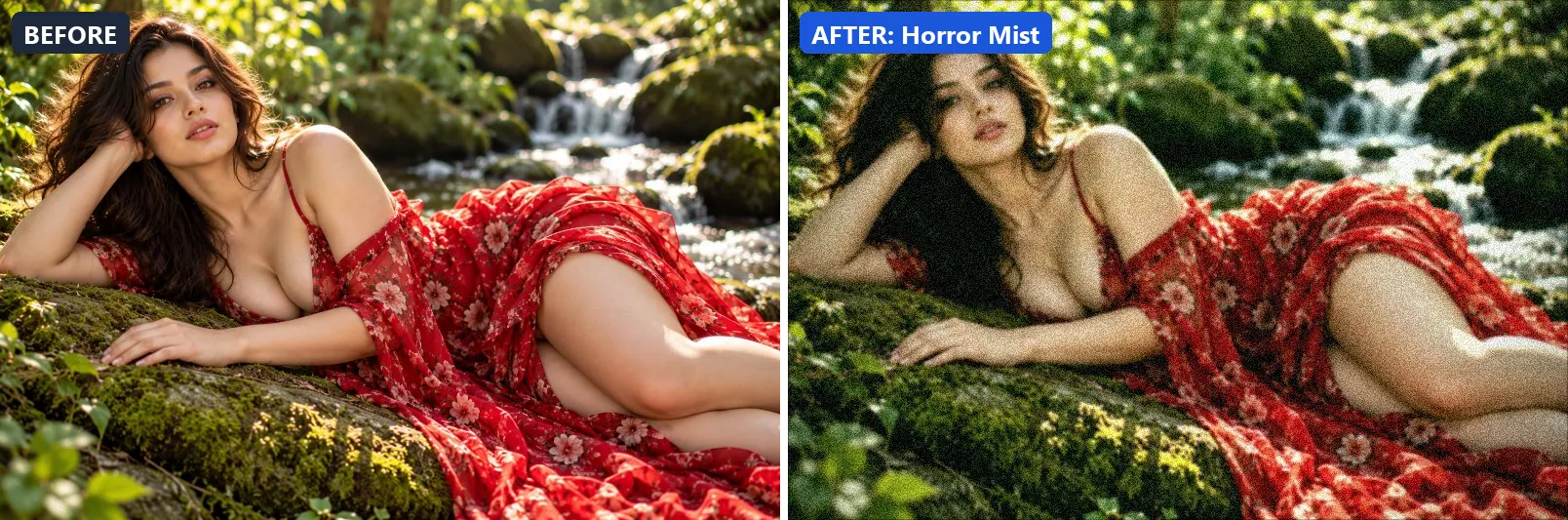
10. Horror Mist
Eerie horror mist — desaturated with green undertones and heavy vignette.
Applied at 100%, it softens colour, leans cool, pushes the greens and pulls exposure down a little. It also adds green-tinted shadows. Beyond that it adds strong contrast and applies a soft blur of about 1 px for a dreamy look. It closes with a heavy vignette that darkens the edges and visible film grain.
Brightness −5 · Contrast +20 · Saturation −20 · Gamma 0.95 · Warmth (R−B) −8 · Clarity +5 · Vignette 55 · Grain 18 · Blur 1
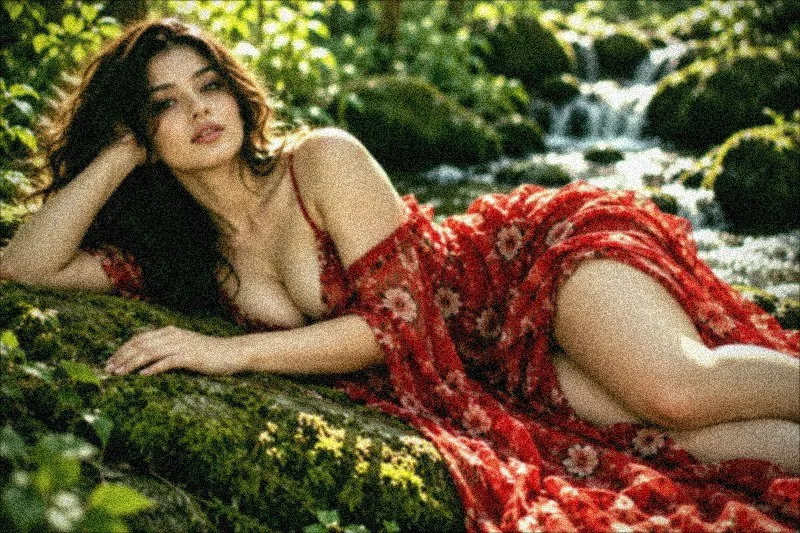
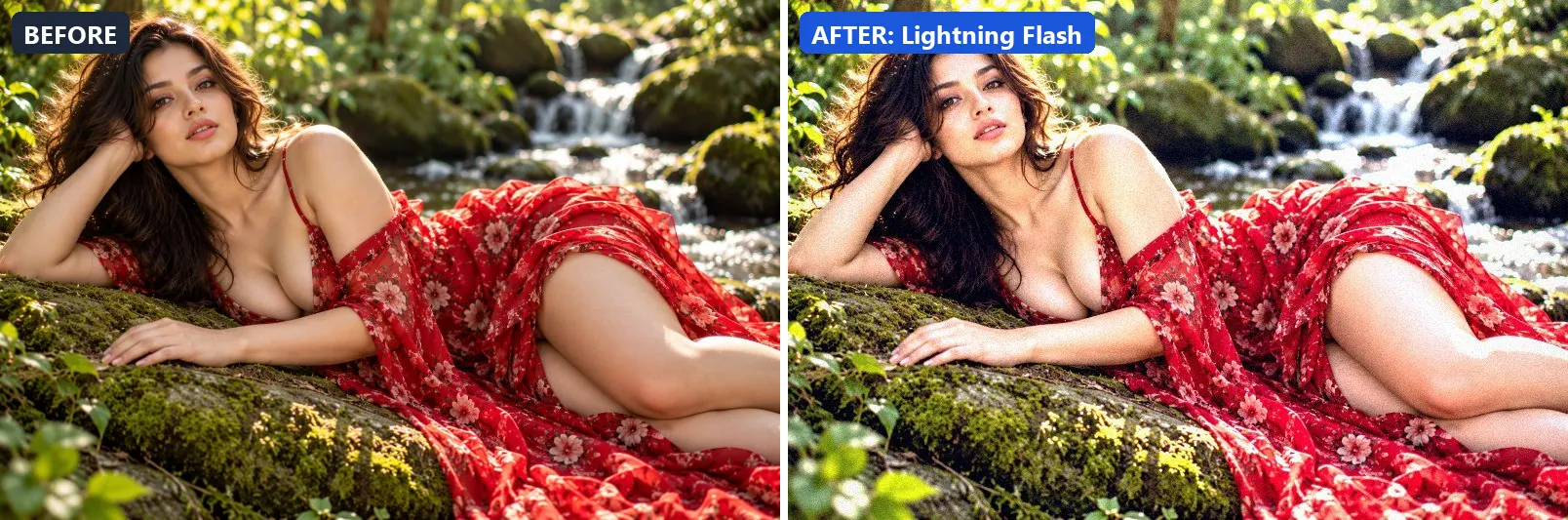
11. Lightning Flash
Lightning storm flash — extreme brightness burst with blue-white cast.
The grade adds a clearly cool, blue cast, brightens the frame and opens up the midtones. Colour is split-toned with blue-tinted shadows and cool, icy highlights. In addition it adds very punchy contrast, applies strong clarity for crisp local contrast and applies noticeable sharpening. Final touches: a light vignette and a touch of grain.
Brightness +20 · Contrast +35 · Saturation −5 · Gamma 1.15 · Warmth (R−B) −20 · Clarity +18 · Vignette 10 · Grain 8 · Sharpen 2
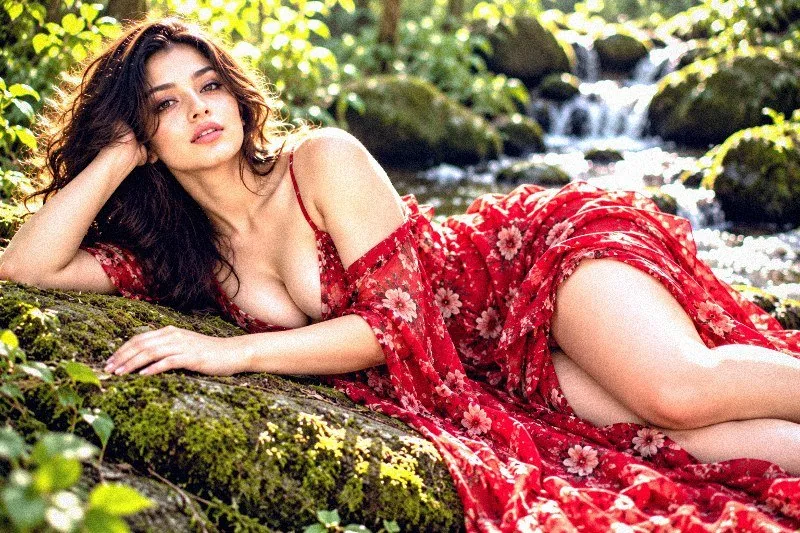
12. Magical Sparkles
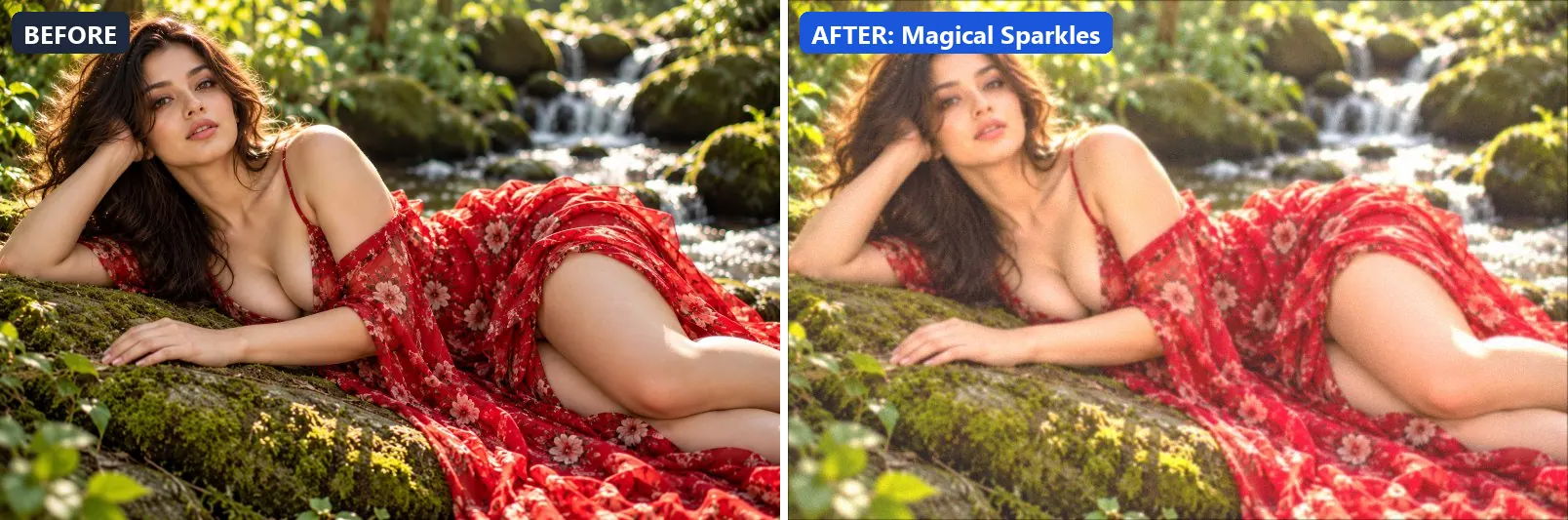
Fairy-tale magic — bright, warm, soft with dreamy glow.
At full strength it boosts colour, leans warm, pushes the greens and brightens the frame. The look is split-toned with warm red-tinted shadows and warm golden highlights. It also flattens contrast for a soft, faded feel and applies a soft blur of about 1 px for a dreamy look.
Brightness +16 · Contrast −12 · Saturation +18 · Gamma 1.22 · Warmth (R−B) +7 · Clarity −5 · Vignette 5 · Grain 4 · Blur 1
13. Misty Morning
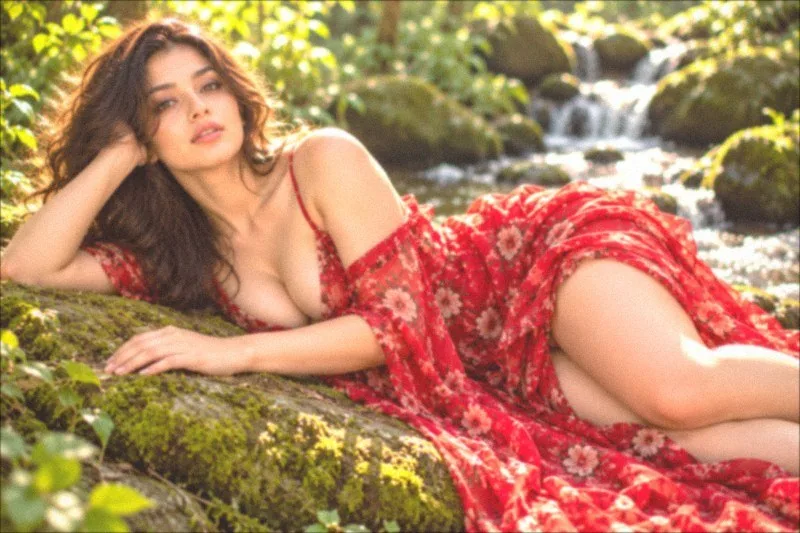
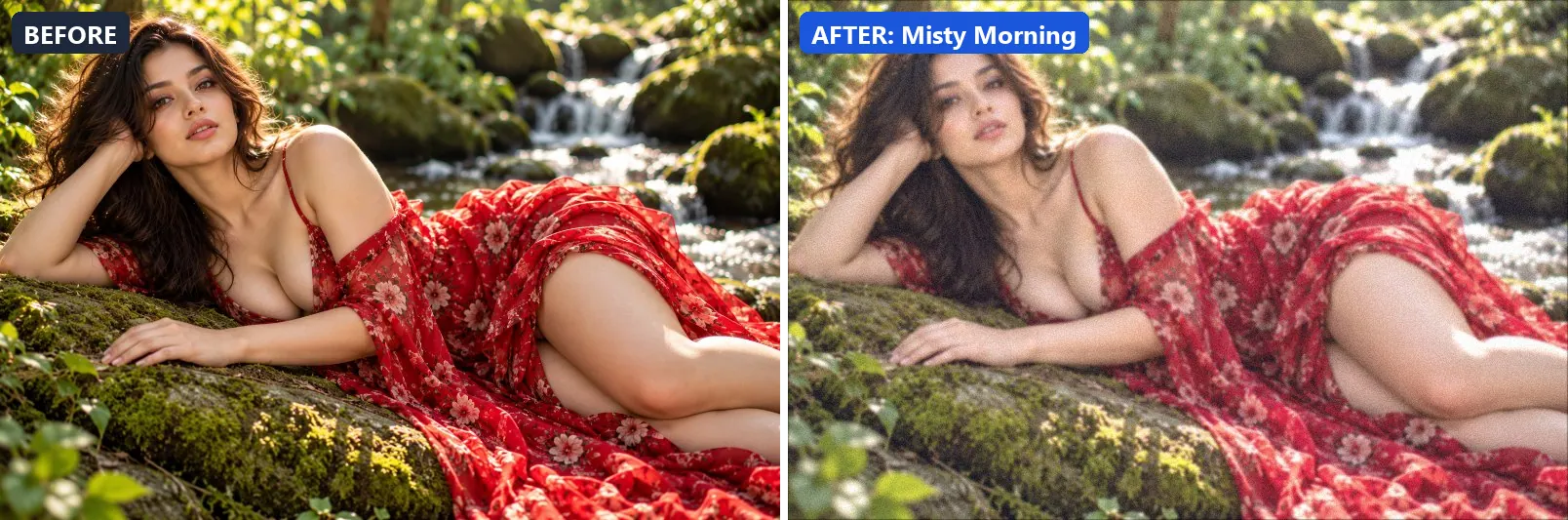
Cool misty dawn — soft blue-grey haze with gentle warmth.
This preset leans cool, brightens the frame and opens up the midtones. For depth it uses blue-tinted shadows and cool, icy highlights. On top of that it flattens contrast for a soft, faded feel and applies a soft blur of about 1 px for a dreamy look. The look is finished with a touch of grain.
Brightness +12 · Contrast −10 · Saturation −12 · Gamma 1.15 · Warmth (R−B) −7 · Clarity −3 · Vignette 5 · Grain 6 · Blur 1
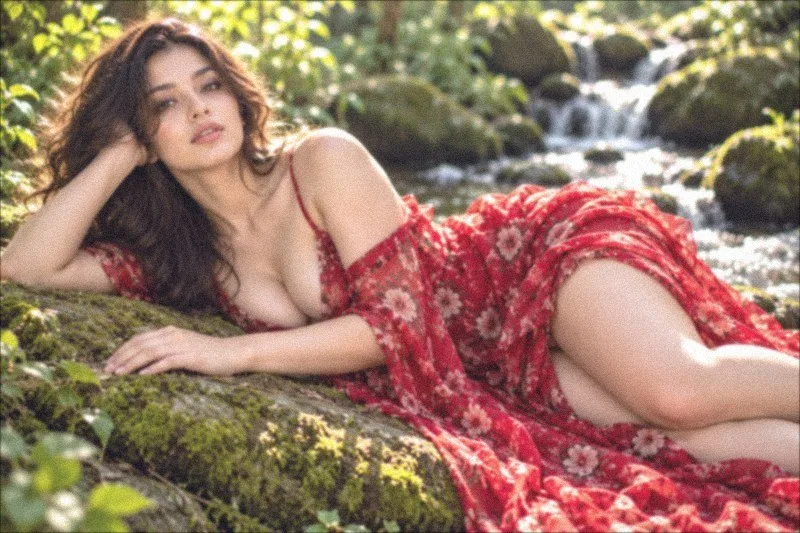
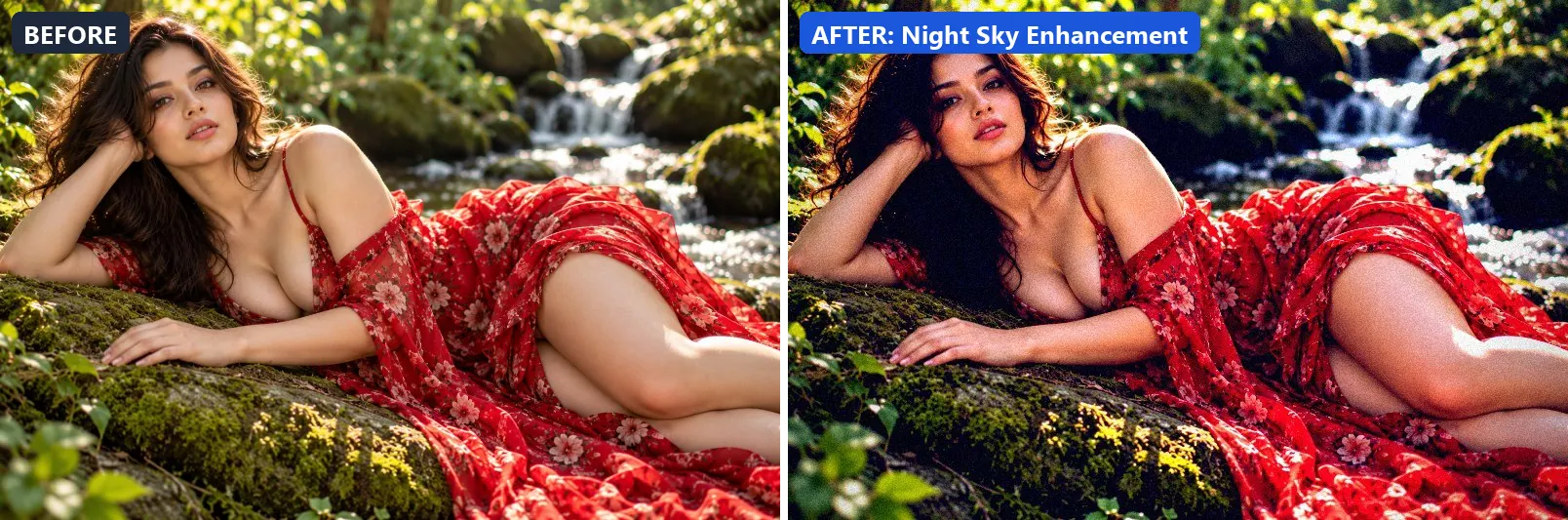
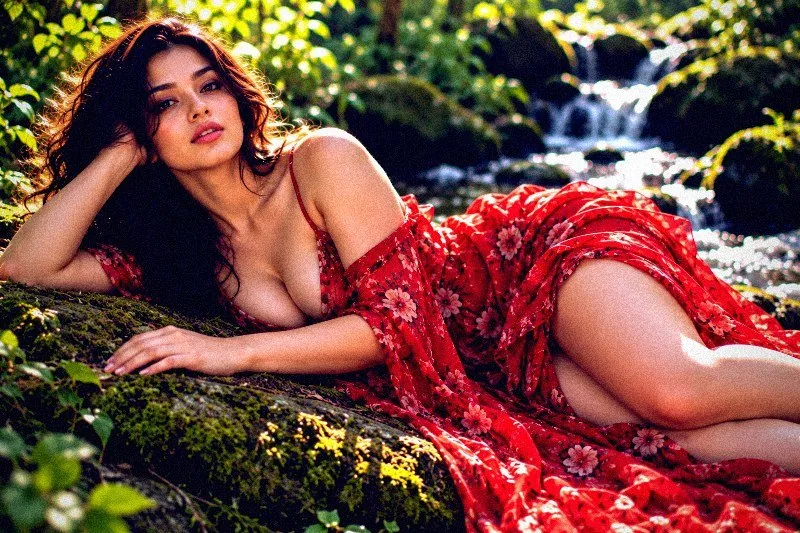
14. Night Sky Enhancement
Deep space night sky — enhanced blues, stars and Milky Way pop.
Applied at 100%, it boosts colour, adds a clearly cool, blue cast, pulls exposure down a little and settles the midtones a bit darker. It also adds blue-tinted shadows and cool, icy highlights. Beyond that it adds strong contrast, applies strong clarity for crisp local contrast and applies noticeable sharpening. It closes with a noticeable vignette and a touch of grain.
Brightness −5 · Contrast +28 · Saturation +20 · Gamma 0.92 · Warmth (R−B) −30 · Clarity +18 · Vignette 40 · Grain 8 · Sharpen 2
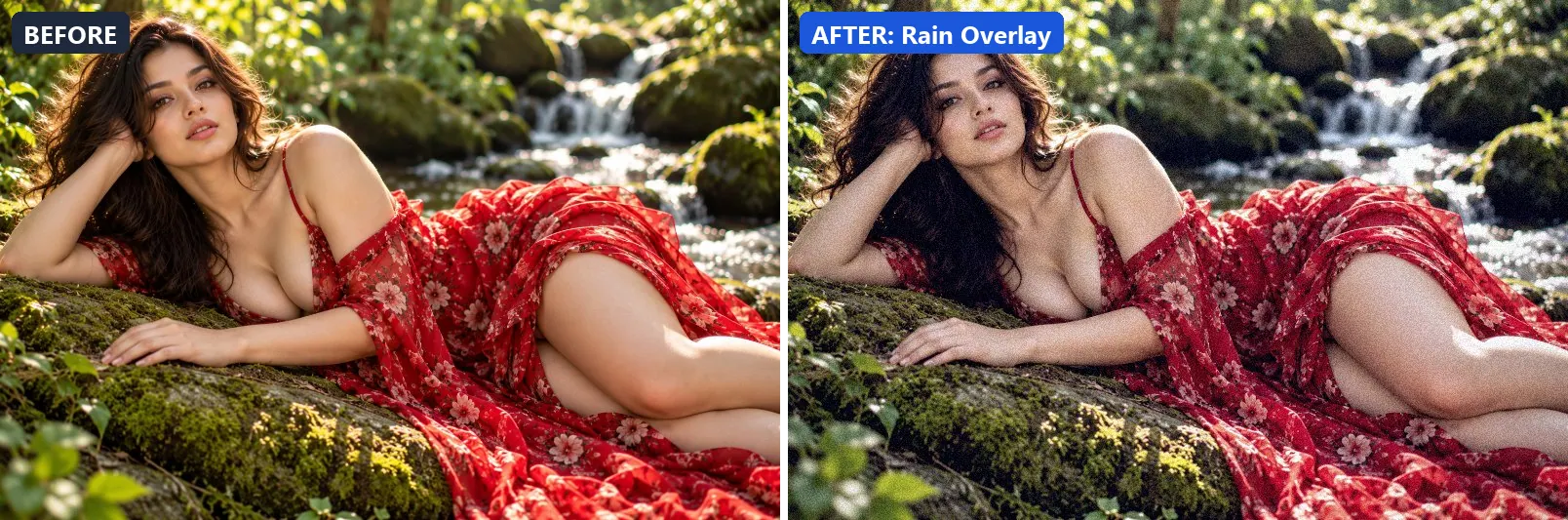
15. Rain Overlay
Rainy day moodiness — cool desaturated with blue-grey cast.
The grade softens colour, adds a clearly cool, blue cast and adds some contrast. Colour is split-toned with blue-tinted shadows. Final touches: a light vignette and a touch of grain.
Brightness +3 · Contrast +10 · Saturation −20 · Gamma 1.02 · Warmth (R−B) −20 · Clarity +5 · Vignette 20 · Grain 10
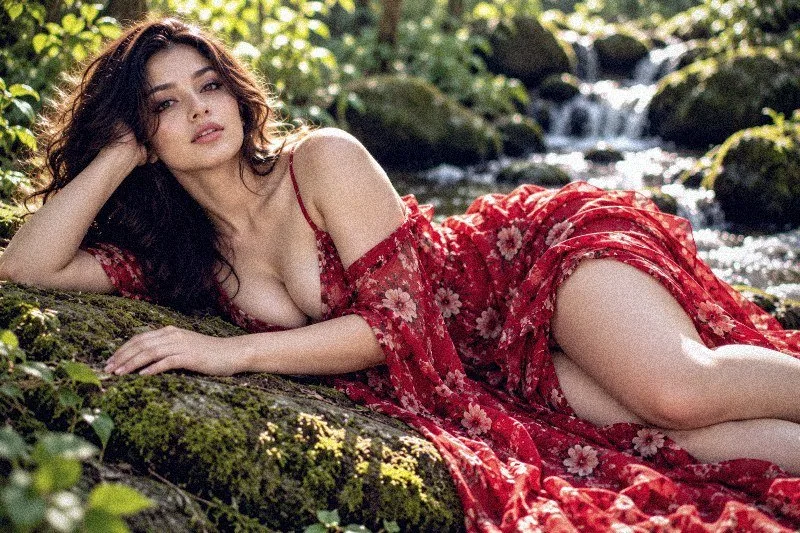
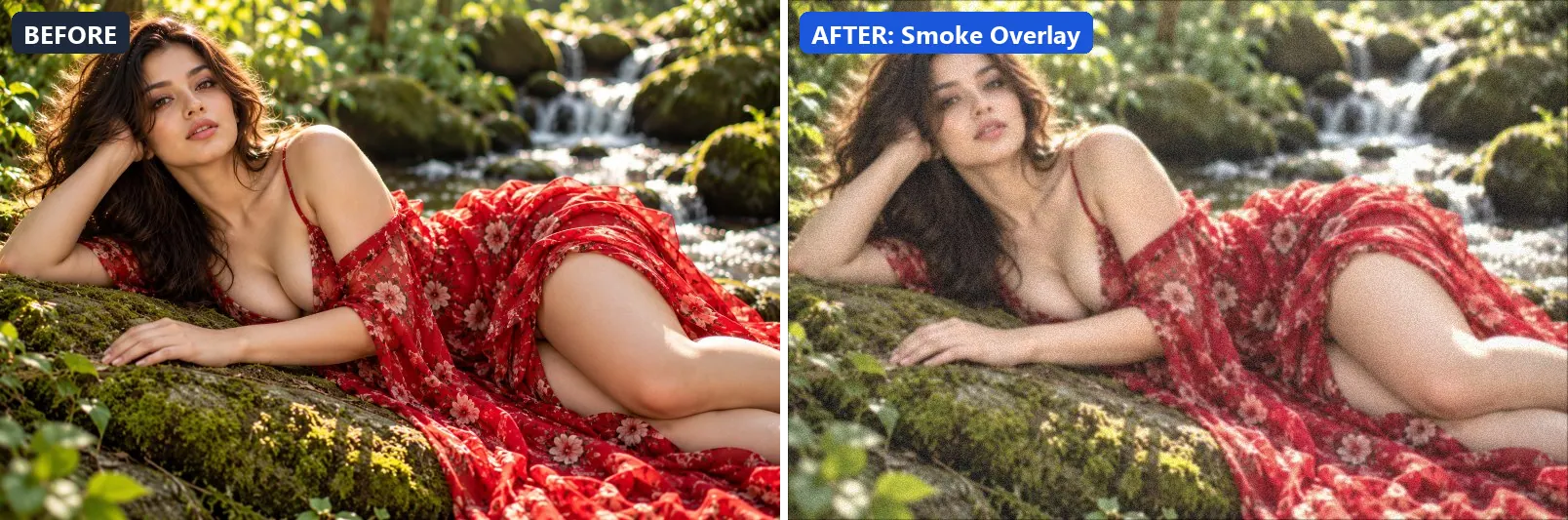
16. Smoke Overlay
Hazy smoke atmosphere — desaturated with lifted blacks and grey cast.
At full strength it softens colour, brightens the frame and opens up the midtones. The look is split-toned with blue-tinted shadows and warm golden highlights. It also applies a soft blur of about 1 px for a dreamy look. To finish, it adds a light vignette and a touch of grain.
Brightness +10 · Contrast −8 · Saturation −20 · Gamma 1.12 · Warmth (R−B) 0 · Clarity −5 · Vignette 10 · Grain 8 · Blur 1
17. Snowfall Effect
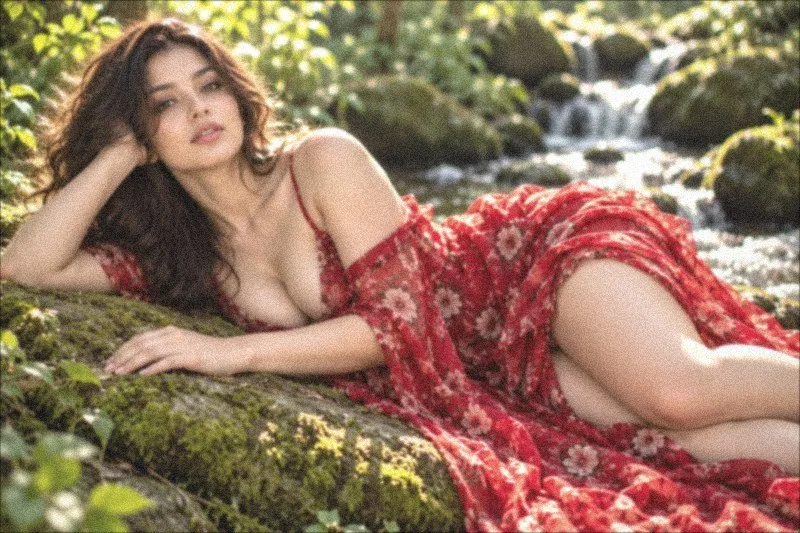
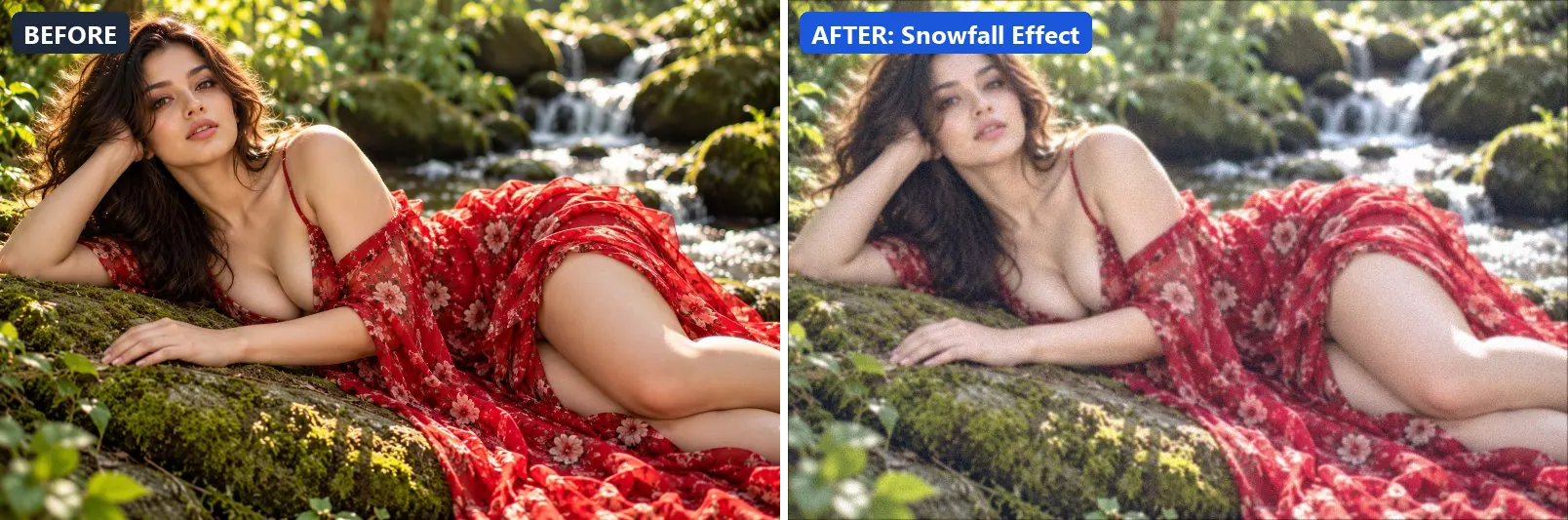
Winter snowfall — bright overexposed whites with cool blue cast.
This preset softens colour, adds a clearly cool, blue cast, brightens the frame and opens up the midtones. For depth it uses blue-tinted shadows and cool, icy highlights. On top of that it applies a soft blur of about 1 px for a dreamy look. The look is finished with a touch of grain.
Brightness +18 · Contrast −8 · Saturation −15 · Gamma 1.18 · Warmth (R−B) −17 · Clarity −3 · Vignette 5 · Grain 5 · Blur 1
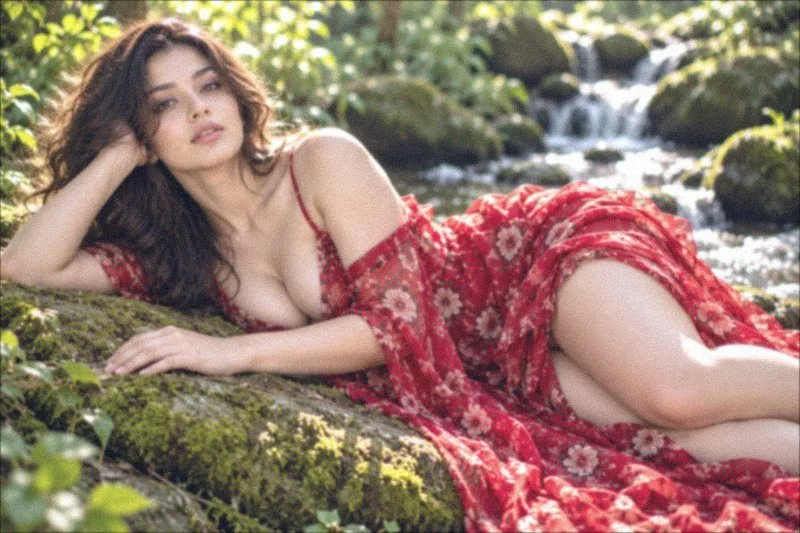
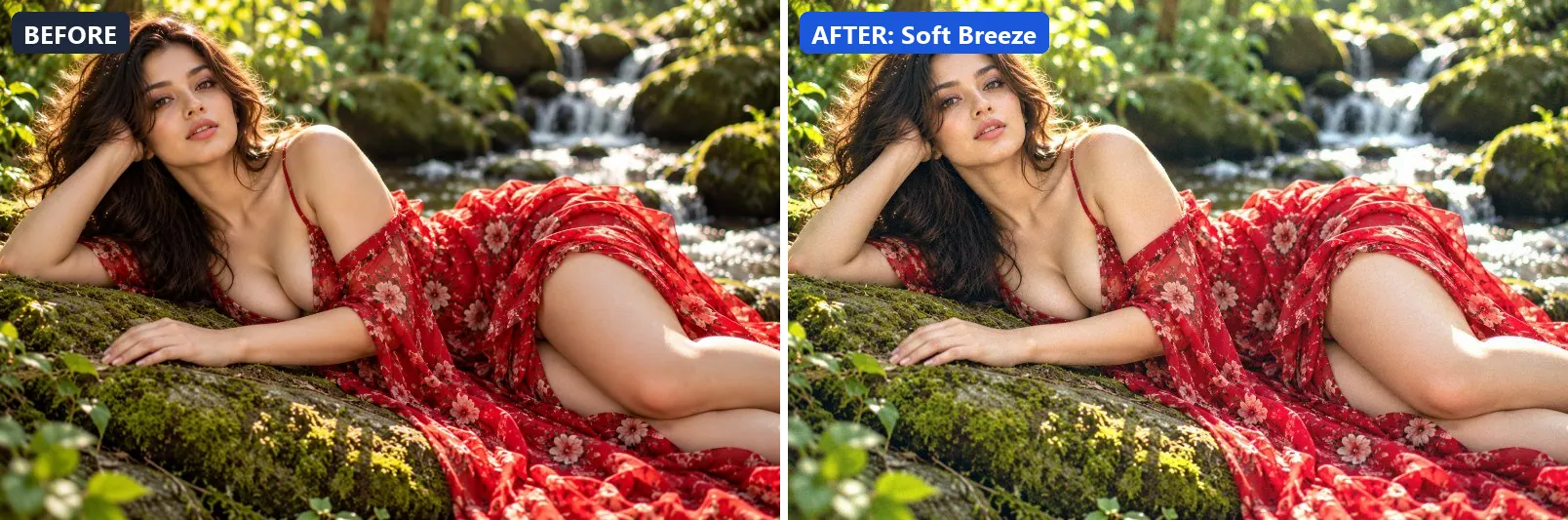
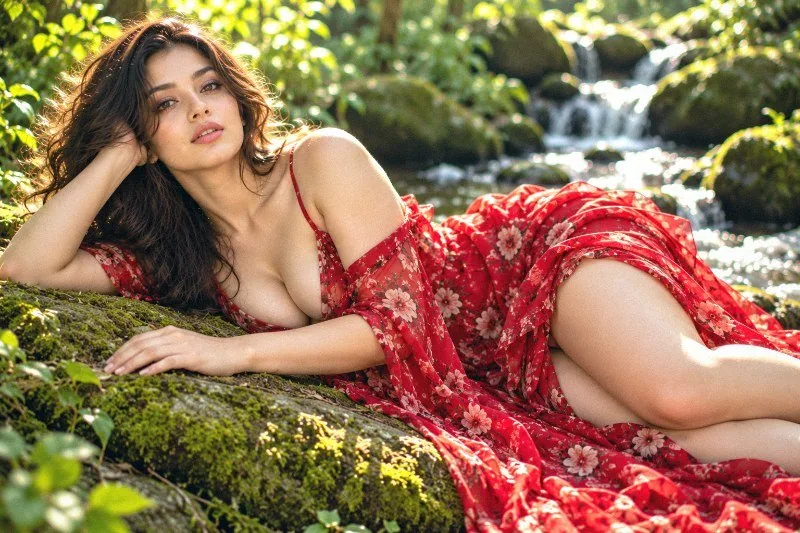
18. Soft Breeze
Gentle spring breeze — clean, airy and fresh with cool tones.
Applied at 100%, it leans cool, brightens the frame and gently lifts the midtones. Beyond that it applies extra clarity.
Brightness +12 · Contrast +5 · Saturation +8 · Gamma 1.1 · Warmth (R−B) −11 · Clarity +8 · Vignette 5 · Grain 3
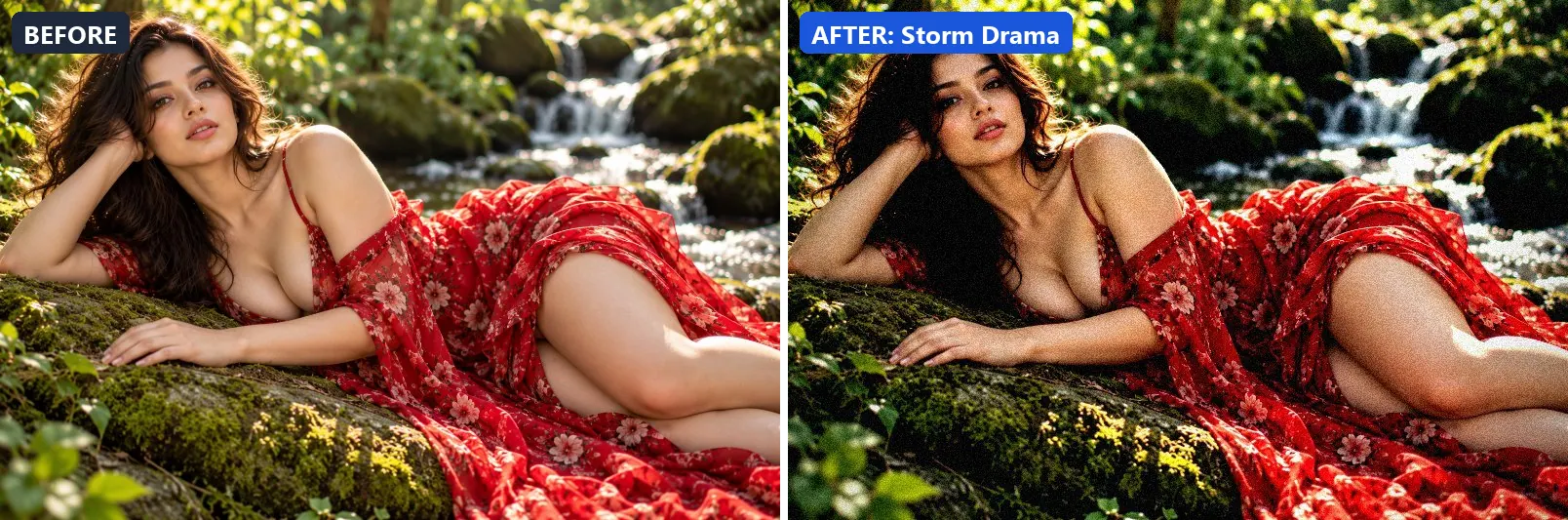
19. Storm Drama
Ominous pre-storm atmosphere — deep contrast, green-grey sky cast.
The grade leans cool, pulls exposure down a little and settles the midtones a bit darker. Colour is split-toned with blue-tinted shadows. In addition it adds strong contrast, applies extra clarity and applies noticeable sharpening. Final touches: a noticeable vignette and a touch of grain.
Brightness −8 · Contrast +30 · Saturation −8 · Gamma 0.9 · Warmth (R−B) −13 · Clarity +15 · Vignette 40 · Grain 12 · Sharpen 2
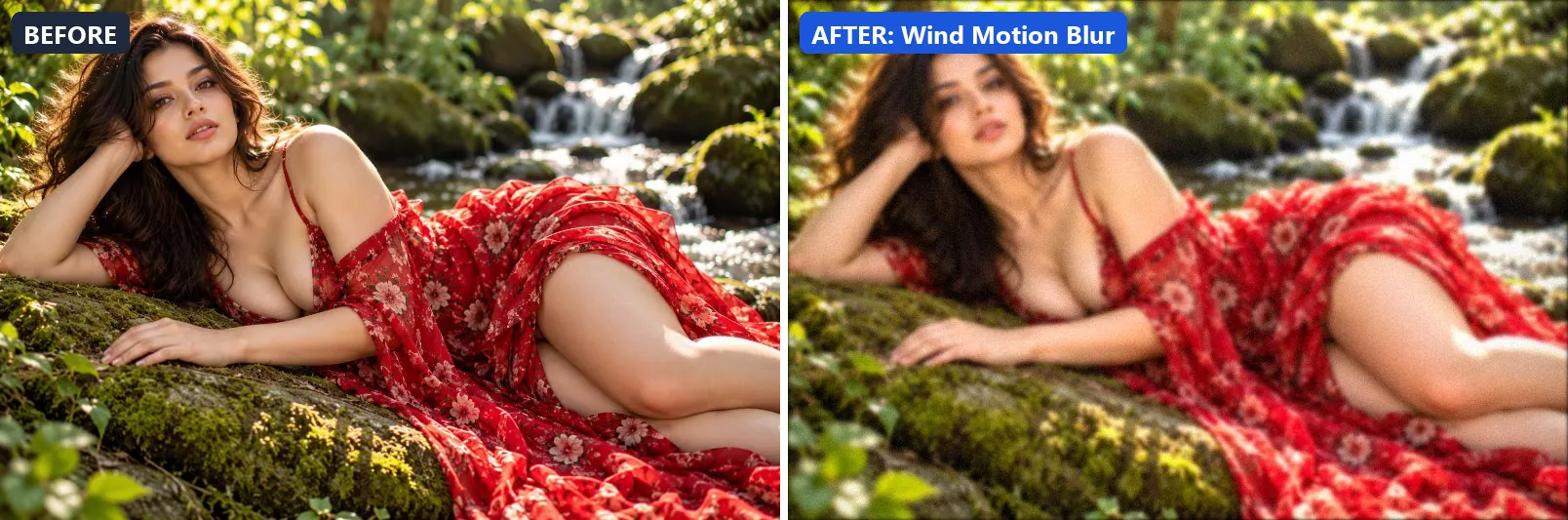
20. Wind Motion Blur
Motion blur energy — soft directional blur with bright contrast.
At full strength it lifts exposure slightly and gently lifts the midtones. It also adds some contrast and applies a soft blur of about 2 px for a dreamy look. To finish, it adds a light vignette and a touch of grain.
Brightness +8 · Contrast +15 · Saturation +5 · Gamma 1.05 · Warmth (R−B) 0 · Clarity +5 · Vignette 15 · Grain 5 · Blur 2
More filter groups
- Cinematic
- Portrait & Skin
- Landscape Pro
- Black & White
- Clarity & Detail
- Golden Hour
- Night & Astro
- Lighting Effects
- Emotional Mood
- Artistic Styles
- Experimental FX
- Film Emulation
- Vintage Extras
- Natural Extras
- Travel Destinations
- Weather
- Seasons
- Corporate
- Fashion & Editorial
- Food & Product
- Sports & Action
- Social Media
- Architecture & Urban
Try these filters on your own photo
Free, runs in your browser, full-resolution download.