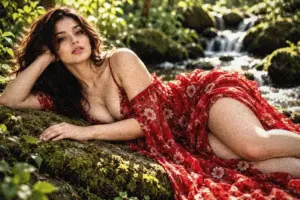
This page shows every Black & White preset from the free Image Filters & Effects tool on its own: a before-and-after comparison and a full picture with the filter applied. There are 20 filters here, all run at 100% strength on the same sample photo.
Black & White presets remove colour and rebuild the image through tone, contrast and grain. Good black-and-white work depends on contrast, so compare a few before you choose. In this set of 20, 4 lean warm, 2 lean cool and 14 stay close to neutral. On average they change contrast by +22 and saturation by -100; 20 mute it heavily, 6 add visible grain and 8 add a noticeable vignette.
Jump to a filter
All 20 Black & White filters
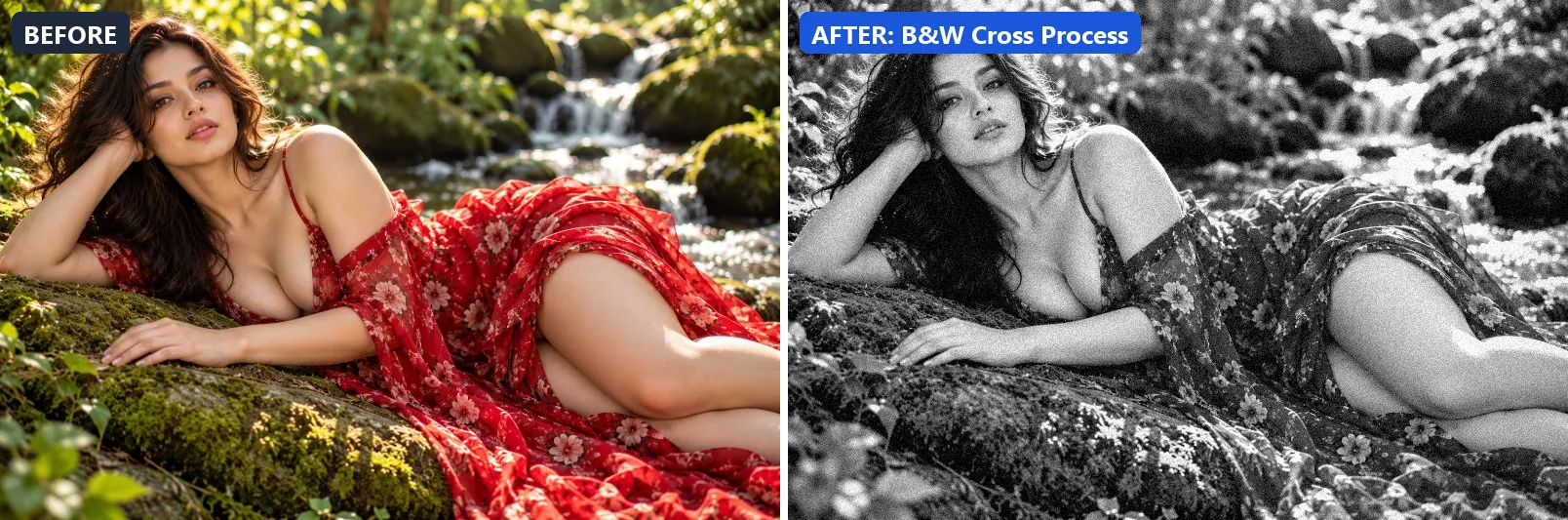
1. B&W Cross Process
Cross-processed B&W with unusual tonal response and lifted blacks.
This preset strips out almost all colour, giving a near black-and-white image, lifts exposure slightly and gently lifts the midtones. For depth it uses blue-tinted shadows. On top of that it adds strong contrast and applies extra clarity. The look is finished with a light vignette and a touch of grain.
Brightness +6 · Contrast +22 · Saturation −100 · Gamma 1.08 · Warmth (R−B) −3 · Clarity +10 · Vignette 20 · Grain 14 · Sharpen 1
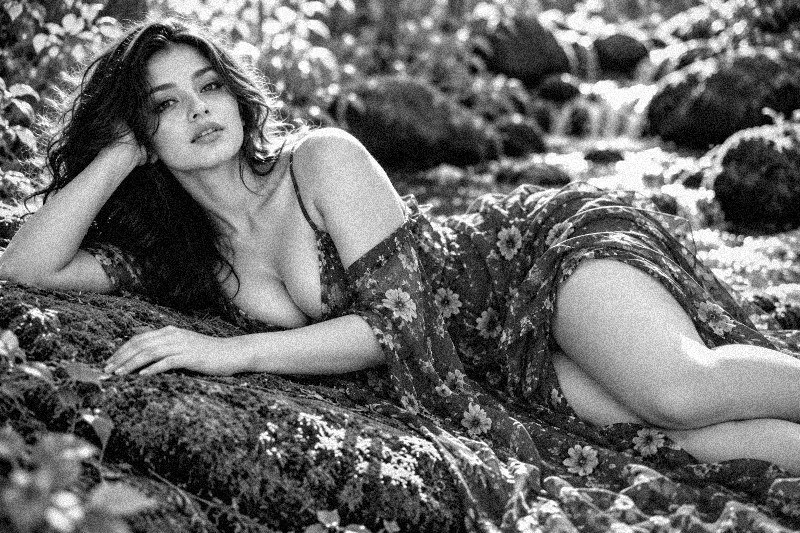
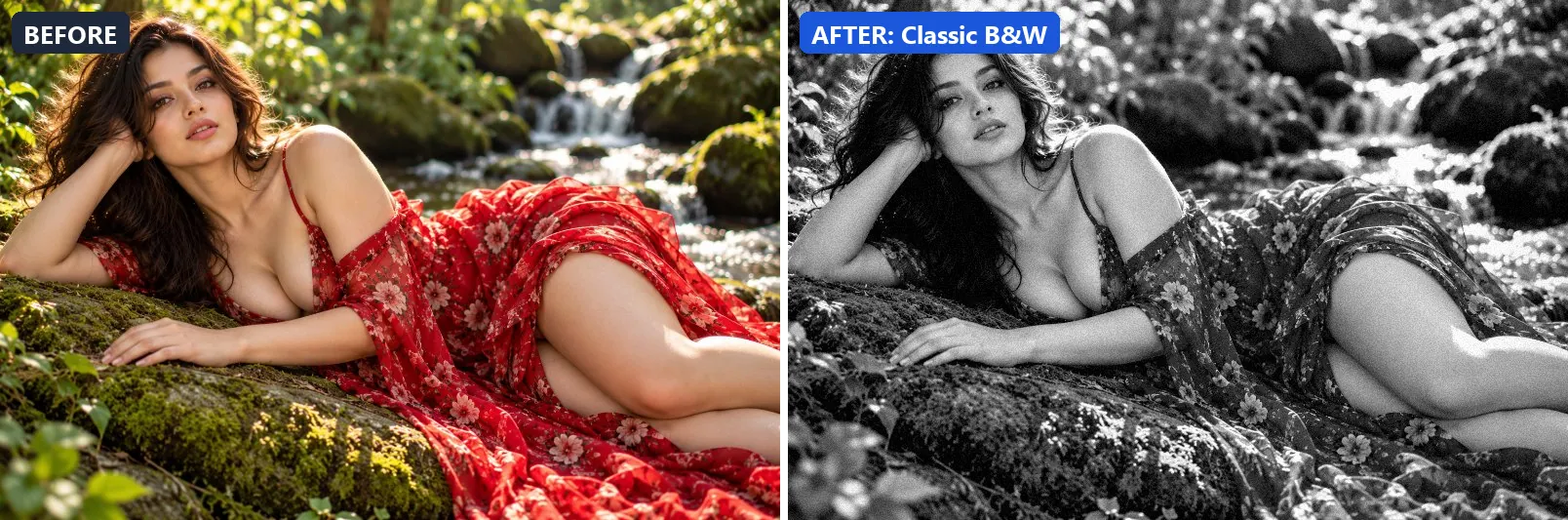
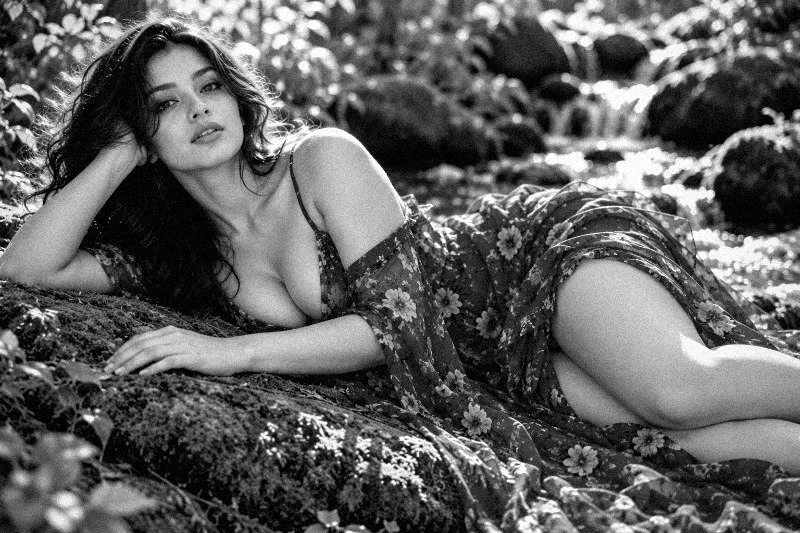
2. Classic B&W
Timeless black and white — balanced, clean, universal.
Applied at 100%, it strips out almost all colour, giving a near black-and-white image and adds some contrast. Beyond that it applies extra clarity. It closes with a light vignette and a touch of grain.
Brightness +2 · Contrast +18 · Saturation −100 · Gamma 1 · Warmth (R−B) 0 · Clarity +10 · Vignette 20 · Grain 8 · Sharpen 1
3. Contrasty Grain
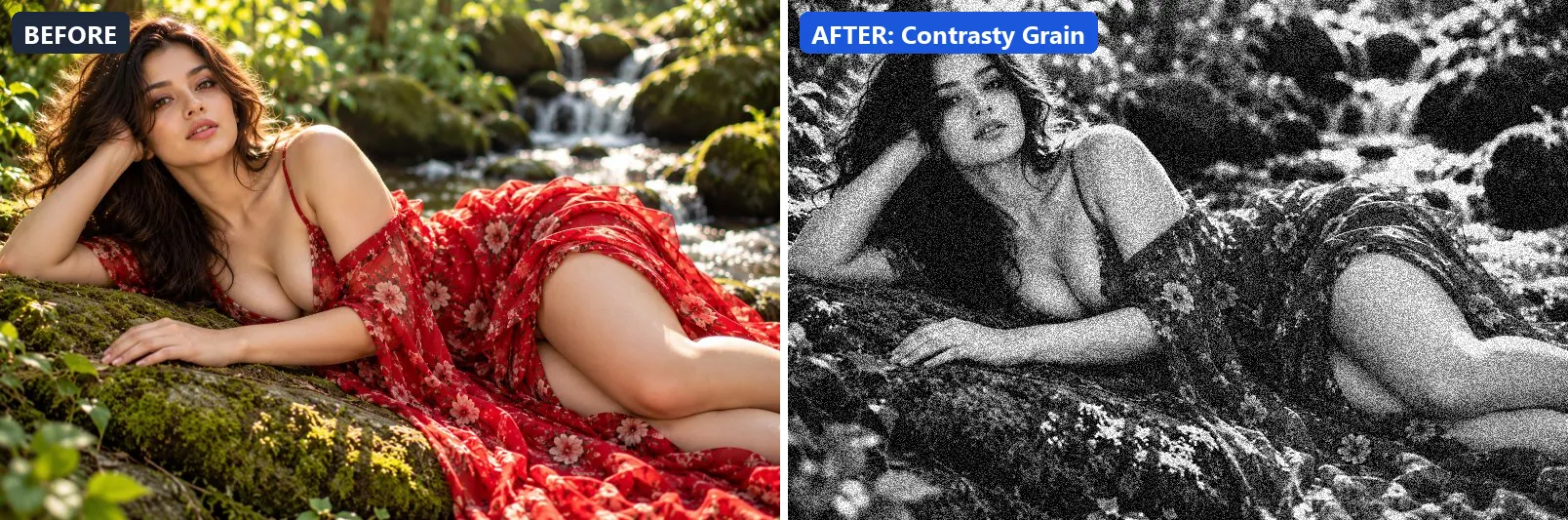
Pushed ISO grain with high contrast — raw, expressive, tactile.
The grade strips out almost all colour, giving a near black-and-white image, settles the midtones a bit darker and adds very punchy contrast. In addition it applies extra clarity. Final touches: a noticeable vignette and heavy film grain.
Brightness 0 · Contrast +35 · Saturation −100 · Gamma 0.93 · Warmth (R−B) 0 · Clarity +10 · Vignette 25 · Grain 42 · Sharpen 1
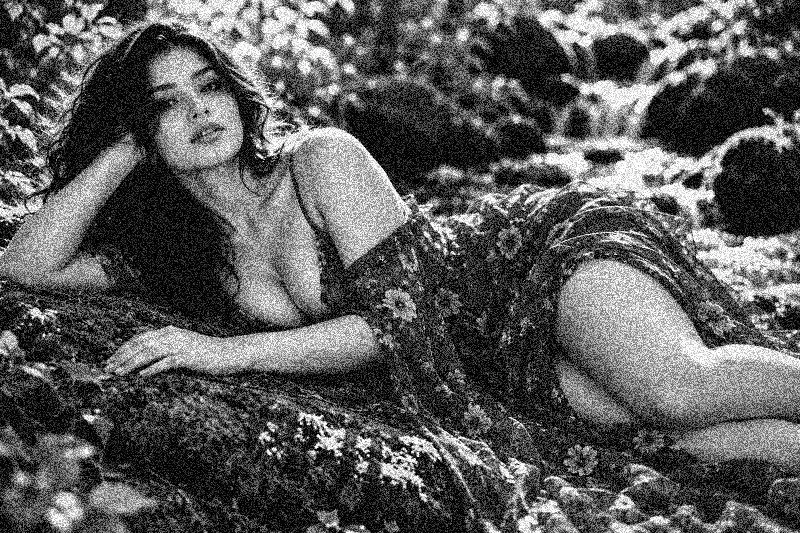
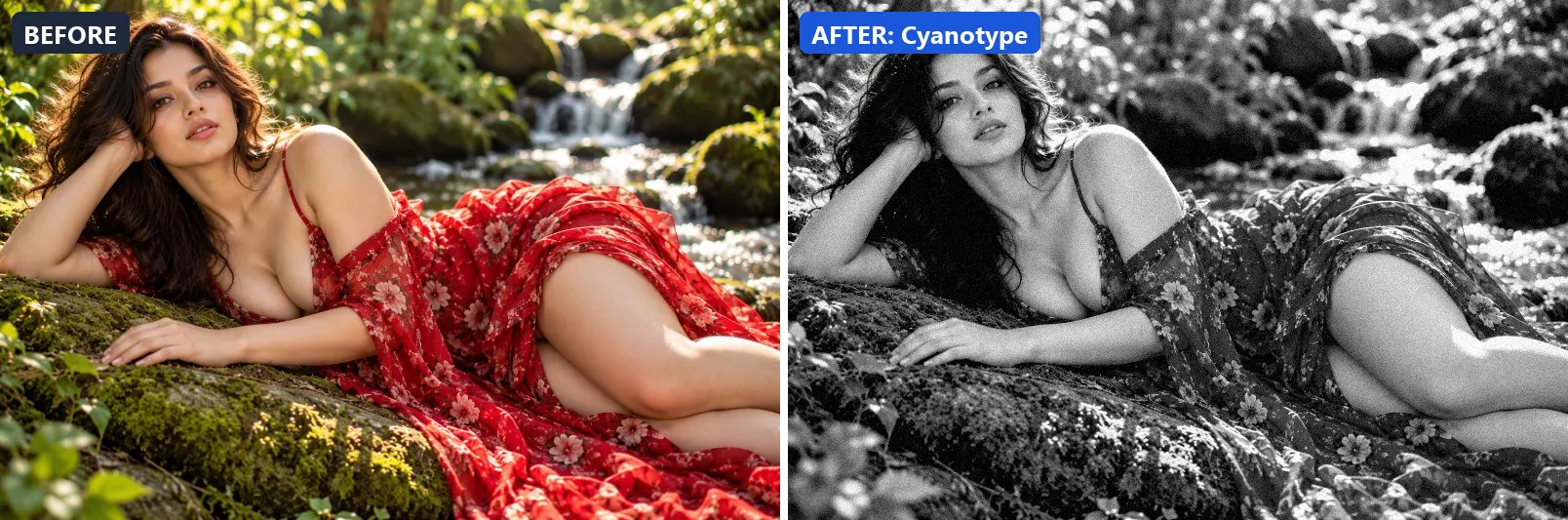
4. Cyanotype
Antique cyanotype blueprint — characteristic blue-white tones.
At full strength it strips out almost all colour, giving a near black-and-white image, adds a clearly cool, blue cast, pulls green out for a magenta lean and lifts exposure slightly. The look is split-toned with blue-tinted shadows and cool, icy highlights. It also adds strong contrast and applies extra clarity. To finish, it adds a light vignette and a touch of grain.
Brightness +8 · Contrast +20 · Saturation −100 · Gamma 1.05 · Warmth (R−B) −50 · Clarity +8 · Vignette 15 · Grain 10 · Sharpen 1
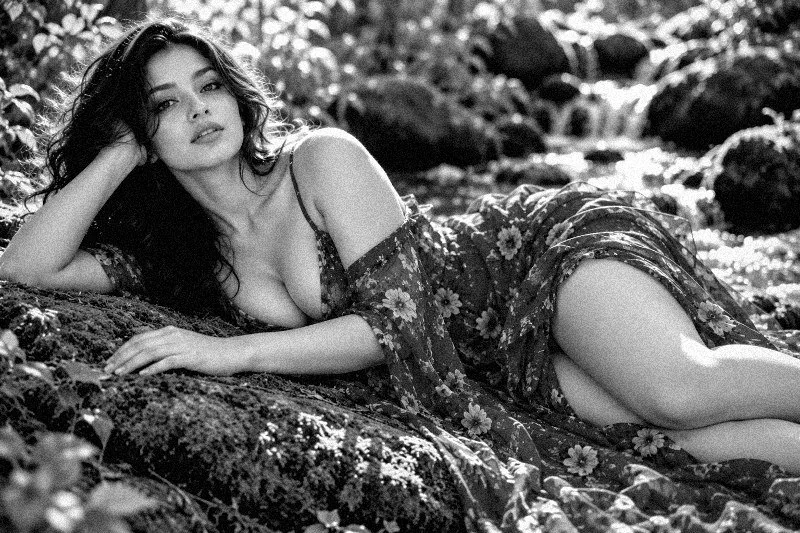
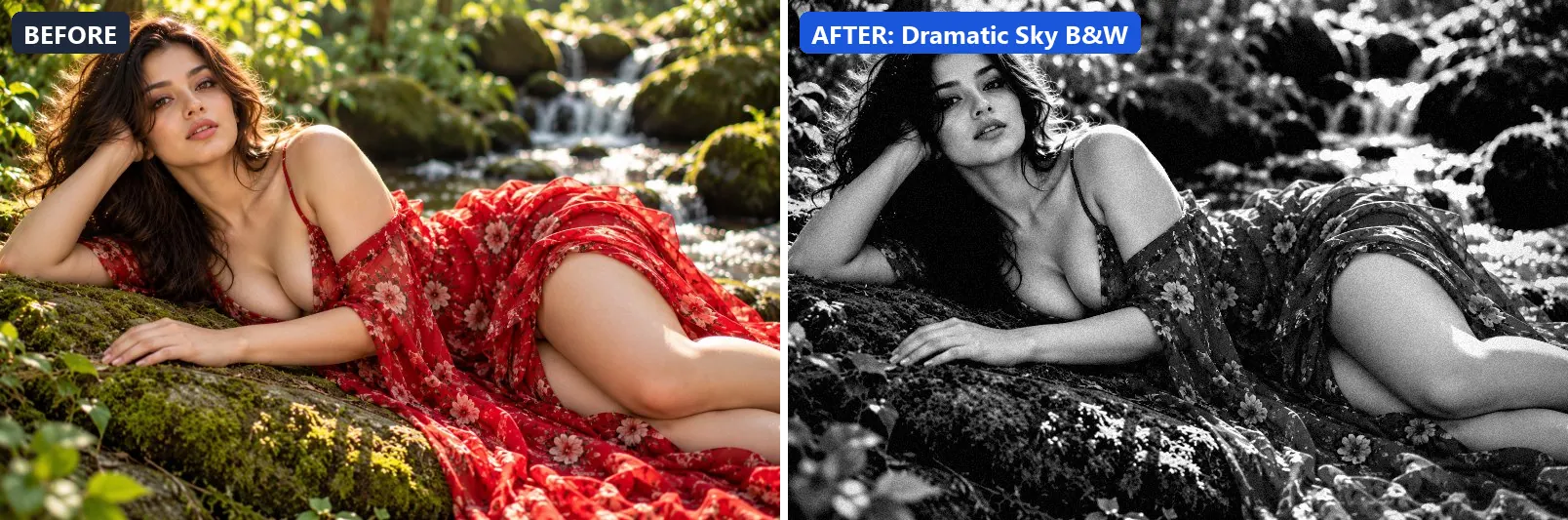
5. Dramatic Sky B&W
Ominous sky B&W — deep cloud contrast with earth detail.
This preset strips out almost all colour, giving a near black-and-white image, settles the midtones a bit darker and adds very punchy contrast. On top of that it applies strong clarity for crisp local contrast and applies noticeable sharpening. The look is finished with a noticeable vignette and a touch of grain.
Brightness −3 · Contrast +38 · Saturation −100 · Gamma 0.9 · Warmth (R−B) 0 · Clarity +20 · Vignette 38 · Grain 8 · Sharpen 2
6. Faded Vintage B&W
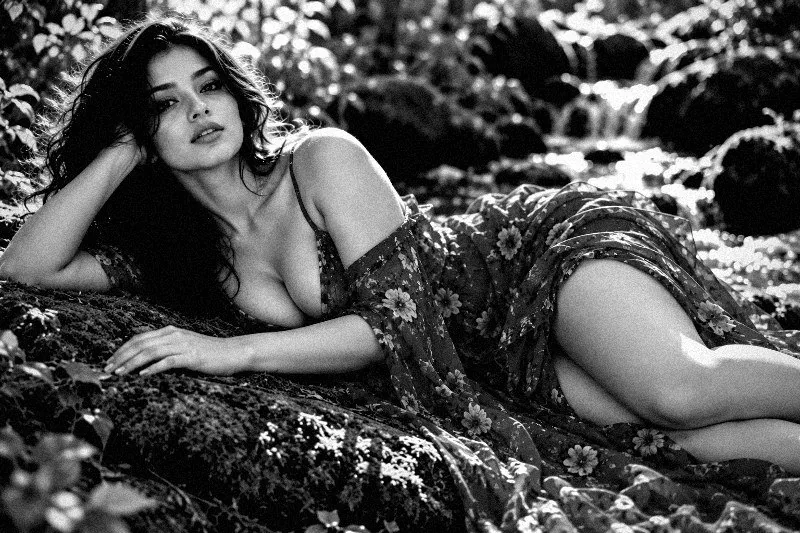
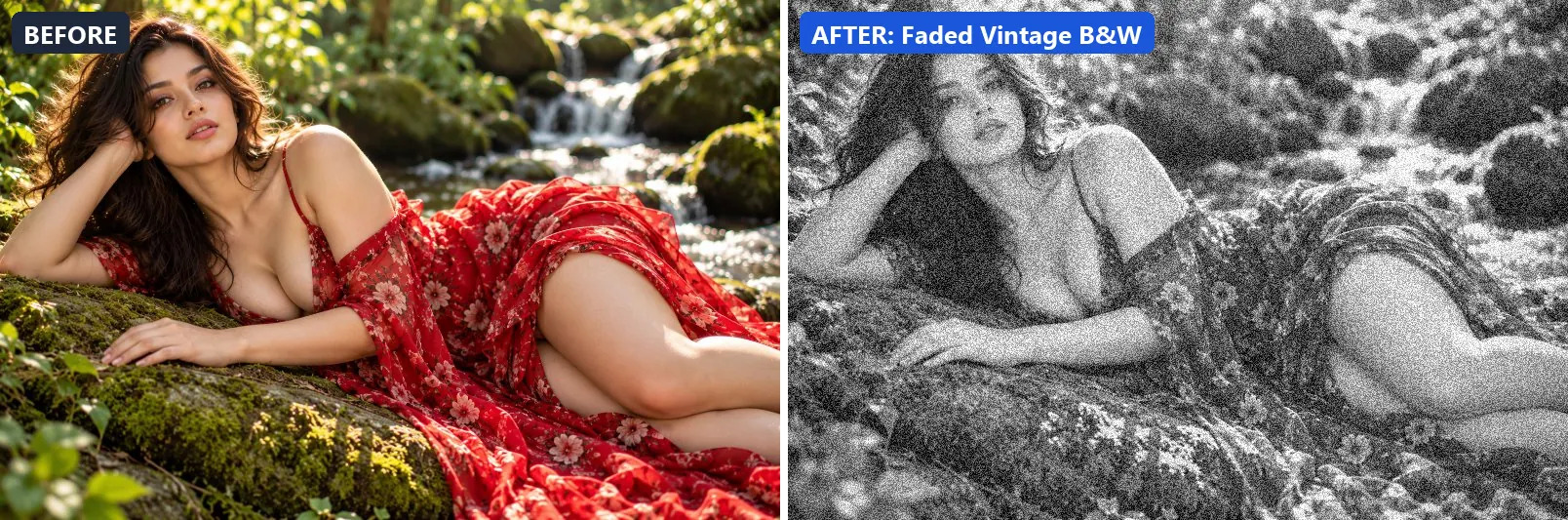
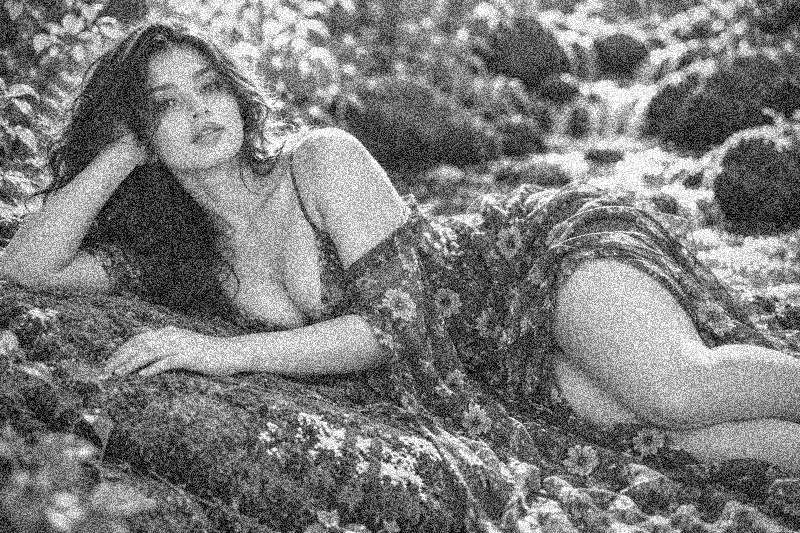
Time-worn vintage print — lifted shadows, faded whites, heavy grain.
Applied at 100%, it strips out almost all colour, giving a near black-and-white image, leans warm, lifts exposure slightly and opens up the midtones. It also adds warm red-tinted shadows and warm golden highlights. Beyond that it flattens contrast for a soft, faded feel. It closes with a noticeable vignette and heavy film grain.
Brightness +8 · Contrast −12 · Saturation −100 · Gamma 1.18 · Warmth (R−B) +6 · Vignette 40 · Grain 35
7. Fashion B&W
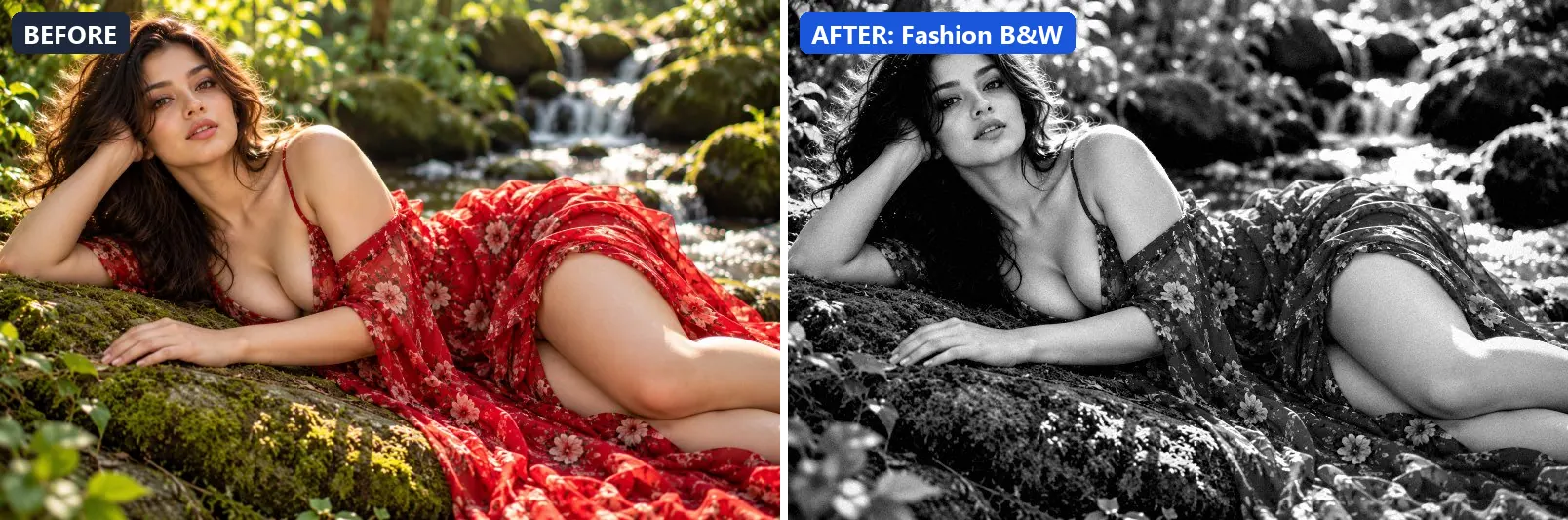
Sleek editorial fashion B&W — polished, high contrast and modern.
The grade strips out almost all colour, giving a near black-and-white image and adds strong contrast. In addition it applies extra clarity and applies noticeable sharpening. Final touches: a light vignette and a touch of grain.
Brightness +3 · Contrast +30 · Saturation −100 · Gamma 0.97 · Warmth (R−B) 0 · Clarity +14 · Vignette 18 · Grain 5 · Sharpen 2
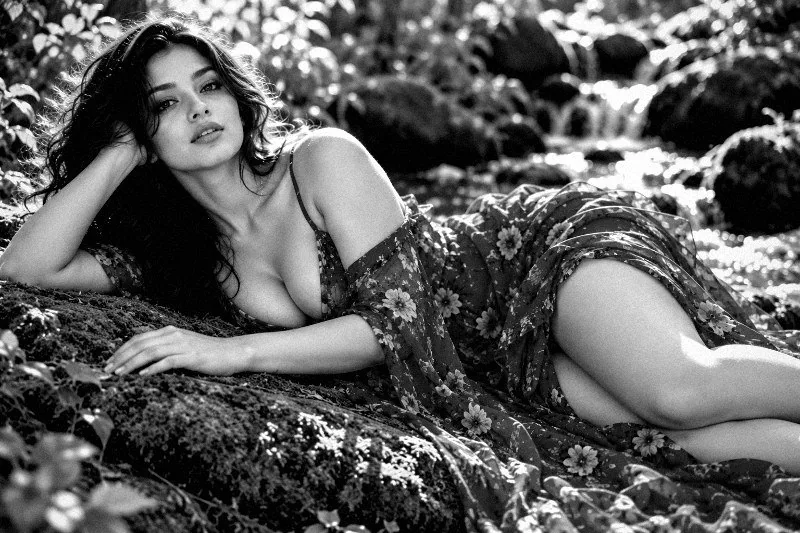
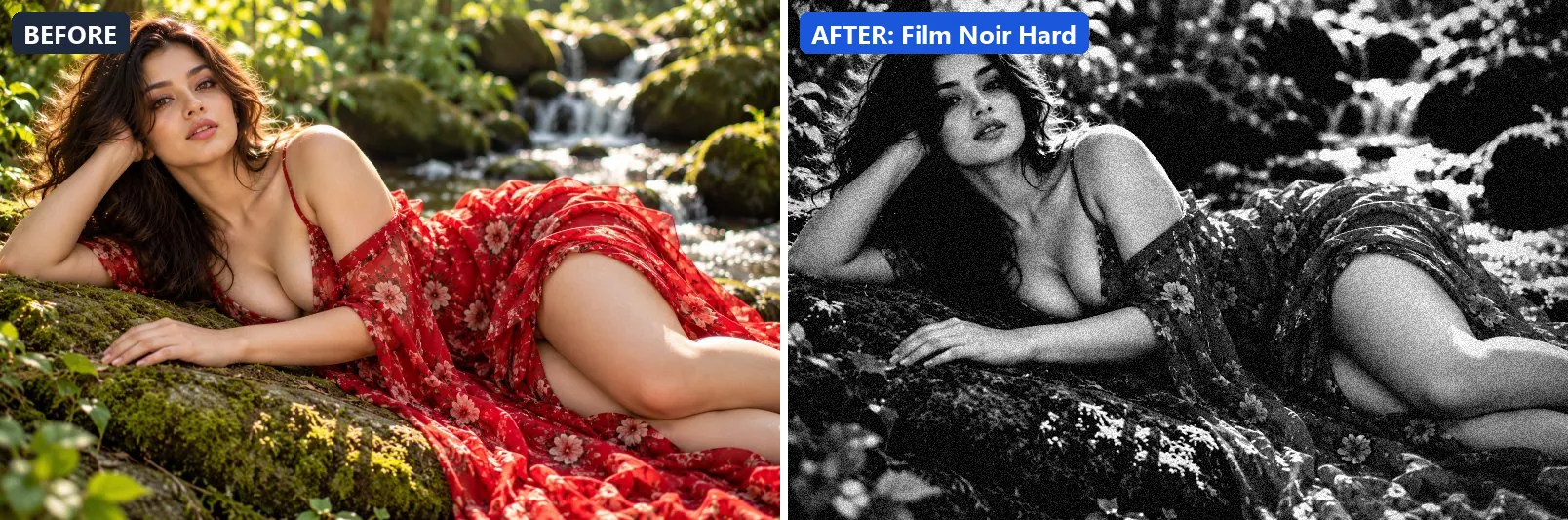
8. Film Noir Hard
Hardboiled noir contrast — harsh shadows, no midtones, pure drama.
At full strength it strips out almost all colour, giving a near black-and-white image, pulls exposure down a little and deepens the midtones strongly. It also adds very punchy contrast, applies extra clarity and applies noticeable sharpening. To finish, it adds a heavy vignette that darkens the edges and visible film grain.
Brightness −5 · Contrast +55 · Saturation −100 · Gamma 0.85 · Warmth (R−B) 0 · Clarity +12 · Vignette 60 · Grain 20 · Sharpen 2
9. High Contrast B&W
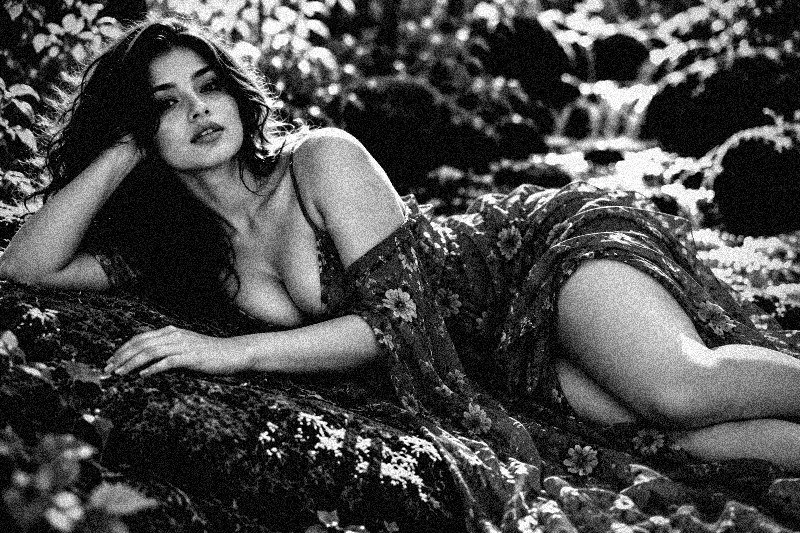
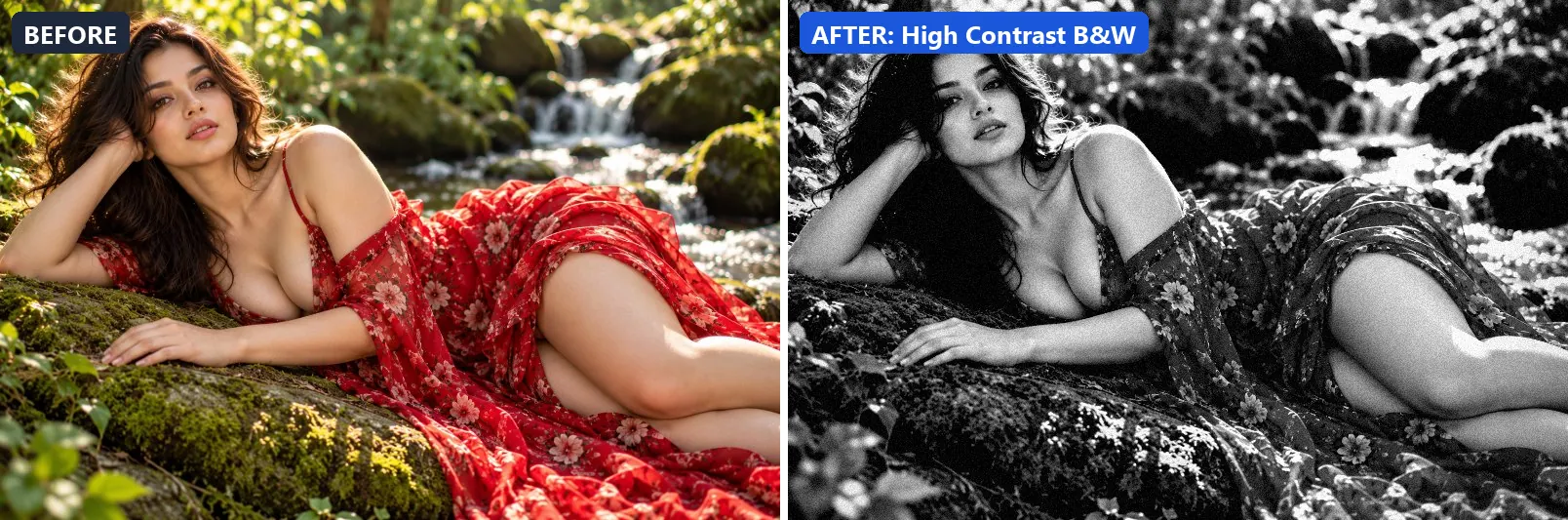
Punchy high contrast B&W — deep blacks and brilliant whites.
This preset strips out almost all colour, giving a near black-and-white image, settles the midtones a bit darker and adds very punchy contrast. On top of that it applies extra clarity and applies noticeable sharpening. The look is finished with a noticeable vignette and a touch of grain.
Brightness 0 · Contrast +45 · Saturation −100 · Gamma 0.92 · Warmth (R−B) 0 · Clarity +15 · Vignette 30 · Grain 10 · Sharpen 2
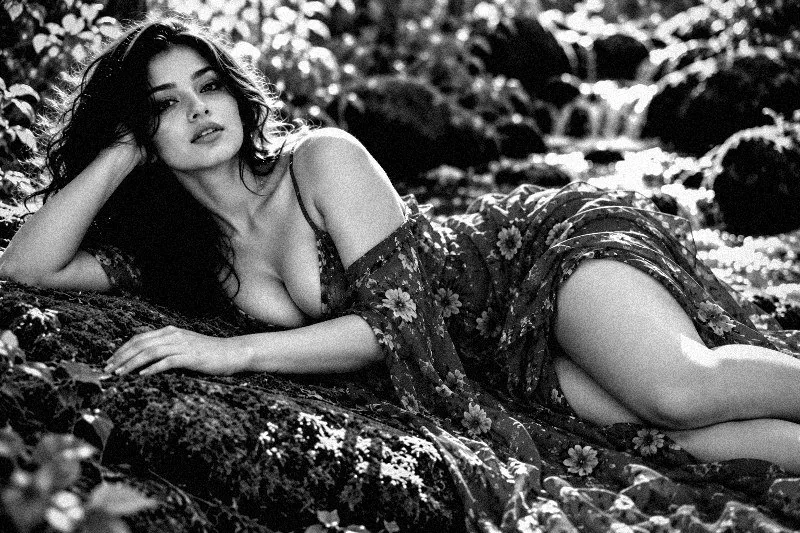
10. Infrared B&W
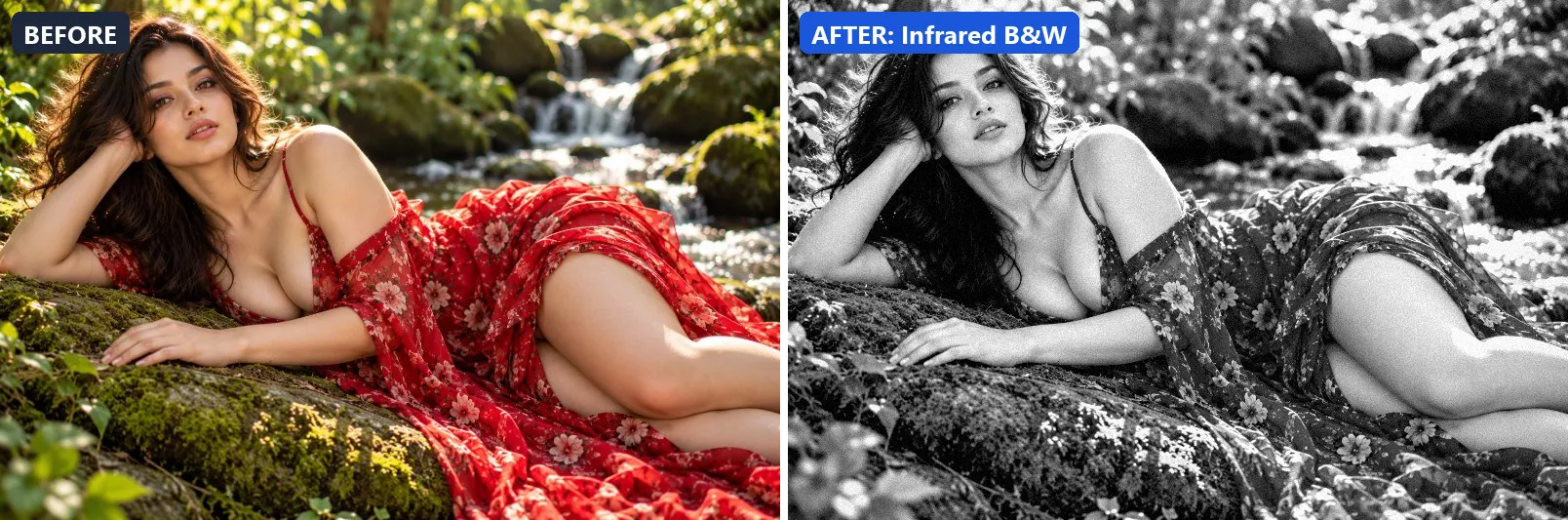
Simulated infrared film — glowing white foliage, black sky.
Applied at 100%, it strips out almost all colour, giving a near black-and-white image, brightens the frame and gently lifts the midtones. Beyond that it adds very punchy contrast and applies strong clarity for crisp local contrast. It closes with a light vignette and a touch of grain.
Brightness +12 · Contrast +35 · Saturation −100 · Gamma 1.1 · Warmth (R−B) 0 · Clarity +18 · Vignette 15 · Grain 8 · Sharpen 1
11. Landscape B&W
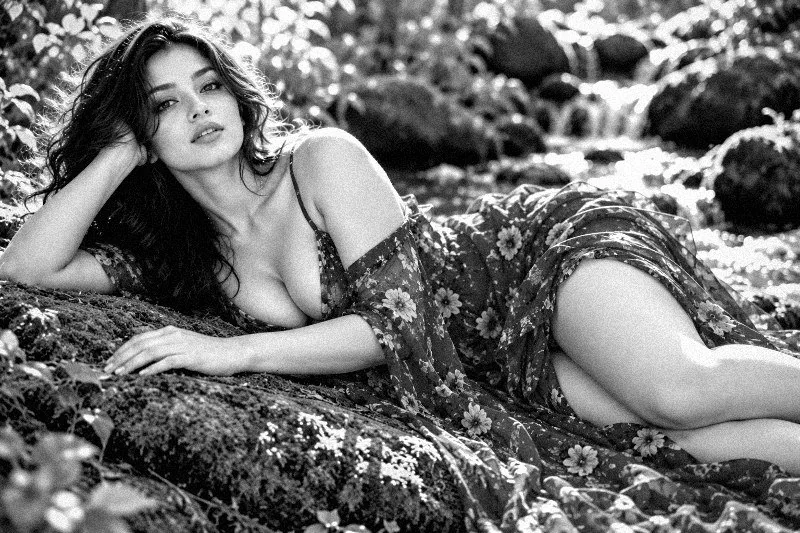
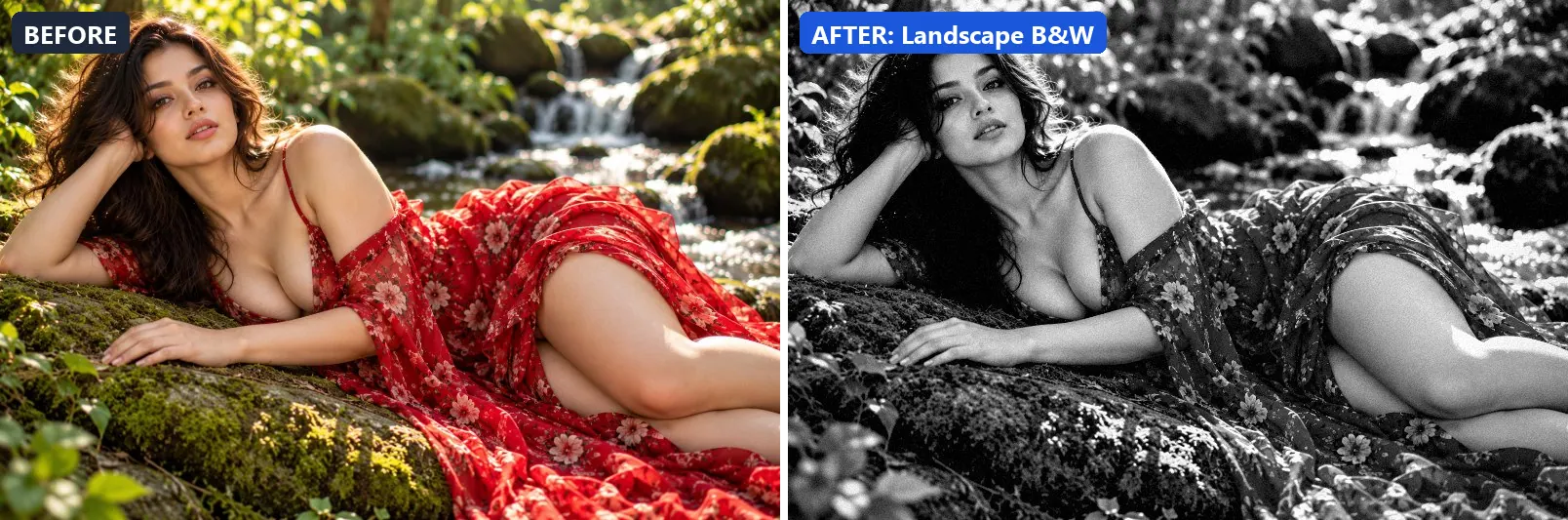
Epic landscape B&W — dramatic sky, rich tones, sweeping detail.
The grade strips out almost all colour, giving a near black-and-white image, settles the midtones a bit darker and adds strong contrast. In addition it applies strong clarity for crisp local contrast and applies noticeable sharpening. Final touches: a light vignette and a touch of grain.
Brightness 0 · Contrast +28 · Saturation −100 · Gamma 0.96 · Warmth (R−B) 0 · Clarity +22 · Vignette 22 · Grain 6 · Sharpen 2
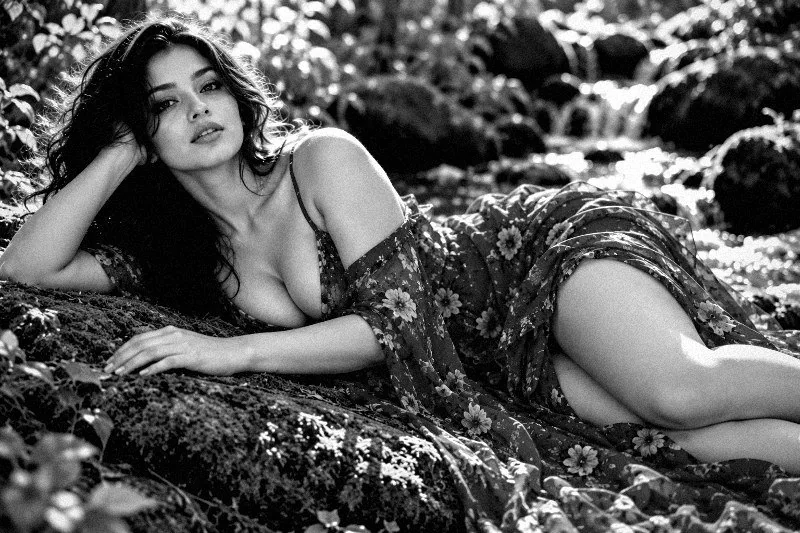
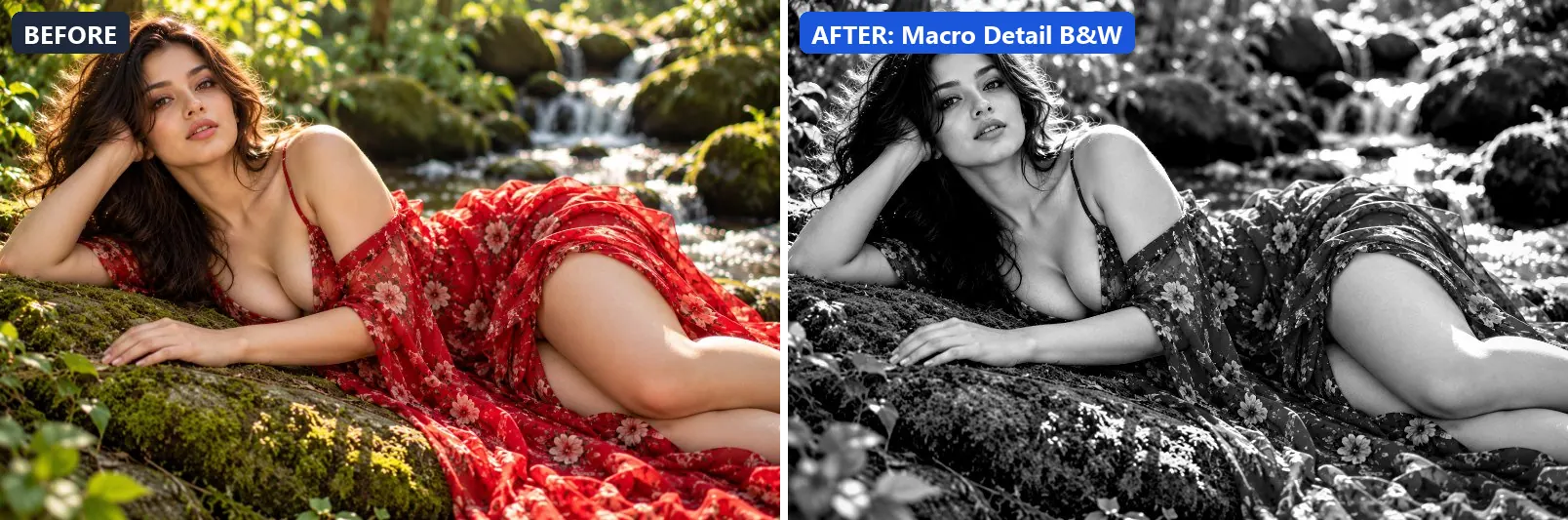
12. Macro Detail B&W
Maximum detail B&W for macro and texture photography.
At full strength it strips out almost all colour, giving a near black-and-white image and adds strong contrast. It also applies strong clarity for crisp local contrast and applies noticeable sharpening. To finish, it adds a light vignette.
Brightness +3 · Contrast +20 · Saturation −100 · Gamma 1 · Warmth (R−B) 0 · Clarity +30 · Vignette 10 · Sharpen 3
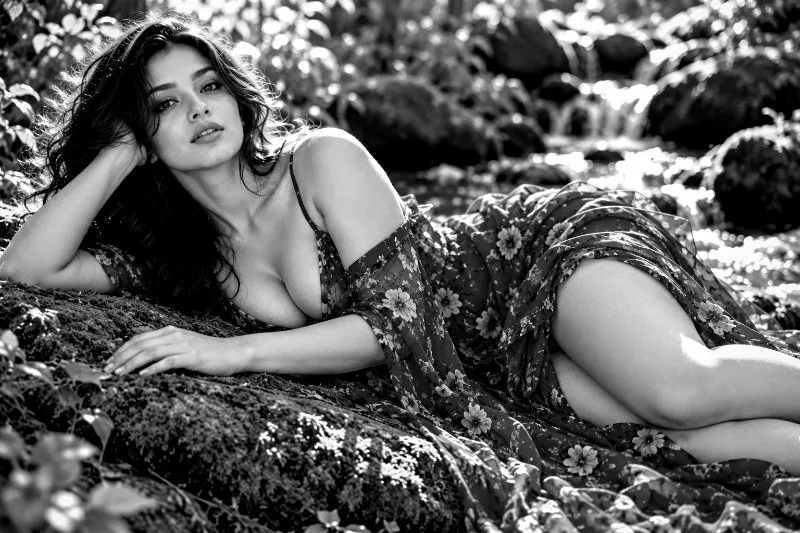
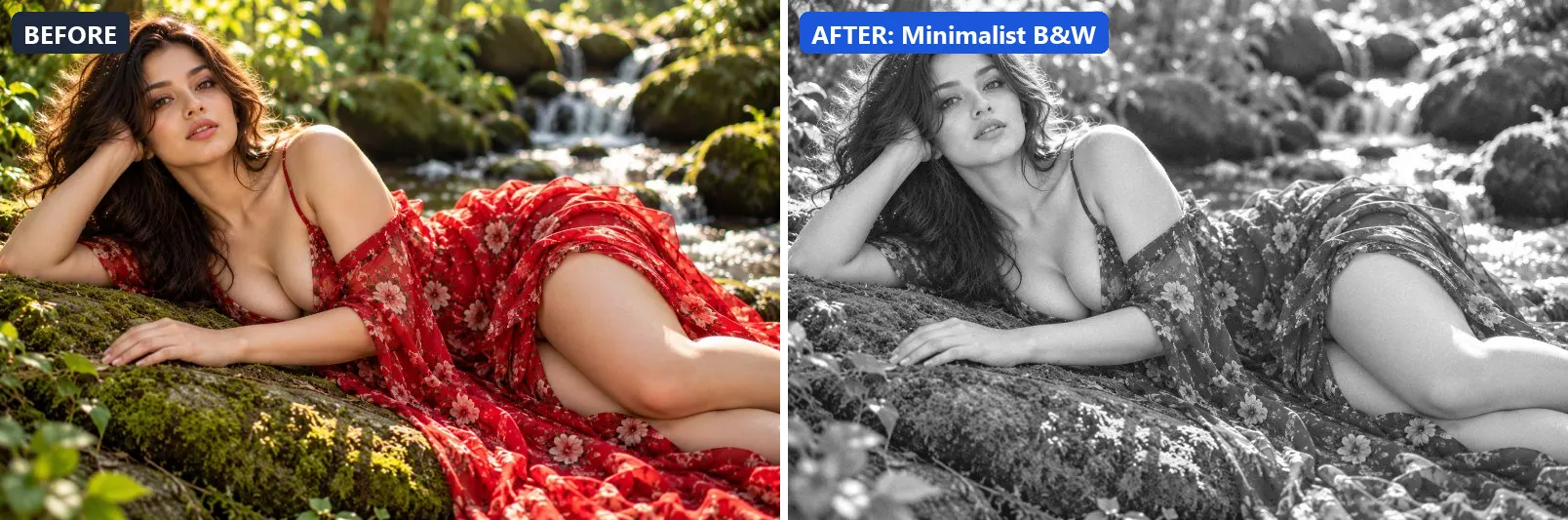
13. Minimalist B&W
Ultra-clean minimal B&W — airy, light and uncluttered.
This preset strips out almost all colour, giving a near black-and-white image, brightens the frame and opens up the midtones.
Brightness +14 · Contrast −5 · Saturation −100 · Gamma 1.18 · Warmth (R−B) 0 · Clarity +5 · Grain 3
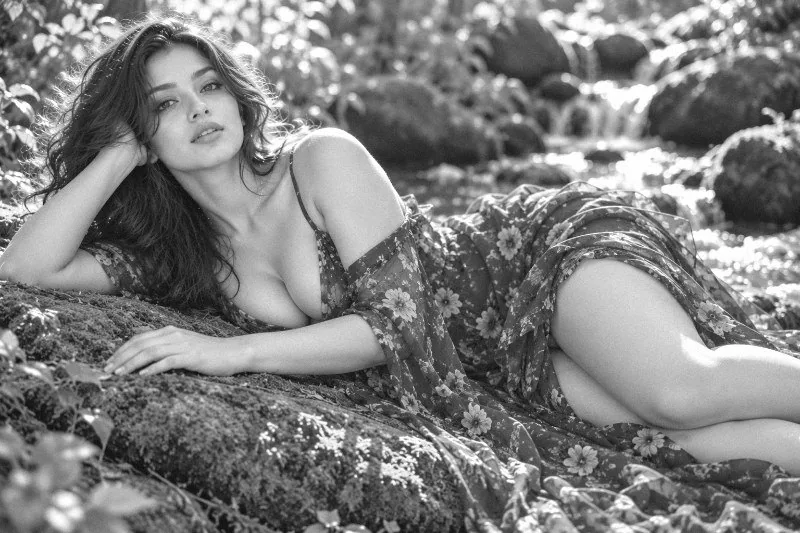
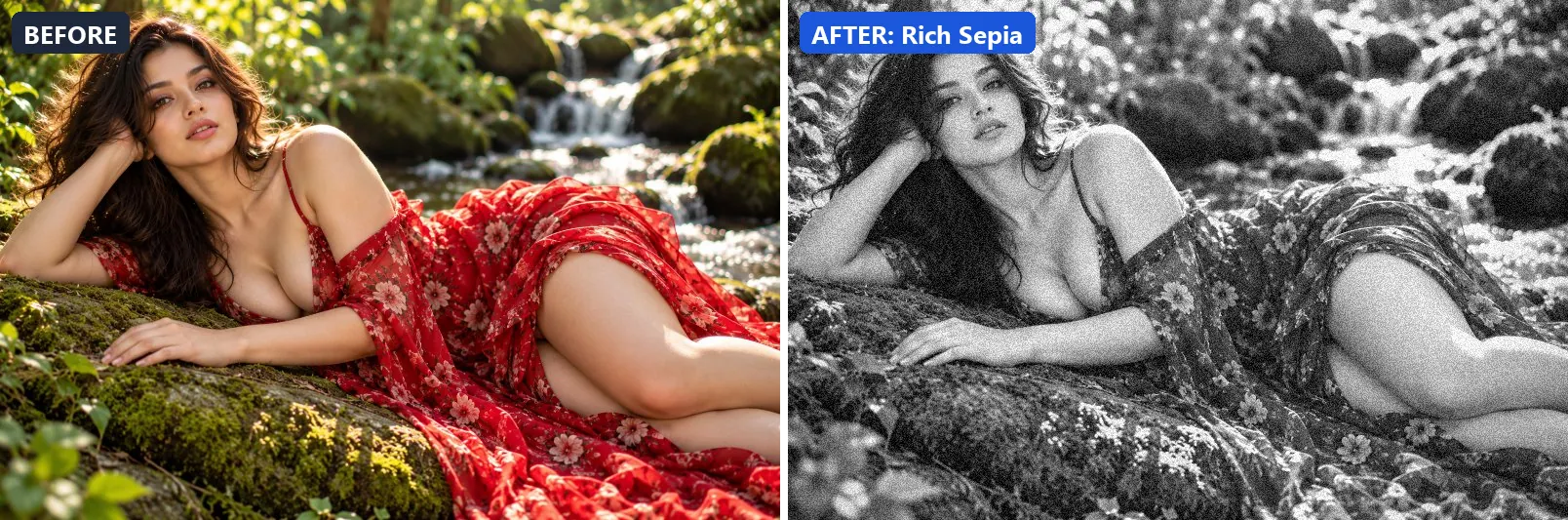
14. Rich Sepia
Deep rich sepia — warm brown tones evoking antique photography.
Applied at 100%, it strips out almost all colour, giving a near black-and-white image, adds a clearly warm, orange cast, lifts exposure slightly and gently lifts the midtones. It also adds warm red-tinted shadows and warm golden highlights. Beyond that it adds some contrast. It closes with a noticeable vignette and visible film grain.
Brightness +5 · Contrast +15 · Saturation −100 · Gamma 1.05 · Warmth (R−B) +30 · Clarity +5 · Vignette 35 · Grain 18
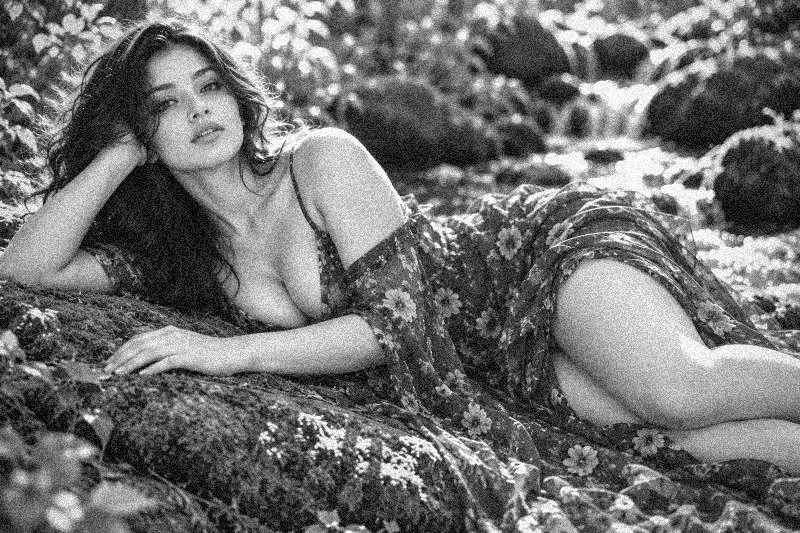
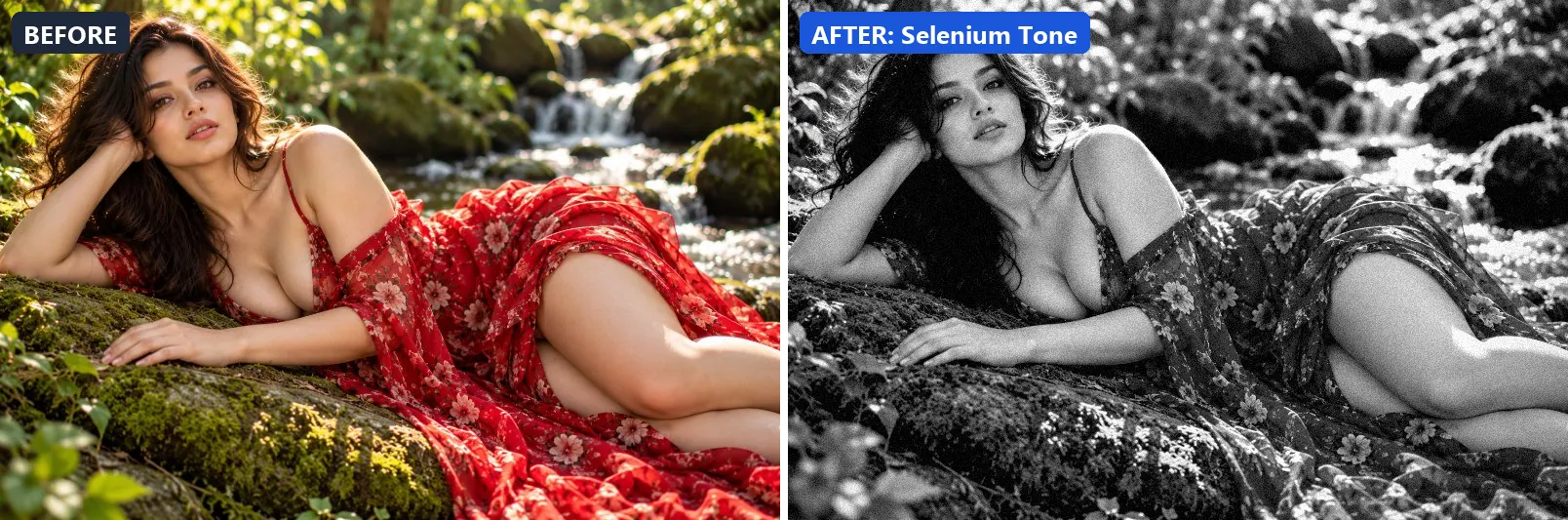
15. Selenium Tone
Classic darkroom selenium — cool blue-purple tint in shadows.
The grade strips out almost all colour, giving a near black-and-white image, leans cool and adds strong contrast. Colour is split-toned with blue-tinted shadows. In addition it applies extra clarity. Final touches: a noticeable vignette and a touch of grain.
Brightness +3 · Contrast +22 · Saturation −100 · Gamma 0.98 · Warmth (R−B) −13 · Clarity +8 · Vignette 25 · Grain 10 · Sharpen 1
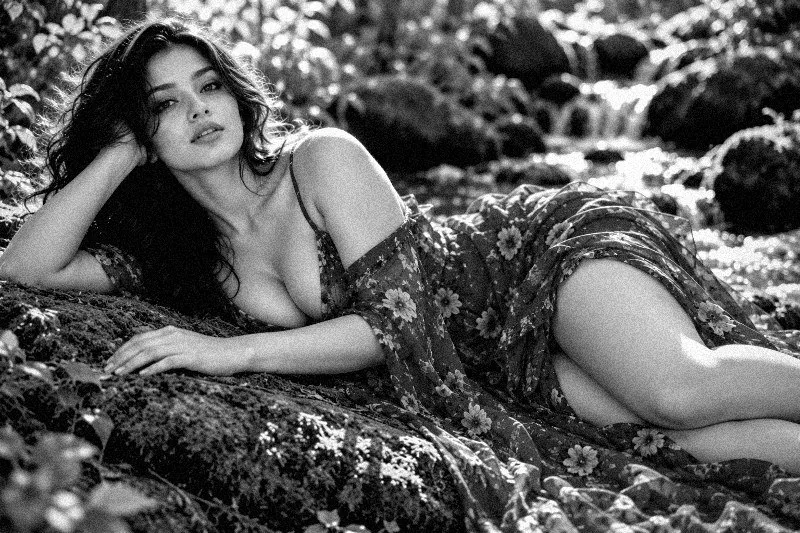
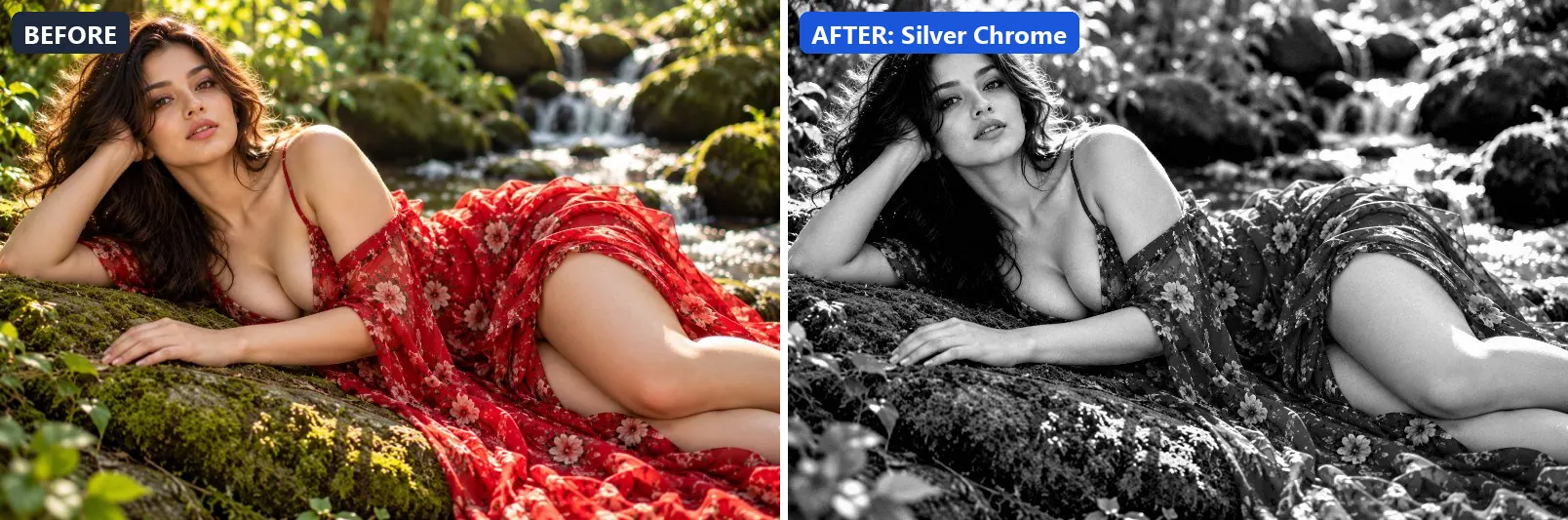
16. Silver Chrome
Metallic silver chrome finish — crisp, clean with bright highlights.
At full strength it strips out almost all colour, giving a near black-and-white image, lifts exposure slightly and adds strong contrast. It also applies strong clarity for crisp local contrast and applies noticeable sharpening.
Brightness +6 · Contrast +25 · Saturation −100 · Gamma 0.98 · Warmth (R−B) 0 · Clarity +18 · Vignette 5 · Grain 3 · Sharpen 2
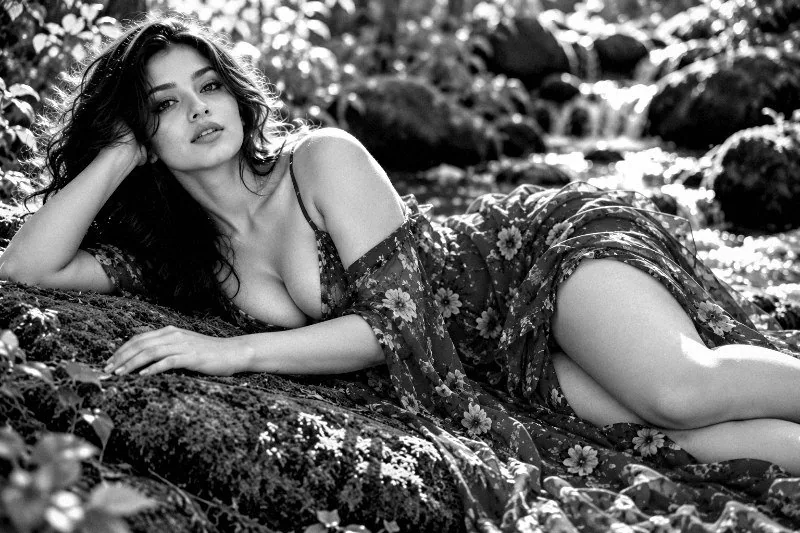
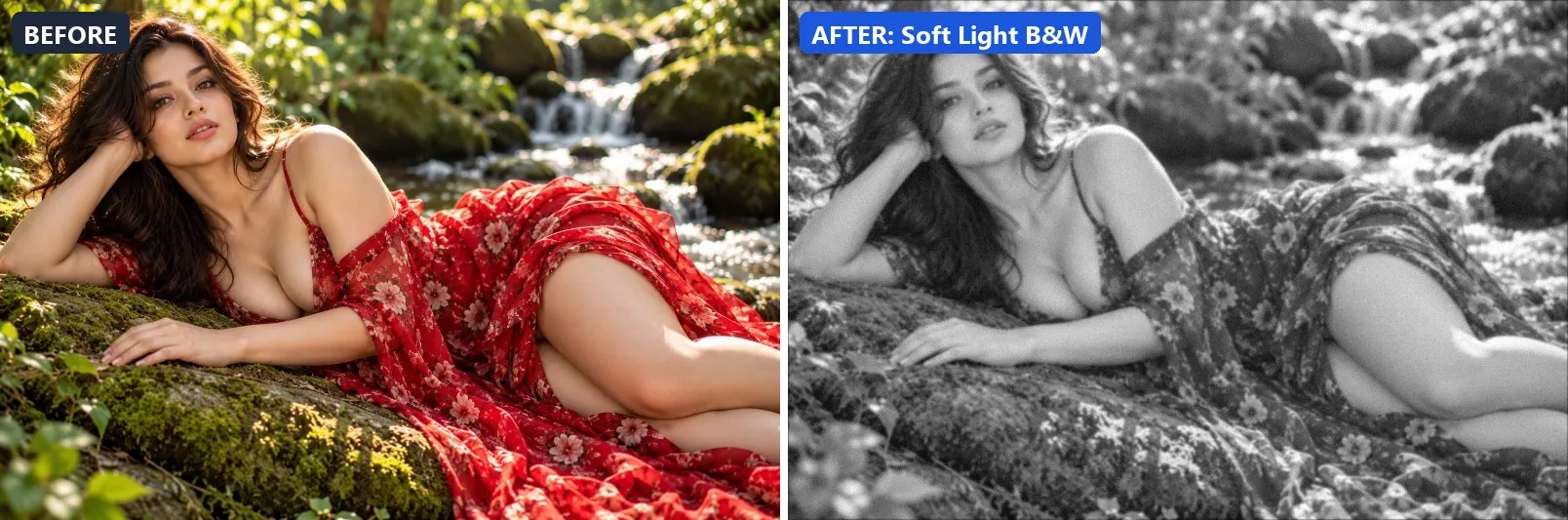
17. Soft Light B&W
Delicate low-contrast B&W — silky smooth tones and gentle highlights.
This preset strips out almost all colour, giving a near black-and-white image, brightens the frame and opens up the midtones. On top of that it applies a soft blur of about 1 px for a dreamy look. The look is finished with a light vignette and a touch of grain.
Brightness +10 · Contrast −8 · Saturation −100 · Gamma 1.15 · Warmth (R−B) 0 · Clarity +3 · Vignette 12 · Grain 5 · Blur 1
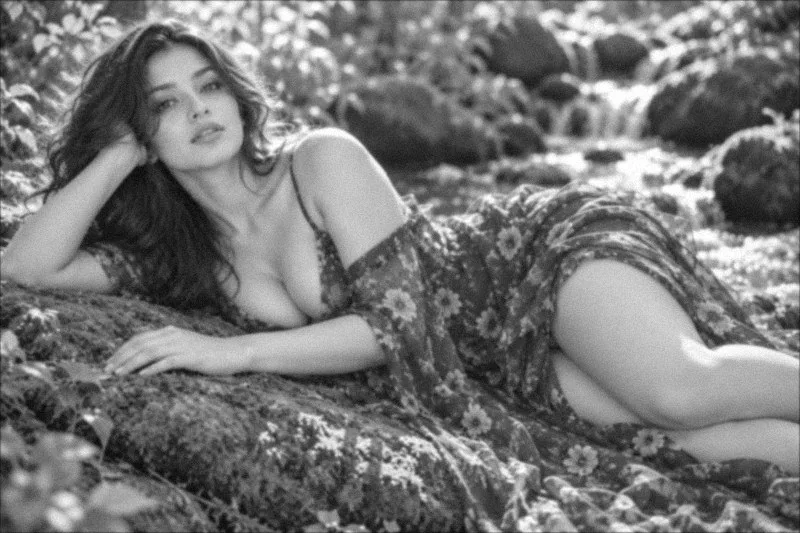
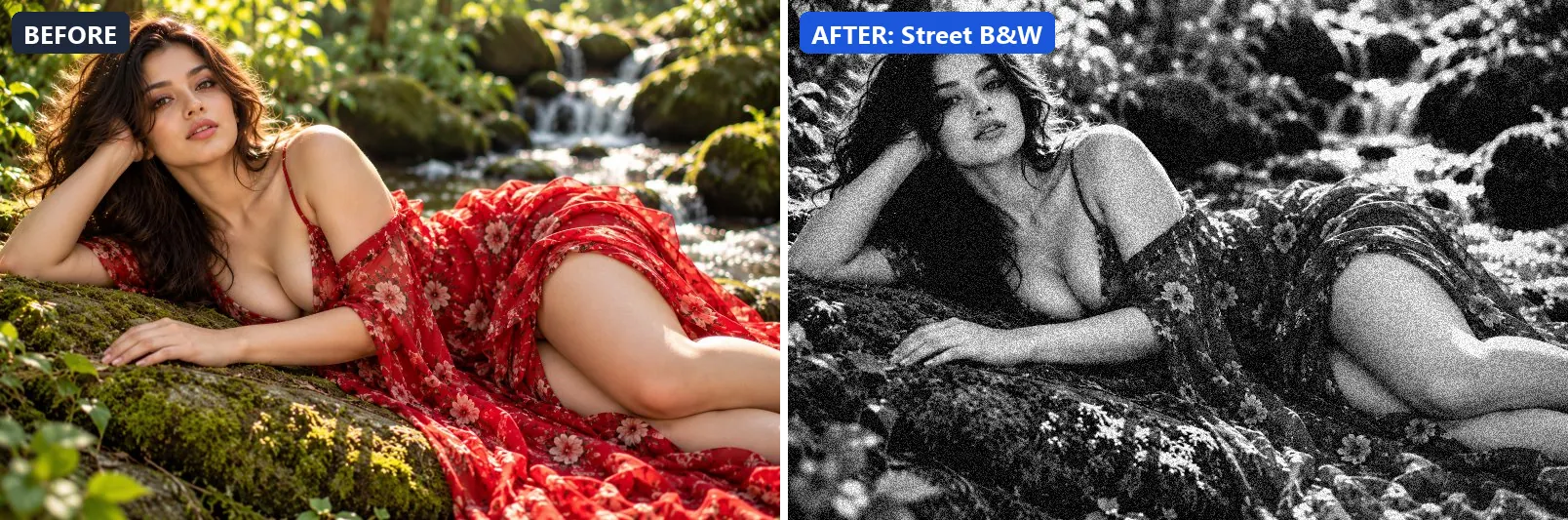
18. Street B&W
Gritty street photography — punchy, grainy, raw and honest.
Applied at 100%, it strips out almost all colour, giving a near black-and-white image, settles the midtones a bit darker and adds strong contrast. Beyond that it applies extra clarity and applies noticeable sharpening. It closes with a noticeable vignette and visible film grain.
Brightness −3 · Contrast +32 · Saturation −100 · Gamma 0.94 · Warmth (R−B) 0 · Clarity +12 · Vignette 30 · Grain 28 · Sharpen 2
19. Vintage Newspaper
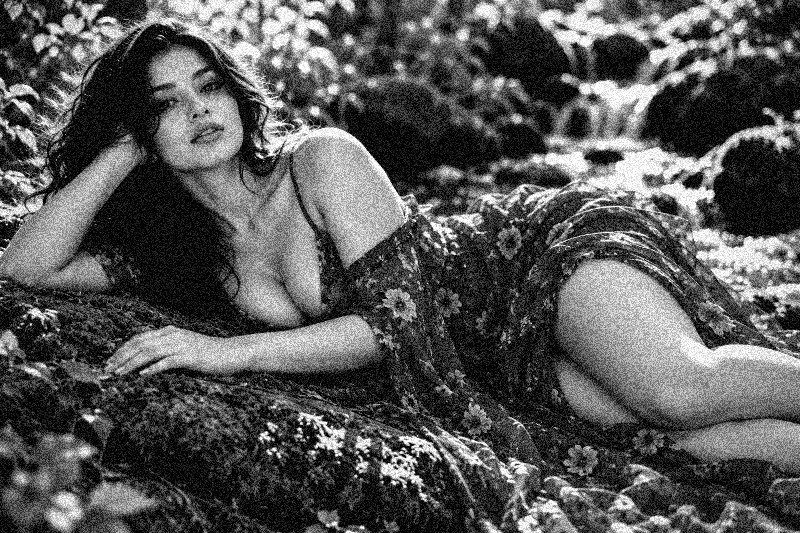
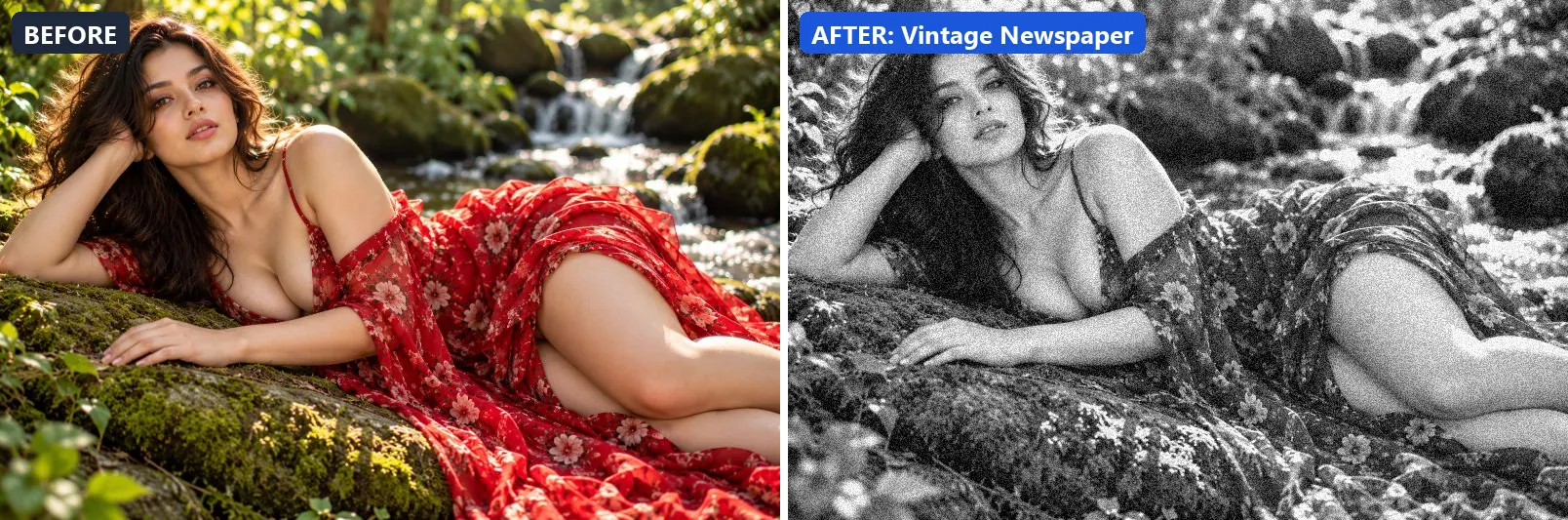
Old newspaper print — flat midtones, slight warm paper tone, grain.
The grade strips out almost all colour, giving a near black-and-white image, leans warm, lifts exposure slightly and gently lifts the midtones. In addition it adds some contrast. Final touches: a light vignette and visible film grain.
Brightness +5 · Contrast +10 · Saturation −100 · Gamma 1.08 · Warmth (R−B) +13 · Clarity +5 · Vignette 10 · Grain 22 · Sharpen 1
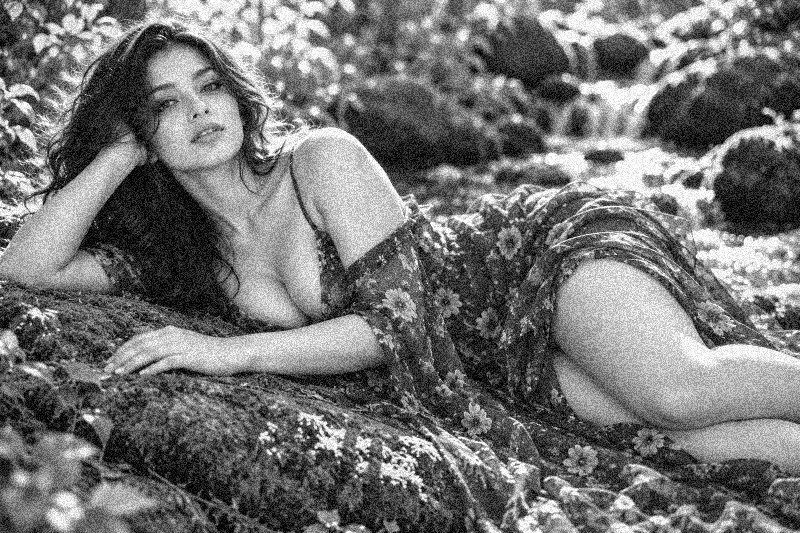
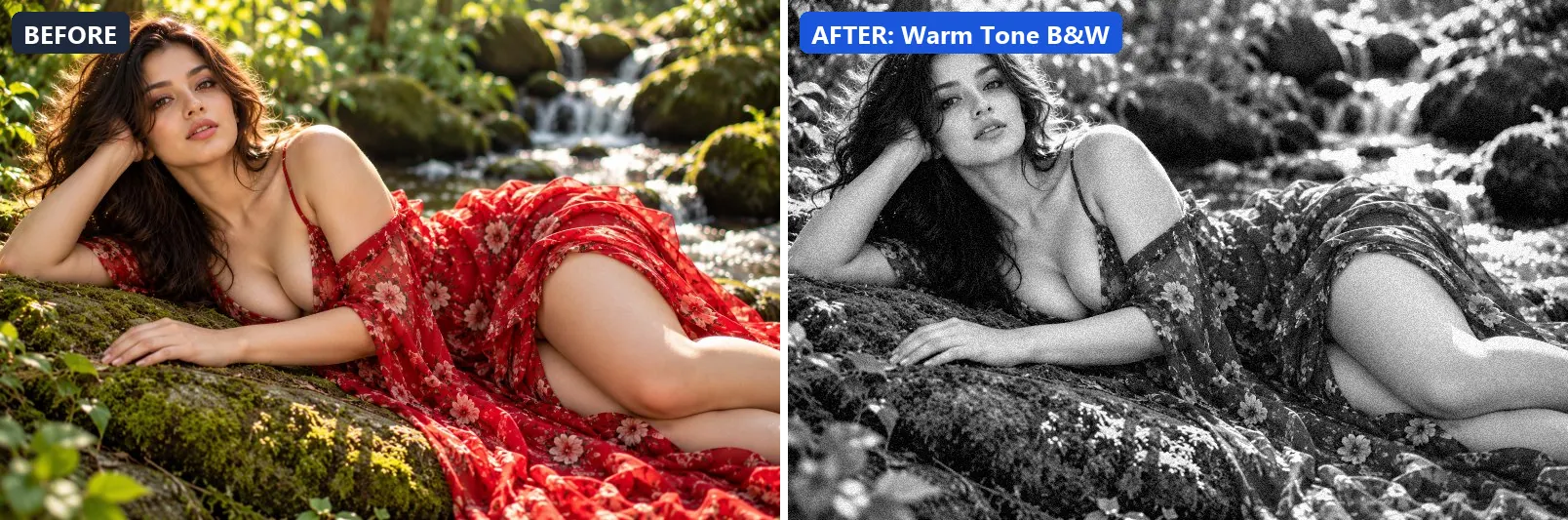
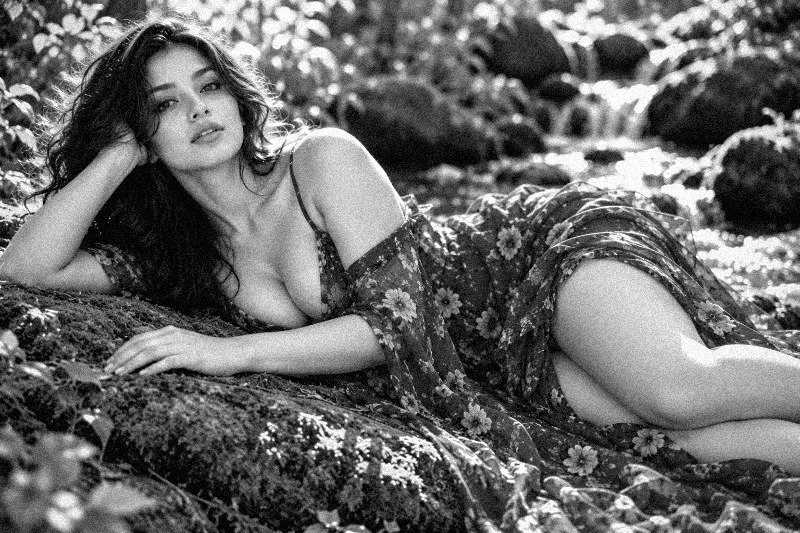
20. Warm Tone B&W
Warm silver gelatin look — slight warmth in highlights, clean shadows.
At full strength it strips out almost all colour, giving a near black-and-white image, leans warm, lifts exposure slightly and adds strong contrast. It also applies extra clarity. To finish, it adds a light vignette and a touch of grain.
Brightness +4 · Contrast +20 · Saturation −100 · Gamma 1.02 · Warmth (R−B) +11 · Clarity +8 · Vignette 20 · Grain 12 · Sharpen 1
More filter groups
- Cinematic
- Portrait & Skin
- Landscape Pro
- Clarity & Detail
- Golden Hour
- Night & Astro
- Lighting Effects
- Emotional Mood
- Atmosphere
- Artistic Styles
- Experimental FX
- Film Emulation
- Vintage Extras
- Natural Extras
- Travel Destinations
- Weather
- Seasons
- Corporate
- Fashion & Editorial
- Food & Product
- Sports & Action
- Social Media
- Architecture & Urban
Try these filters on your own photo
Free, runs in your browser, full-resolution download.