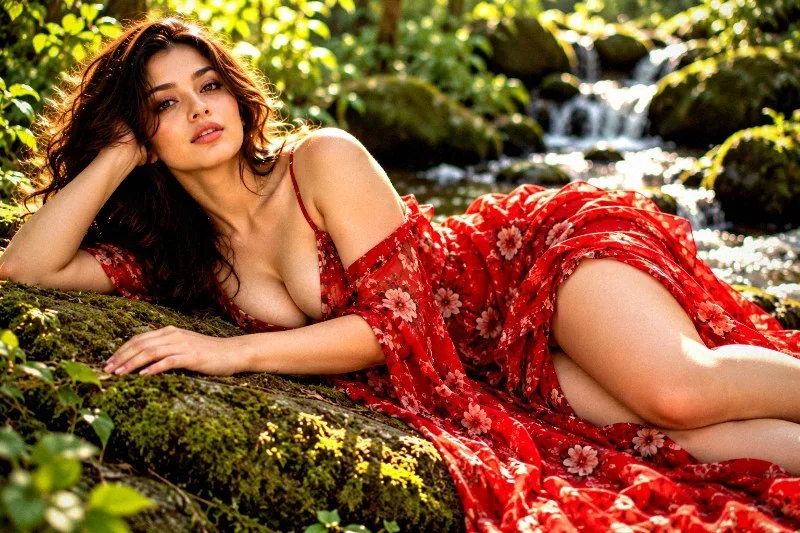
This page shows every Architecture & Urban preset from the free Image Filters & Effects tool on its own: a before-and-after comparison and a full picture with the filter applied. There are 20 filters here, all run at 100% strength on the same sample photo.
Architecture & Urban presets work on buildings and streets. They stress lines, texture and tone, from clean modern looks to gritty urban ones. In this set of 20, 5 lean warm, 7 lean cool and 8 stay close to neutral. On average they change contrast by +21 and saturation by +0; 6 boost colour, 1 mute it heavily, 2 add visible grain and 11 add a noticeable vignette.
Jump to a filter
All 20 Architecture & Urban filters
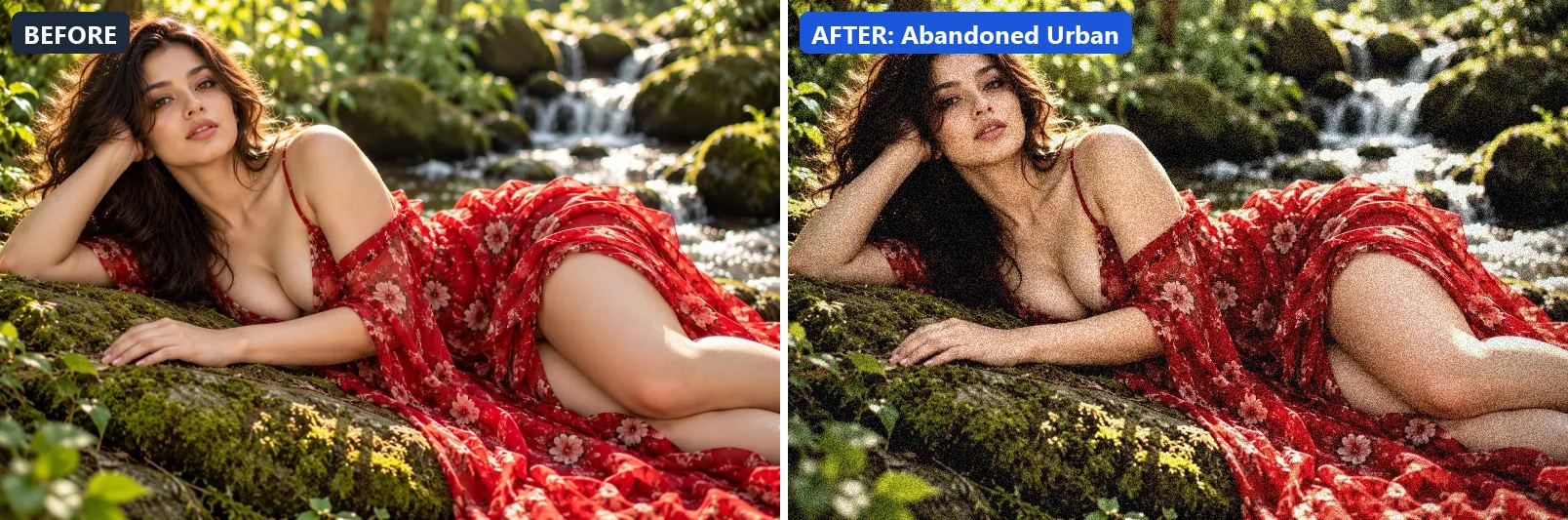
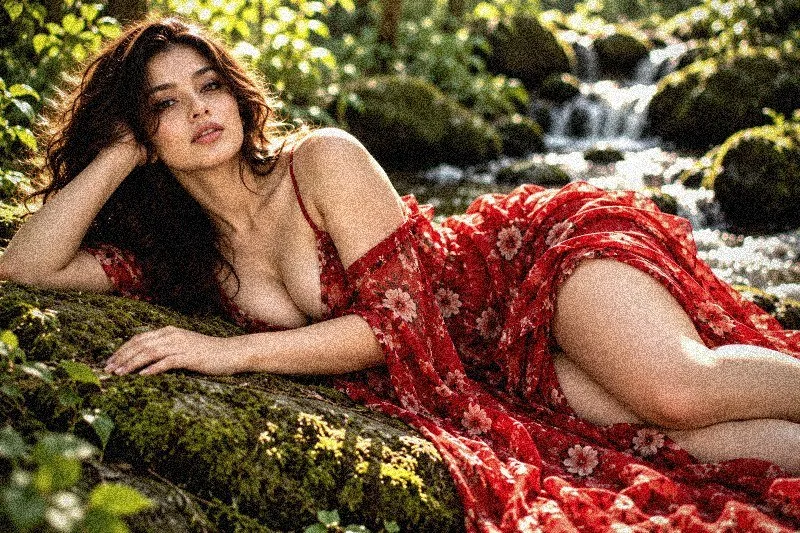
1. Abandoned Urban
Derelict urban decay — desaturated, weathered and atmospheric.
This preset softens colour and adds some contrast. On top of that it applies extra clarity. The look is finished with a noticeable vignette and visible film grain.
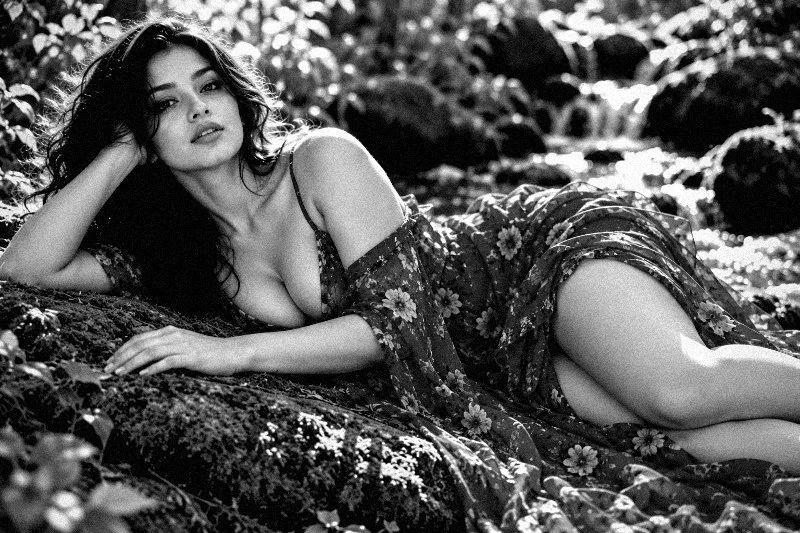
Brightness −3 · Contrast +18 · Saturation −25 · Gamma 0.97 · Warmth (R−B) +2 · Clarity +10 · Vignette 38 · Grain 20 · Sharpen 1
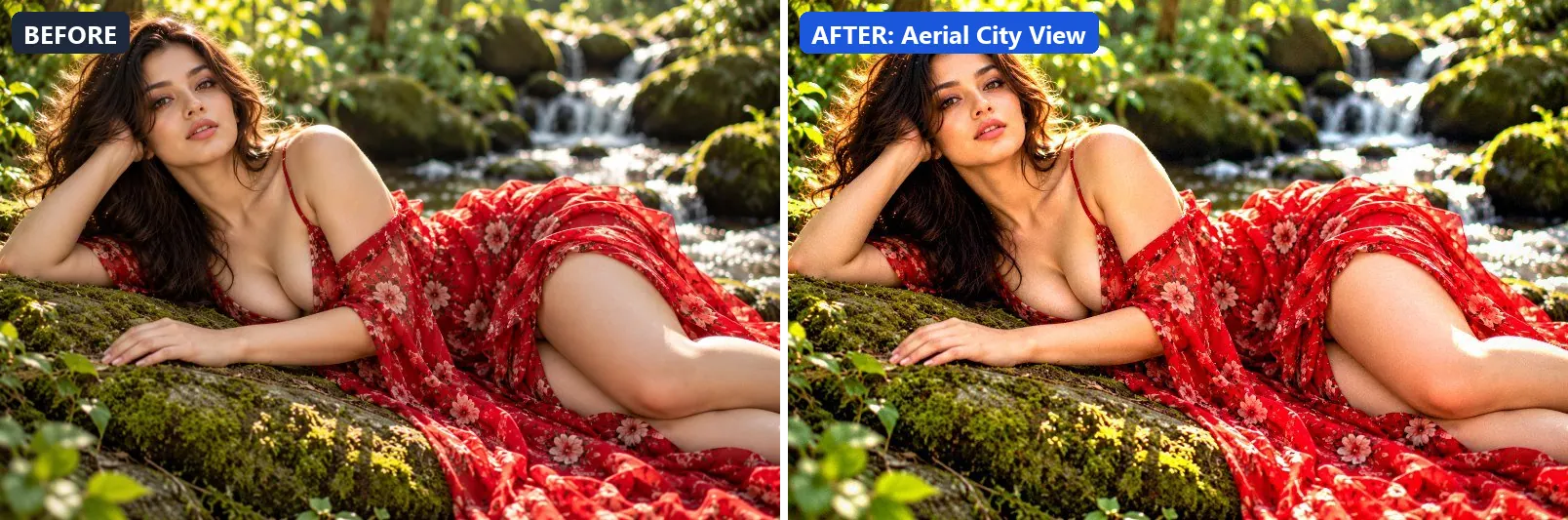
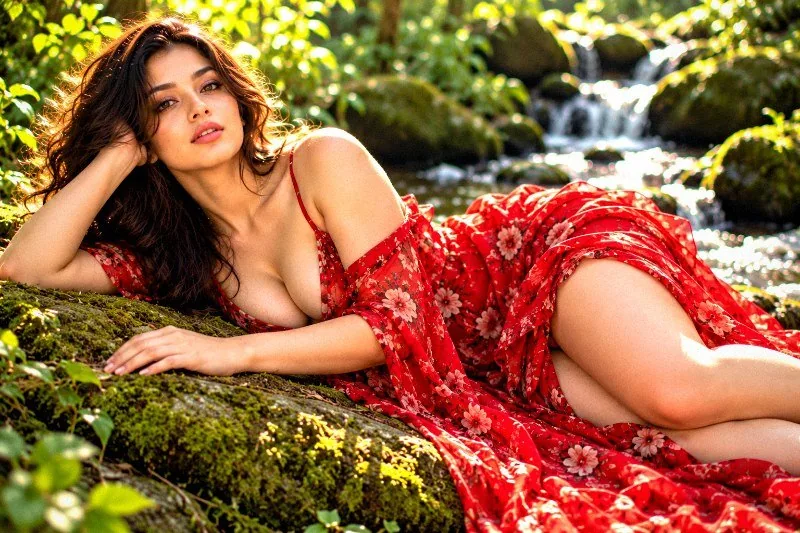
2. Aerial City View
Drone aerial view — vibrant, sharp and sweeping from above.
Applied at 100%, it boosts colour, lifts exposure slightly and gently lifts the midtones. Beyond that it adds some contrast, applies strong clarity for crisp local contrast and applies noticeable sharpening. It closes with a light vignette.
Brightness +8 · Contrast +18 · Saturation +20 · Gamma 1.05 · Warmth (R−B) −5 · Clarity +18 · Vignette 10 · Grain 3 · Sharpen 2
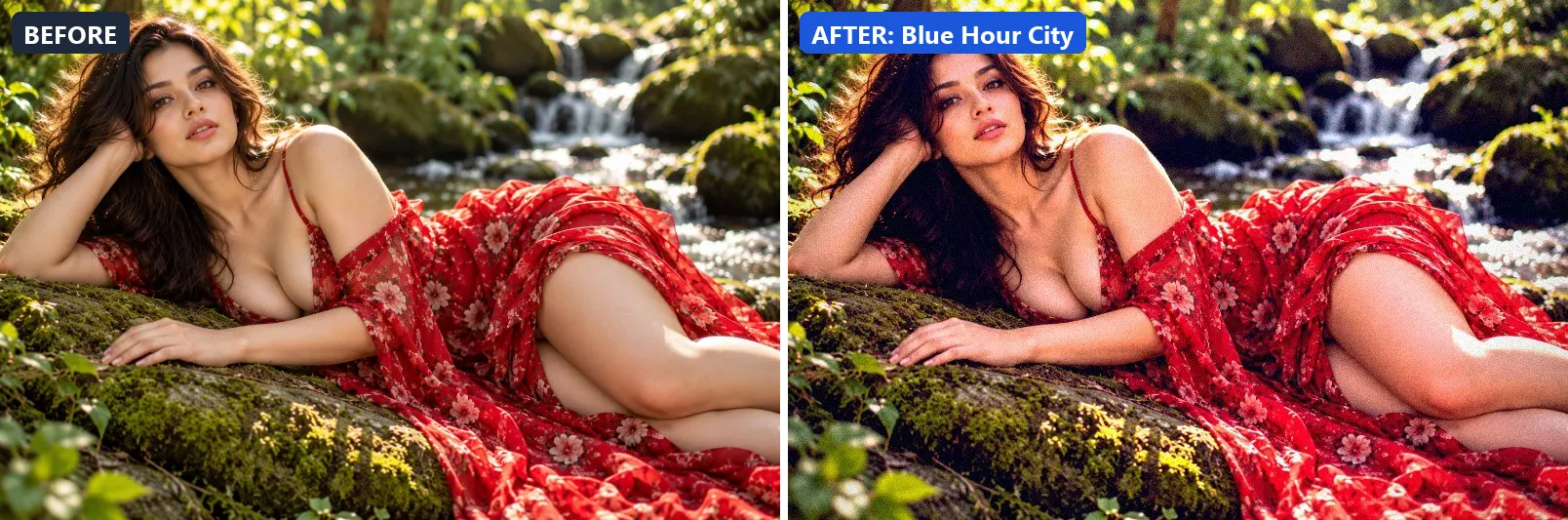
3. Blue Hour City
City at twilight — deep blue sky, warm window glow, magical.
The grade leans cool and adds strong contrast. Colour is split-toned with blue-tinted shadows and warm golden highlights. In addition it applies extra clarity. Final touches: a noticeable vignette and a touch of grain.
Brightness +2 · Contrast +22 · Saturation +14 · Gamma 1 · Warmth (R−B) −12 · Clarity +12 · Vignette 32 · Grain 8 · Sharpen 1
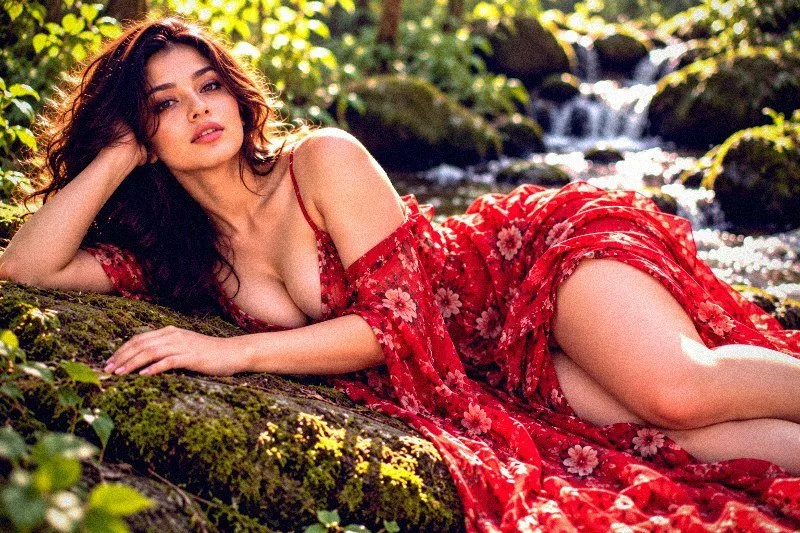
4. Brutalist Concrete
Raw brutalist concrete — cool grey, no warmth, stark geometry.
At full strength it softens colour, leans cool and adds strong contrast. It also applies strong clarity for crisp local contrast and applies noticeable sharpening. To finish, it adds a light vignette and a touch of grain.
Brightness +3 · Contrast +22 · Saturation −20 · Gamma 0.98 · Warmth (R−B) −8 · Clarity +20 · Vignette 15 · Grain 8 · Sharpen 2
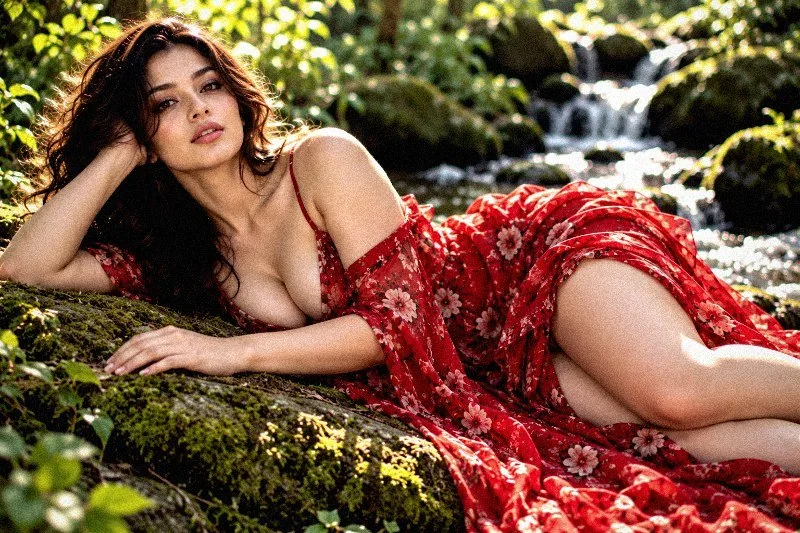
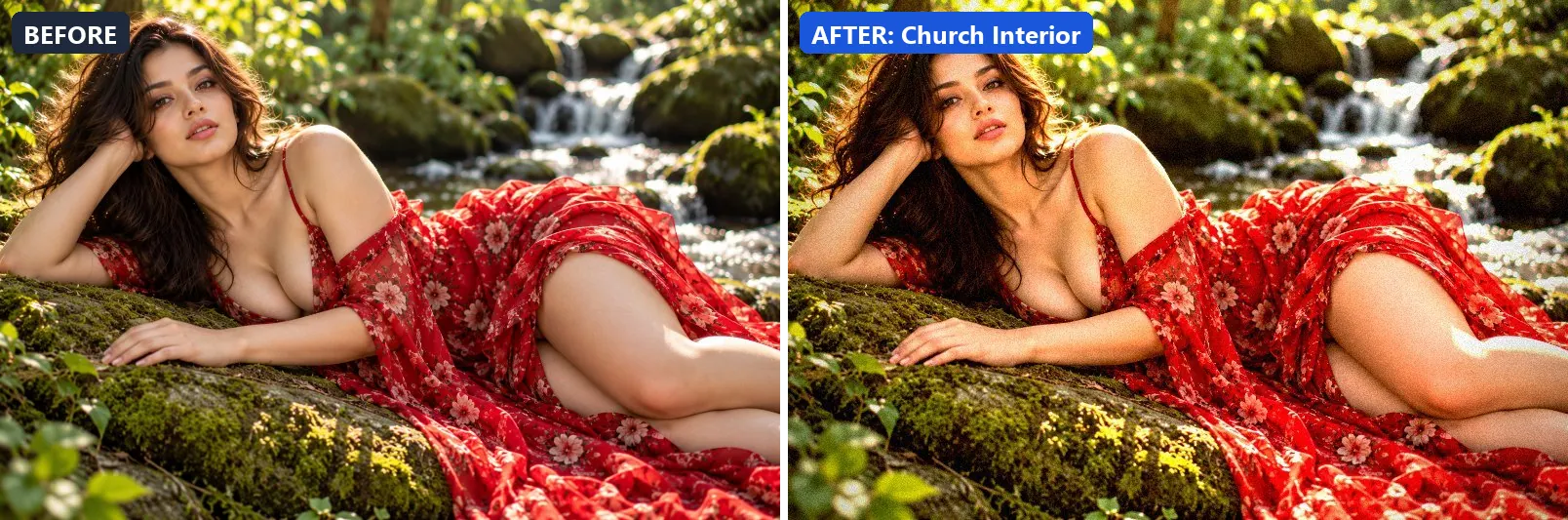
5. Church Interior
Sacred interior light — dramatic shafts, warm stone, reverent mood.
This preset leans warm, gently lifts the midtones and adds strong contrast. For depth it uses warm golden highlights. On top of that it applies extra clarity. The look is finished with a heavy vignette that darkens the edges and a touch of grain.
Brightness +3 · Contrast +25 · Saturation +8 · Gamma 1.04 · Warmth (R−B) +14 · Clarity +12 · Vignette 48 · Grain 8 · Sharpen 1
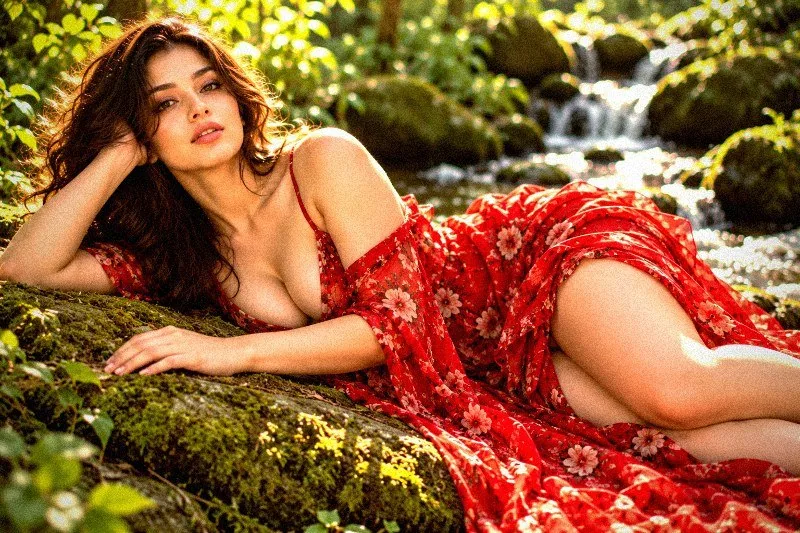
6. Clean Modern
Clean modern architecture — neutral tones, sharp lines, precise.
Applied at 100%, it lifts exposure slightly and gently lifts the midtones. Beyond that it adds some contrast, applies strong clarity for crisp local contrast and applies noticeable sharpening.
Brightness +6 · Contrast +16 · Saturation +5 · Gamma 1.04 · Warmth (R−B) −3 · Clarity +18 · Vignette 8 · Grain 2 · Sharpen 2
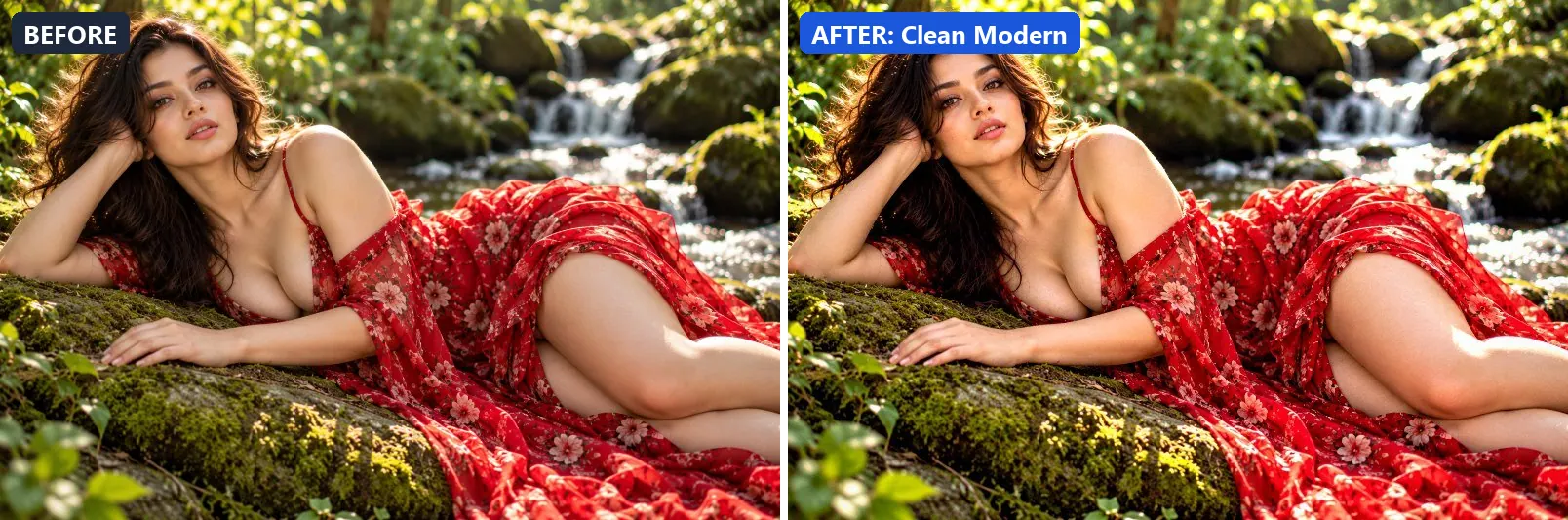
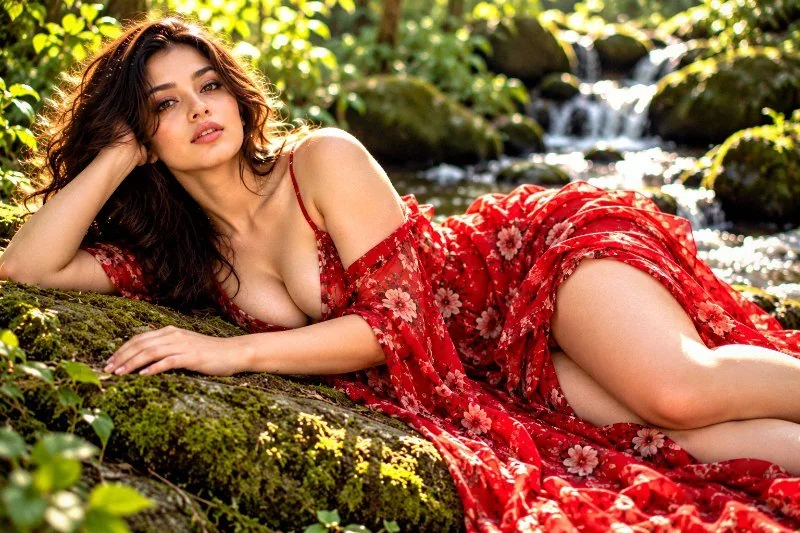
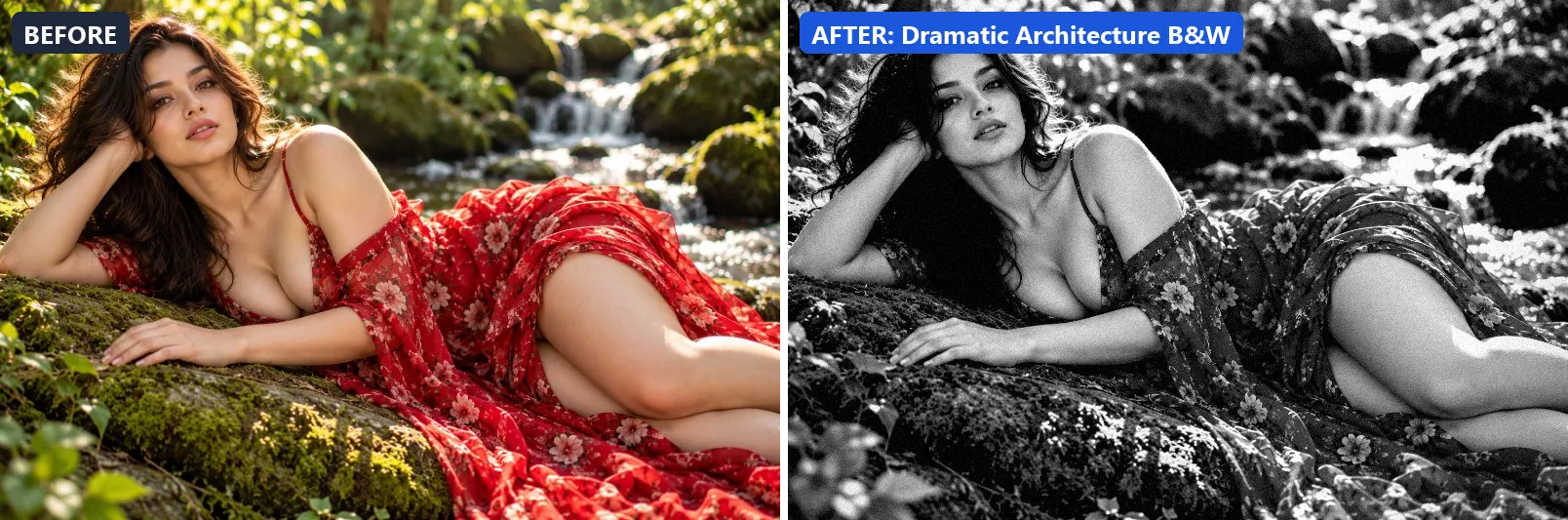
7. Dramatic Architecture B&W
Monumental B&W architecture — sweeping lines, epic contrast.
The grade strips out almost all colour, giving a near black-and-white image, settles the midtones a bit darker and adds very punchy contrast. In addition it applies strong clarity for crisp local contrast and applies noticeable sharpening. Final touches: a noticeable vignette and a touch of grain.
Brightness 0 · Contrast +35 · Saturation −100 · Gamma 0.95 · Warmth (R−B) 0 · Clarity +22 · Vignette 25 · Grain 8 · Sharpen 2
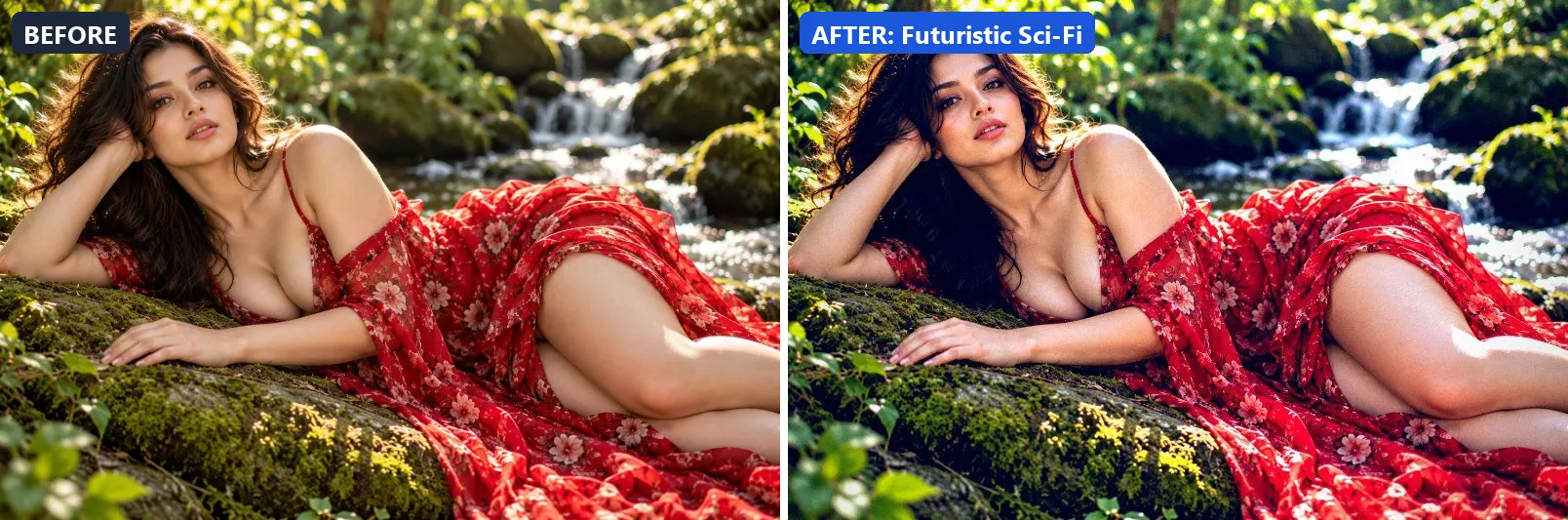
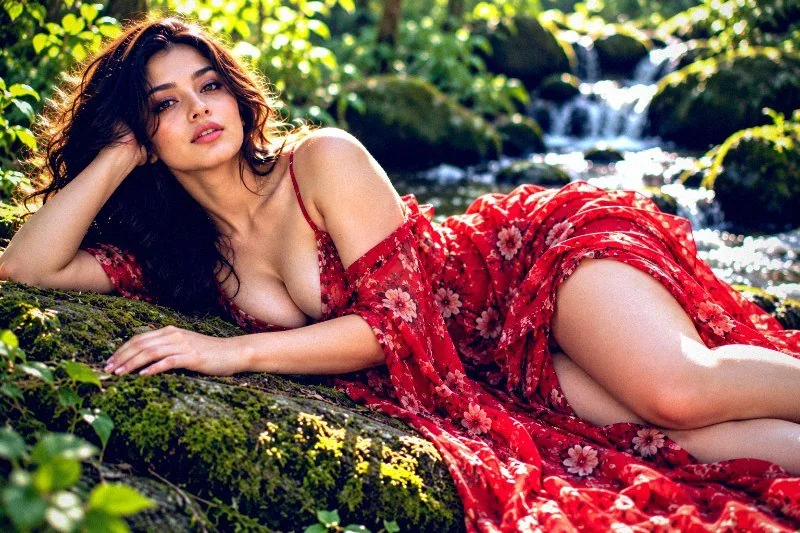
8. Futuristic Sci-Fi
Futuristic architecture — electric blues and whites, ultra-modern.
At full strength it boosts colour, adds a clearly cool, blue cast, lifts exposure slightly and adds strong contrast. The look is split-toned with blue-tinted shadows and cool, icy highlights. It also applies extra clarity and applies noticeable sharpening. To finish, it adds a noticeable vignette.
Brightness +5 · Contrast +25 · Saturation +18 · Gamma 0.98 · Warmth (R−B) −38 · Clarity +16 · Vignette 25 · Grain 4 · Sharpen 2
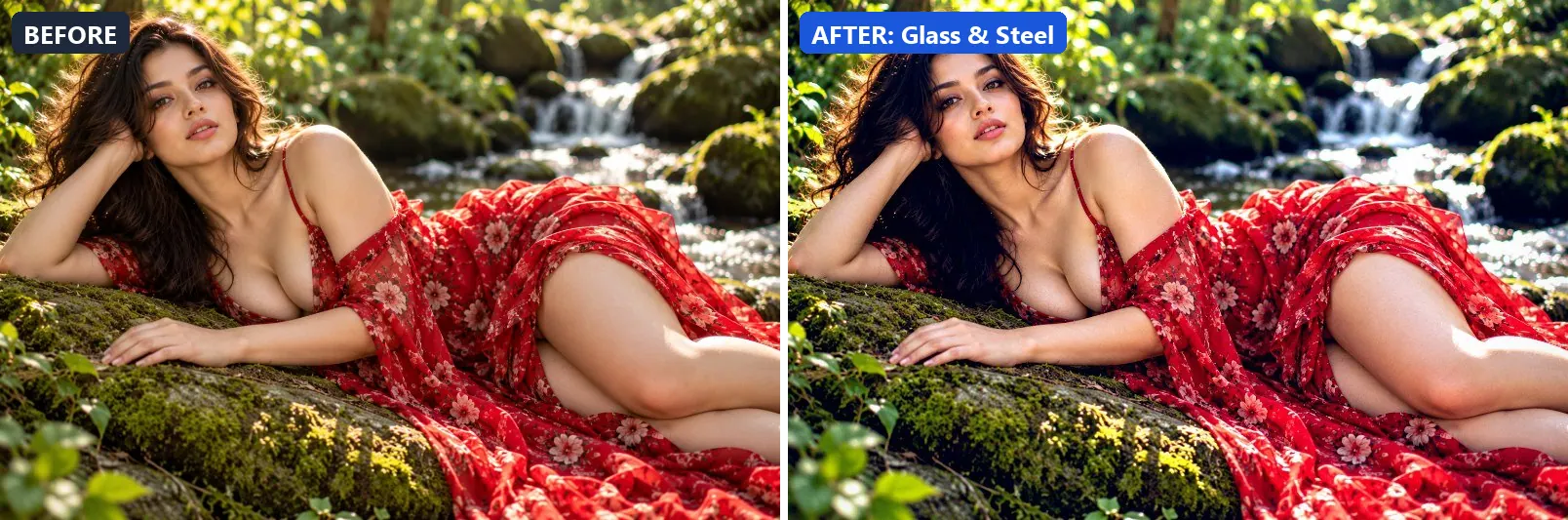
9. Glass & Steel
Modern glass and steel — cool blue reflections, crisp and precise.
This preset adds a clearly cool, blue cast, lifts exposure slightly and adds strong contrast. For depth it uses blue-tinted shadows. On top of that it applies strong clarity for crisp local contrast and applies noticeable sharpening. The look is finished with a light vignette.
Brightness +6 · Contrast +20 · Saturation +10 · Gamma 1.02 · Warmth (R−B) −26 · Clarity +18 · Vignette 10 · Grain 2 · Sharpen 2
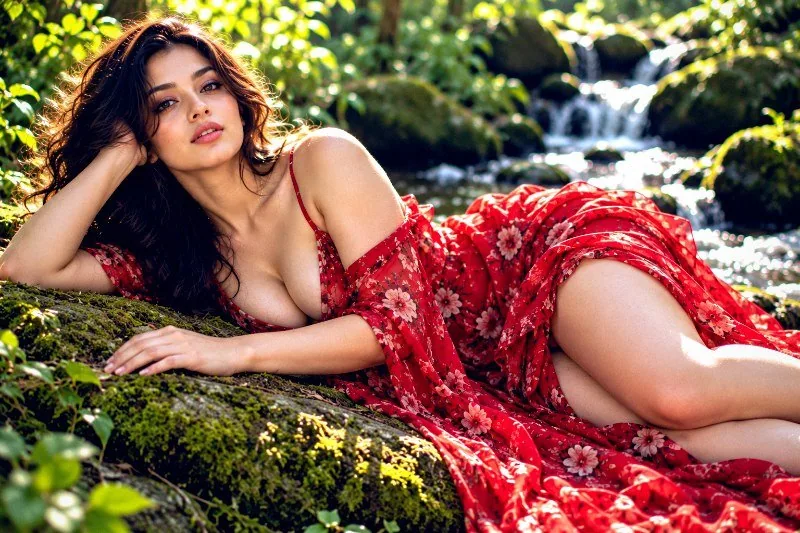
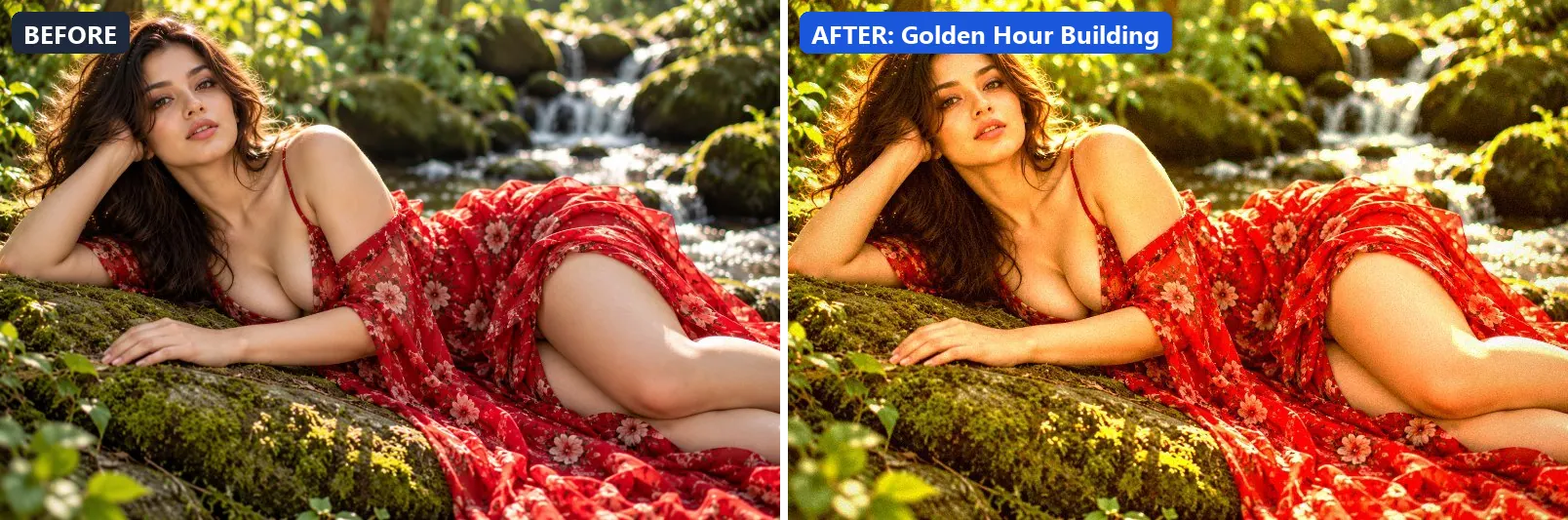
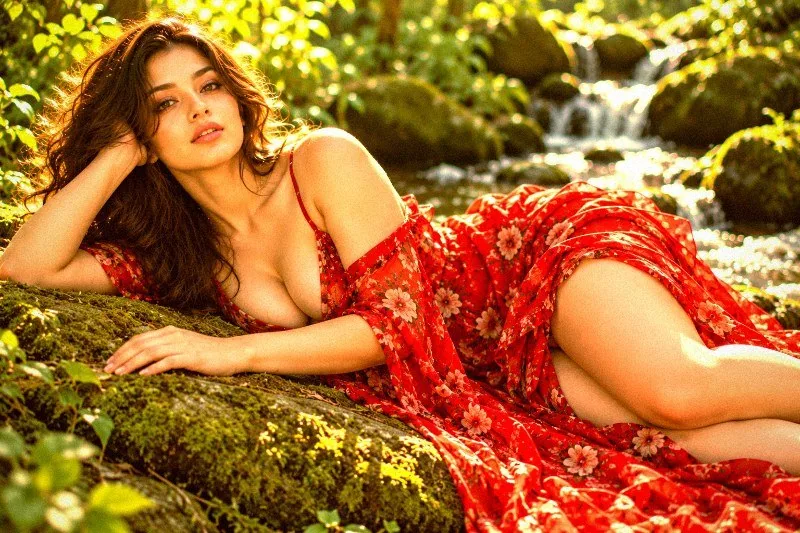
10. Golden Hour Building
Warm evening light on buildings — glowing facades and long shadows.
Applied at 100%, it boosts colour, adds a clearly warm, orange cast, pushes the greens and lifts exposure slightly. It also adds warm red-tinted shadows and warm golden highlights. Beyond that it adds some contrast and applies extra clarity. It closes with a light vignette and a touch of grain.
Brightness +6 · Contrast +16 · Saturation +18 · Gamma 1.06 · Warmth (R−B) +38 · Clarity +14 · Vignette 18 · Grain 5 · Sharpen 1
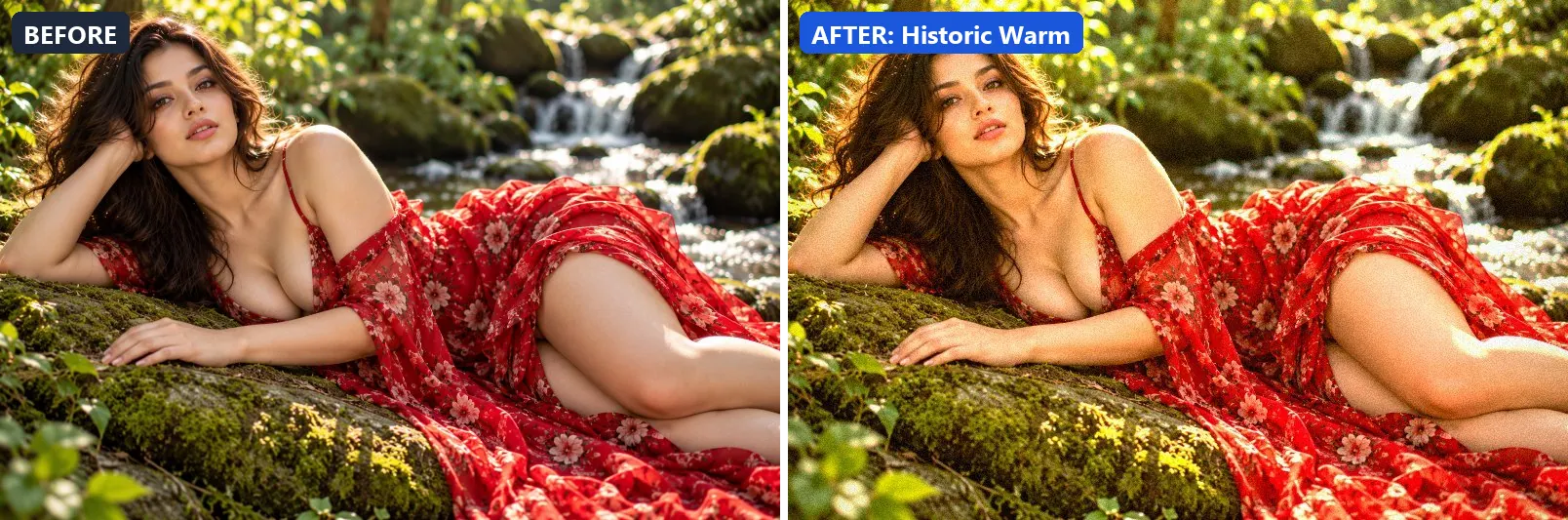
11. Historic Warm
Historical buildings — warm stone tones, timeless and dignified.
The grade adds a clearly warm, orange cast, pushes the greens, lifts exposure slightly and gently lifts the midtones. Colour is split-toned with warm red-tinted shadows and warm golden highlights. In addition it adds some contrast and applies extra clarity. Final touches: a light vignette and a touch of grain.
Brightness +6 · Contrast +12 · Saturation +12 · Gamma 1.08 · Warmth (R−B) +22 · Clarity +12 · Vignette 18 · Grain 8 · Sharpen 1
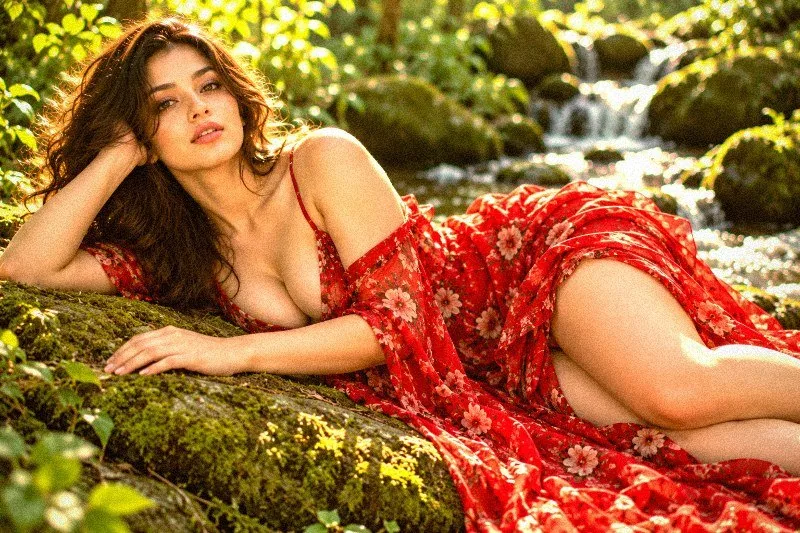
12. Industrial
Factory and industrial — raw steel, dark and purposeful.
At full strength it pulls exposure down a little and settles the midtones a bit darker. It also adds strong contrast, applies extra clarity and applies noticeable sharpening. To finish, it adds a noticeable vignette and a touch of grain.
Brightness −5 · Contrast +25 · Saturation −12 · Gamma 0.94 · Warmth (R−B) +2 · Clarity +16 · Vignette 28 · Grain 14 · Sharpen 2
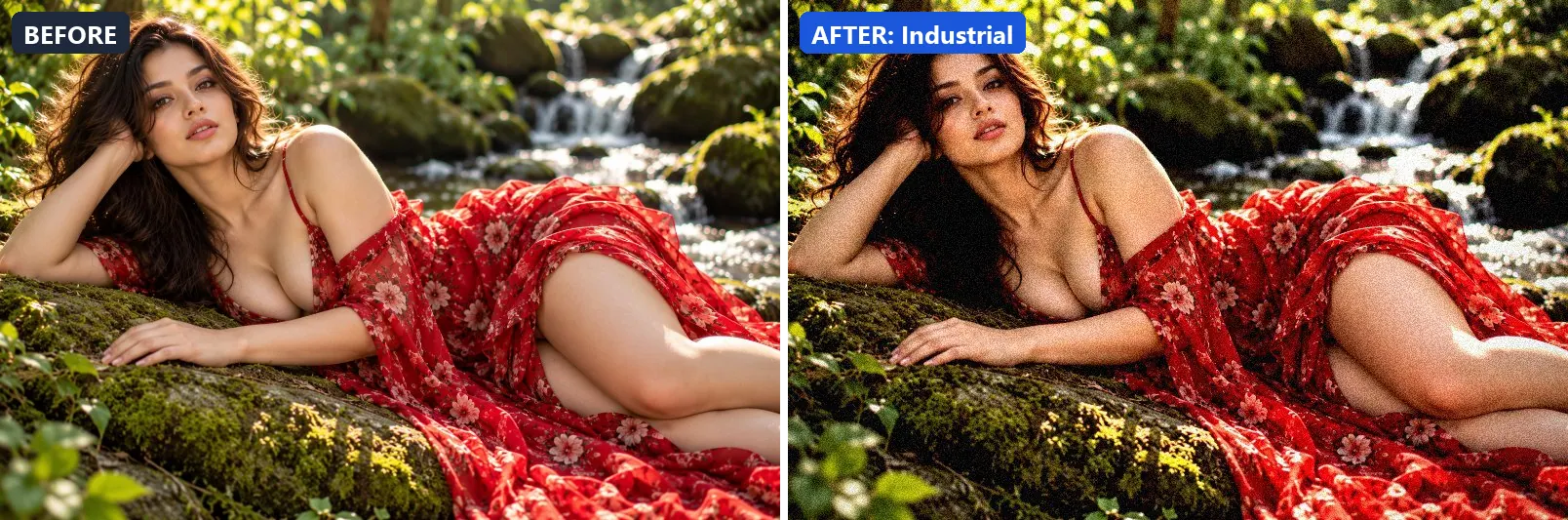
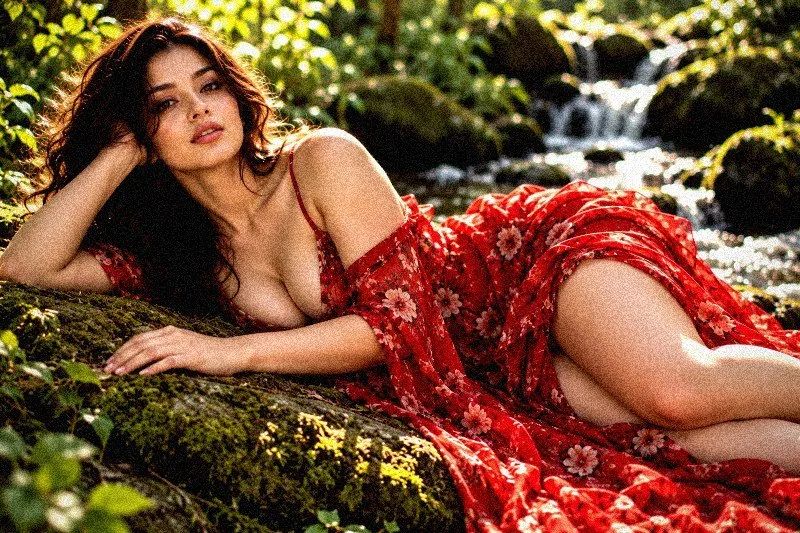
13. Interior Warm
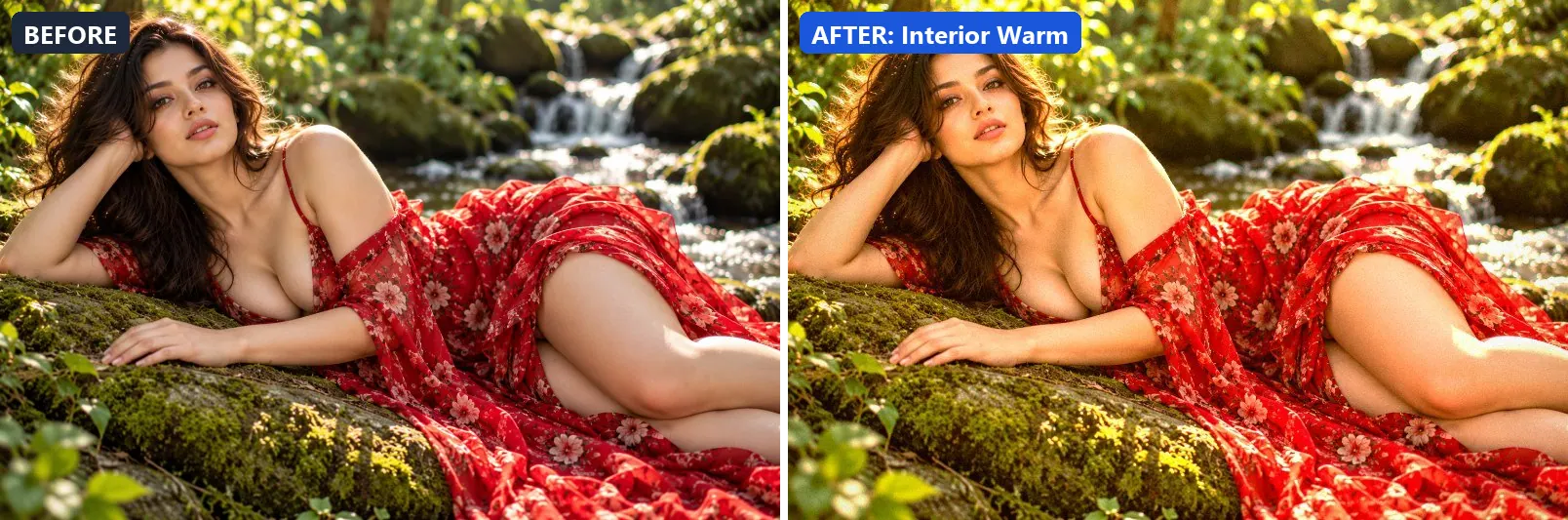
Warm interior design photography — cozy, inviting ambient light.
This preset adds a clearly warm, orange cast, lifts exposure slightly and gently lifts the midtones. For depth it uses warm red-tinted shadows and warm golden highlights. On top of that it adds some contrast and applies extra clarity. The look is finished with a light vignette.
Brightness +8 · Contrast +10 · Saturation +14 · Gamma 1.08 · Warmth (R−B) +26 · Clarity +10 · Vignette 16 · Grain 4 · Sharpen 1
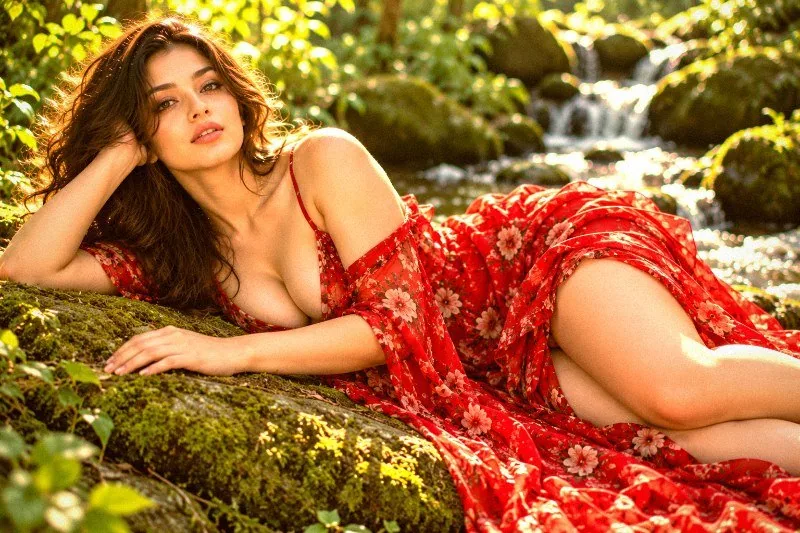
14. Long Exposure Night
Simulates long exposure night — smooth light trails, deep contrast.
Applied at 100%, it boosts colour, leans cool, pulls exposure down a little and settles the midtones a bit darker. It also adds blue-tinted shadows. Beyond that it adds strong contrast, applies extra clarity and applies a soft blur of about 1 px for a dreamy look. It closes with a noticeable vignette.
Brightness −5 · Contrast +28 · Saturation +20 · Gamma 0.94 · Warmth (R−B) −8 · Clarity +8 · Vignette 38 · Grain 4 · Blur 1
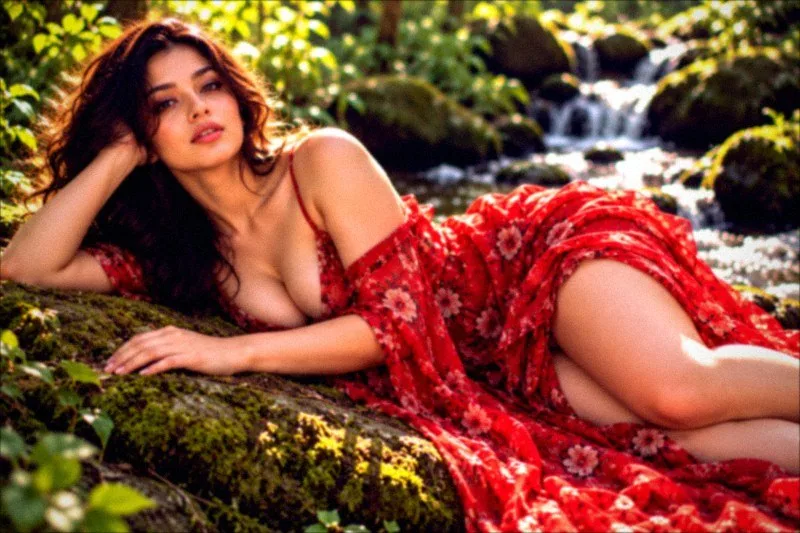
15. Minimal White
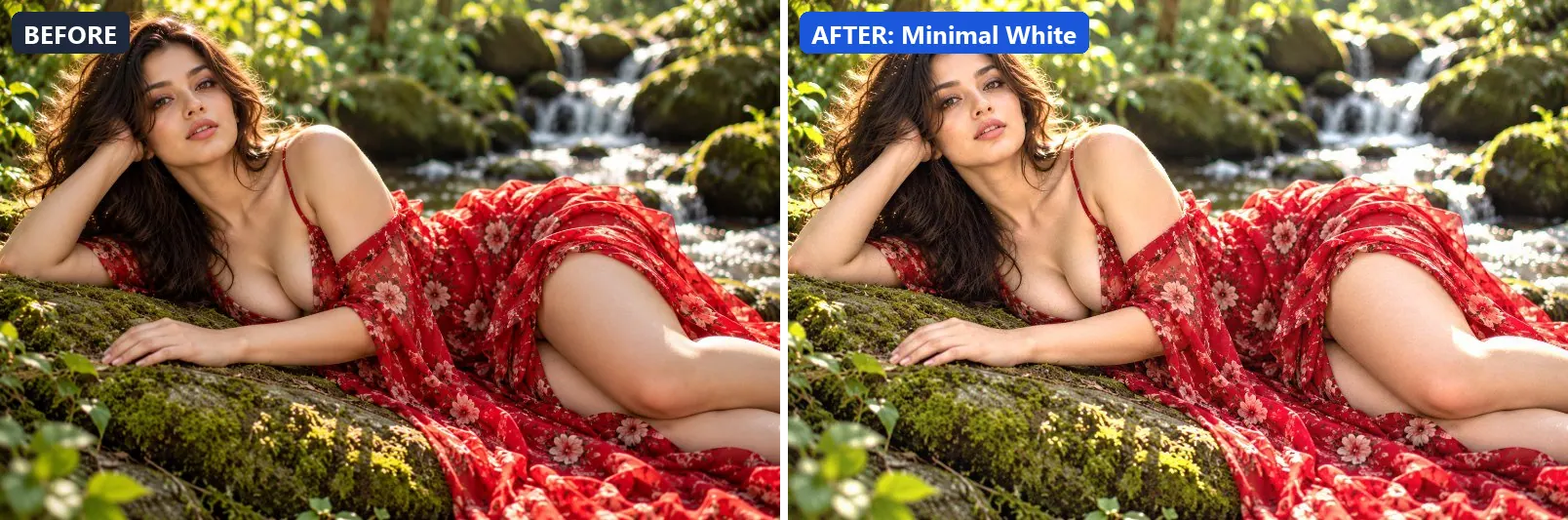
Minimalist architecture — pure whites, clean shadows, airy space.
The grade brightens the frame and opens up the midtones. In addition it adds some contrast and applies extra clarity.
Brightness +14 · Contrast +10 · Saturation −5 · Gamma 1.14 · Warmth (R−B) −1 · Clarity +12 · Vignette 5 · Grain 2 · Sharpen 1
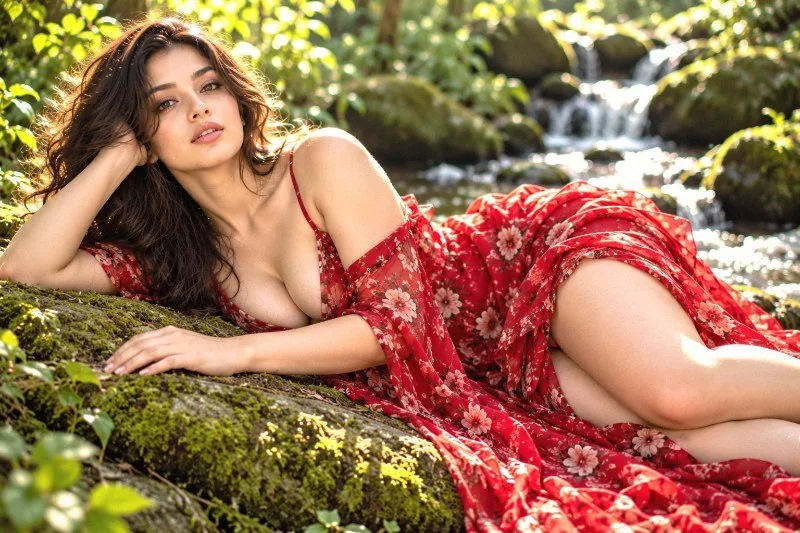
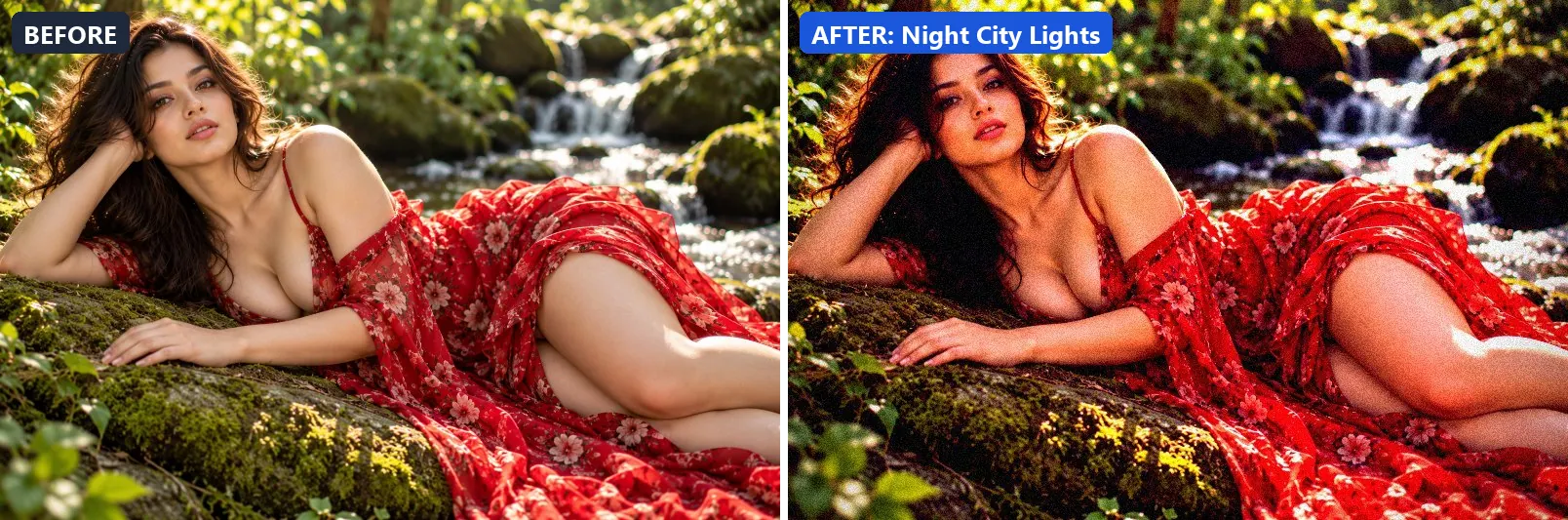
16. Night City Lights
City at night — vivid neon reflections, deep blacks, electrifying.
At full strength it boosts colour, leans cool, pulls exposure down a little and settles the midtones a bit darker. The look is split-toned with blue-tinted shadows and warm golden highlights. It also adds strong contrast and applies extra clarity. To finish, it adds a heavy vignette that darkens the edges and a touch of grain.
Brightness −8 · Contrast +32 · Saturation +28 · Gamma 0.9 · Warmth (R−B) −6 · Clarity +12 · Vignette 45 · Grain 12 · Sharpen 1
17. Rainy Street Reflections
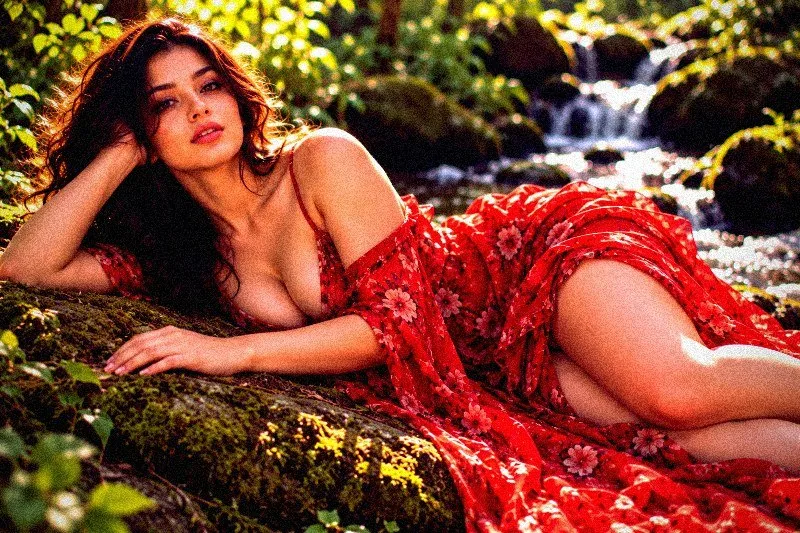
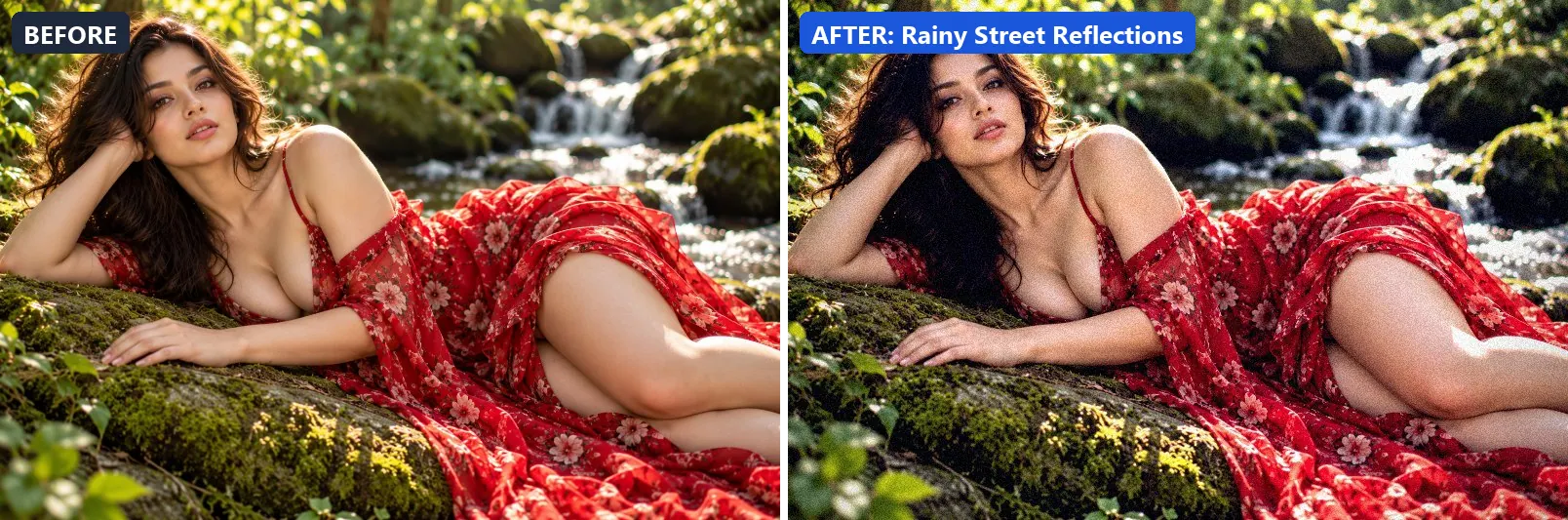
Wet street reflections — moody blue-grey with neon puddle glow.
This preset adds a clearly cool, blue cast and adds strong contrast. For depth it uses blue-tinted shadows. On top of that it applies extra clarity. The look is finished with a noticeable vignette and a touch of grain.
Brightness +2 · Contrast +20 · Saturation −8 · Gamma 1 · Warmth (R−B) −19 · Clarity +10 · Vignette 35 · Grain 10 · Sharpen 1
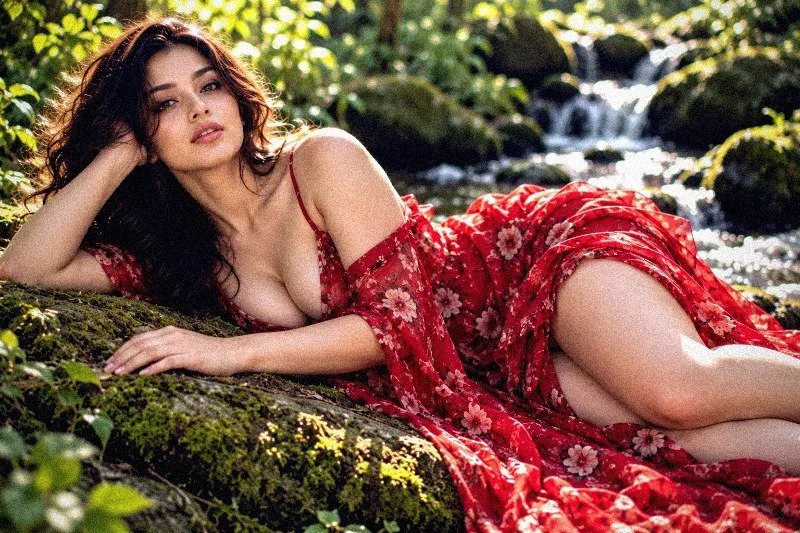
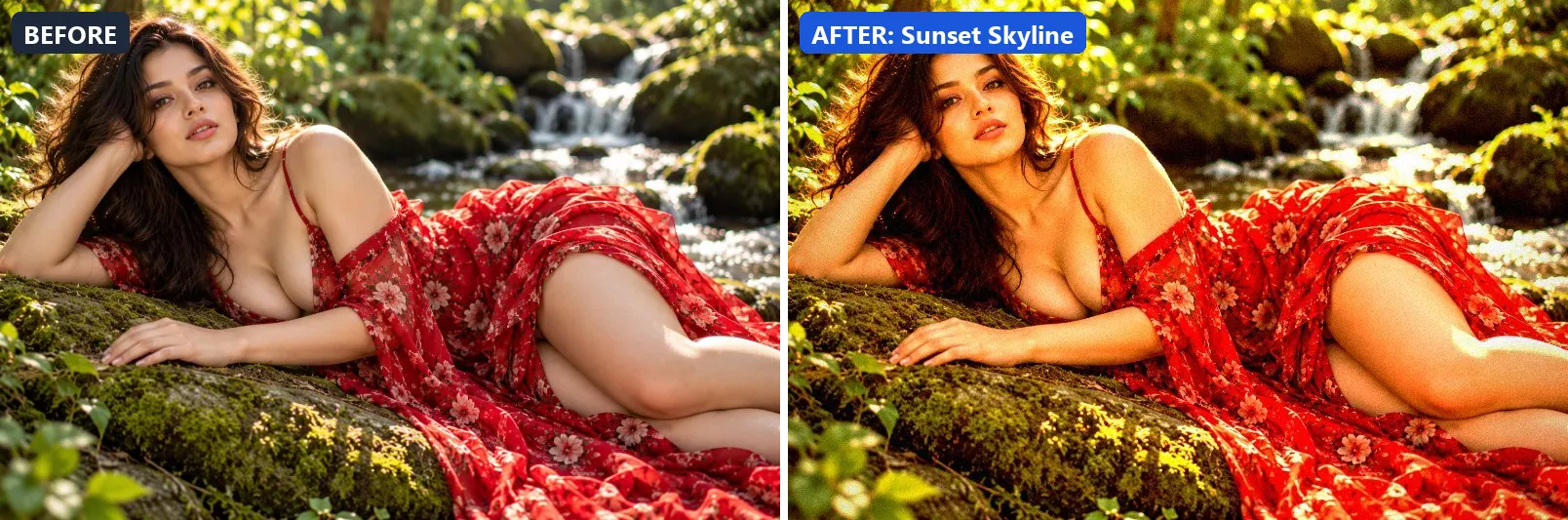
18. Sunset Skyline
Epic city skyline at sunset — blazing sky, silhouetted buildings.
Applied at 100%, it boosts colour, adds a clearly warm, orange cast, pushes the greens and adds strong contrast. It also adds warm golden highlights. Beyond that it applies extra clarity. It closes with a noticeable vignette and a touch of grain.
Brightness +3 · Contrast +24 · Saturation +22 · Gamma 1 · Warmth (R−B) +40 · Clarity +14 · Vignette 28 · Grain 6 · Sharpen 1
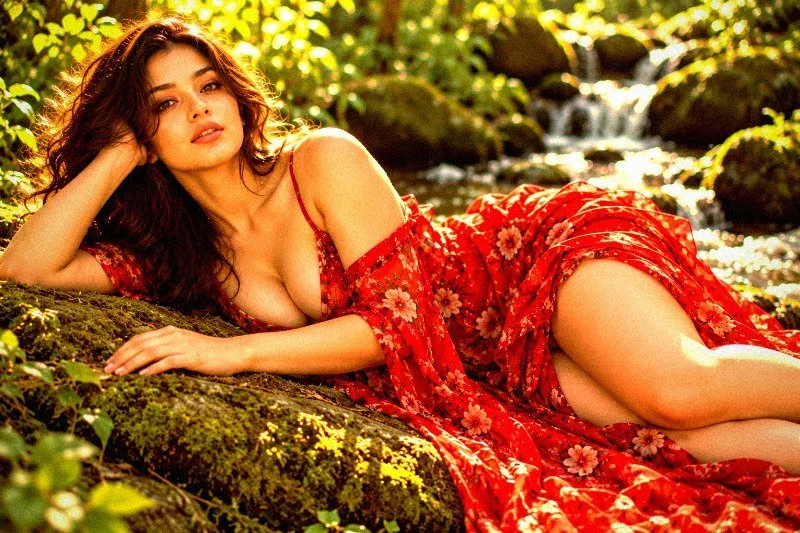
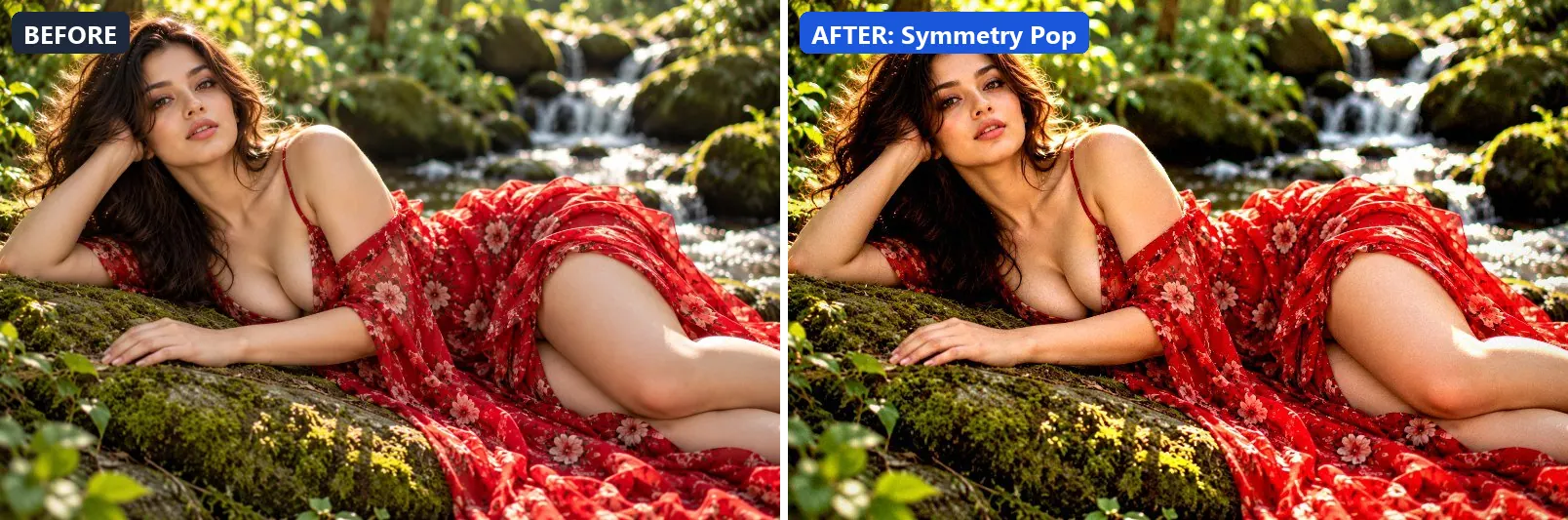
19. Symmetry Pop
Emphasises architectural symmetry — strong midtones, crisp edges.
The grade lifts exposure slightly and adds strong contrast. In addition it applies strong clarity for crisp local contrast and applies noticeable sharpening. Final touches: a light vignette.
Brightness +5 · Contrast +20 · Saturation +8 · Gamma 1 · Warmth (R−B) 0 · Clarity +20 · Vignette 20 · Grain 3 · Sharpen 2
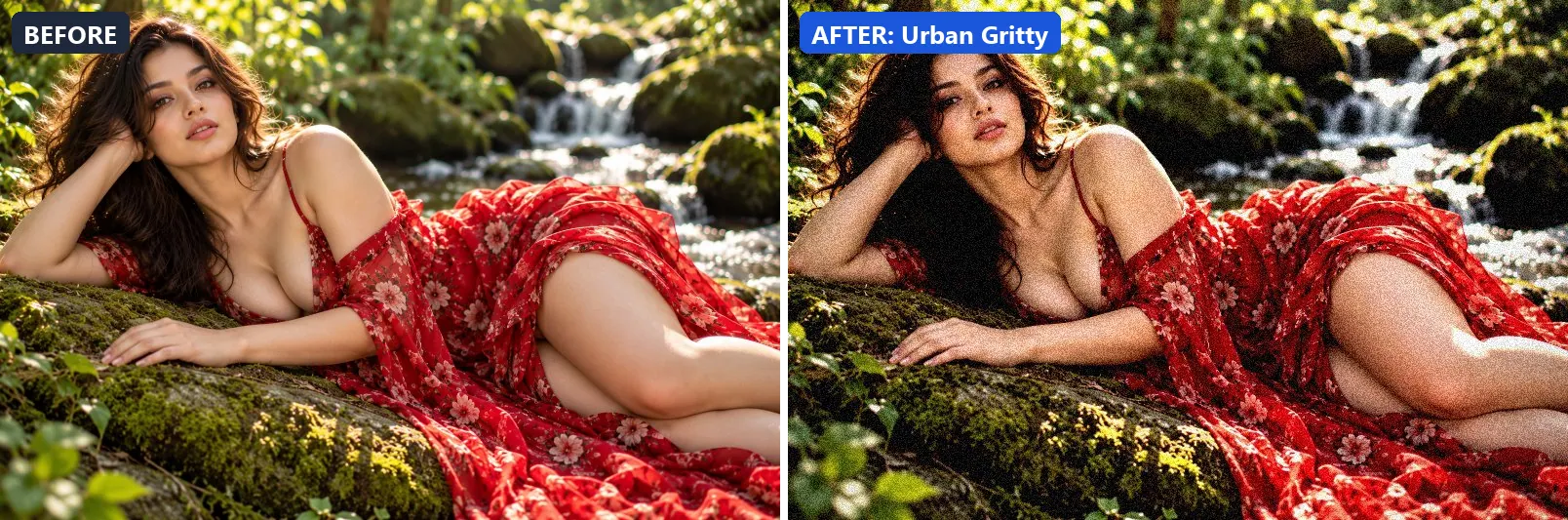
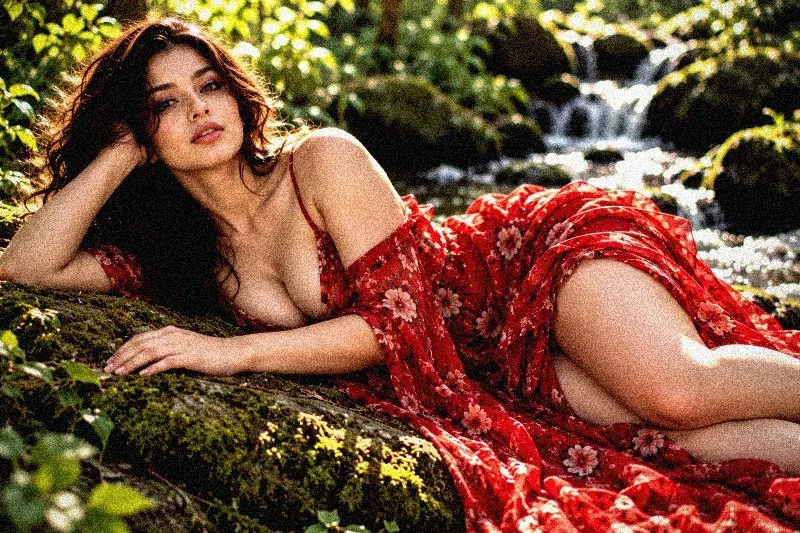
20. Urban Gritty
Raw urban grit — desaturated, high contrast with texture emphasis.
At full strength it softens colour, settles the midtones a bit darker and adds strong contrast. It also applies extra clarity and applies noticeable sharpening. To finish, it adds a noticeable vignette and visible film grain.
Brightness −3 · Contrast +28 · Saturation −18 · Gamma 0.94 · Warmth (R−B) −2 · Clarity +16 · Vignette 30 · Grain 18 · Sharpen 2
More filter groups
- Cinematic
- Portrait & Skin
- Landscape Pro
- Black & White
- Clarity & Detail
- Golden Hour
- Night & Astro
- Lighting Effects
- Emotional Mood
- Atmosphere
- Artistic Styles
- Experimental FX
- Film Emulation
- Vintage Extras
- Natural Extras
- Travel Destinations
- Weather
- Seasons
- Corporate
- Fashion & Editorial
- Food & Product
- Sports & Action
- Social Media
Try these filters on your own photo
Free, runs in your browser, full-resolution download.