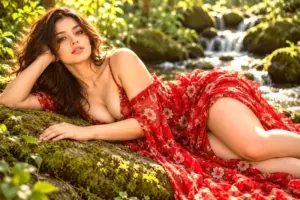
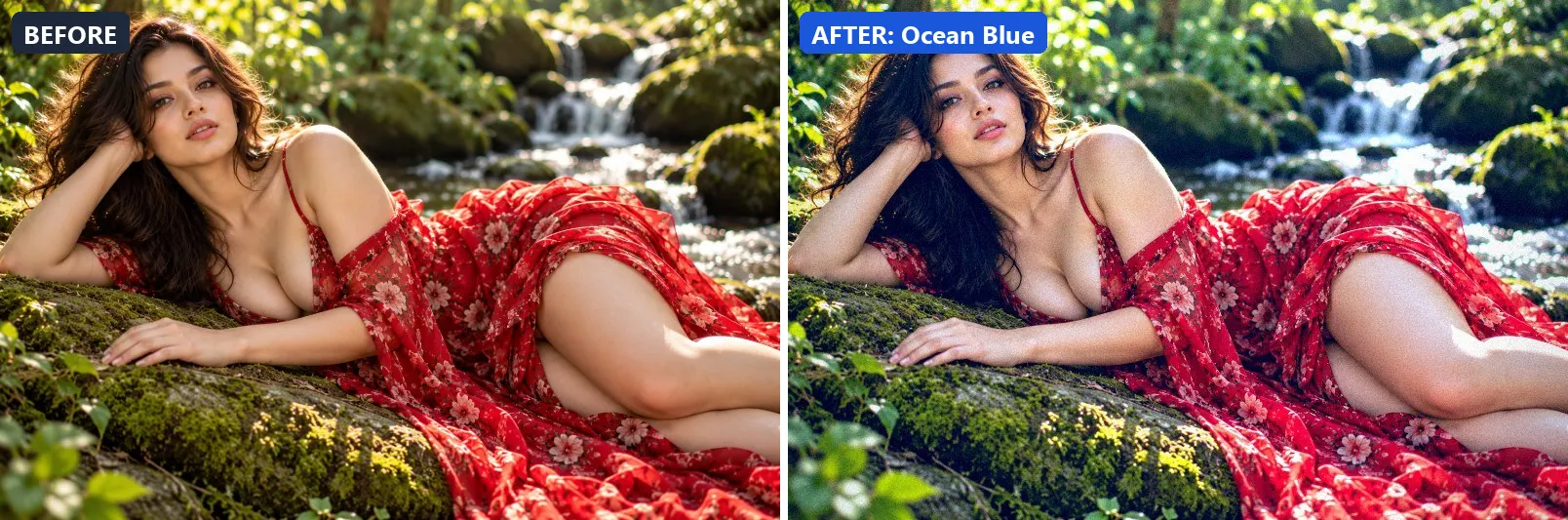
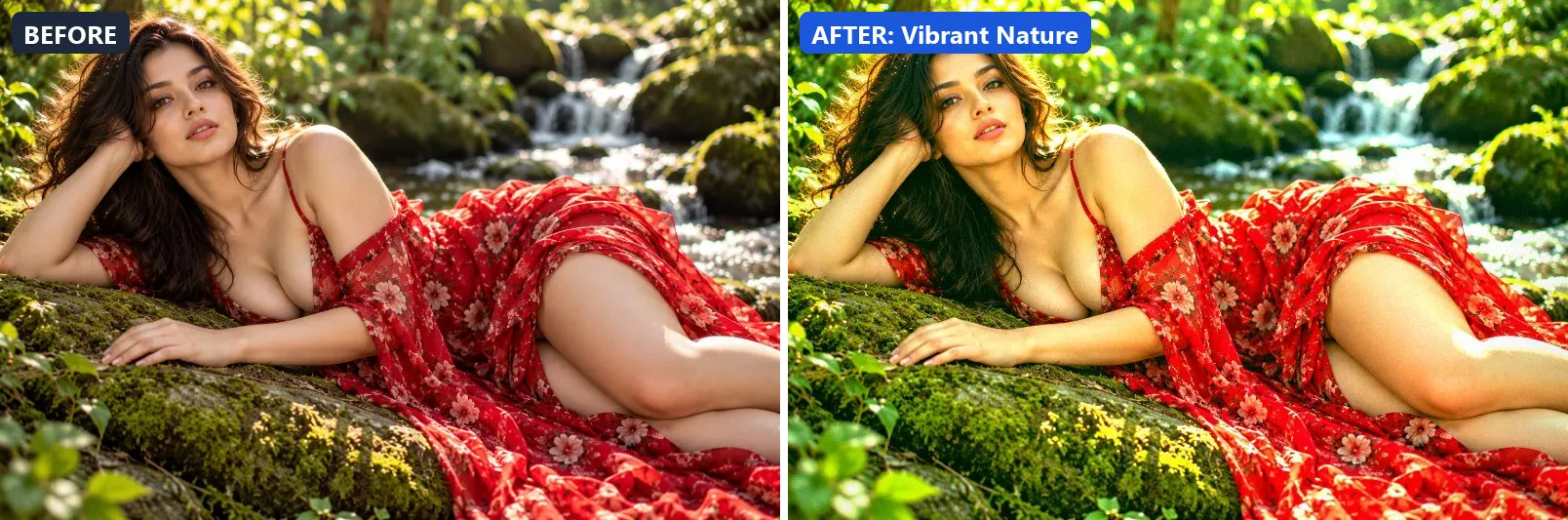
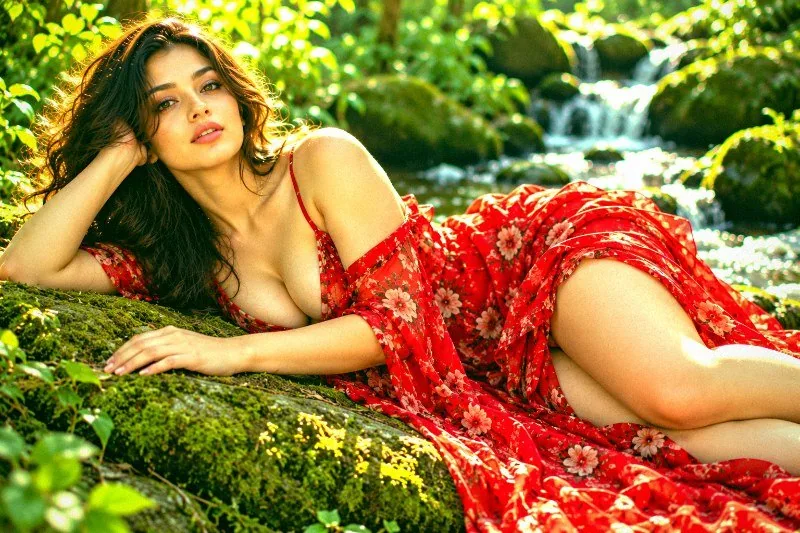
This page shows every Natural Extras preset from the free Image Filters & Effects tool on its own: a before-and-after comparison and a full picture with the filter applied. There are 3 filters here, all run at 100% strength on the same sample photo.
A small extra set of natural-looking looks that sits outside the main sidebar groups. It appears when you browse All Effects. In this set of 3, 1 lean warm, 2 lean cool and 0 stay close to neutral. On average they change contrast by +13 and saturation by +32; 3 boost colour and 1 add a noticeable vignette.
Jump to a filter
All 3 Natural Extras filters
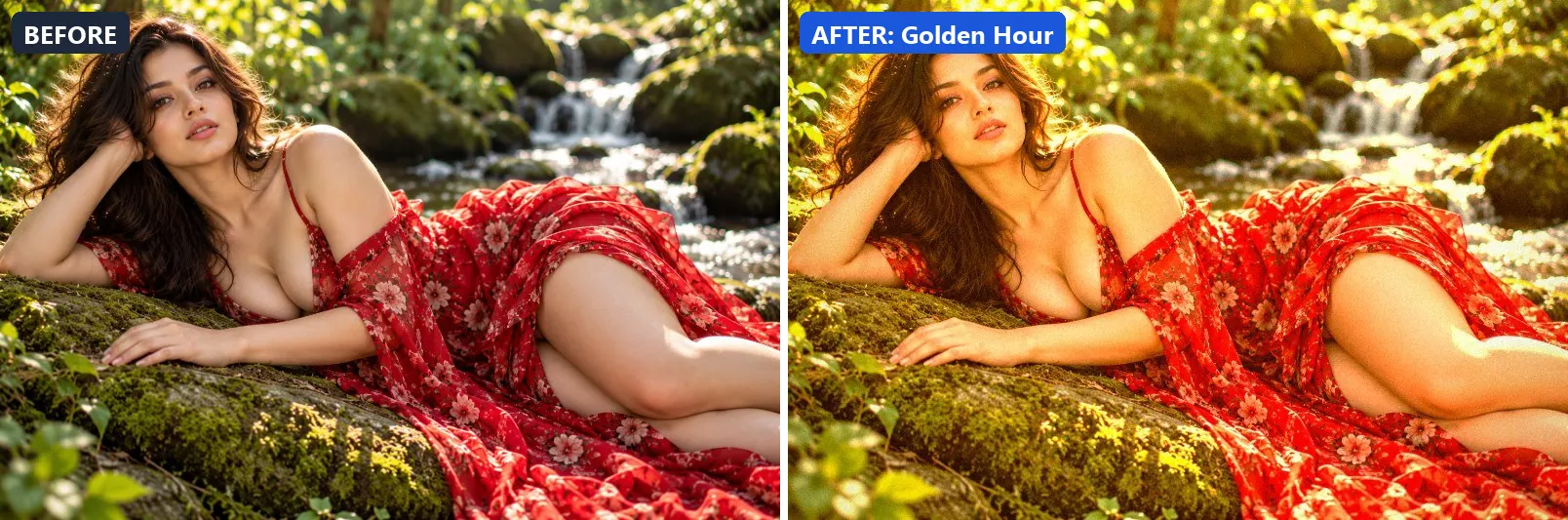
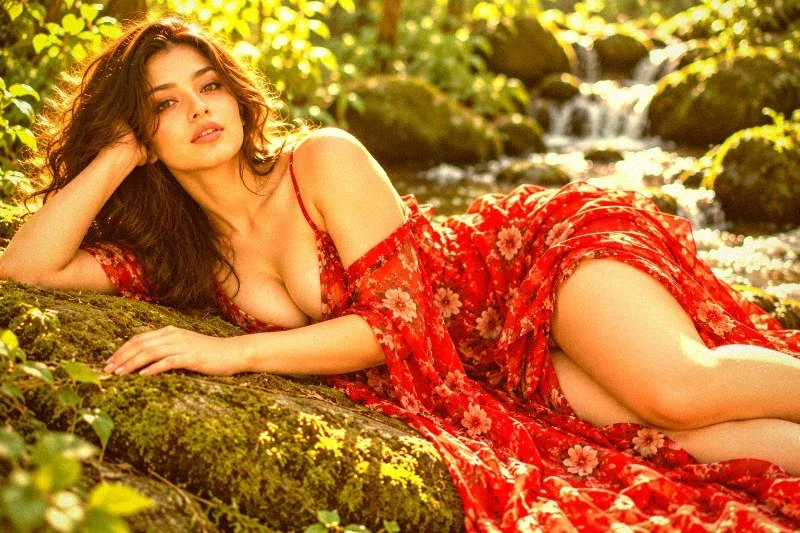
1. Golden Hour
Warm sunset glow with lifted shadows and golden highlights.
This preset boosts colour, adds a clearly warm, orange cast, pushes the greens and brightens the frame. For depth it uses warm red-tinted shadows and warm golden highlights. On top of that it adds some contrast and applies extra clarity. The look is finished with a light vignette and a touch of grain.
Brightness +12 · Contrast +10 · Saturation +25 · Gamma 1.1 · Warmth (R−B) +50 · Clarity +8 · Vignette 20 · Grain 5
2. Ocean Blue
Cool aqua tones with lifted shadows and crisp clarity.
Applied at 100%, it boosts colour, adds a clearly cool, blue cast, lifts exposure slightly and gently lifts the midtones. It also adds blue-tinted shadows and cool, icy highlights. Beyond that it adds some contrast and applies extra clarity. It closes with a noticeable vignette and a touch of grain.
Brightness +8 · Contrast +15 · Saturation +20 · Gamma 1.05 · Warmth (R−B) −45 · Clarity +12 · Vignette 25 · Grain 6 · Sharpen 1

3. Vibrant Nature
Punchy greens and blues with maximum colour saturation.
The grade pushes colour to a vivid level, leans cool, pushes the greens and brightens the frame. Colour is split-toned with green-tinted shadows and greenish highlights. In addition it adds some contrast, applies strong clarity for crisp local contrast and applies noticeable sharpening. Final touches: a light vignette.
Brightness +10 · Contrast +15 · Saturation +50 · Gamma 1.08 · Warmth (R−B) −10 · Clarity +20 · Vignette 15 · Grain 3 · Sharpen 2
More filter groups
- Cinematic
- Portrait & Skin
- Landscape Pro
- Black & White
- Clarity & Detail
- Golden Hour
- Night & Astro
- Lighting Effects
- Emotional Mood
- Atmosphere
- Artistic Styles
- Experimental FX
- Film Emulation
- Vintage Extras
- Travel Destinations
- Weather
- Seasons
- Corporate
- Fashion & Editorial
- Food & Product
- Sports & Action
- Social Media
- Architecture & Urban
Try these filters on your own photo
Free, runs in your browser, full-resolution download.