This page shows every Lighting Effects preset from the free Image Filters & Effects tool on its own: a before-and-after comparison and a full picture with the filter applied. There are 24 filters here, all run at 100% strength on the same sample photo.
Lighting Effects presets imitate different light sources and set-ups, from soft studio light to coloured glows. Try them when your photo has the right subject but the light feels wrong. In this set of 24, 12 lean warm, 4 lean cool and 8 stay close to neutral. On average they change contrast by +12 and saturation by +8; 8 boost colour, 4 add visible grain and 11 add a noticeable vignette.
Jump to a filter
All 24 Lighting Effects filters
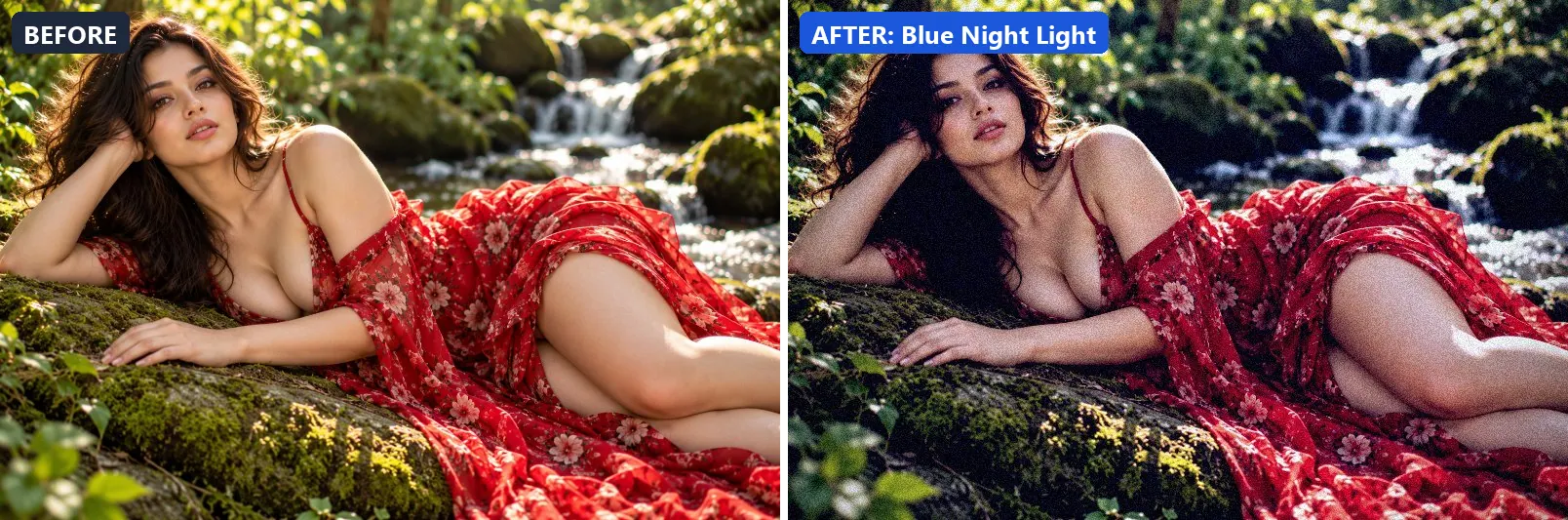
1. Blue Night Light
Cool moonlit night — desaturated with deep blue ambient light.
This preset softens colour, adds a clearly cool, blue cast, pulls exposure down a little and settles the midtones a bit darker. For depth it uses blue-tinted shadows and cool, icy highlights. On top of that it adds strong contrast and applies extra clarity. The look is finished with a heavy vignette that darkens the edges and a touch of grain.
Brightness −8 · Contrast +20 · Saturation −15 · Gamma 0.95 · Warmth (R−B) −40 · Clarity +8 · Vignette 45 · Grain 12 · Sharpen 1
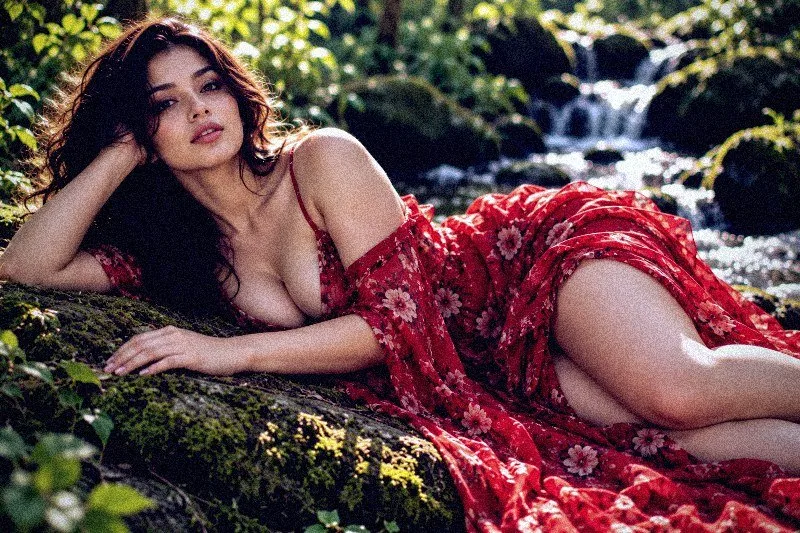
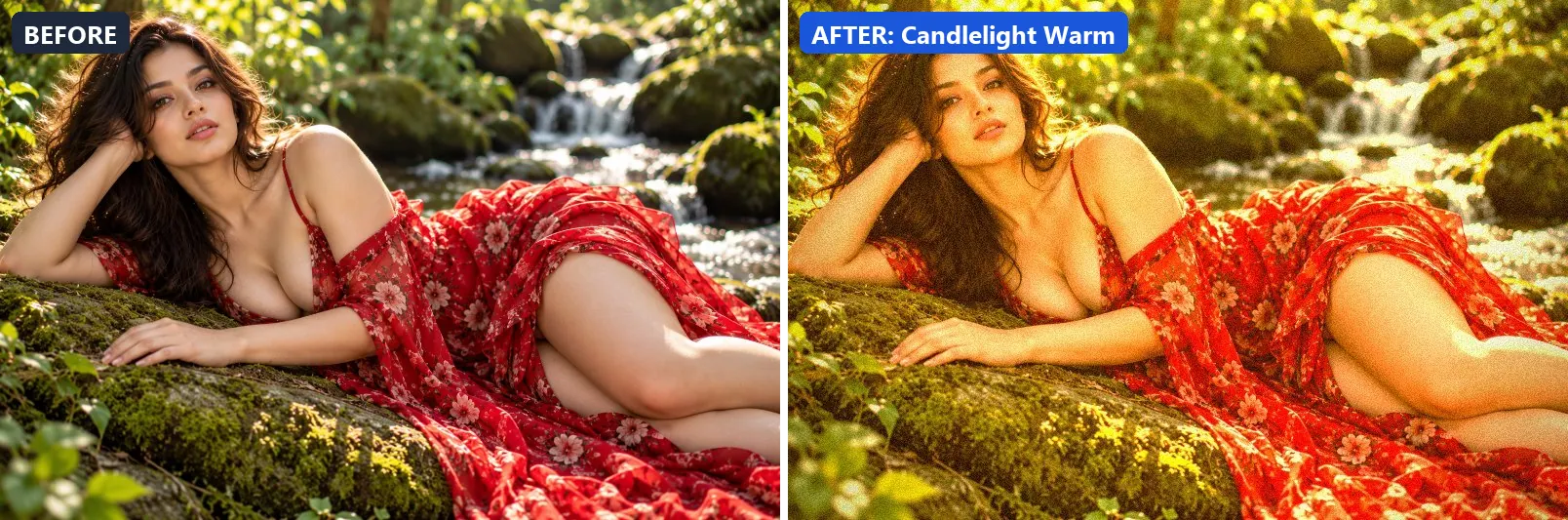
2. Candlelight Warm
Intimate candle glow — ultra-warm amber with soft contrast.
Applied at 100%, it boosts colour, adds a clearly warm, orange cast, pushes the greens and lifts exposure slightly. It also adds warm red-tinted shadows and warm golden highlights. It closes with a noticeable vignette and a touch of grain.
Brightness +8 · Contrast +5 · Saturation +20 · Gamma 1.1 · Warmth (R−B) +63 · Clarity +3 · Vignette 40 · Grain 10
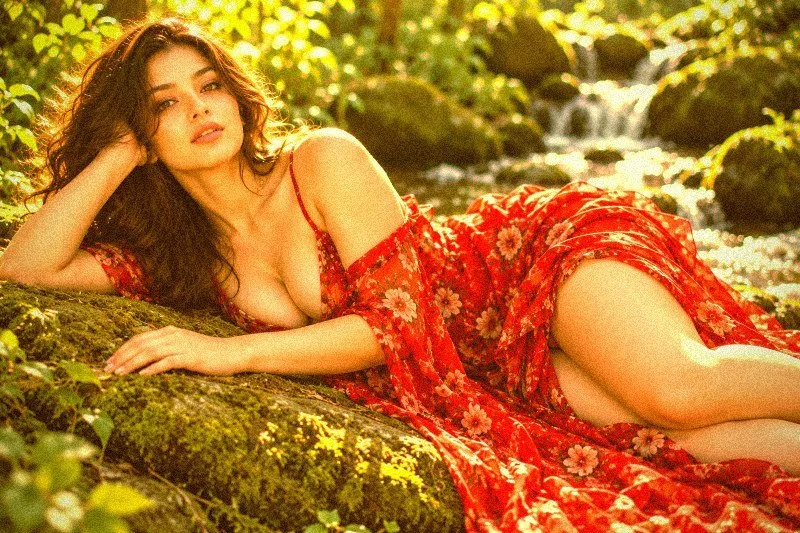
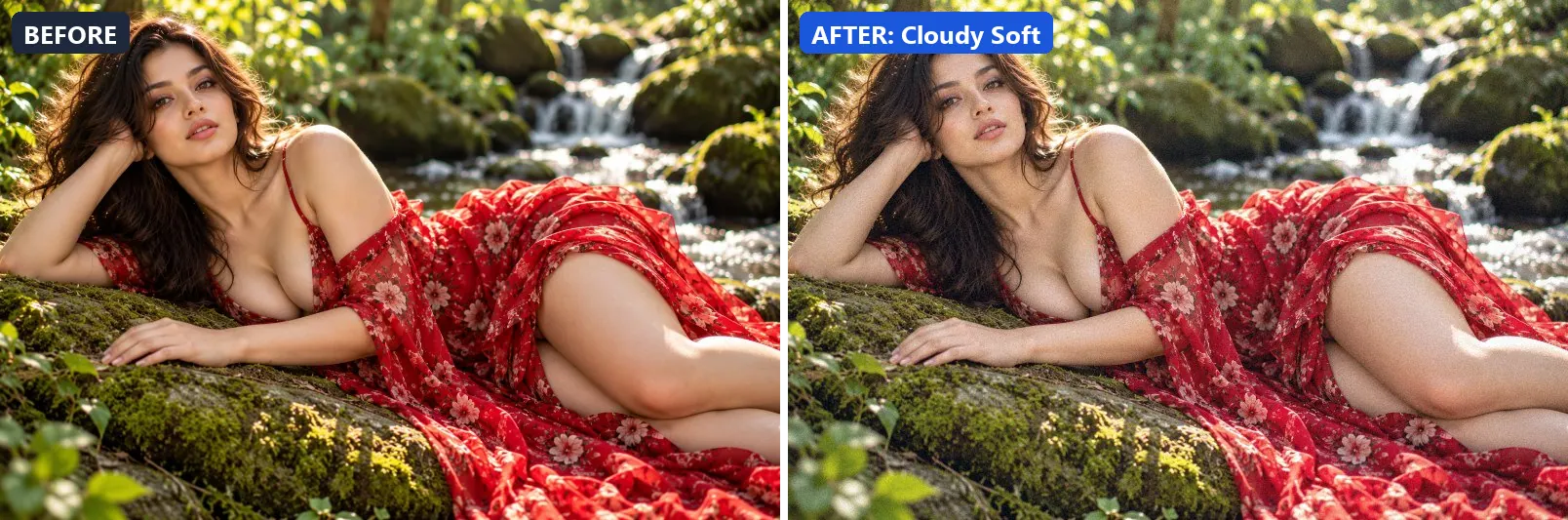
3. Cloudy Soft
Gentle overcast softness — flat even light with slight cool tone.
The grade leans cool, lifts exposure slightly and gently lifts the midtones. Final touches: a touch of grain.
Brightness +8 · Contrast −5 · Saturation −5 · Gamma 1.08 · Warmth (R−B) −8 · Clarity +5 · Vignette 8 · Grain 5
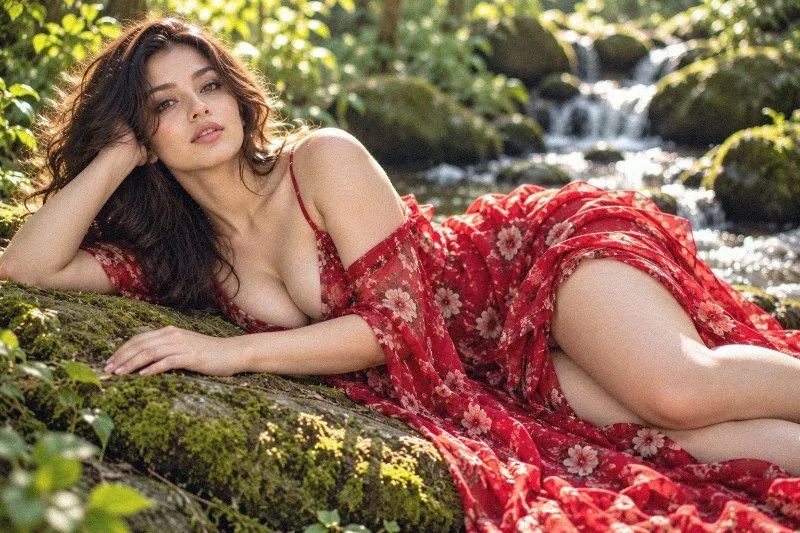
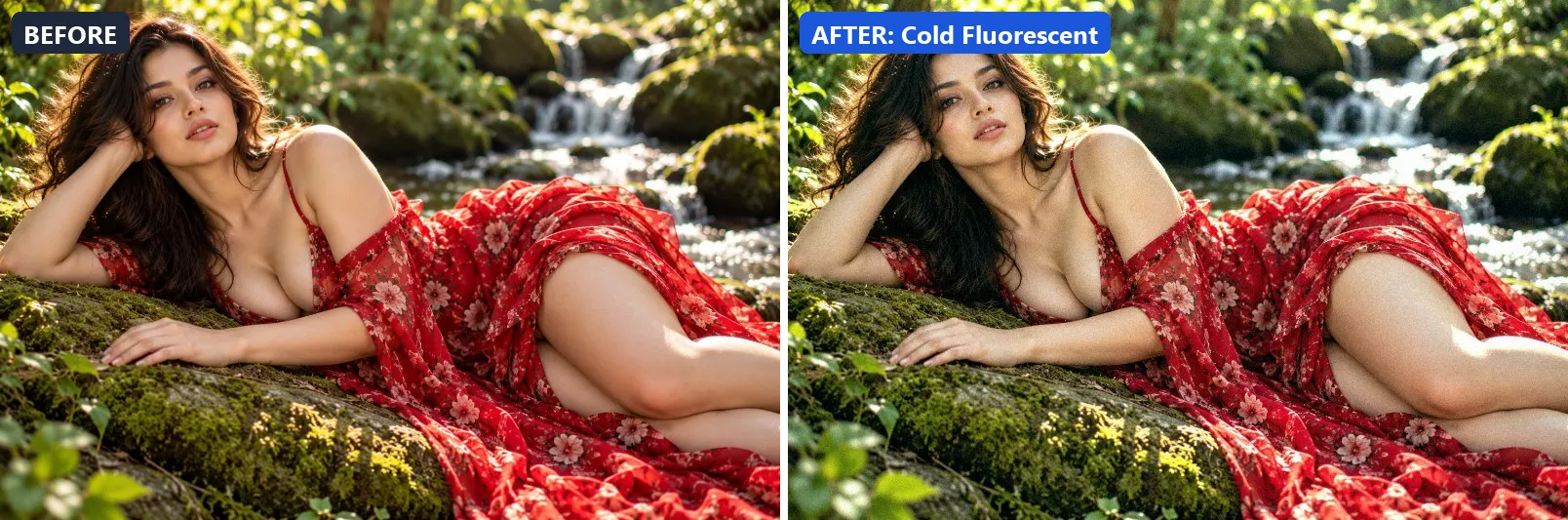
4. Cold Fluorescent
Harsh fluorescent office light — cool, clinical, slightly green-tinted.
At full strength it leans cool, lifts exposure slightly and adds some contrast. It also applies extra clarity. To finish, it adds a touch of grain.
Brightness +8 · Contrast +10 · Saturation −8 · Gamma 1.02 · Warmth (R−B) −13 · Clarity +8 · Vignette 5 · Grain 5 · Sharpen 1
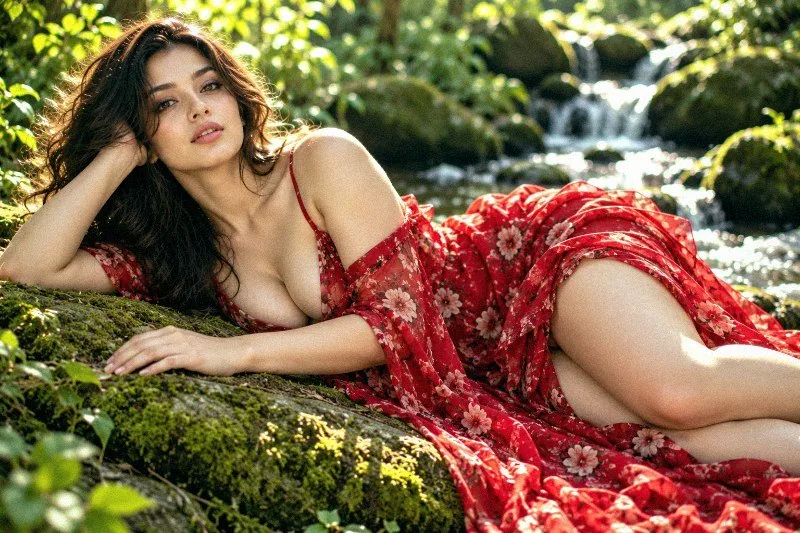
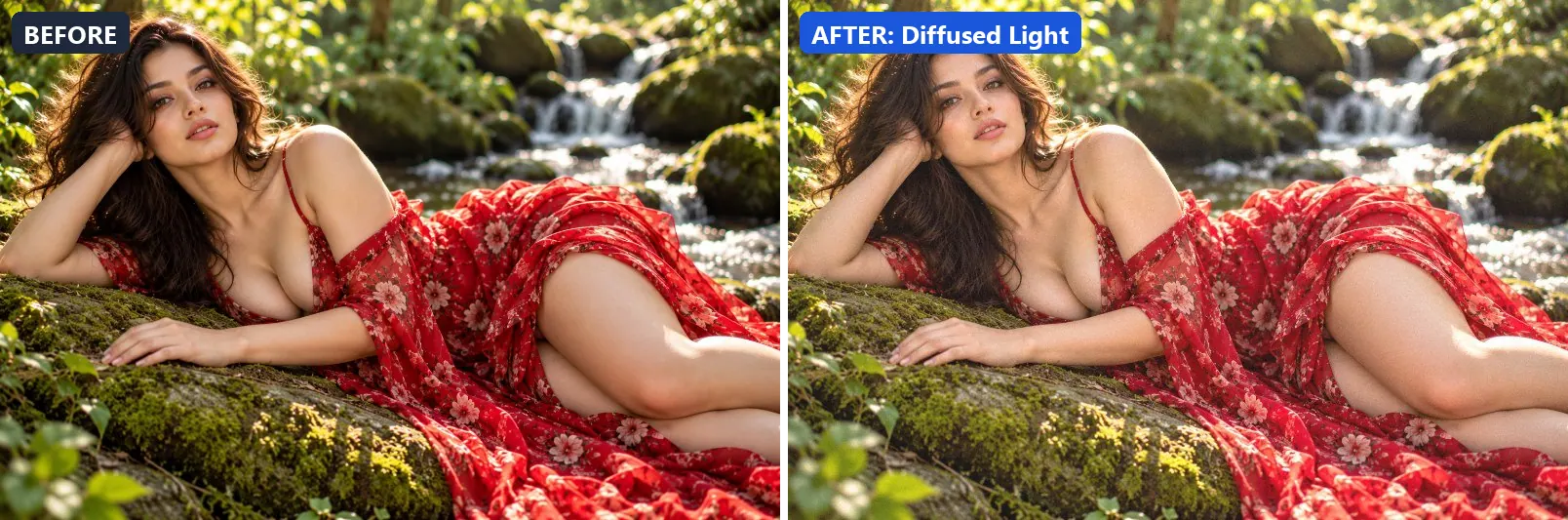
5. Diffused Light
Overcast diffused light — shadowless, even, soft and clean.
This preset brightens the frame and gently lifts the midtones. On top of that it flattens contrast for a soft, faded feel.
Brightness +10 · Contrast −10 · Saturation +5 · Gamma 1.1 · Warmth (R−B) +2 · Clarity +5 · Vignette 5 · Grain 3
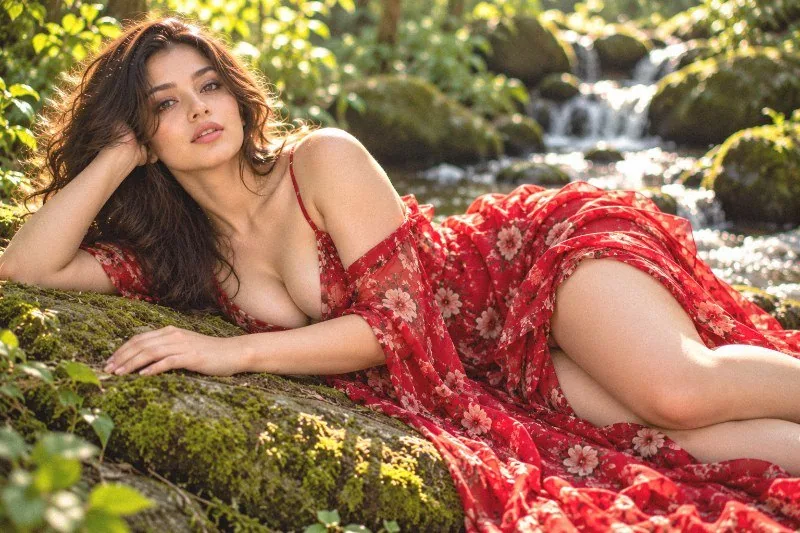
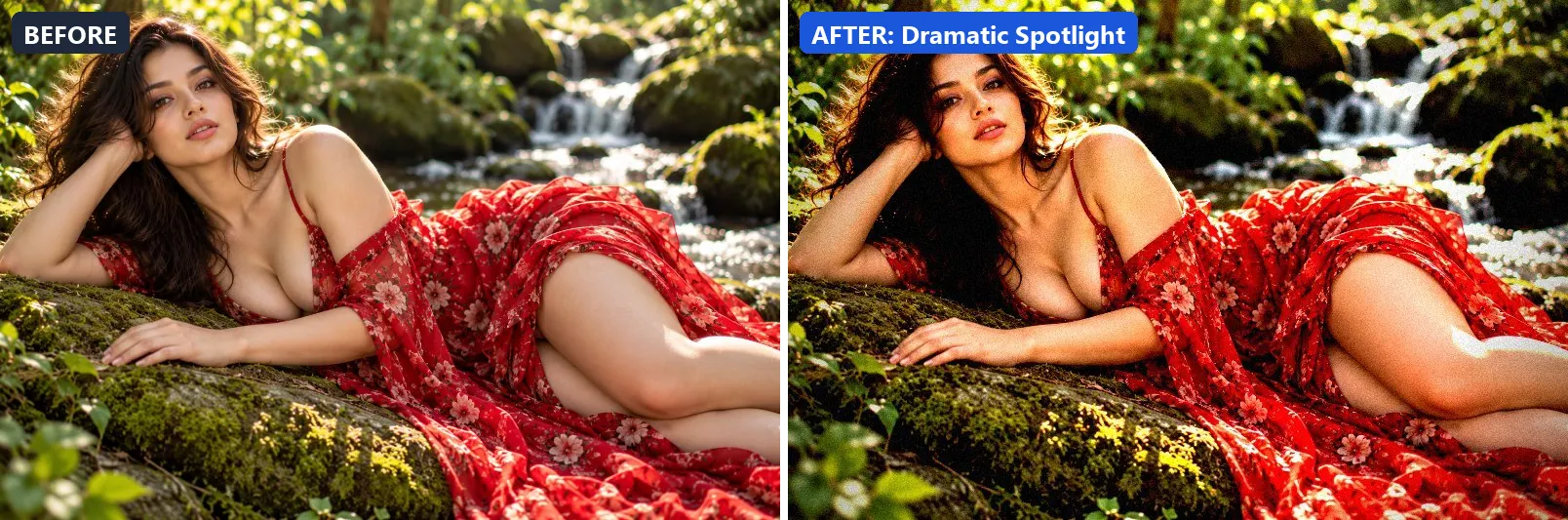
6. Dramatic Spotlight
Theatre spotlight — heavy vignette with bright centre hotspot.
Applied at 100%, it lifts exposure slightly and settles the midtones a bit darker. Beyond that it adds very punchy contrast, applies extra clarity and applies noticeable sharpening. It closes with a heavy vignette that darkens the edges and a touch of grain.
Brightness +5 · Contrast +40 · Saturation +5 · Gamma 0.95 · Warmth (R−B) +5 · Clarity +15 · Vignette 70 · Grain 8 · Sharpen 2
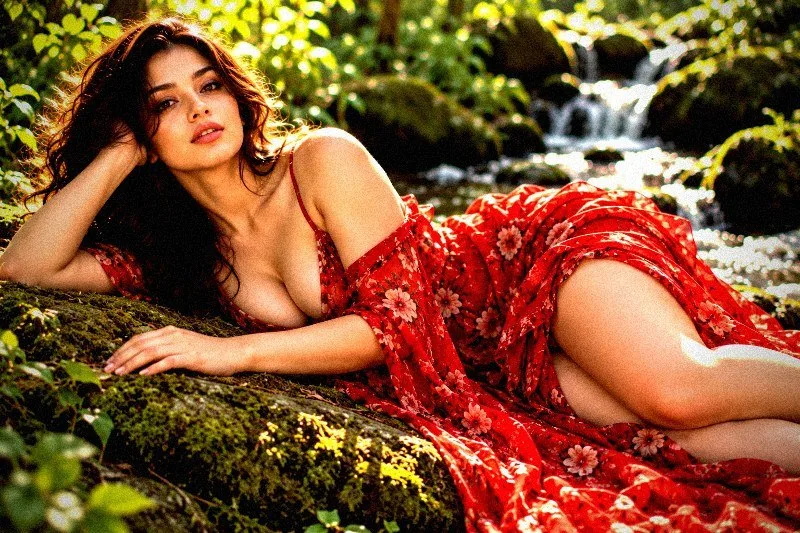
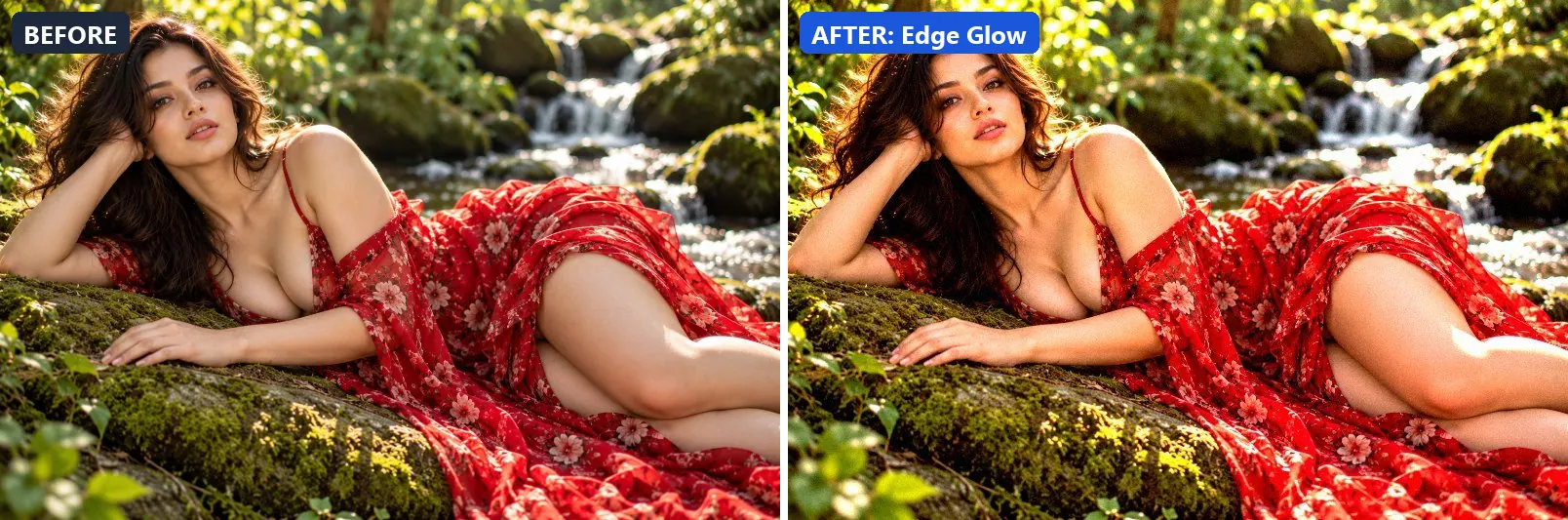
7. Edge Glow
Glowing edges with dark centre — inverted vignette light effect.
The grade boosts colour, lifts exposure slightly and adds strong contrast. Colour is split-toned with warm golden highlights. In addition it applies extra clarity. Final touches: a touch of grain.
Brightness +8 · Contrast +25 · Saturation +15 · Gamma 1 · Warmth (R−B) +5 · Clarity +12 · Vignette -20 · Grain 5 · Sharpen 1
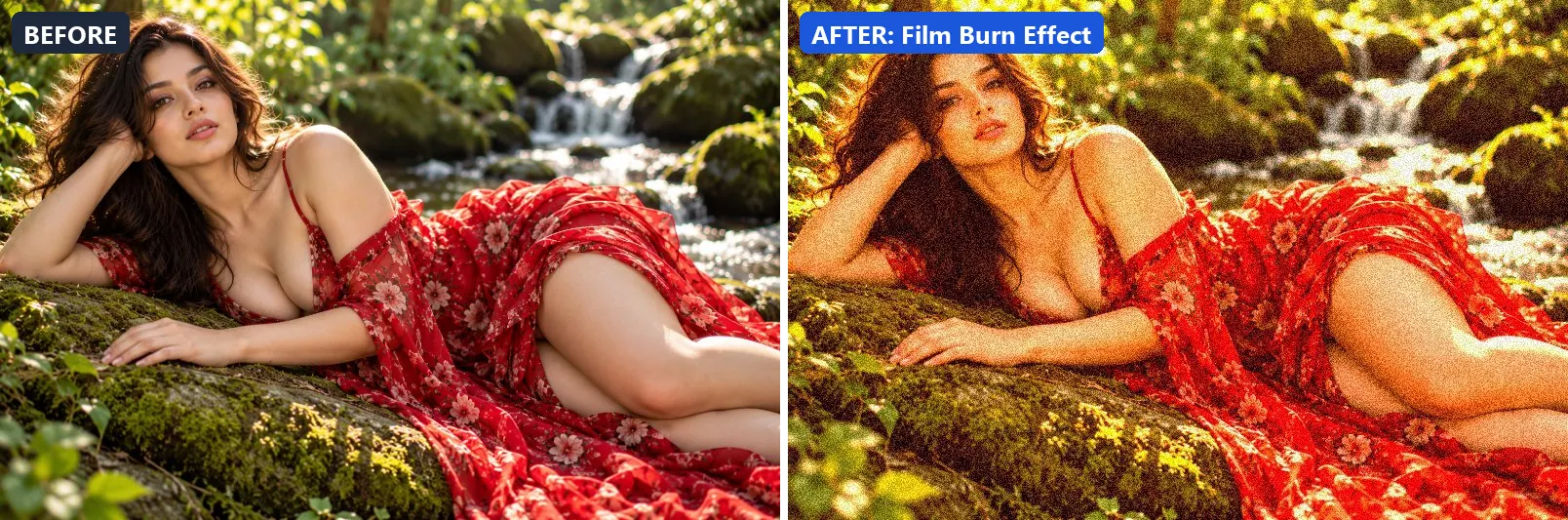
8. Film Burn Effect
Chemical film burn — red-orange light leak edges with grain.
At full strength it boosts colour, adds a clearly warm, orange cast, lifts exposure slightly and adds some contrast. The look is split-toned with warm red-tinted shadows and warm golden highlights. To finish, it adds visible film grain.
Brightness +5 · Contrast +15 · Saturation +20 · Gamma 1 · Warmth (R−B) +50 · Vignette -10 · Grain 25

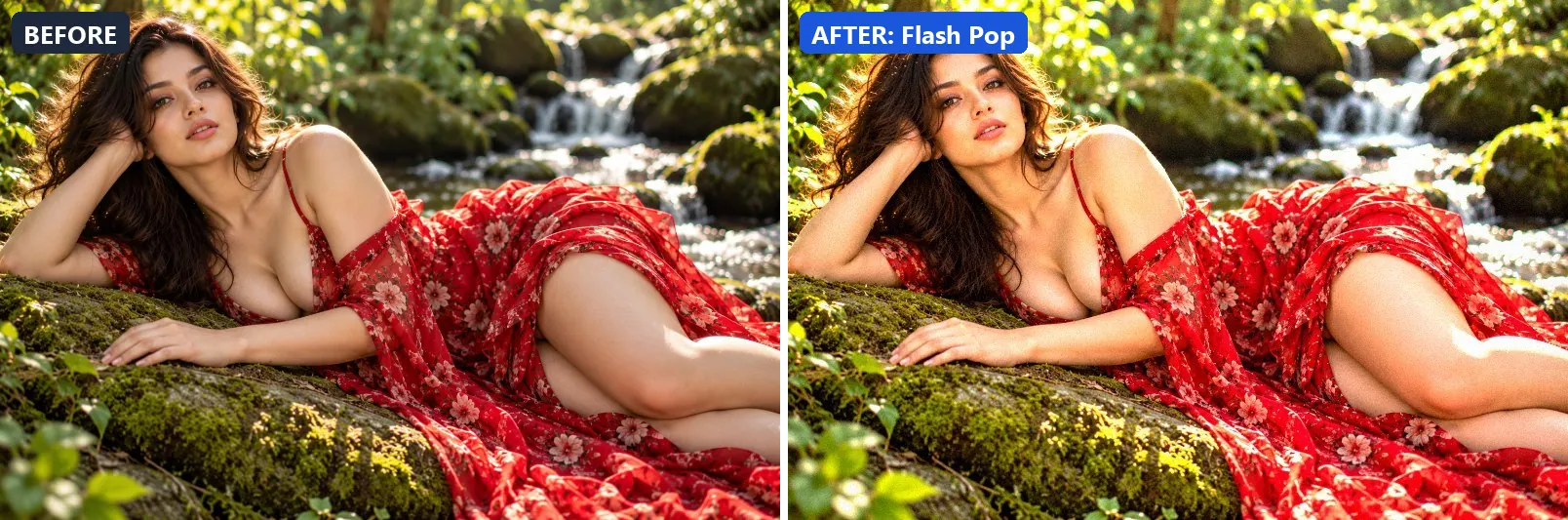
9. Flash Pop
Camera flash pop — even bright exposure with punchy colours.
This preset boosts colour, brightens the frame and gently lifts the midtones. On top of that it adds strong contrast, applies extra clarity and applies noticeable sharpening. The look is finished with a touch of grain.
Brightness +15 · Contrast +20 · Saturation +20 · Gamma 1.1 · Warmth (R−B) 0 · Clarity +15 · Vignette 5 · Grain 5 · Sharpen 2
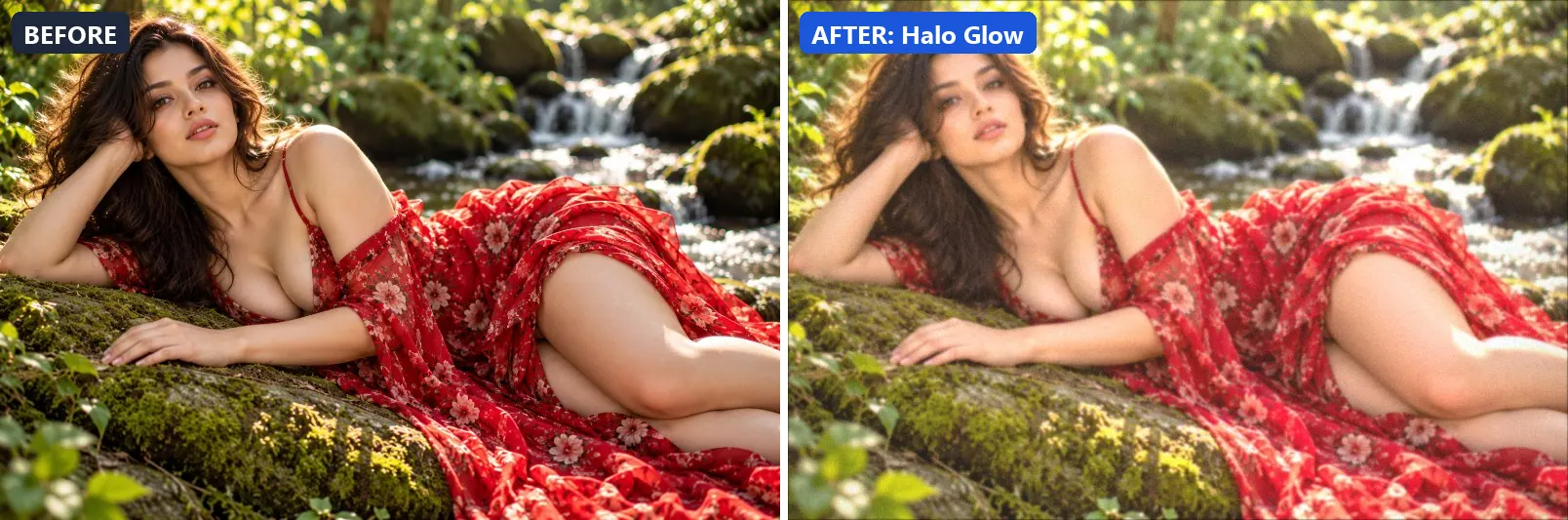
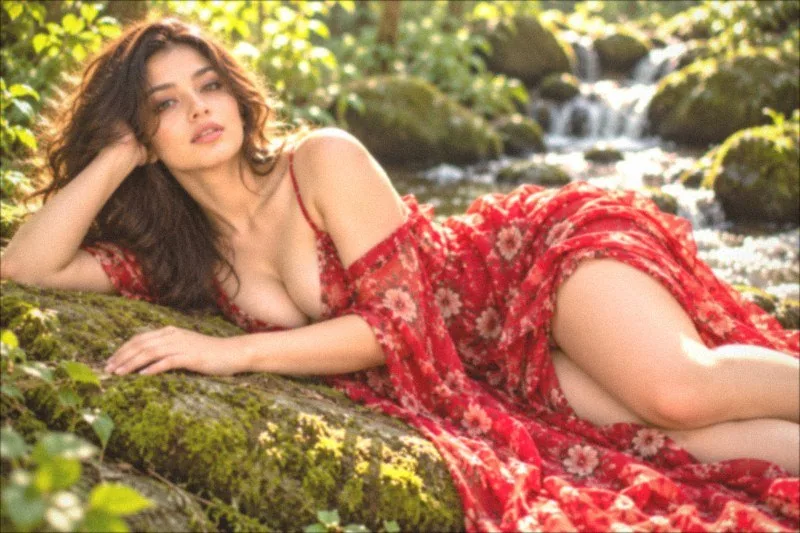
10. Halo Glow
Angelic halo glow — bright warm centre with fading soft edges.
Applied at 100%, it leans warm, brightens the frame and opens up the midtones. It also adds warm red-tinted shadows and warm golden highlights. Beyond that it applies a soft blur of about 1 px for a dreamy look. It closes with a light vignette.
Brightness +15 · Contrast −8 · Saturation +8 · Gamma 1.2 · Warmth (R−B) +7 · Clarity −3 · Vignette 15 · Grain 4 · Blur 1
11. Laser Highlight
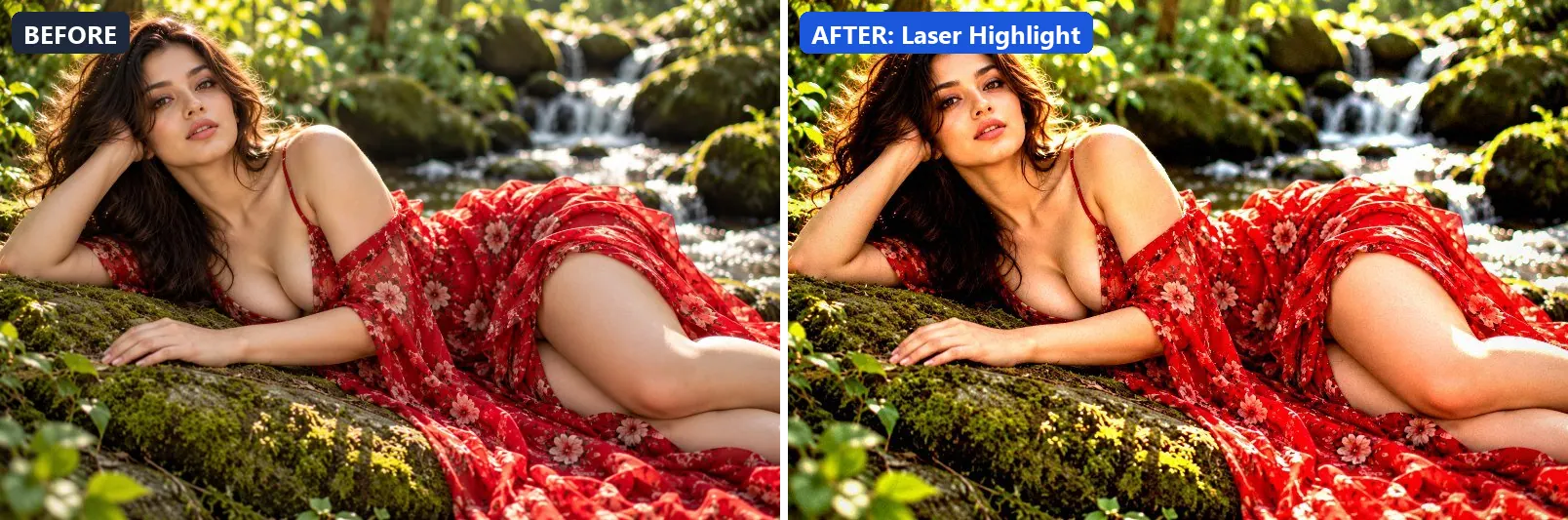
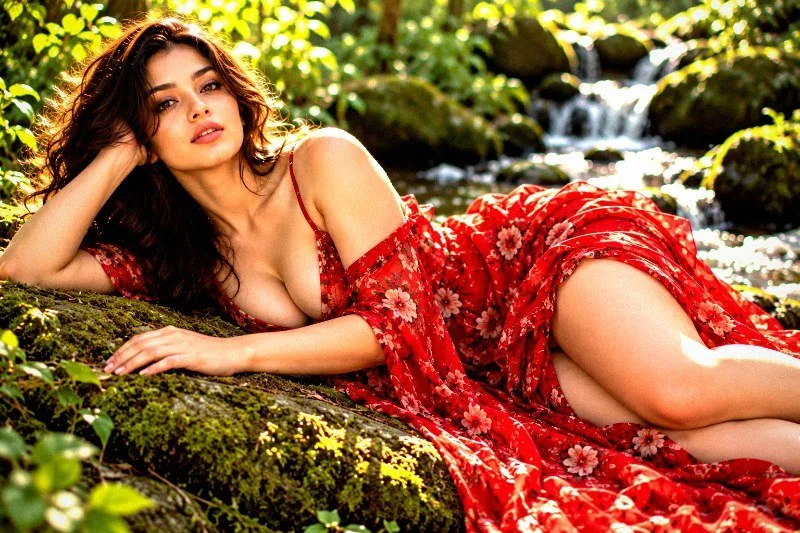
High-key highlights with maximum detail — clinical bright clarity.
The grade brightens the frame and adds strong contrast. In addition it applies strong clarity for crisp local contrast and applies noticeable sharpening. Final touches: a light vignette.
Brightness +10 · Contrast +28 · Saturation +10 · Gamma 1 · Warmth (R−B) 0 · Clarity +25 · Vignette 15 · Grain 3 · Sharpen 3
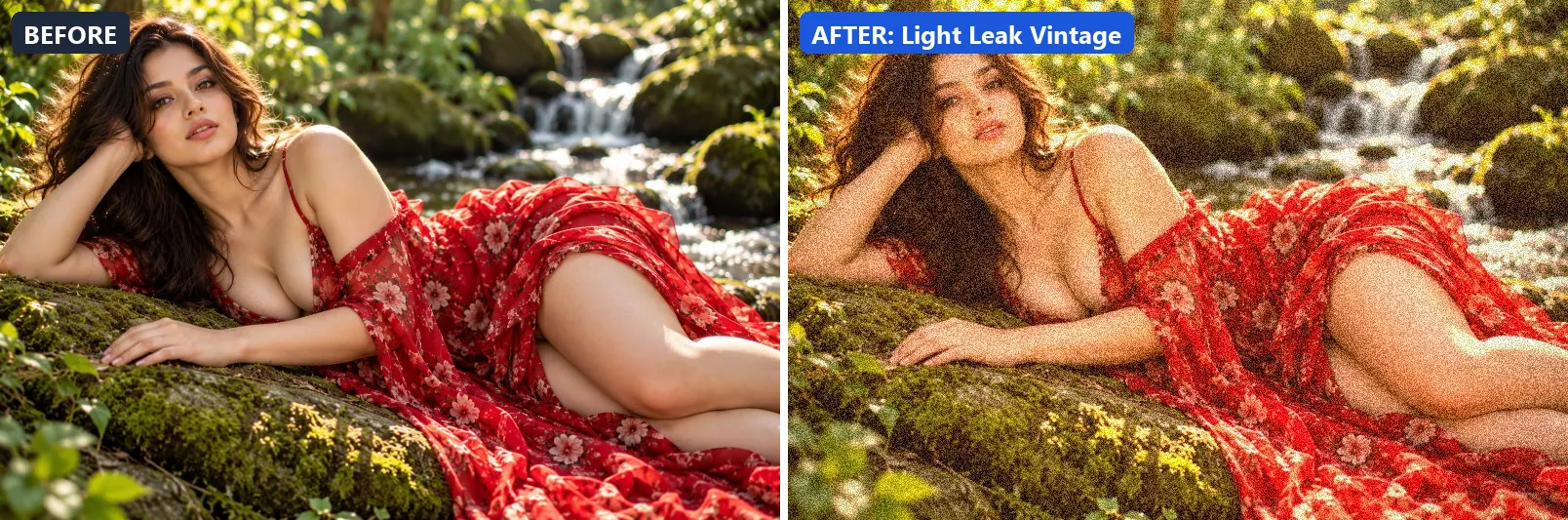
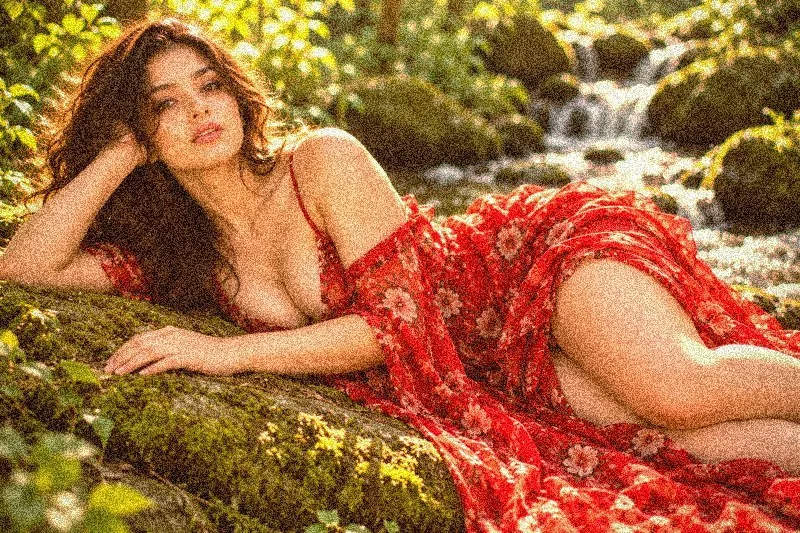
12. Light Leak Vintage
Analogue light leak — red-orange bleed with vintage grain.
At full strength it adds a clearly warm, orange cast, lifts exposure slightly and gently lifts the midtones. The look is split-toned with warm red-tinted shadows and warm golden highlights. To finish, it adds a noticeable vignette and visible film grain.
Brightness +5 · Contrast −5 · Saturation +10 · Gamma 1.1 · Warmth (R−B) +34 · Vignette 30 · Grain 28
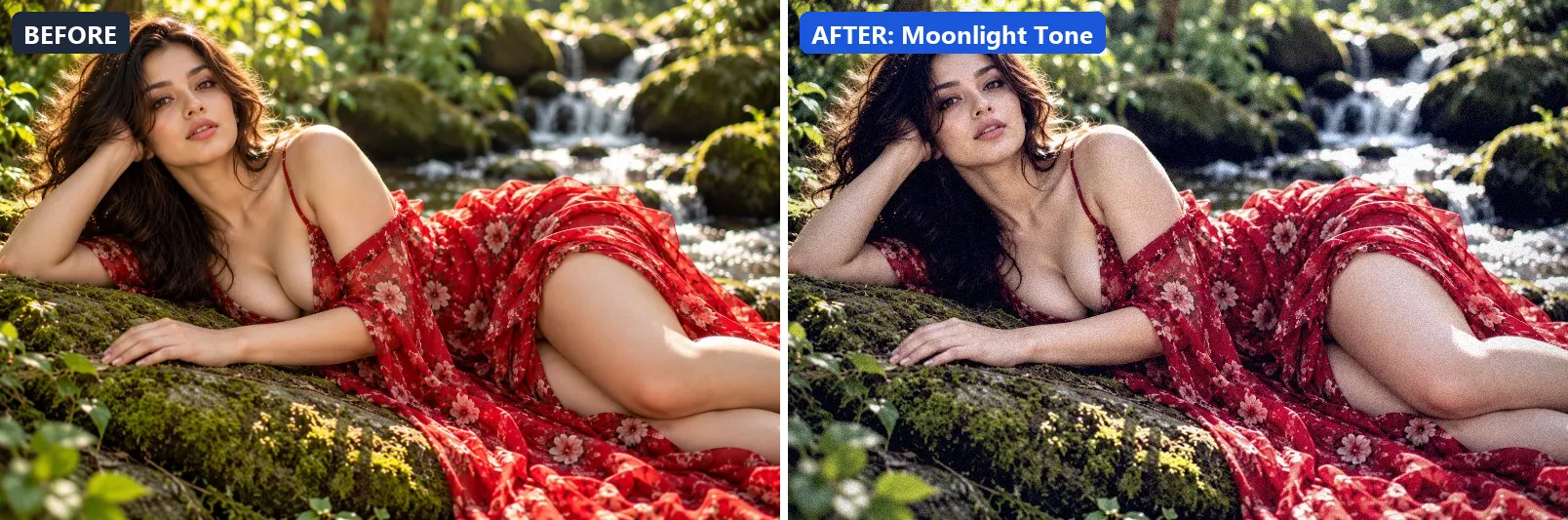
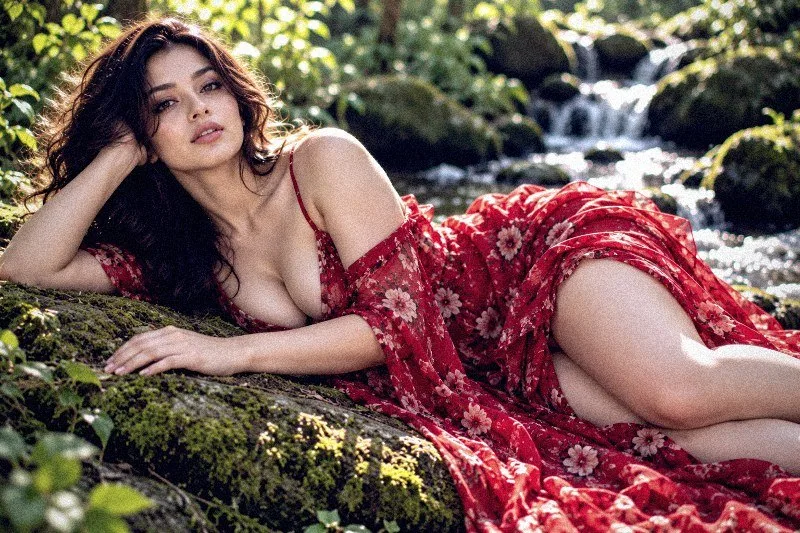
13. Moonlight Tone
Silvery moonlight — cool blue-white with soft shadow detail.
This preset softens colour, adds a clearly cool, blue cast, lifts exposure slightly and adds some contrast. For depth it uses blue-tinted shadows. On top of that it applies extra clarity. The look is finished with a noticeable vignette and a touch of grain.
Brightness +5 · Contrast +15 · Saturation −25 · Gamma 1.02 · Warmth (R−B) −28 · Clarity +10 · Vignette 30 · Grain 8 · Sharpen 1
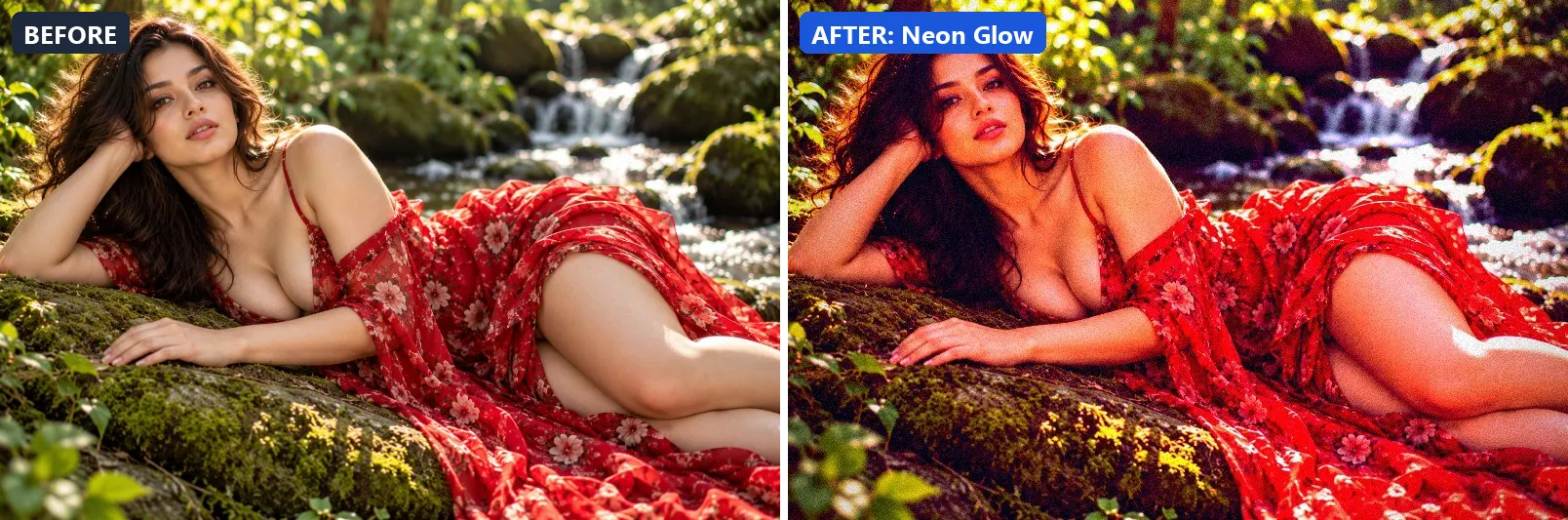
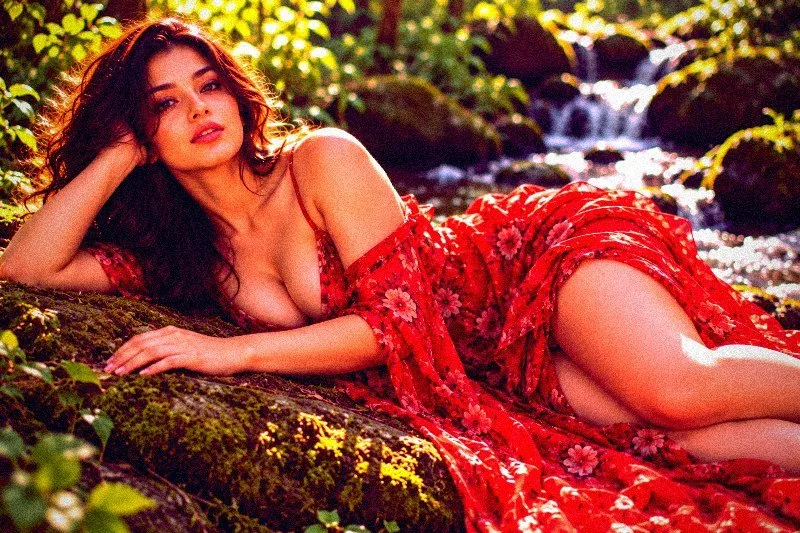
14. Neon Glow
Electric neon light wash — vivid saturated colour with dark contrast.
Applied at 100%, it pushes colour to a vivid level, pulls exposure down a little and settles the midtones a bit darker. It also adds blue-tinted shadows and warm golden highlights. Beyond that it adds strong contrast and applies extra clarity. It closes with a heavy vignette that darkens the edges and a touch of grain.
Brightness −5 · Contrast +30 · Saturation +50 · Gamma 0.92 · Warmth (R−B) −5 · Clarity +12 · Vignette 45 · Grain 10 · Sharpen 1
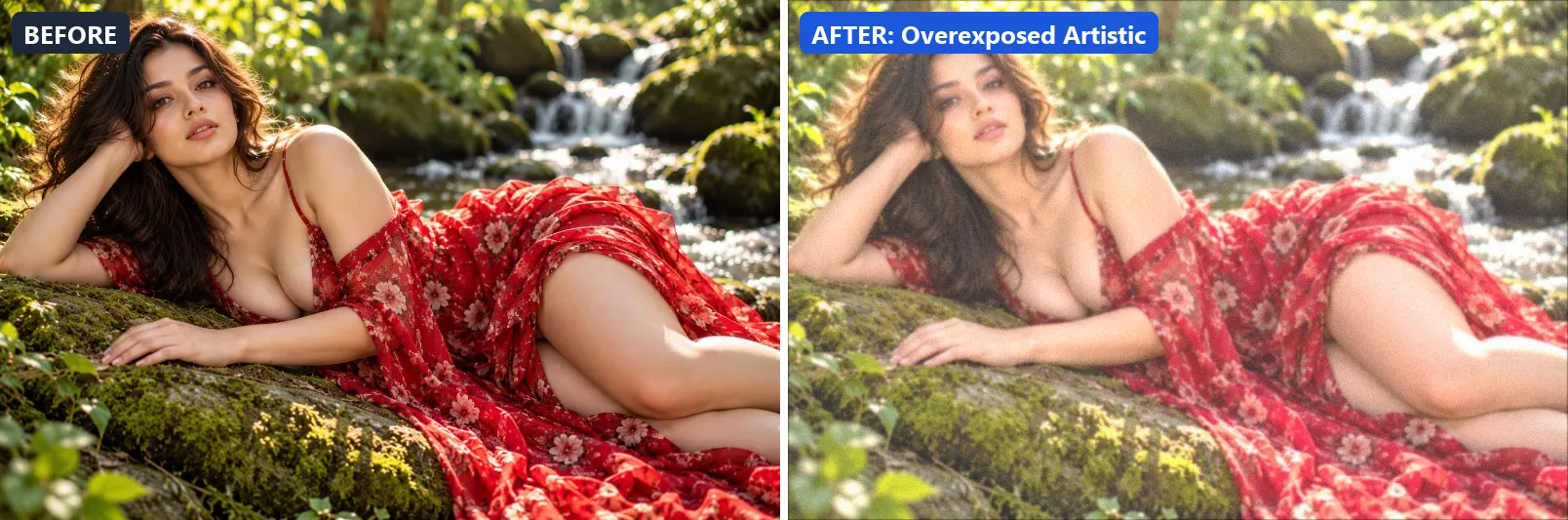
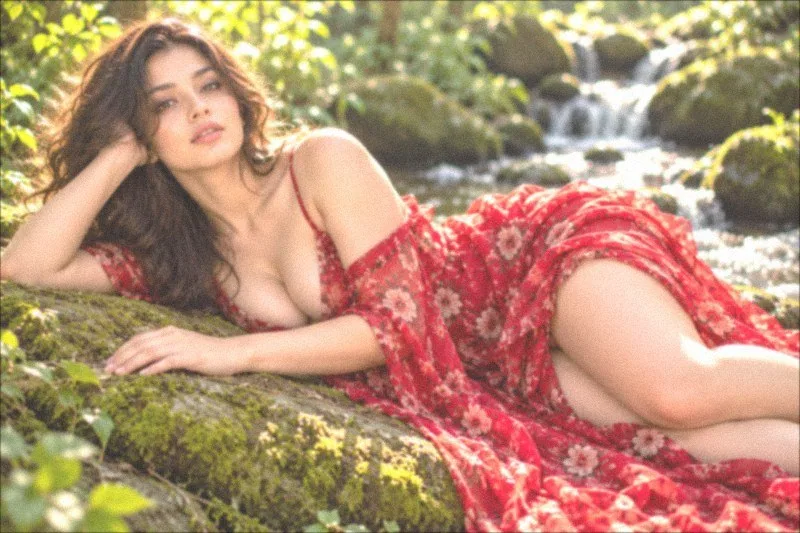
15. Overexposed Artistic
Intentional blown highlights — ethereal overexposure as art.
The grade brightens the frame and opens up the midtones. Colour is split-toned with warm red-tinted shadows and warm golden highlights. In addition it flattens contrast for a soft, faded feel and applies a soft blur of about 1 px for a dreamy look. Final touches: a touch of grain.
Brightness +25 · Contrast −25 · Saturation +5 · Gamma 1.3 · Warmth (R−B) +2 · Clarity −10 · Grain 5 · Blur 1
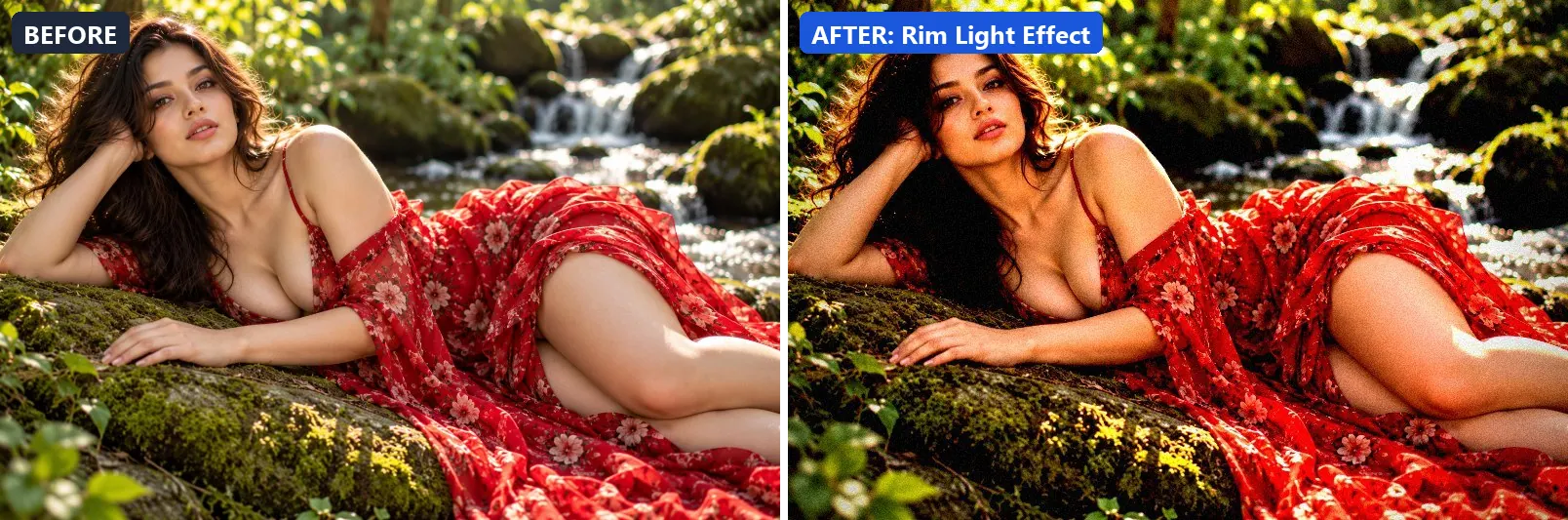
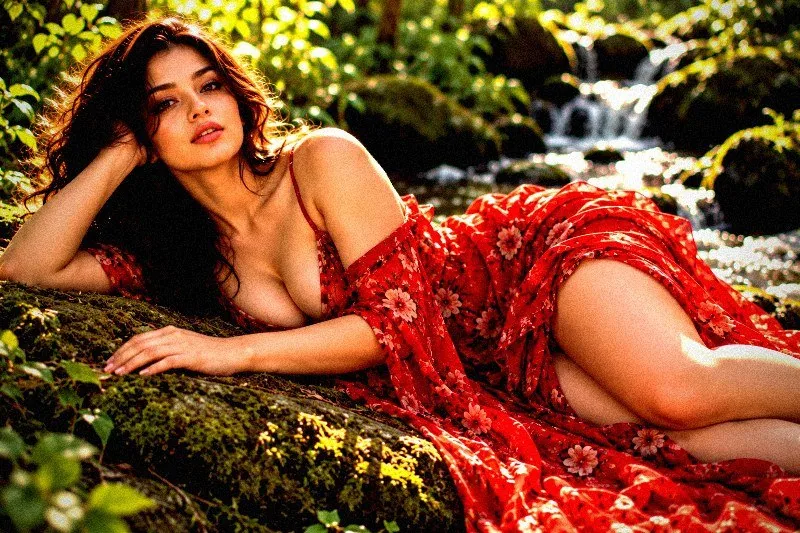
16. Rim Light Effect
Strong rim light separation — dark background, glowing edges.
At full strength it leans warm, pulls exposure down a little and settles the midtones a bit darker. The look is split-toned with warm golden highlights. It also adds very punchy contrast, applies strong clarity for crisp local contrast and applies noticeable sharpening. To finish, it adds a heavy vignette that darkens the edges and a touch of grain.
Brightness −5 · Contrast +35 · Saturation +10 · Gamma 0.95 · Warmth (R−B) +8 · Clarity +18 · Vignette 55 · Grain 8 · Sharpen 2
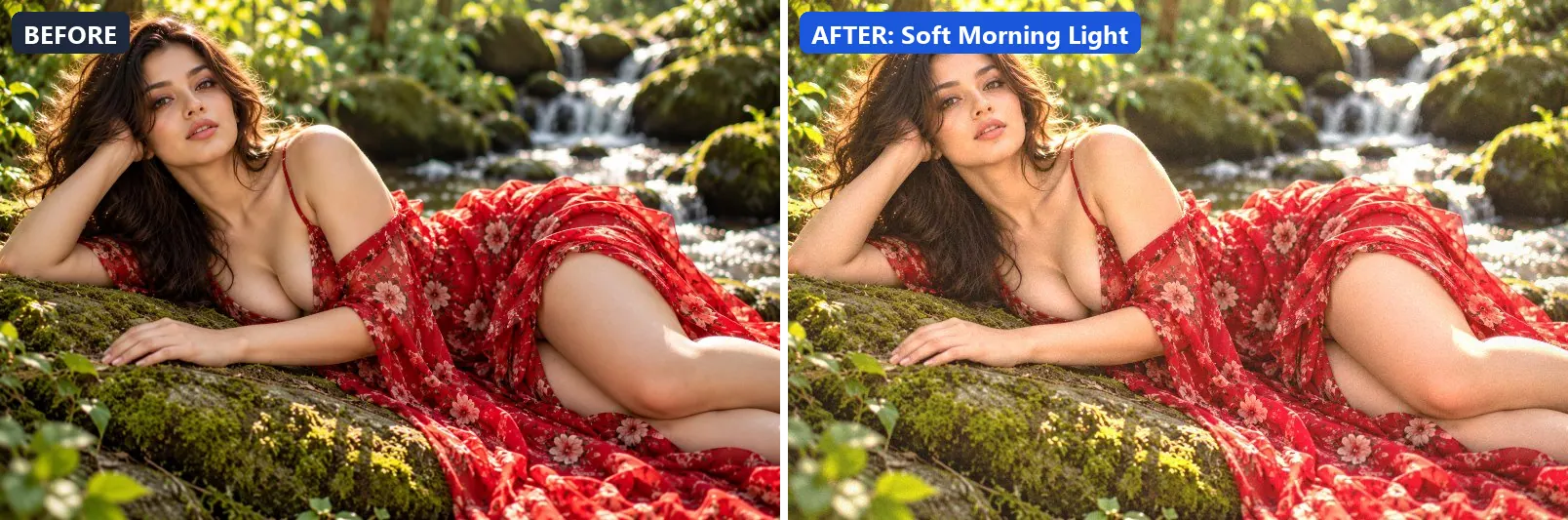
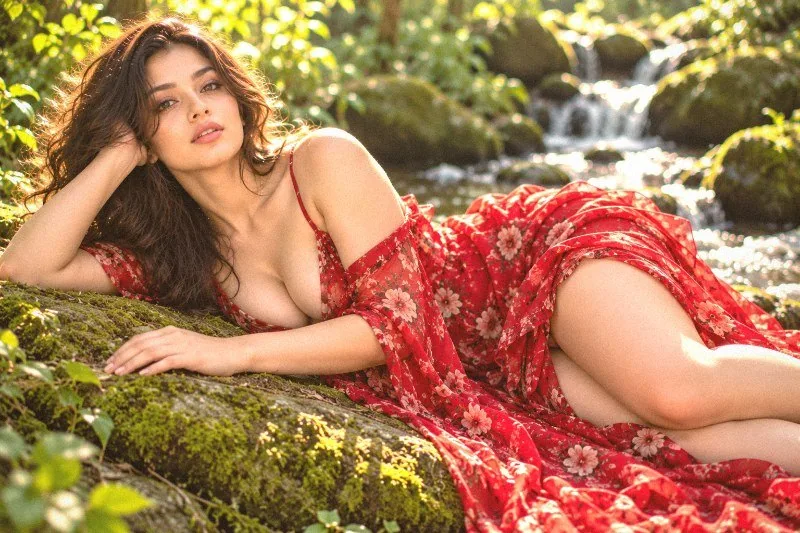
17. Soft Morning Light
Gentle early morning warmth — soft shadows and dewy freshness.
This preset leans warm, brightens the frame and opens up the midtones. For depth it uses warm red-tinted shadows and warm golden highlights. The look is finished with a light vignette.
Brightness +14 · Contrast −5 · Saturation +8 · Gamma 1.15 · Warmth (R−B) +11 · Clarity +5 · Vignette 10 · Grain 4
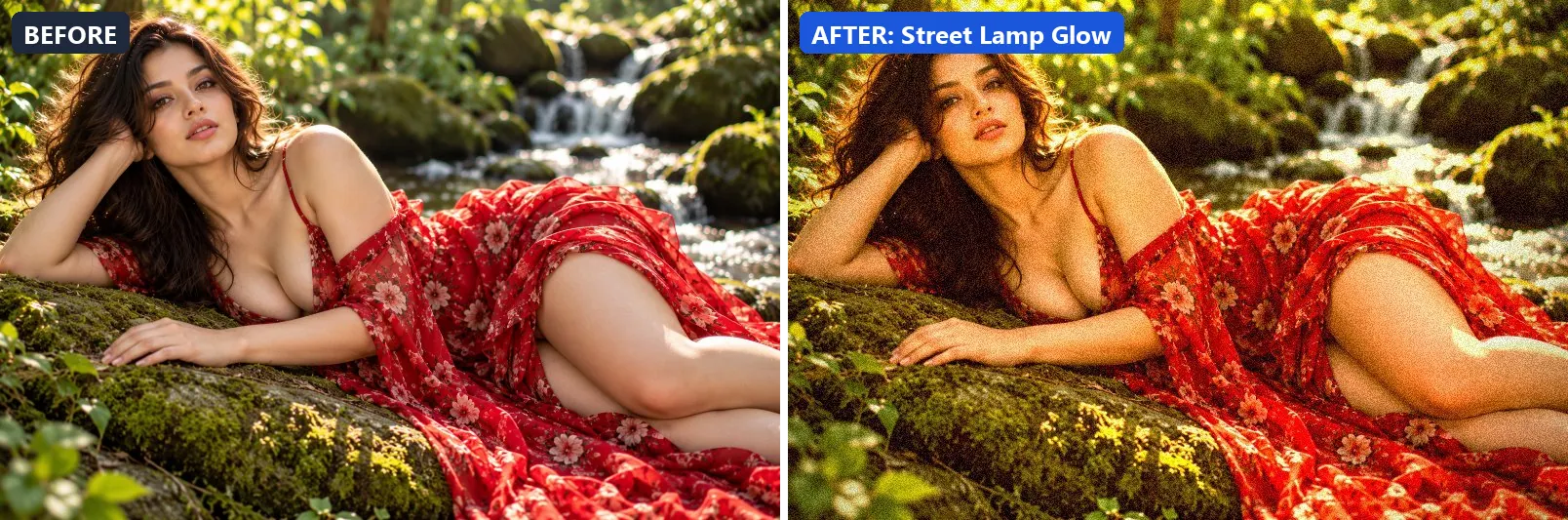
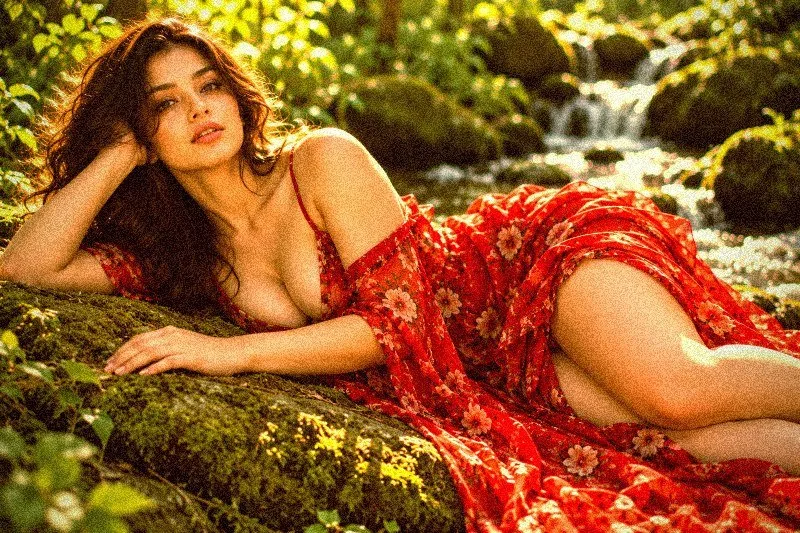
18. Street Lamp Glow
Urban sodium-yellow street lamp — warm low-light atmosphere.
Applied at 100%, it adds a clearly warm, orange cast, pushes the greens, pulls exposure down a little and adds some contrast. It also adds warm red-tinted shadows and warm golden highlights. It closes with a heavy vignette that darkens the edges and visible film grain.
Brightness −5 · Contrast +15 · Saturation +10 · Gamma 1 · Warmth (R−B) +45 · Clarity +5 · Vignette 50 · Grain 15
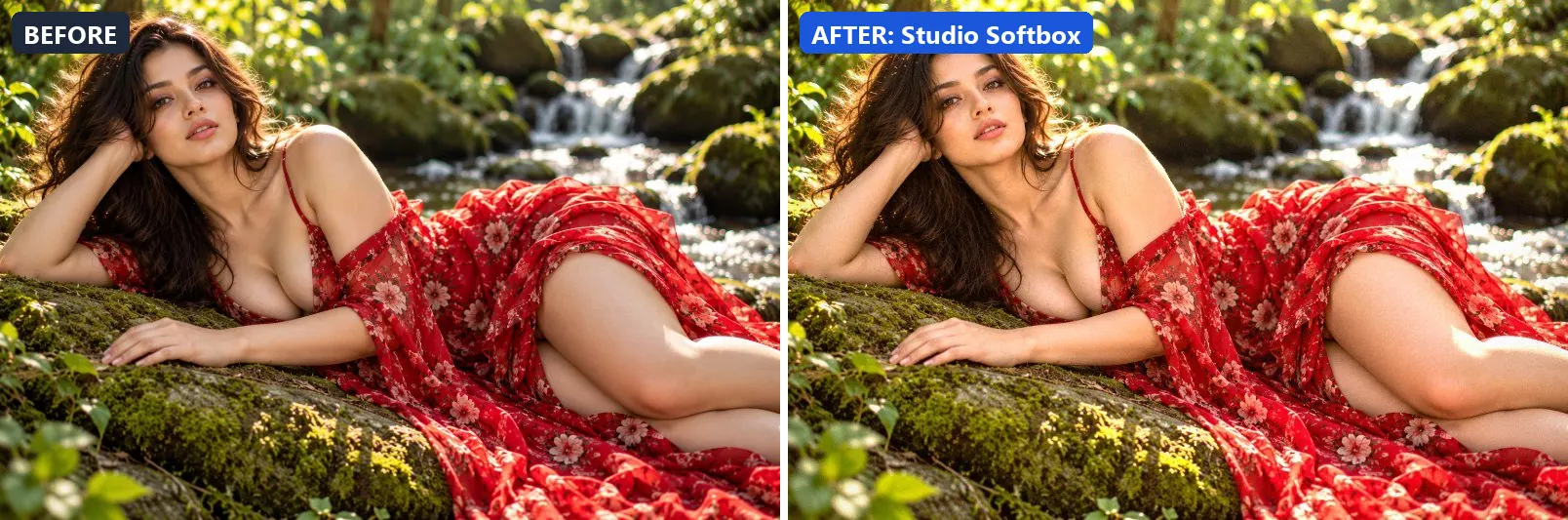
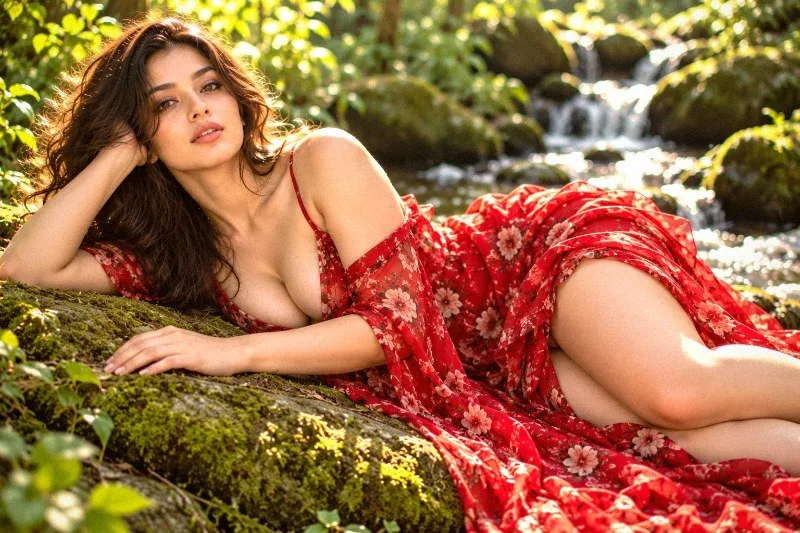
19. Studio Softbox
Professional softbox studio — even, flattering, neutral-warm light.
The grade leans warm, brightens the frame and gently lifts the midtones. In addition it adds some contrast and applies extra clarity. Final touches: a light vignette.
Brightness +10 · Contrast +8 · Saturation +5 · Gamma 1.08 · Warmth (R−B) +8 · Clarity +8 · Vignette 12 · Grain 3 · Sharpen 1
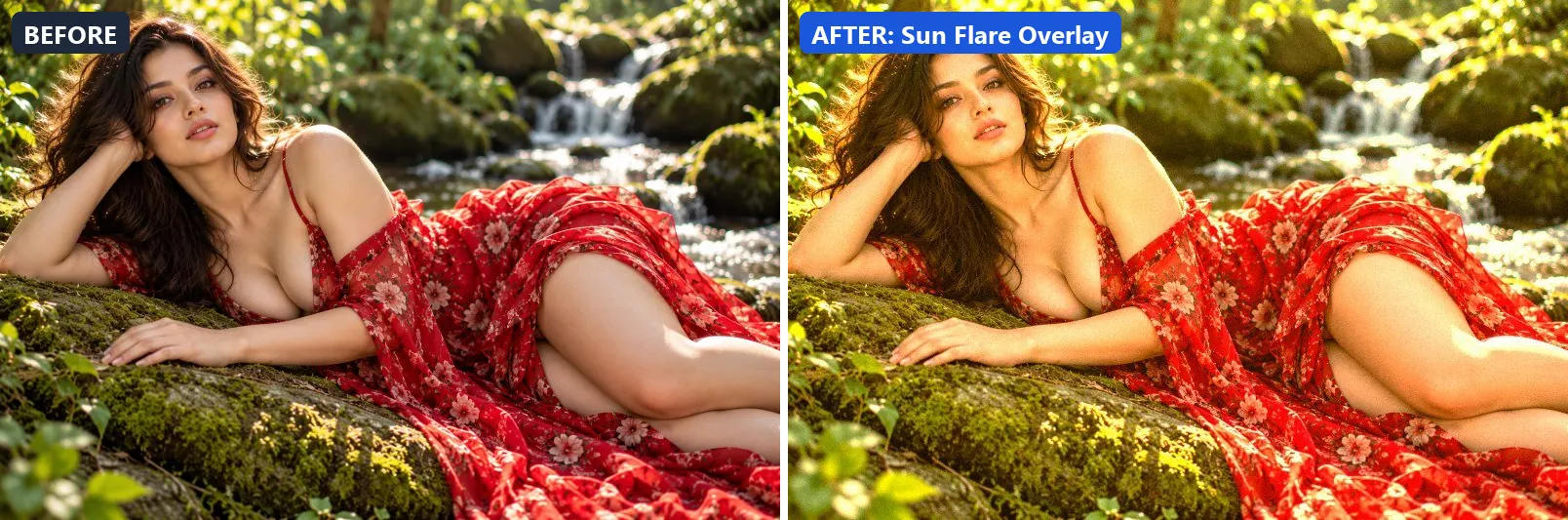
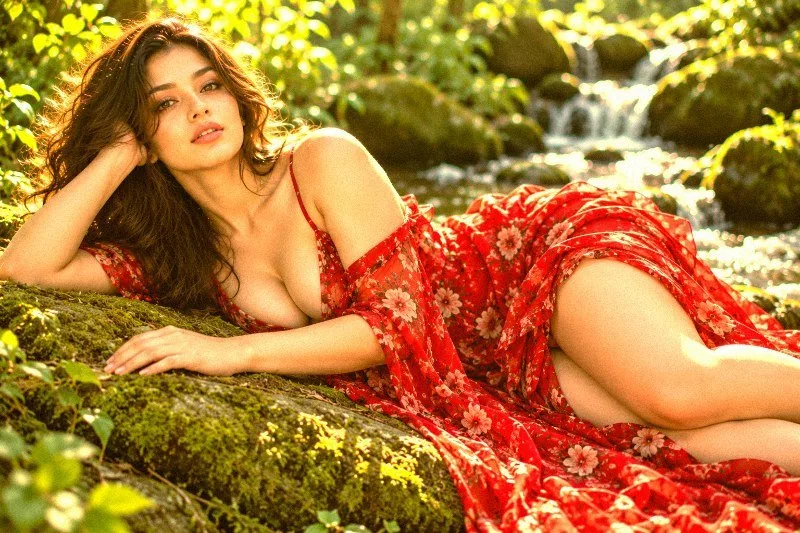
20. Sun Flare Overlay
Anamorphic lens flare — warm highlight blowout with yellow-orange cast.
At full strength it boosts colour, adds a clearly warm, orange cast, pushes the greens and brightens the frame. The look is split-toned with warm red-tinted shadows and warm golden highlights. It also adds some contrast and applies extra clarity. To finish, it adds a touch of grain.
Brightness +12 · Contrast +10 · Saturation +18 · Gamma 1.12 · Warmth (R−B) +35 · Clarity +8 · Grain 5
21. Sunset Backlight
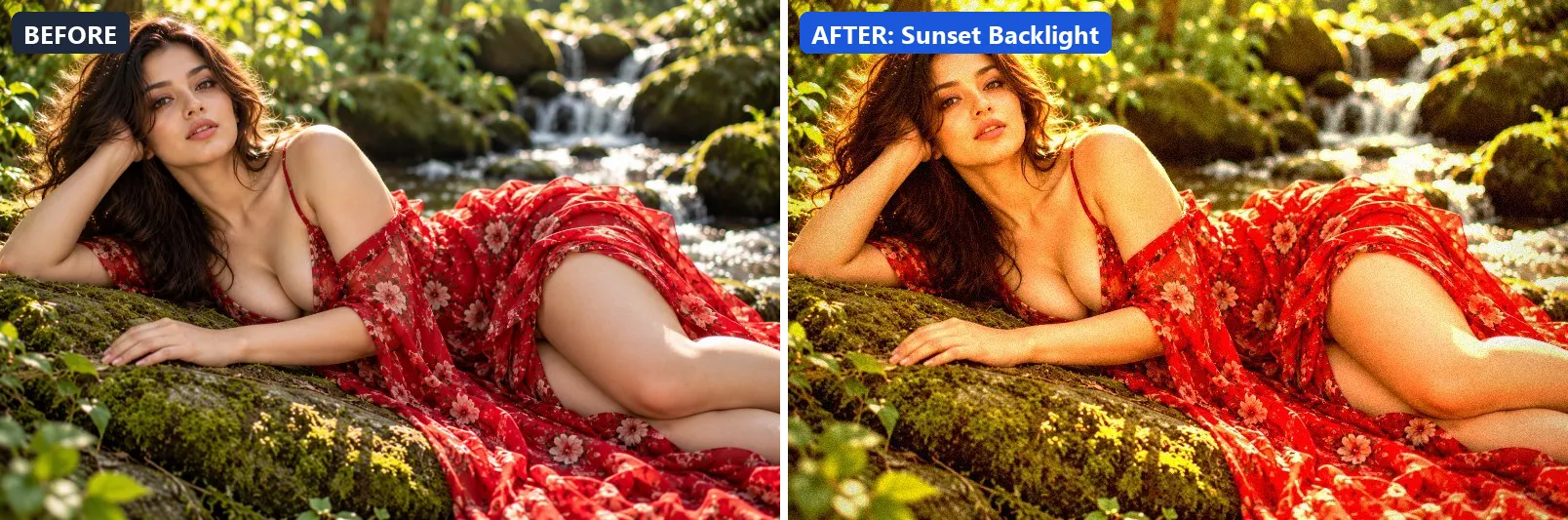
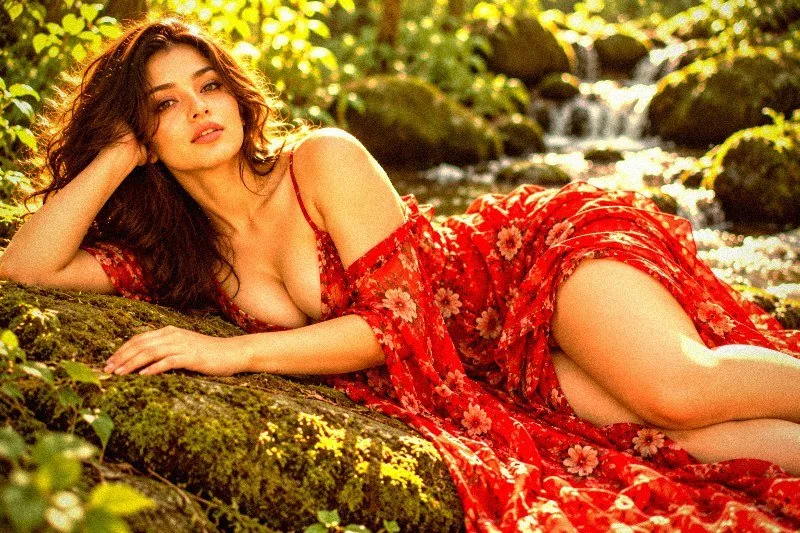
Rim-lit silhouette warmth — blazing backlight with warm flare.
This preset boosts colour, adds a clearly warm, orange cast, pushes the greens and lifts exposure slightly. For depth it uses warm golden highlights. On top of that it adds strong contrast and applies extra clarity. The look is finished with a noticeable vignette and a touch of grain.
Brightness +5 · Contrast +20 · Saturation +20 · Gamma 1.05 · Warmth (R−B) +46 · Clarity +10 · Vignette 35 · Grain 8
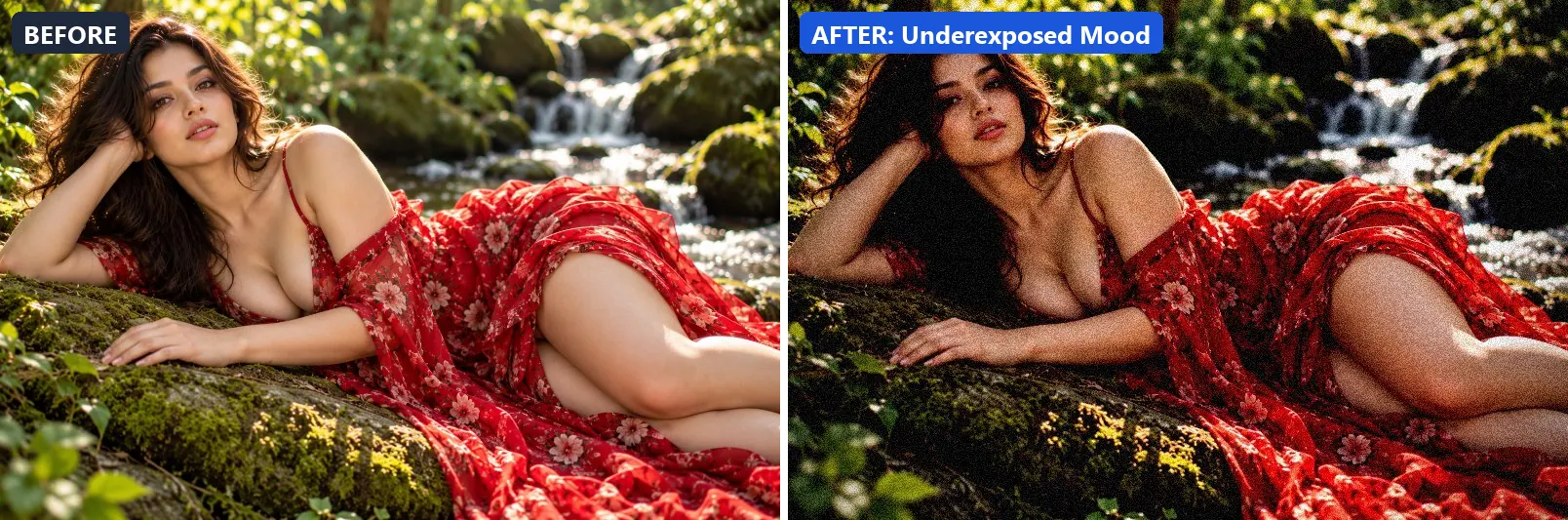
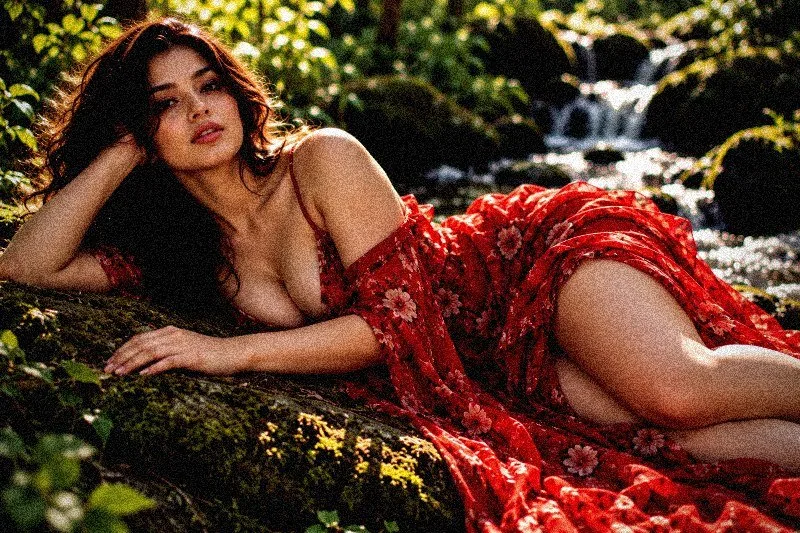
22. Underexposed Mood
Intentionally dark and moody — underexposed with crushed blacks.
Applied at 100%, it darkens the frame noticeably and deepens the midtones strongly. Beyond that it adds strong contrast and applies extra clarity. It closes with a heavy vignette that darkens the edges and visible film grain.
Brightness −20 · Contrast +20 · Saturation −10 · Gamma 0.82 · Warmth (R−B) −5 · Clarity +8 · Vignette 55 · Grain 16 · Sharpen 1
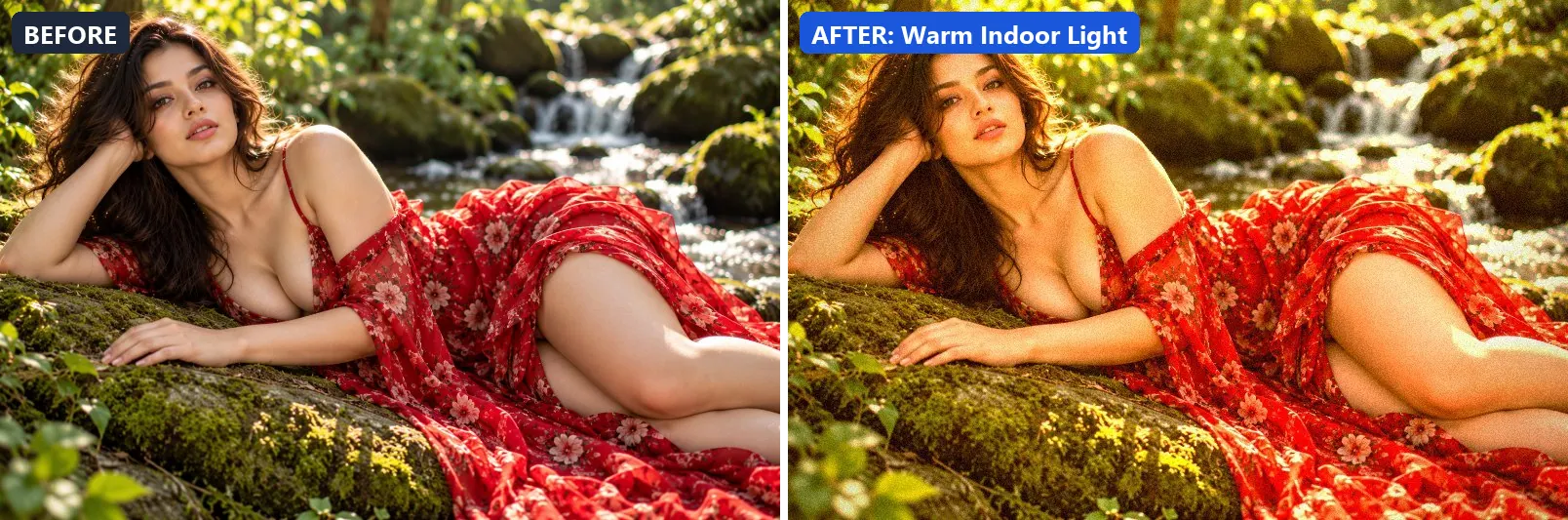
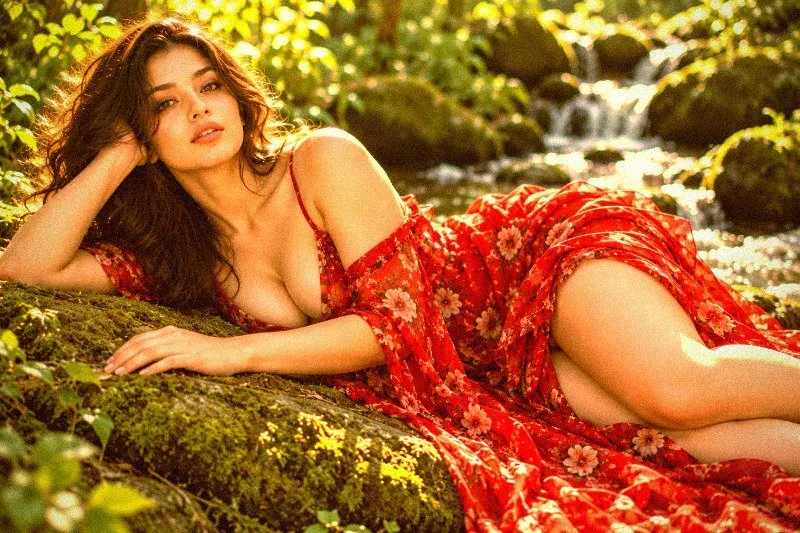
23. Warm Indoor Light
Cozy interior tungsten warmth — amber tones, deep shadows.
The grade boosts colour, adds a clearly warm, orange cast, pushes the greens and lifts exposure slightly. Colour is split-toned with warm red-tinted shadows and warm golden highlights. In addition it adds some contrast. Final touches: a noticeable vignette and a touch of grain.
Brightness +5 · Contrast +12 · Saturation +15 · Gamma 1.05 · Warmth (R−B) +48 · Clarity +5 · Vignette 35 · Grain 8
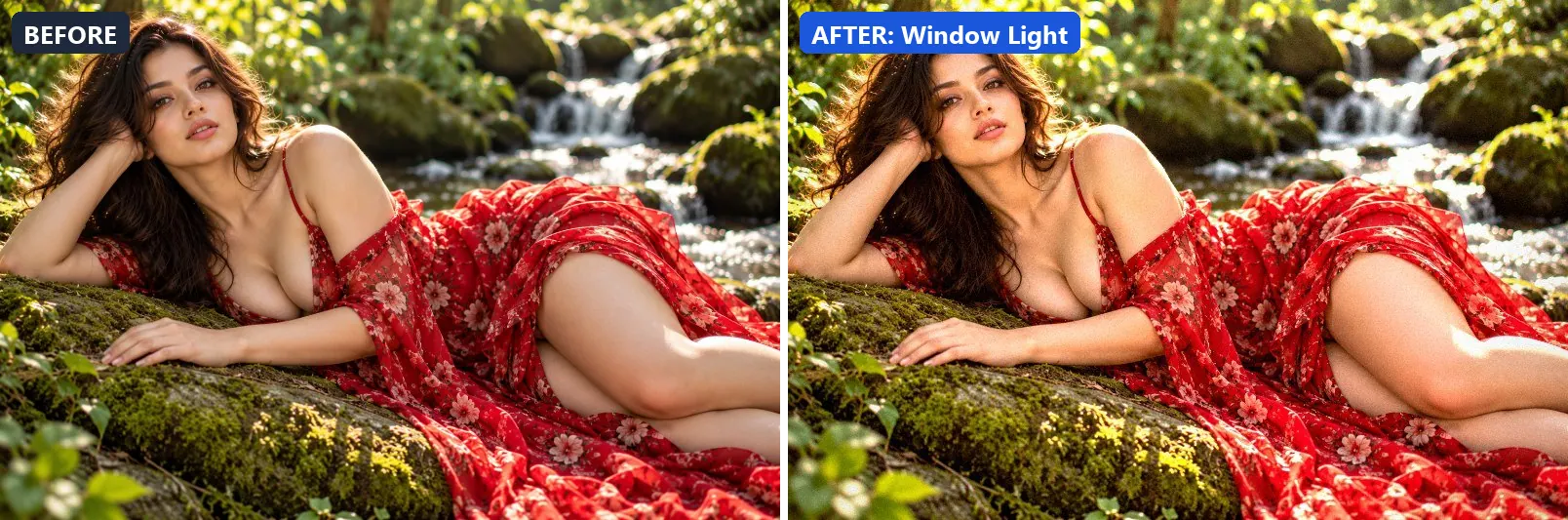
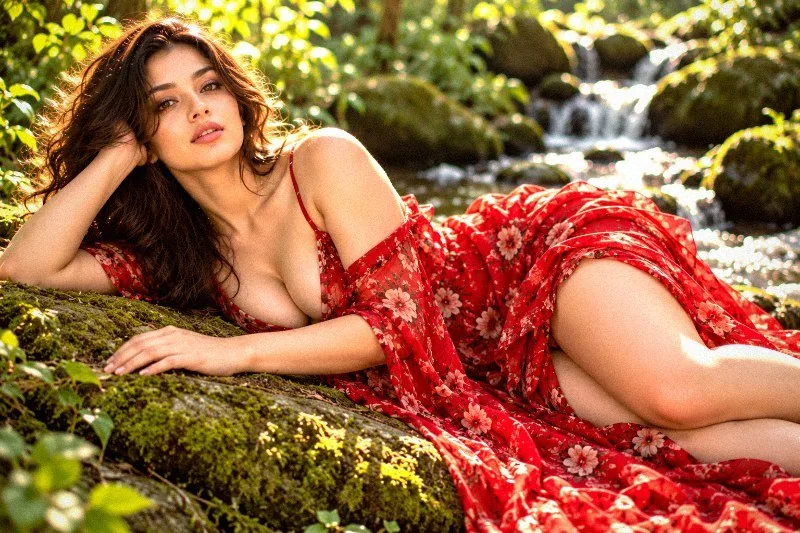
24. Window Light
Natural window light — soft directional with bright side and deep shadow.
At full strength it leans warm, lifts exposure slightly and gently lifts the midtones. It also adds some contrast and applies extra clarity. To finish, it adds a light vignette and a touch of grain.
Brightness +8 · Contrast +18 · Saturation +5 · Gamma 1.07 · Warmth (R−B) +8 · Clarity +10 · Vignette 20 · Grain 5 · Sharpen 1
More filter groups
- Cinematic
- Portrait & Skin
- Landscape Pro
- Black & White
- Clarity & Detail
- Golden Hour
- Night & Astro
- Emotional Mood
- Atmosphere
- Artistic Styles
- Experimental FX
- Film Emulation
- Vintage Extras
- Natural Extras
- Travel Destinations
- Weather
- Seasons
- Corporate
- Fashion & Editorial
- Food & Product
- Sports & Action
- Social Media
- Architecture & Urban
Try these filters on your own photo
Free, runs in your browser, full-resolution download.