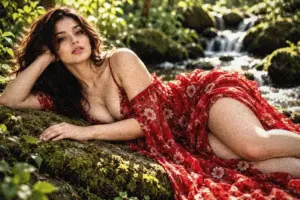
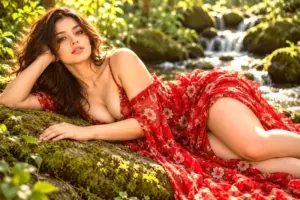
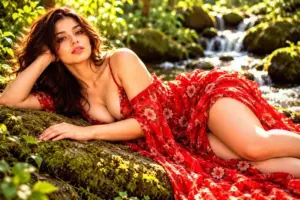
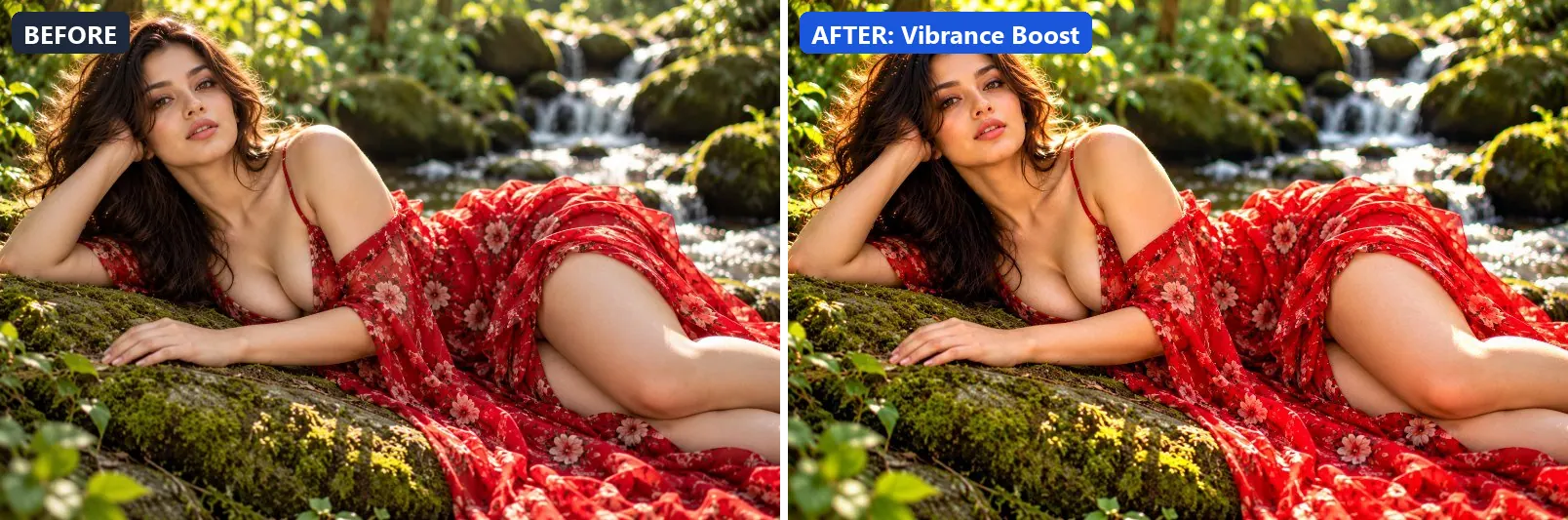
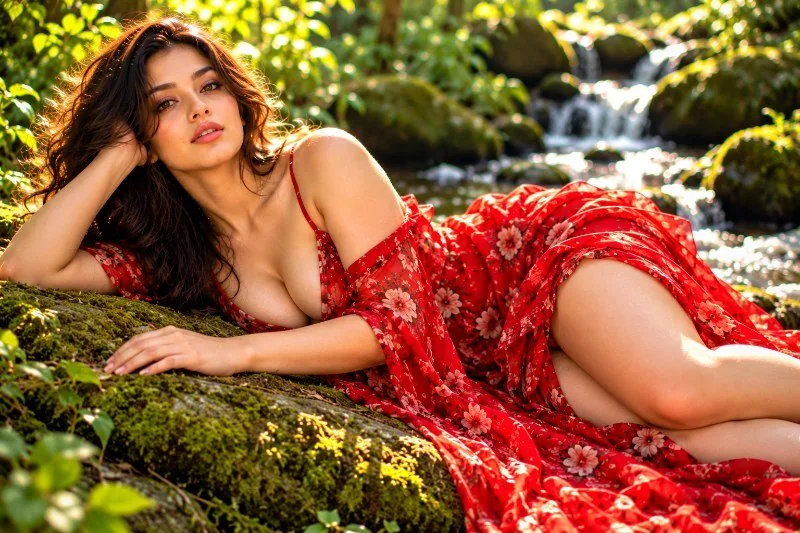
This page shows every Clarity & Detail preset from the free Image Filters & Effects tool on its own: a before-and-after comparison and a full picture with the filter applied. There are 20 filters here, all run at 100% strength on the same sample photo.
Clarity & Detail presets focus on texture and local contrast: sharper edges, firmer midtones and cleaner detail. They suit product shots, architecture and any photo that looks a bit flat. In this set of 20, 2 lean warm, 2 lean cool and 16 stay close to neutral. On average they change contrast by +13 and saturation by +8; 5 boost colour and 1 add a noticeable vignette.
Jump to a filter
All 20 Clarity & Detail filters
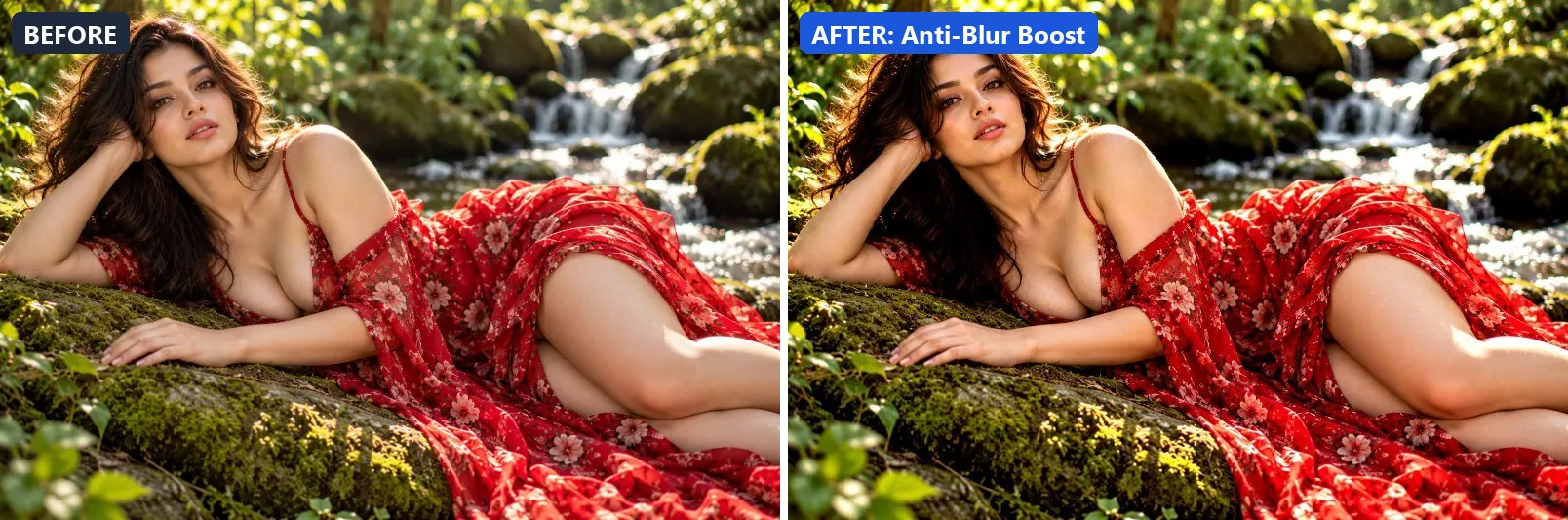
1. Anti-Blur Boost
Counter motion and focus blur — maximum sharpening with clarity.
This preset adds some contrast. On top of that it applies strong clarity for crisp local contrast and applies noticeable sharpening.
Brightness +2 · Contrast +12 · Saturation 0 · Gamma 1 · Warmth (R−B) 0 · Clarity +20 · Sharpen 3
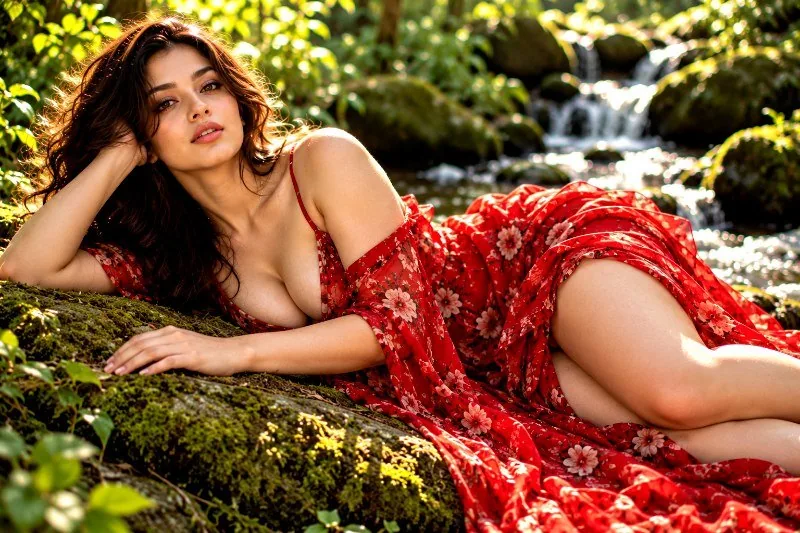
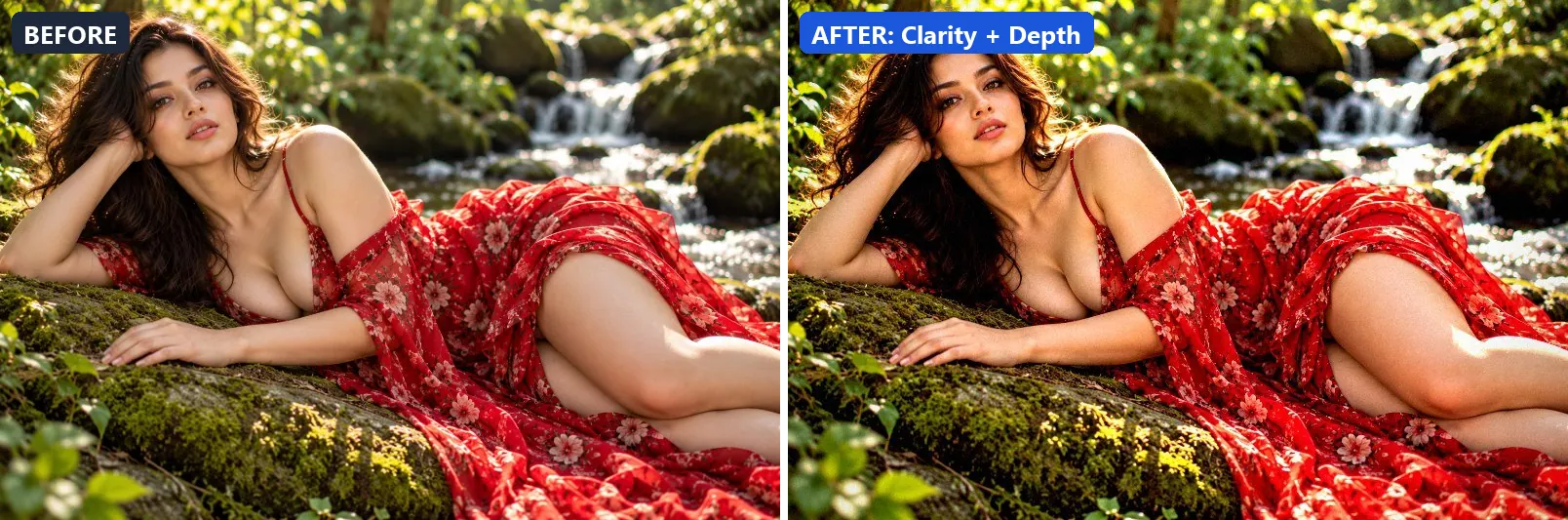
2. Clarity + Depth
Combines clarity, depth and contrast for a powerful editorial look.
Applied at 100%, it adds strong contrast. Beyond that it applies strong clarity for crisp local contrast and applies noticeable sharpening. It closes with a noticeable vignette.
Brightness +3 · Contrast +20 · Saturation +10 · Gamma 1 · Warmth (R−B) 0 · Clarity +28 · Vignette 25 · Grain 4 · Sharpen 2
3. Contrast Lift
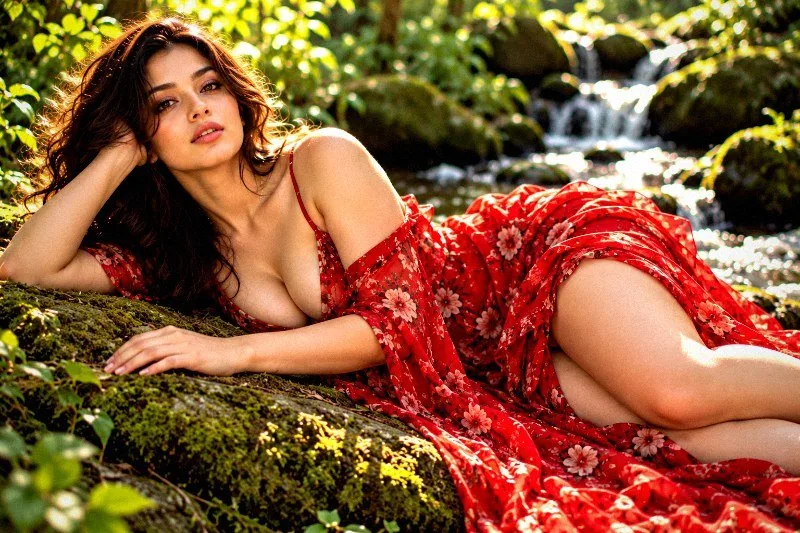
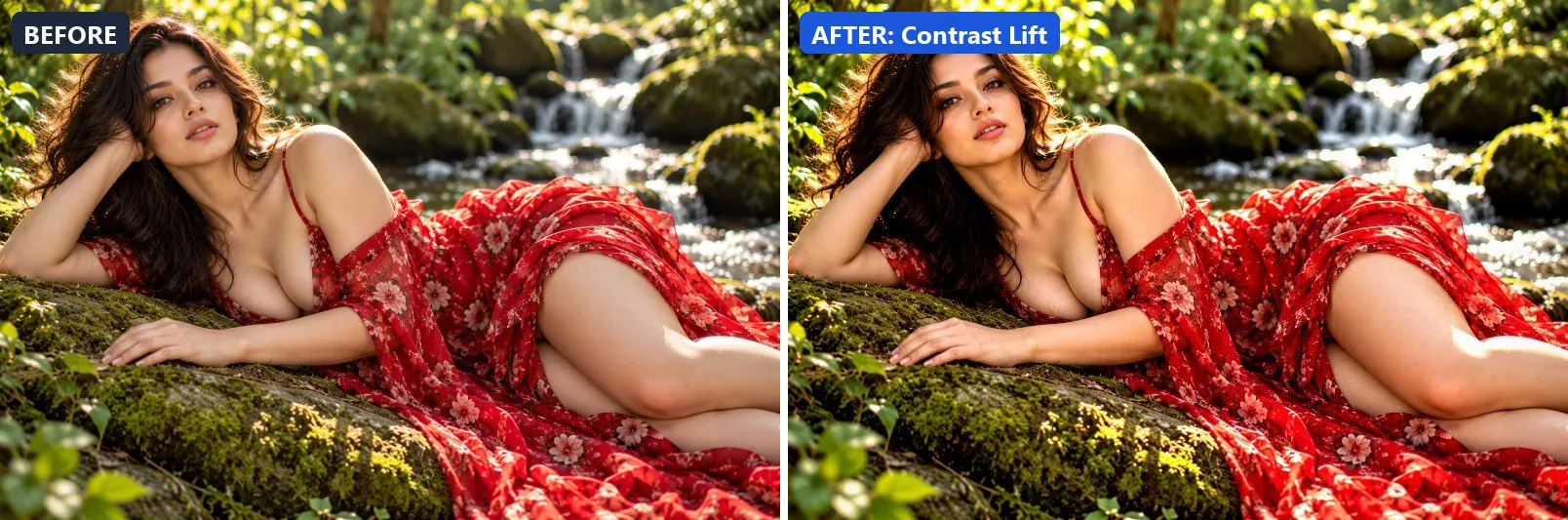
Lifts overall contrast while preserving shadow and highlight detail.
The grade lifts exposure slightly and adds strong contrast. In addition it applies extra clarity. Final touches: a light vignette.
Brightness +5 · Contrast +25 · Saturation +5 · Gamma 1.02 · Warmth (R−B) 0 · Clarity +15 · Vignette 10 · Sharpen 1
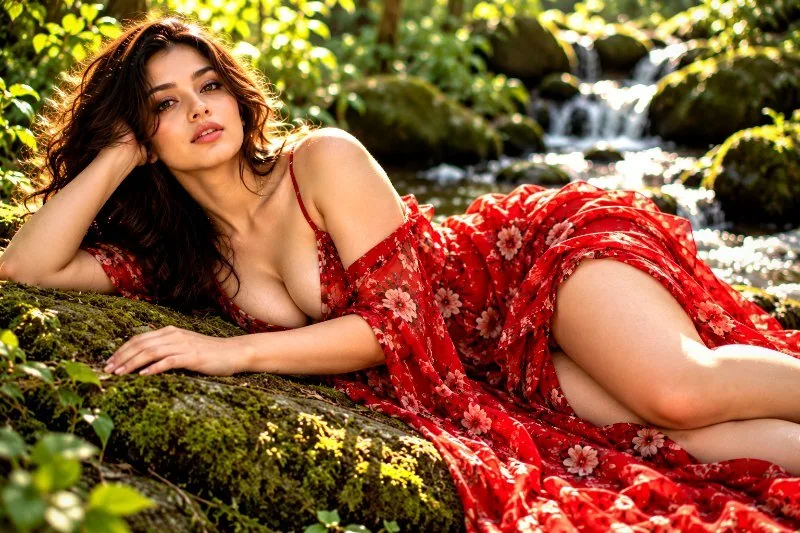
4. Crystal Clear
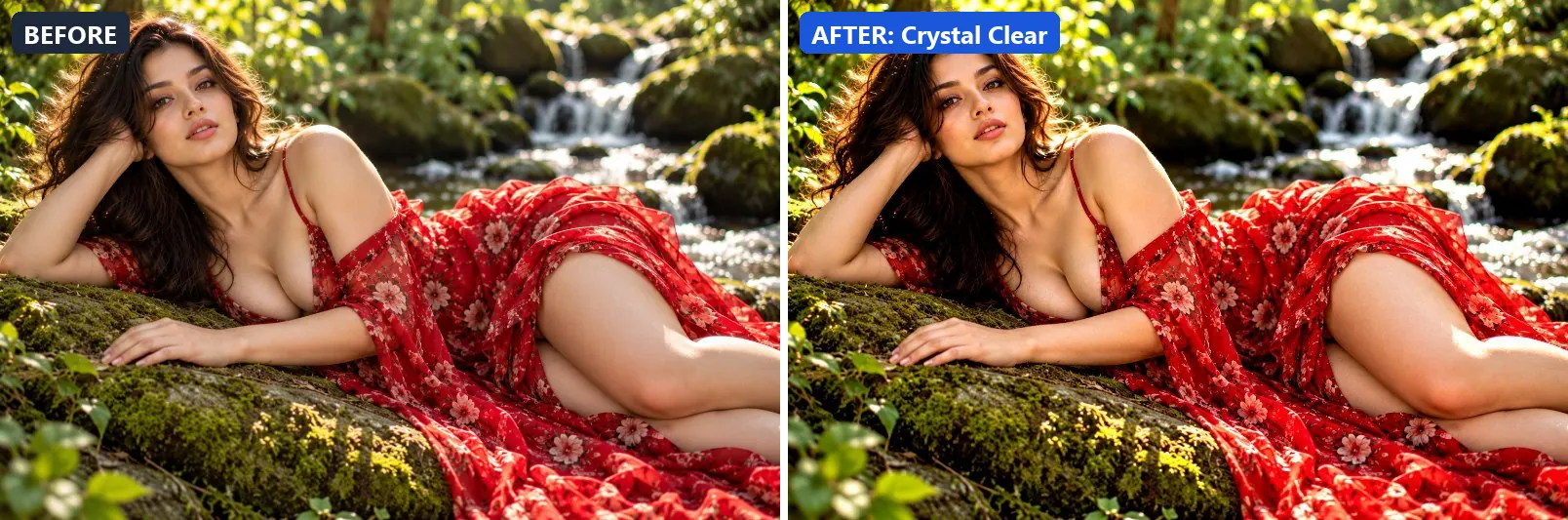
Maximum clarity and cleanliness — punchy, crisp and defined.
At full strength it lifts exposure slightly and adds some contrast. It also applies strong clarity for crisp local contrast and applies noticeable sharpening.
Brightness +5 · Contrast +15 · Saturation +8 · Gamma 1 · Warmth (R−B) 0 · Clarity +25 · Vignette 5 · Sharpen 2
5. Dehaze
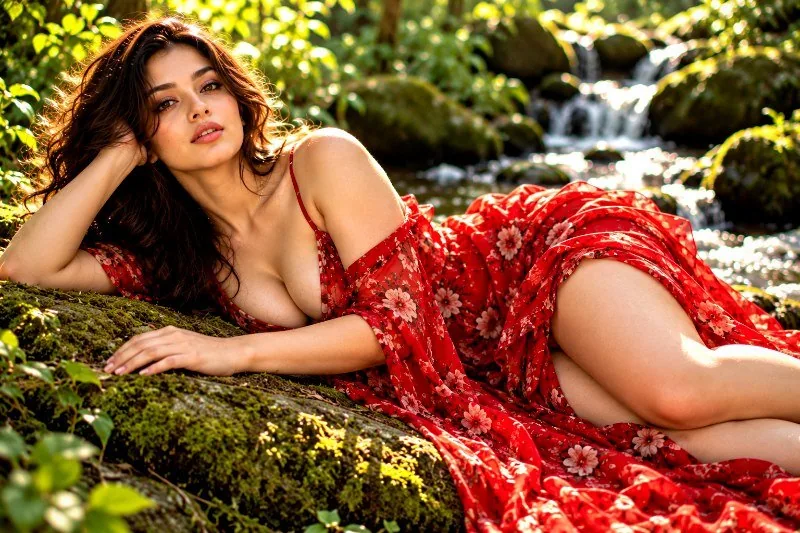
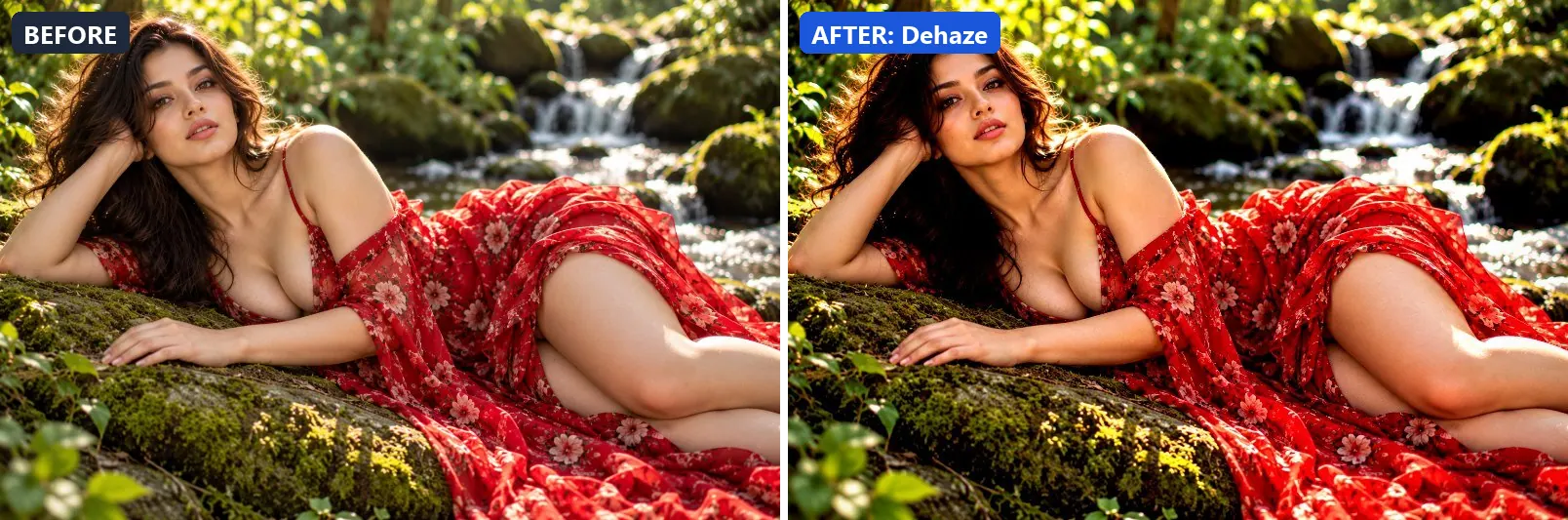
Removes atmospheric haze — deepens contrast and restores colour.
This preset settles the midtones a bit darker and adds strong contrast. On top of that it applies strong clarity for crisp local contrast and applies noticeable sharpening.
Brightness −3 · Contrast +22 · Saturation +12 · Gamma 0.96 · Warmth (R−B) −3 · Clarity +20 · Vignette 8 · Sharpen 2
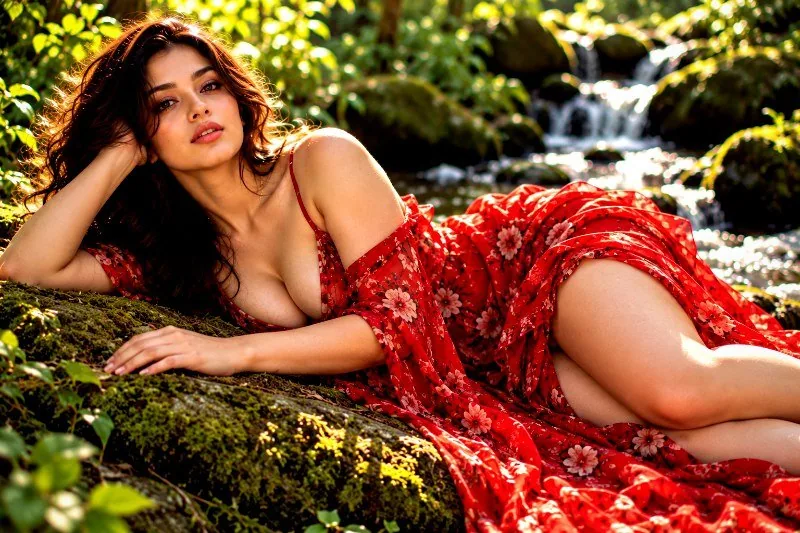
6. Detail Focus
Focuses visual attention on detail — slight vignette with sharp clarity.
Applied at 100%, it adds some contrast. Beyond that it applies strong clarity for crisp local contrast and applies noticeable sharpening. It closes with a light vignette.
Brightness +3 · Contrast +14 · Saturation +5 · Gamma 1 · Warmth (R−B) 0 · Clarity +20 · Vignette 20 · Sharpen 2
7. Edge Boost
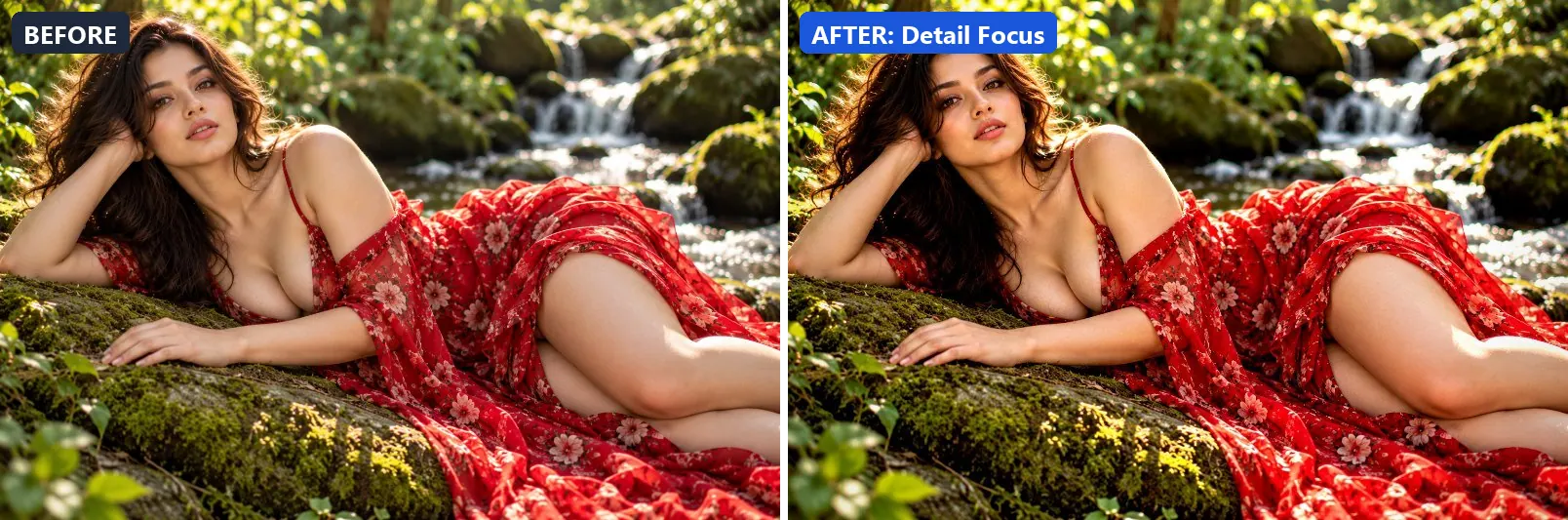
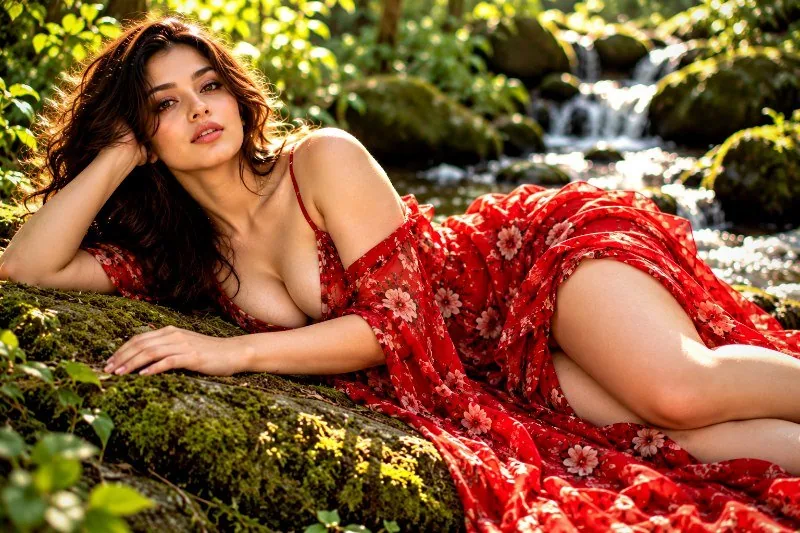
Hyper edge definition — enhances boundaries between elements.
The grade adds some contrast. In addition it applies strong clarity for crisp local contrast and applies noticeable sharpening.
Brightness 0 · Contrast +18 · Saturation +3 · Gamma 0.98 · Warmth (R−B) 0 · Clarity +18 · Vignette 8 · Sharpen 3
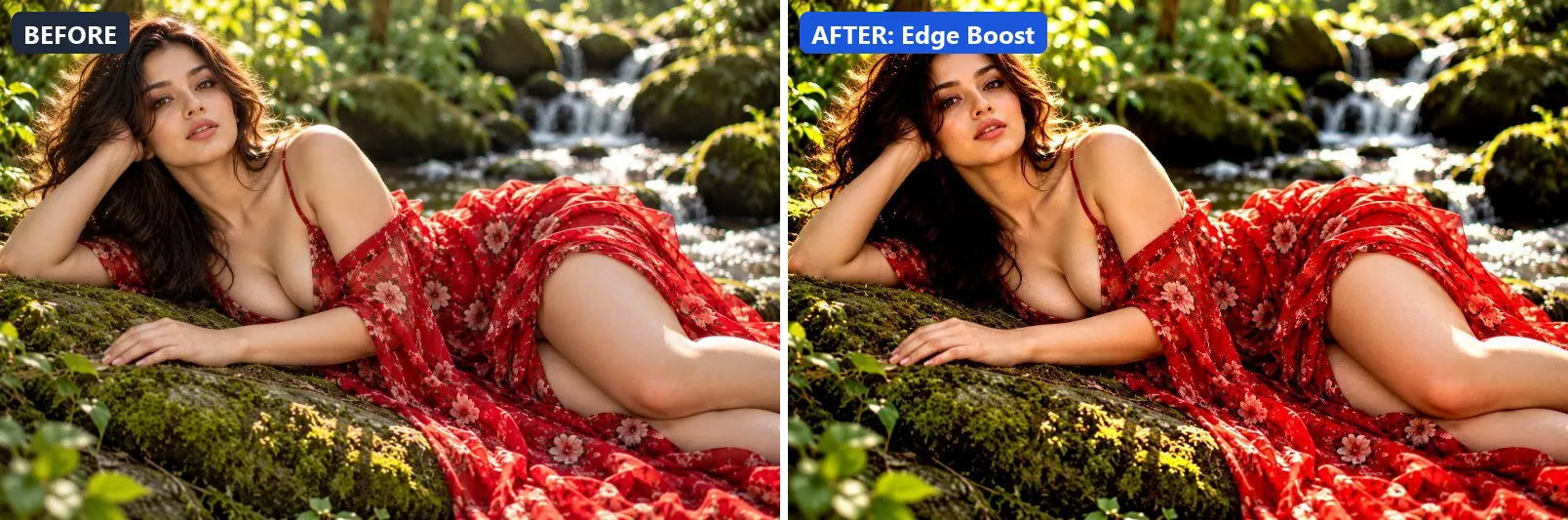
8. Face Clarity
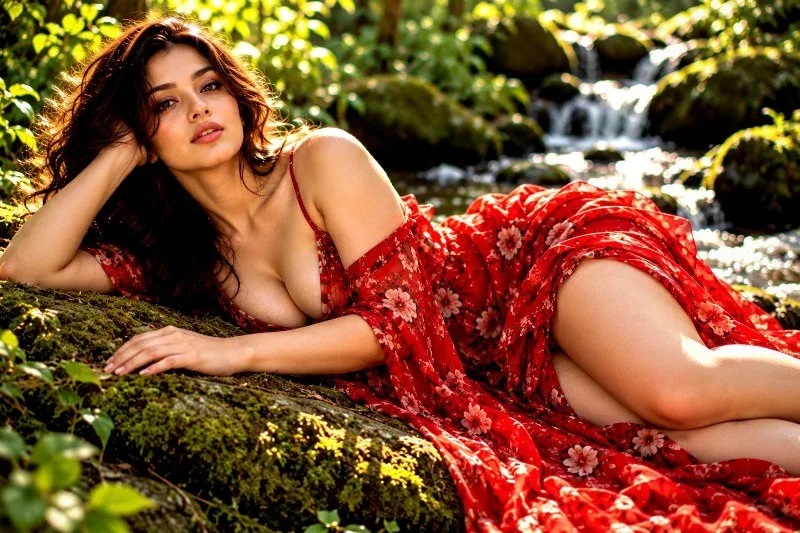
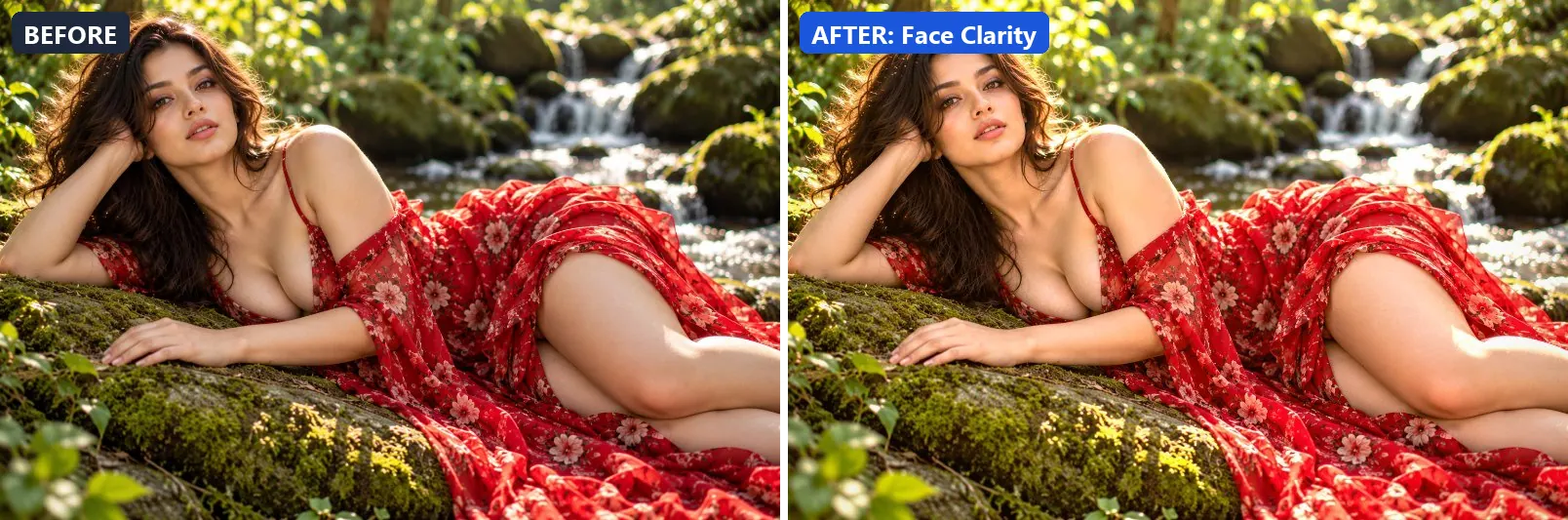
Optimised for face photography — brightens and clarifies skin detail.
At full strength it leans warm, brightens the frame and gently lifts the midtones. It also adds some contrast and applies extra clarity. To finish, it adds a light vignette.
Brightness +10 · Contrast +8 · Saturation +5 · Gamma 1.08 · Warmth (R−B) +8 · Clarity +12 · Vignette 15 · Sharpen 1
9. HDR Enhance
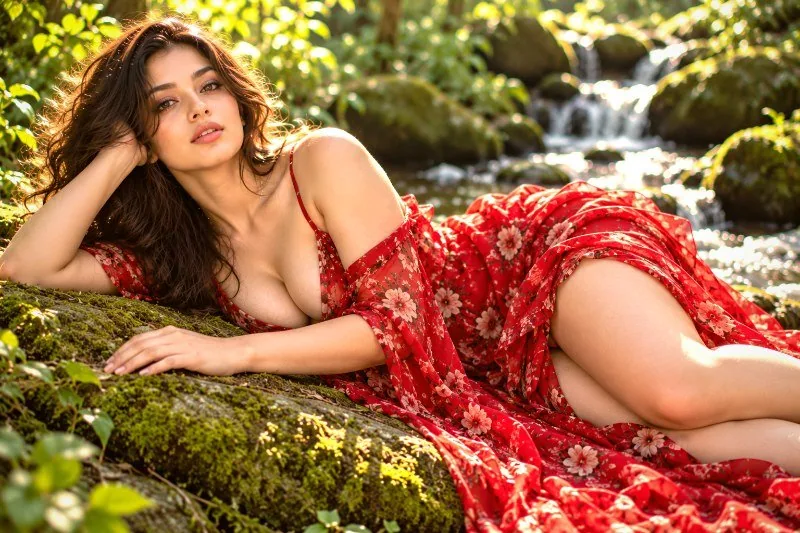
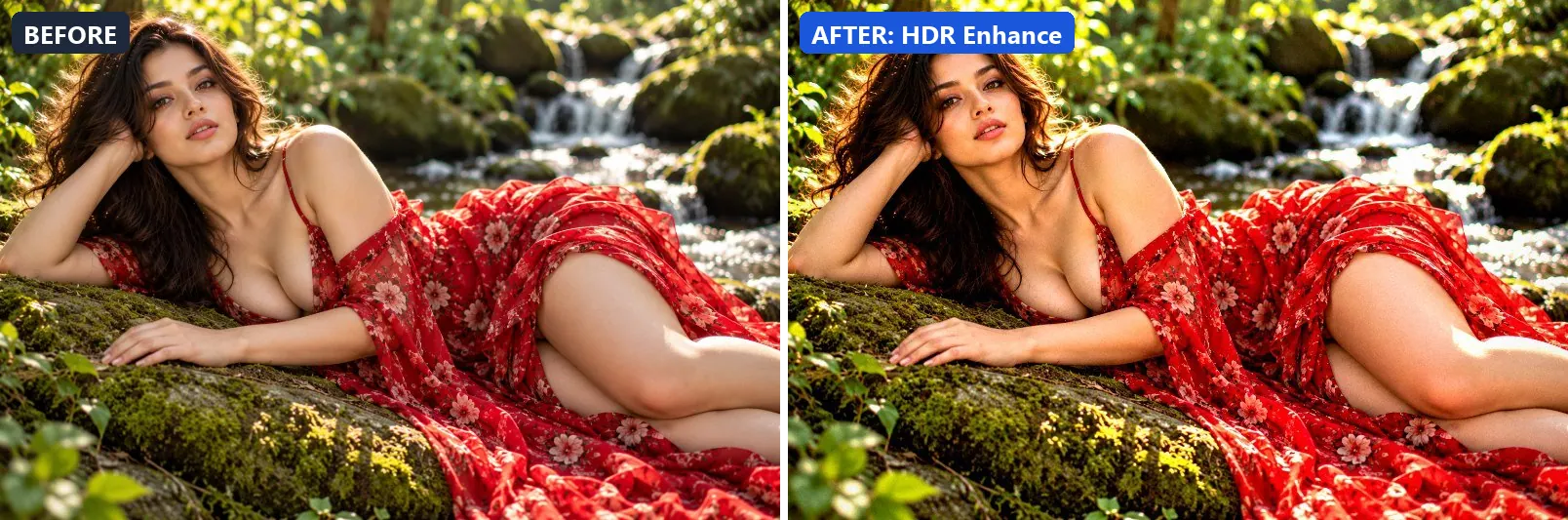
HDR-style tone mapping — lifts shadows, recovers highlights, adds clarity.
This preset boosts colour, lifts exposure slightly and adds strong contrast. On top of that it applies strong clarity for crisp local contrast and applies noticeable sharpening. The look is finished with a light vignette.
Brightness +5 · Contrast +20 · Saturation +15 · Gamma 1.02 · Warmth (R−B) 0 · Clarity +28 · Vignette 12 · Grain 3 · Sharpen 2
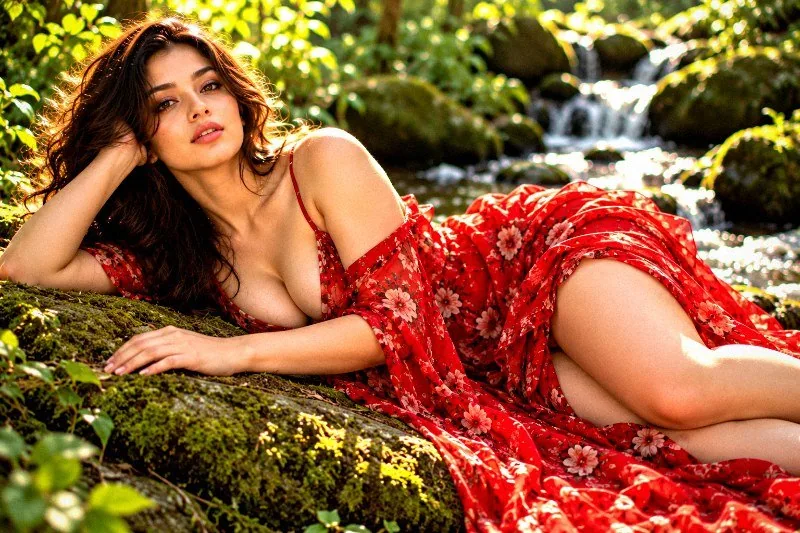
10. High Definition Pop
Ultra HD look — sharp, vivid, clean and punchy.
Applied at 100%, it boosts colour, lifts exposure slightly and adds some contrast. Beyond that it applies strong clarity for crisp local contrast and applies noticeable sharpening.
Brightness +5 · Contrast +18 · Saturation +15 · Gamma 1 · Warmth (R−B) 0 · Clarity +22 · Vignette 8 · Sharpen 2
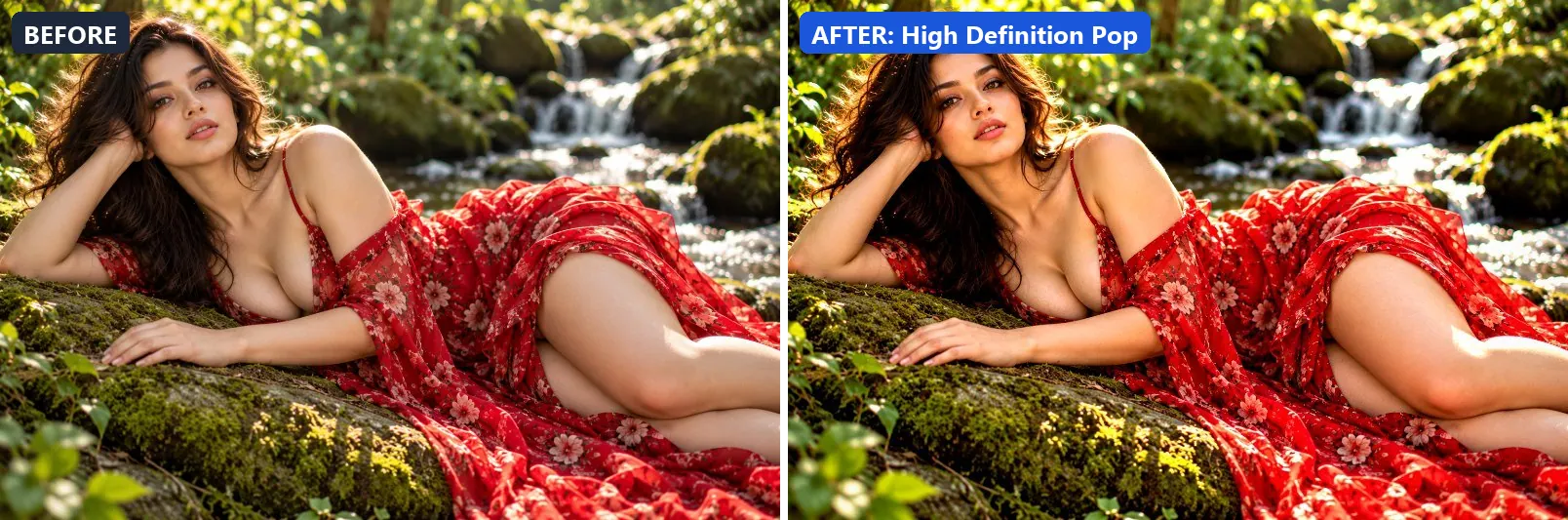
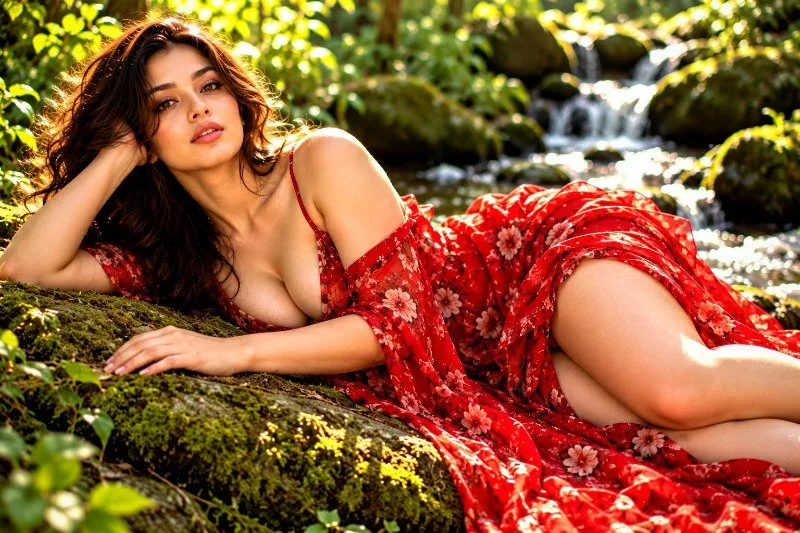
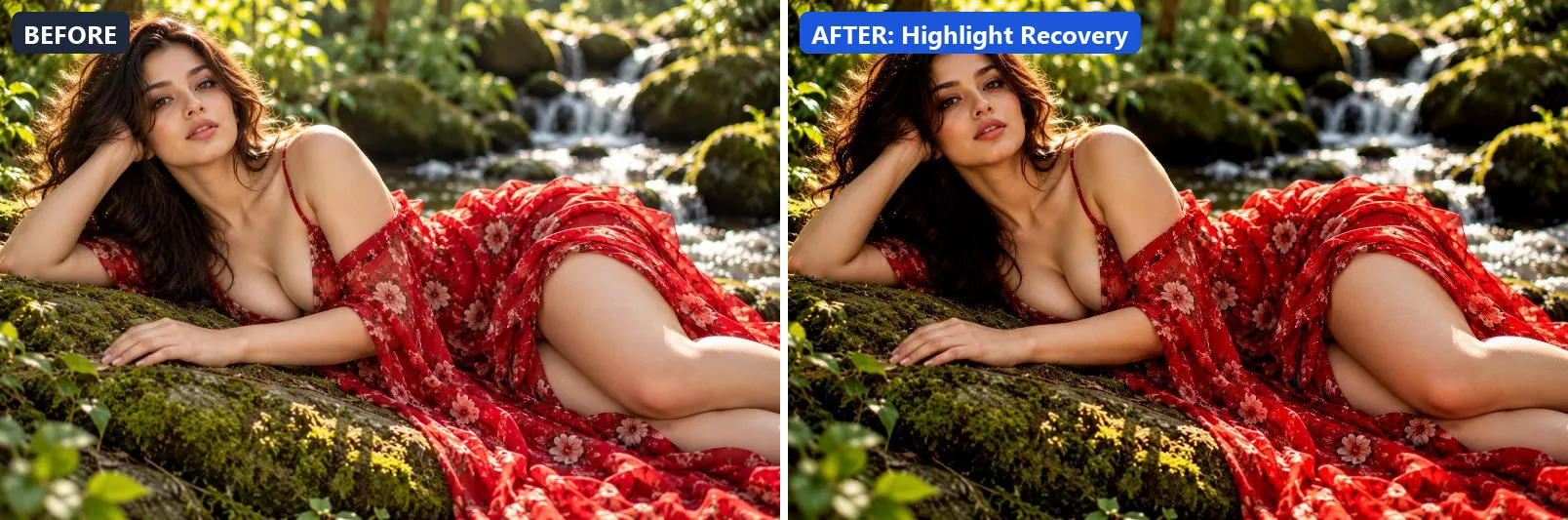
11. Highlight Recovery
Recovers blown highlights — pulls detail back from overexposed areas.
The grade pulls exposure down a little and deepens the midtones strongly. In addition it applies extra clarity.
Brightness −8 · Contrast +5 · Saturation +3 · Gamma 0.88 · Warmth (R−B) 0 · Clarity +8 · Sharpen 1
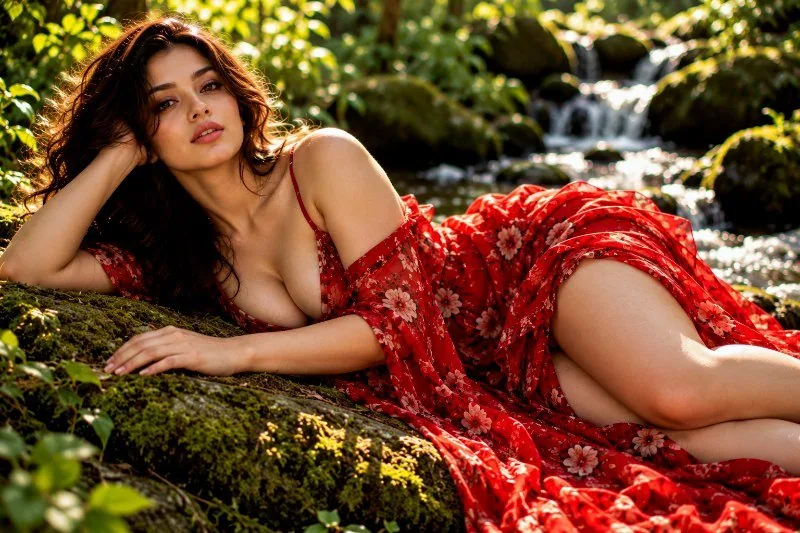
12. Landscape Detail
Landscape optimised — enhances sky, foliage and terrain detail.
At full strength it boosts colour, leans cool, lifts exposure slightly and adds some contrast. It also applies strong clarity for crisp local contrast and applies noticeable sharpening. To finish, it adds a light vignette.
Brightness +5 · Contrast +18 · Saturation +18 · Gamma 1.02 · Warmth (R−B) −6 · Clarity +22 · Vignette 15 · Grain 3 · Sharpen 2
13. Micro Contrast Boost
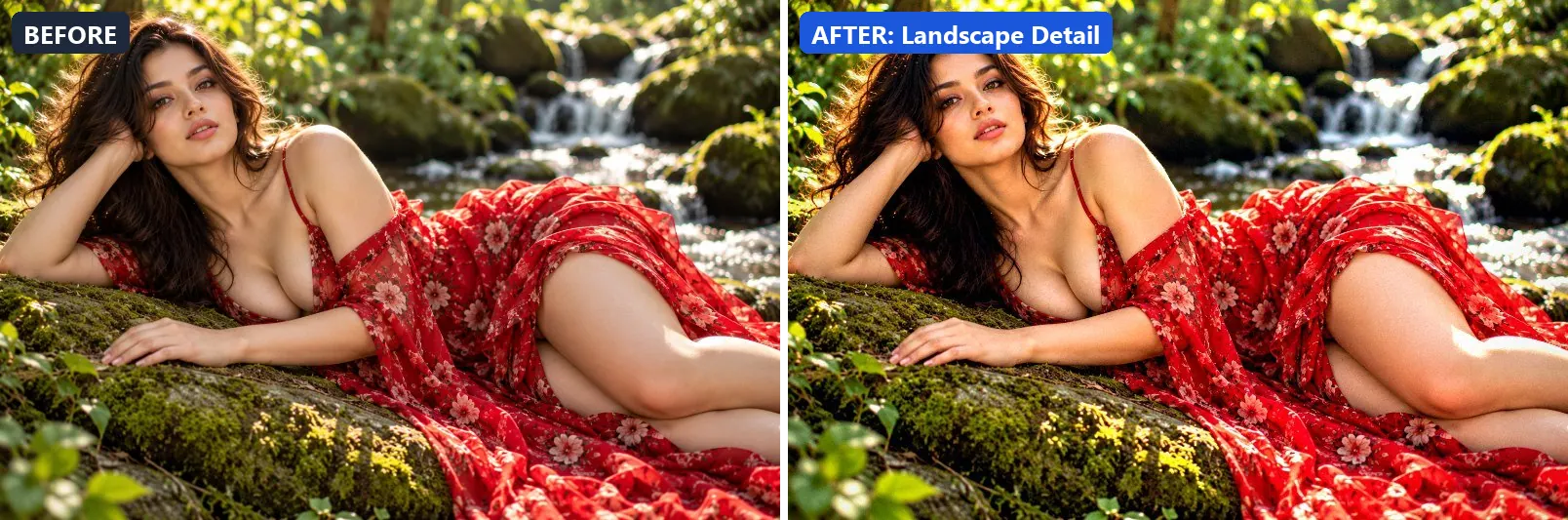
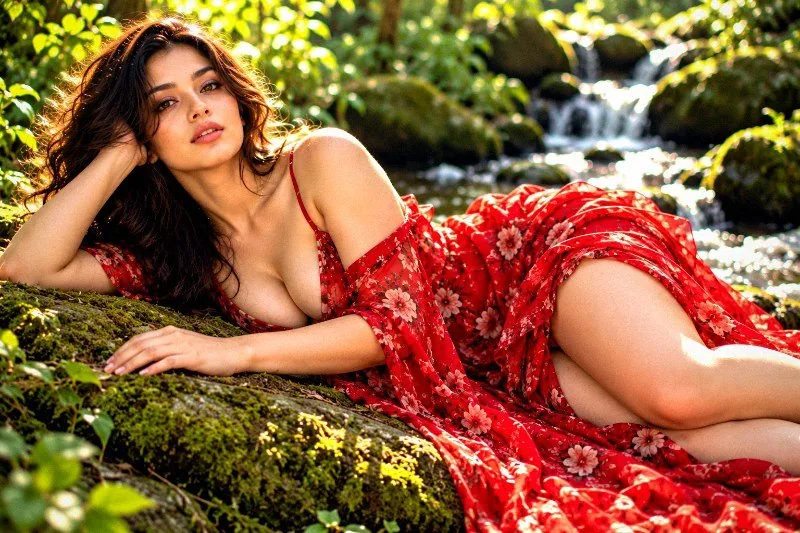
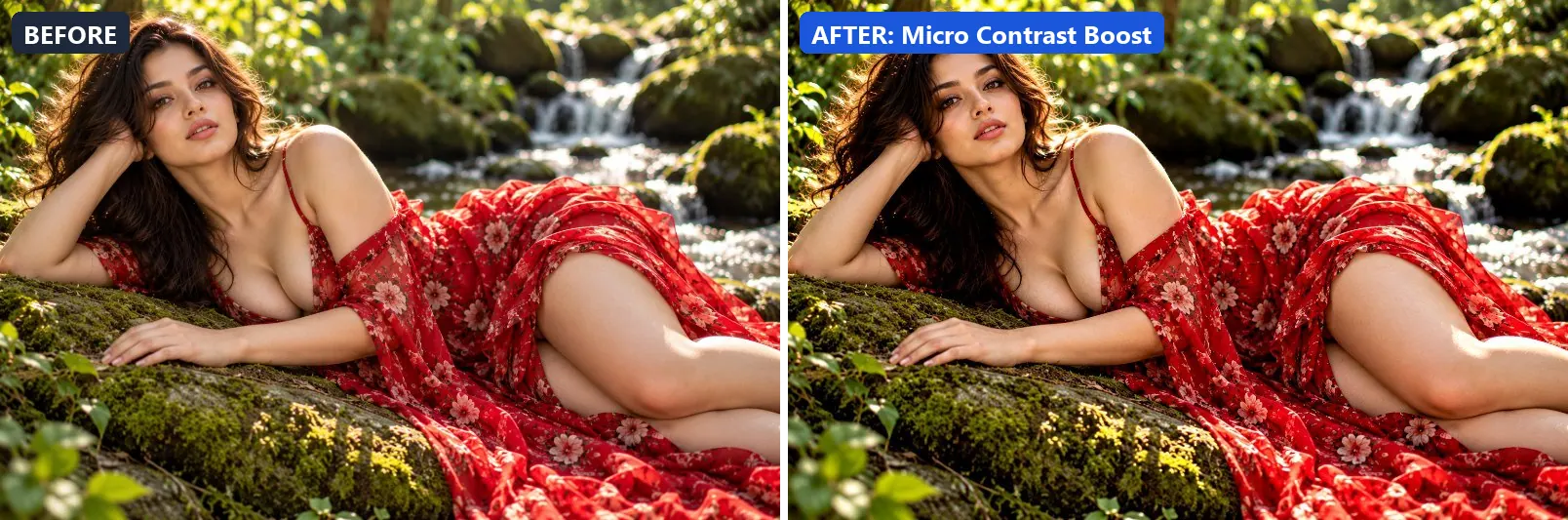
Local micro-contrast enhancement — pops texture and fine detail.
This preset adds some contrast. On top of that it applies strong clarity for crisp local contrast.
Brightness 0 · Contrast +12 · Saturation 0 · Gamma 1 · Warmth (R−B) 0 · Clarity +30 · Sharpen 1
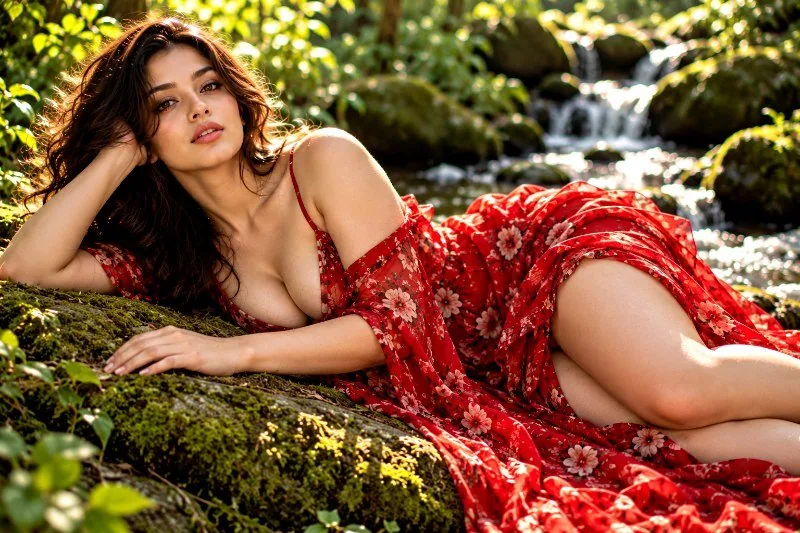
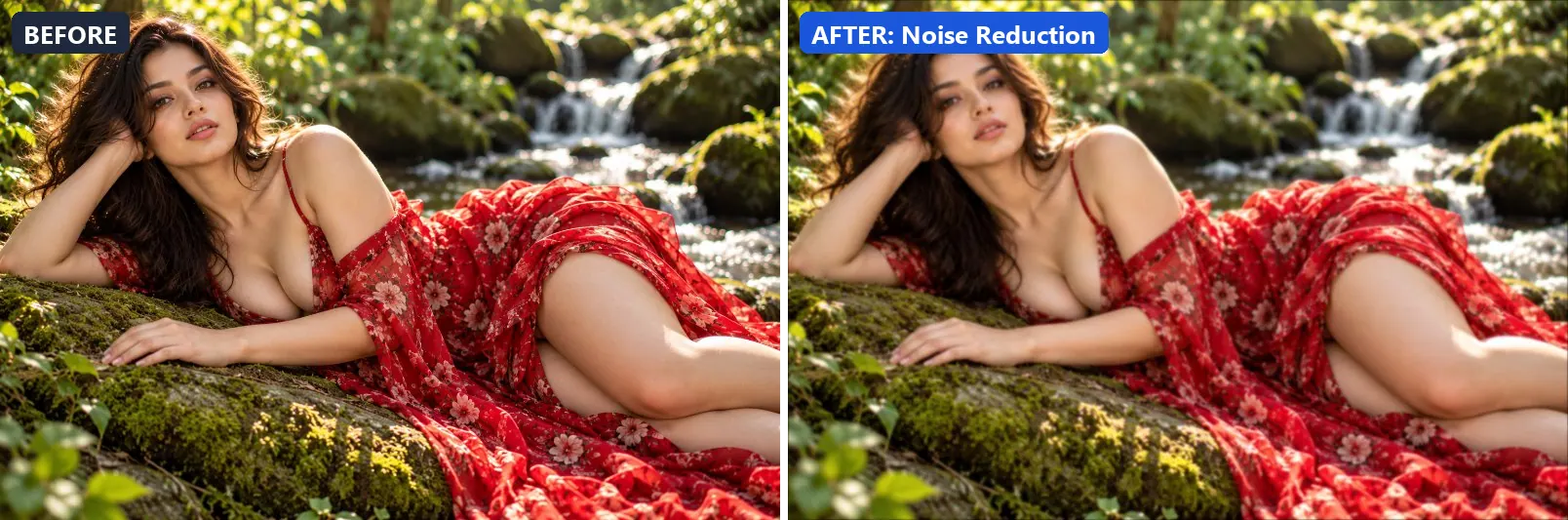
14. Noise Reduction
Smooths digital noise while maintaining edge sharpness.
Beyond that it applies a soft blur of about 1 px for a dreamy look.
Brightness +3 · Contrast +5 · Saturation −3 · Gamma 1.03 · Warmth (R−B) 0 · Clarity +5 · Blur 1
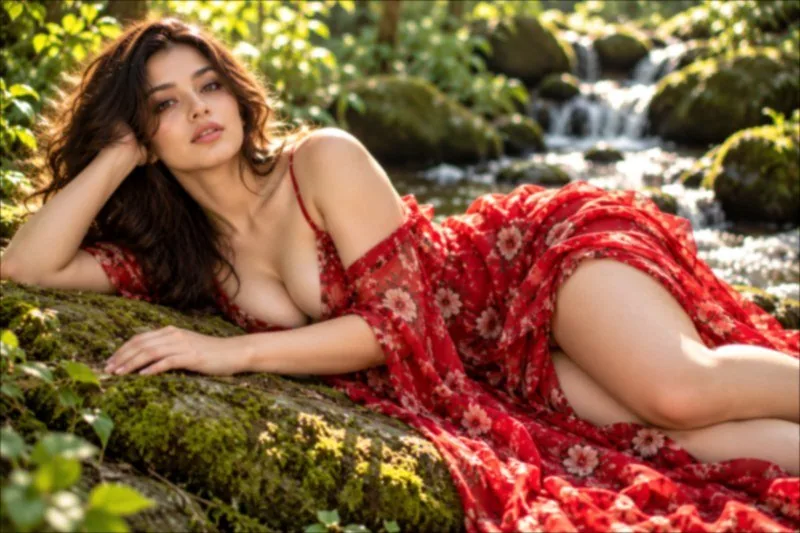
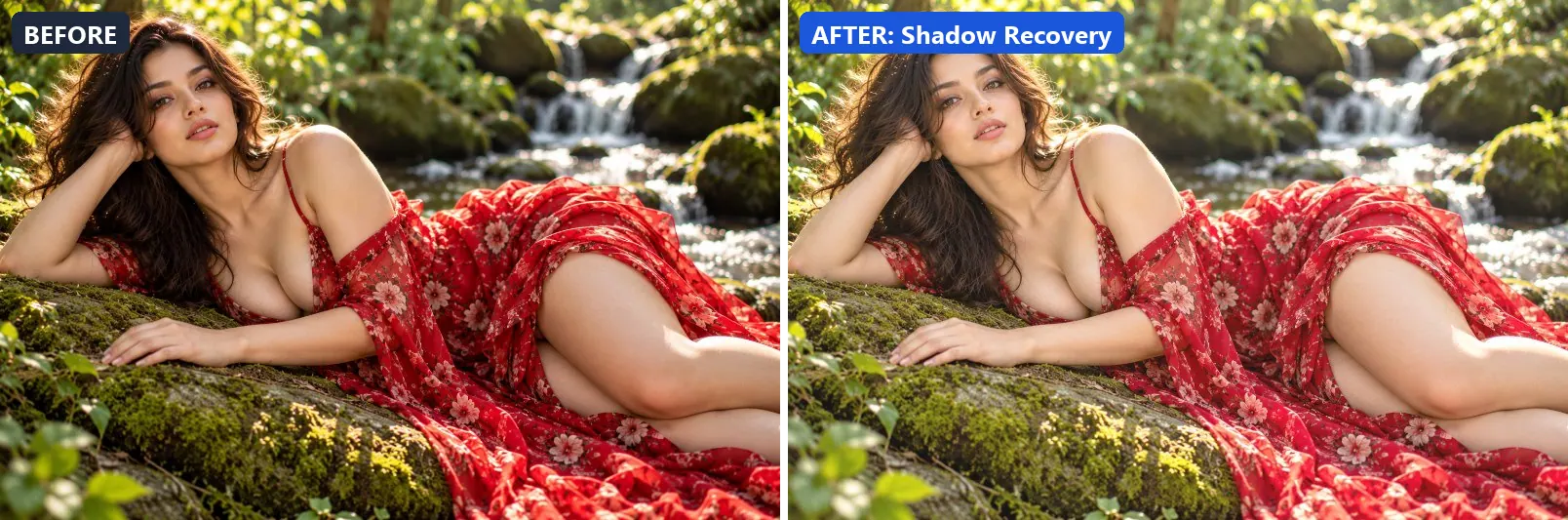
15. Shadow Recovery
Lifts crushed shadows to reveal hidden detail in dark areas.
The grade brightens the frame and opens up the midtones. Colour is split-toned with green-tinted shadows. In addition it applies extra clarity.
Brightness +15 · Contrast −8 · Saturation +3 · Gamma 1.25 · Warmth (R−B) 0 · Clarity +10 · Sharpen 1
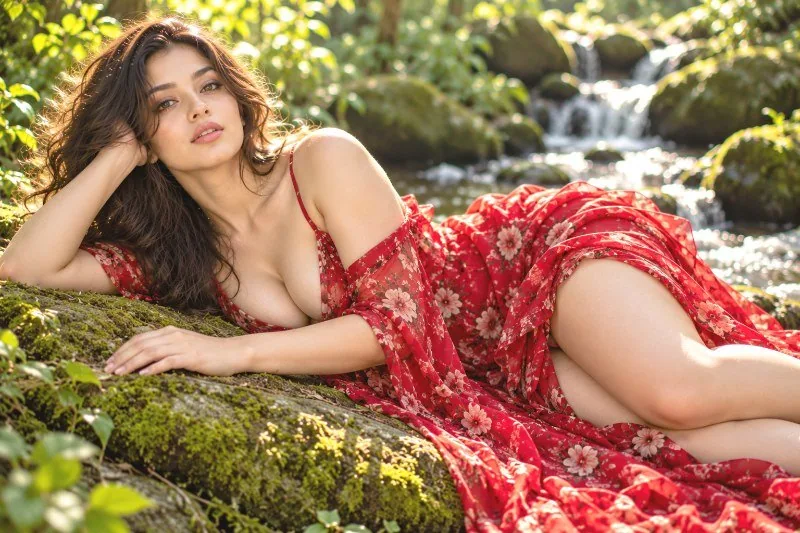
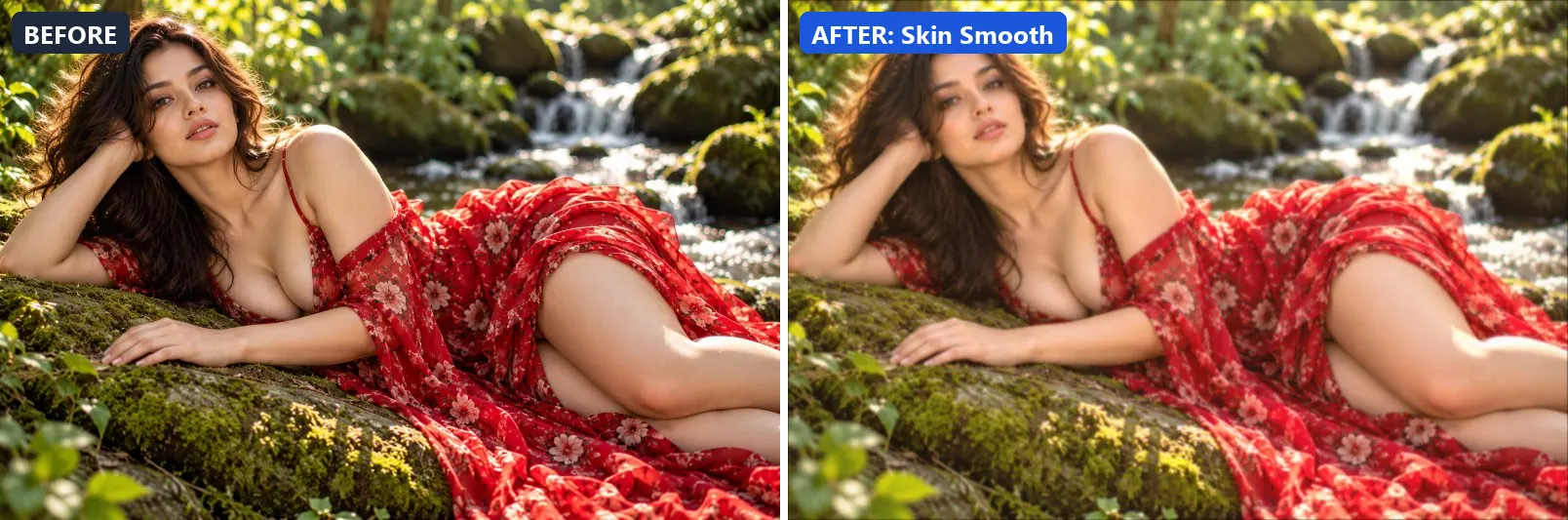
16. Skin Smooth
Softens skin texture while maintaining natural look.
At full strength it leans warm, lifts exposure slightly and gently lifts the midtones. The look is split-toned with warm red-tinted shadows. It also applies a soft blur of about 1 px for a dreamy look. To finish, it adds a light vignette.
Brightness +8 · Contrast −5 · Saturation +5 · Gamma 1.1 · Warmth (R−B) +8 · Clarity −5 · Vignette 10 · Blur 1
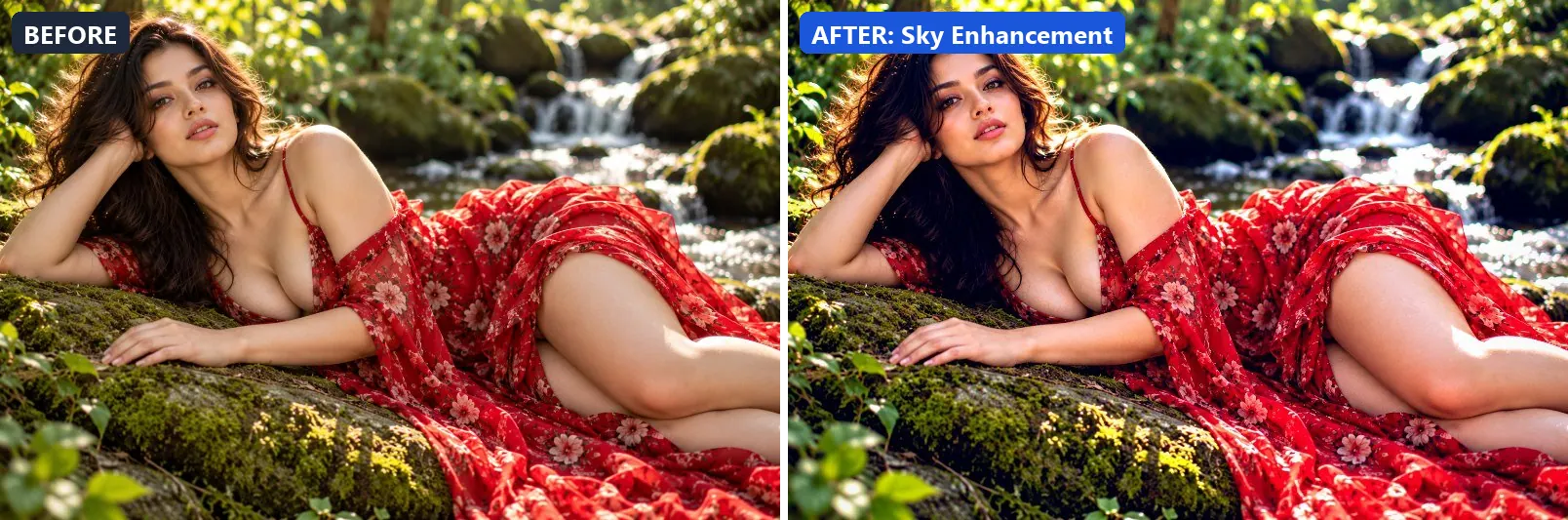
17. Sky Enhancement
Boosts sky detail — deeper blues, cloud texture and horizon pop.
This preset boosts colour, adds a clearly cool, blue cast and adds strong contrast. For depth it uses blue-tinted shadows and cool, icy highlights. On top of that it applies strong clarity for crisp local contrast and applies noticeable sharpening. The look is finished with a light vignette.
Brightness +3 · Contrast +20 · Saturation +18 · Gamma 1 · Warmth (R−B) −23 · Clarity +20 · Vignette 10 · Sharpen 2
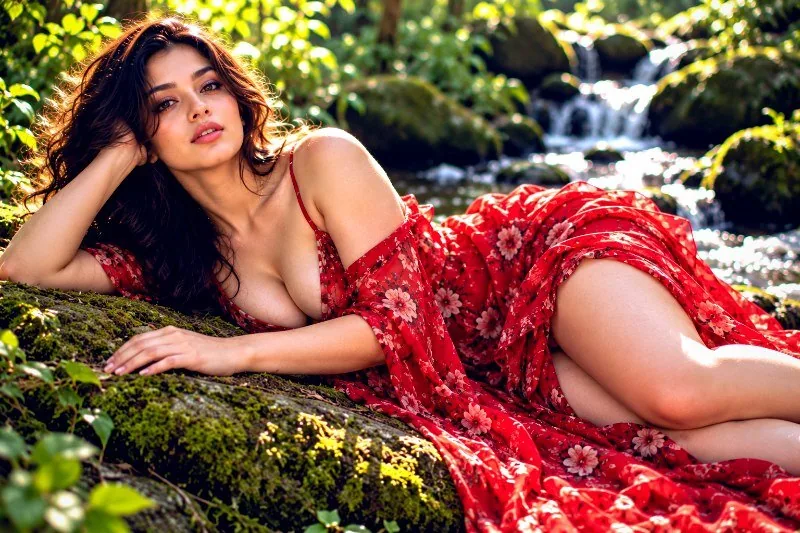
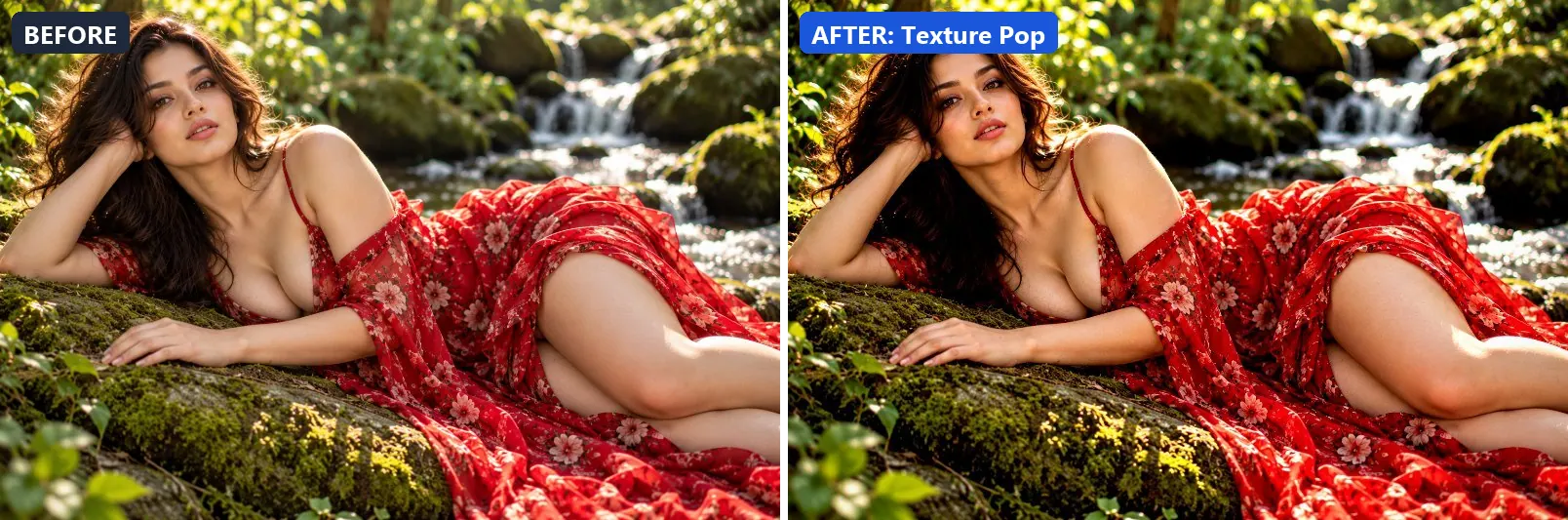
18. Texture Pop
Maximises surface texture and material detail.
Applied at 100%, it adds some contrast. Beyond that it applies strong clarity for crisp local contrast and applies noticeable sharpening. It closes with a light vignette.
Brightness −2 · Contrast +15 · Saturation +5 · Gamma 0.98 · Warmth (R−B) 0 · Clarity +25 · Vignette 10 · Sharpen 2
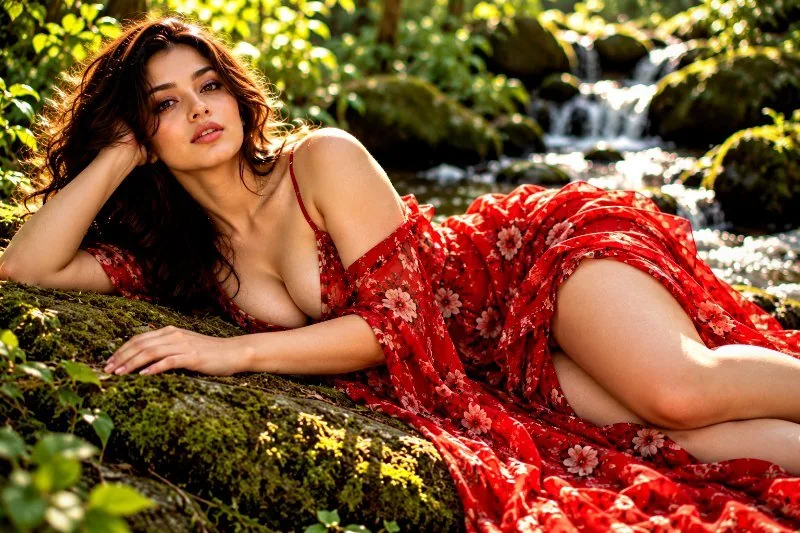
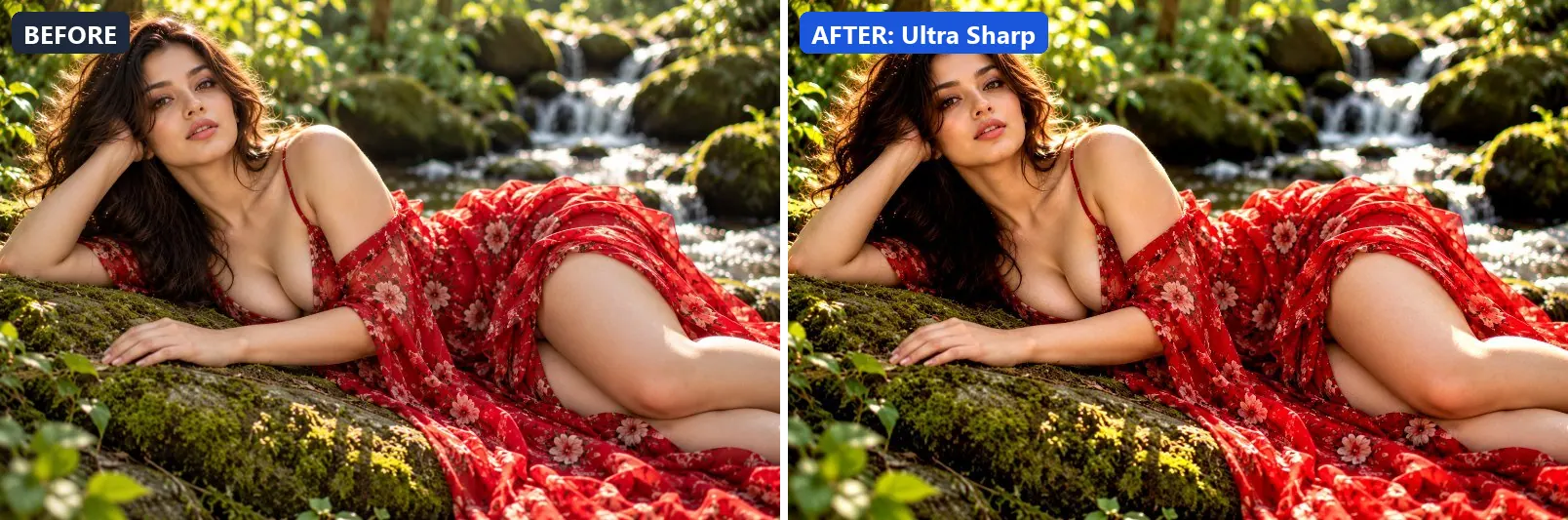
19. Ultra Sharp
Maximum sharpening for razor-crisp detail on every pixel.
The grade adds some contrast. In addition it applies noticeable sharpening.
Brightness 0 · Contrast +10 · Saturation 0 · Gamma 1 · Warmth (R−B) 0 · Sharpen 3
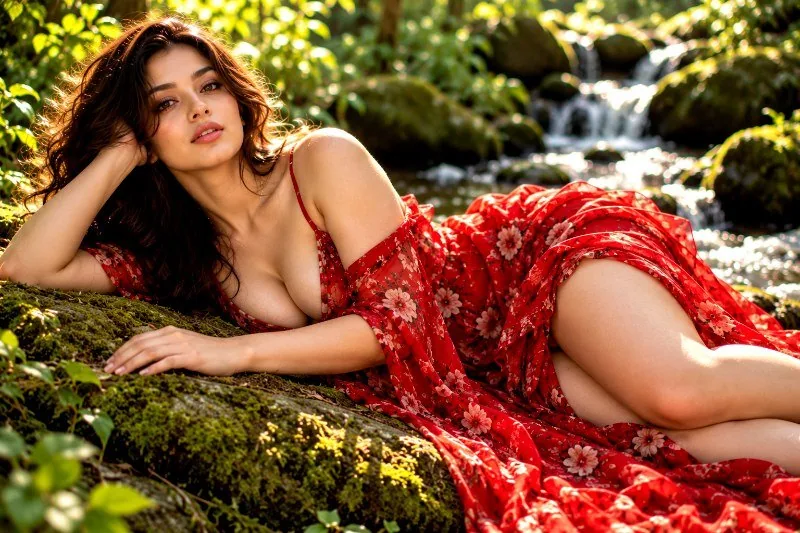
20. Vibrance Boost
Smart saturation that boosts muted colours without oversaturating skin.
At full strength it pushes colour to a vivid level and adds some contrast. It also applies extra clarity.
Brightness +3 · Contrast +8 · Saturation +30 · Gamma 1.02 · Warmth (R−B) −3 · Clarity +12 · Vignette 8 · Sharpen 1
More filter groups
- Cinematic
- Portrait & Skin
- Landscape Pro
- Black & White
- Golden Hour
- Night & Astro
- Lighting Effects
- Emotional Mood
- Atmosphere
- Artistic Styles
- Experimental FX
- Film Emulation
- Vintage Extras
- Natural Extras
- Travel Destinations
- Weather
- Seasons
- Corporate
- Fashion & Editorial
- Food & Product
- Sports & Action
- Social Media
- Architecture & Urban
Try these filters on your own photo
Free, runs in your browser, full-resolution download.