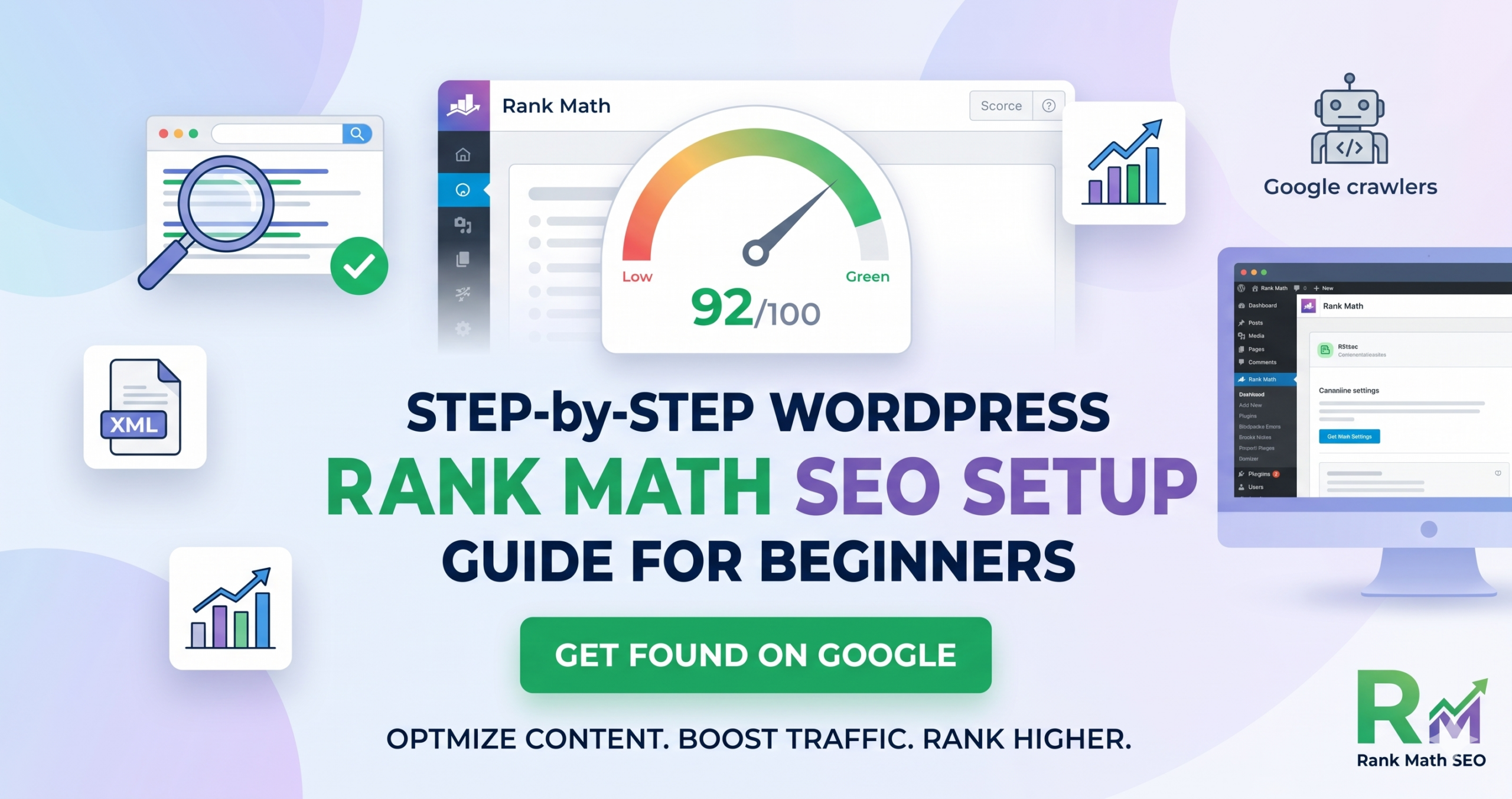
Correctly configuring your WordPress Rank Math SEO Setup is the most crucial step for any new website. Without proper technical optimization, even high-quality content can struggle to rank on Google. In this guide, we will walk you through the complete onboarding wizard, global metas, and sitemap submissions to get your site ready for traffic.
Why Choose Rank Math for WordPress SEO?
WordPress offers multiple SEO plugins, but Rank Math has quickly become the industry standard for senior developers and architects. It provides a lightweight framework, built-in advanced schema options, and a robust 404 monitor without bloating your database during your WordPress Rank Math SEO Setup.. Getting your WordPress Rank Math SEO Setup right from day one ensures that search engines can discover your code snippets, tech notes, and system designs efficiently.
Core Steps for the Perfect Setup
1. The Advanced Setup Wizard
When installing the plugin, always choose the Advanced Mode. This gives you full granular control over your website’s indexing properties, role manager settings, and rich snippets.
2. 404 Monitor and Redirections
Activating the 404 Monitor allows you to track broken links instantly. Combined with the Redirections module, you can seamlessly pass link equity from broken URLs back to your homepage or relevant articles, preserving your overall search authority.
3. XML Sitemap Submission
Finally, generating your XML sitemap via Rank Math and submitting sitemap_index.xml directly to Google Search Console is vital. This acts as a blueprint for Google bots, ensuring every single post and custom page is crawled and indexed without delays.
Completing your technical WordPress Rank Math SEO Setup is a powerful milestone, but search engine optimization requires consistent monitoring. As a best practice for senior software engineers and architects managing production platforms, make it a habit to audit your Google Search Console once a month. Keep an eye out for new crawl anomalies or sudden 404 spikes. By combining Rank Math’s automation features with strategic, clean internal linking, your site’s indexing health will remain rock solid, ensuring long-term organic visibility.
Detailed Breakdown of Rank Math Titles & Meta Configuration
Setting up your global titles and structures ensures consistency across hundreds of pages. Instead of manually writing SEO titles for every single code snippet or system design node, you can leverage Rank Math’s dynamic variables.
Optimizing Post Title Templates
By default, using %title% %sep% %sitename% is highly recommended. The %title% variable dynamically grabs your post’s main heading, %sep% adds a clean separator like a hyphen or vertical bar, and %sitename% appends your primary brand identity. This structural approach prevents accidental duplicate title tags which could trigger Google’s quality filters.
Crafting High-Conversion Meta Descriptions
While search engines sometimes rewrite meta descriptions based on user intent, providing a well-crafted snippet increases your organic Click-Through Rate (CTR). Keep your descriptions between 120 and 160 characters. Start with an action verb and naturally inject your primary focus keyword within the first 60 characters to capture immediate attention on the Search Engine Results Page (SERP).
Advanced SEO Tweaks for Senior Software Engineers
For highly technical platforms, standard out-of-the-box SEO configurations aren’t enough. When you are serving code modules or dense architectural specs, how search engines parse your code syntax matters.
Handling Code Blocks and Crawl Budget
Search engine crawlers spend a finite amount of time on your website, a concept known as “Crawl Budget.” If your pages are filled with heavy, unoptimized JavaScript syntax highlighters, crawlers might abandon the page before parsing the entire content. To optimize this, ensure your WordPress theme handles code blocks using semantic <pre><code> tags and lightweight CSS rendering.
Schema Markup and Structured Data for Technical Content
One of the primary reasons why senior developers opt for a comprehensive WordPress Rank Math SEO Setup is its native handling of Schema Markup. Structured data acts as an explicit vocabulary that helps search engine bots understand the exact context of your pages, transforming standard listings into rich, interactive snippets on the SERP.
Utilizing Article and Software Application Schema
For standard technical write-ups, the default ‘Article’ schema works perfectly. It tells Google who authored the piece, when it was published, and what images represent it. However, if you are showcasing a custom utility—like an AI funnel mapper or a PHP IDE script—switching that specific page’s schema to ‘Software Application’ is a game-changer. This allows you to display ratings, software versions, and operating system requirements directly in search results.
Implementing Code Snippet Structured Data
While Google doesn’t have a dedicated “Code” rich snippet yet, wrapping your code repositories or configuration guides in proper technical schema ensures that Google treats the page as a high-value developer resource. Rank Math allows you to build custom schemas where you can pass key-value pairs representing your technical architecture.
Monitoring Search Performance Post-Setup
Once your configuration is complete and your sitemap is successfully processed by Google Search Console, the work shifts from implementation to analytics.
Key Performance Indicators (KPIs) to Track
- Total Clicks and Impressions: Monitor which technical keywords are bringing users to your site.
- Average Position: Track how your posts move up from the second or third page of Google onto the coveted top three spots.
- Crawl Errors: Check the “Indexing” tab weekly to catch any accidental
noindextags or server-side blocks before they harm your rankings after a fresh WordPress Rank Math SEO Setup.
Frequently Asked Questions (FAQ)
Can I change my focus keyword after publishing?
Yes, you can update your focus keyword at any time inside the Rank Math SEO panel. However, avoid changing the primary URL slug after the page is indexed by Google, as this can result in temporary 404 errors until a redirect is established.
Does Rank Math impact website speed?
Unlike older, bulkier SEO plugins, Rank Math is designed with modularity in mind. It only loads the specific database scripts and modules you actively enable, keeping your Time to First Byte (TTFB) exceptionally fast.
How often should I update my XML sitemap?
You do not need to manually update it. Rank Math automatically updates your sitemap_index.xml file every time you publish a new article or update an existing post, signaling Google to re-crawl the changes instantly.