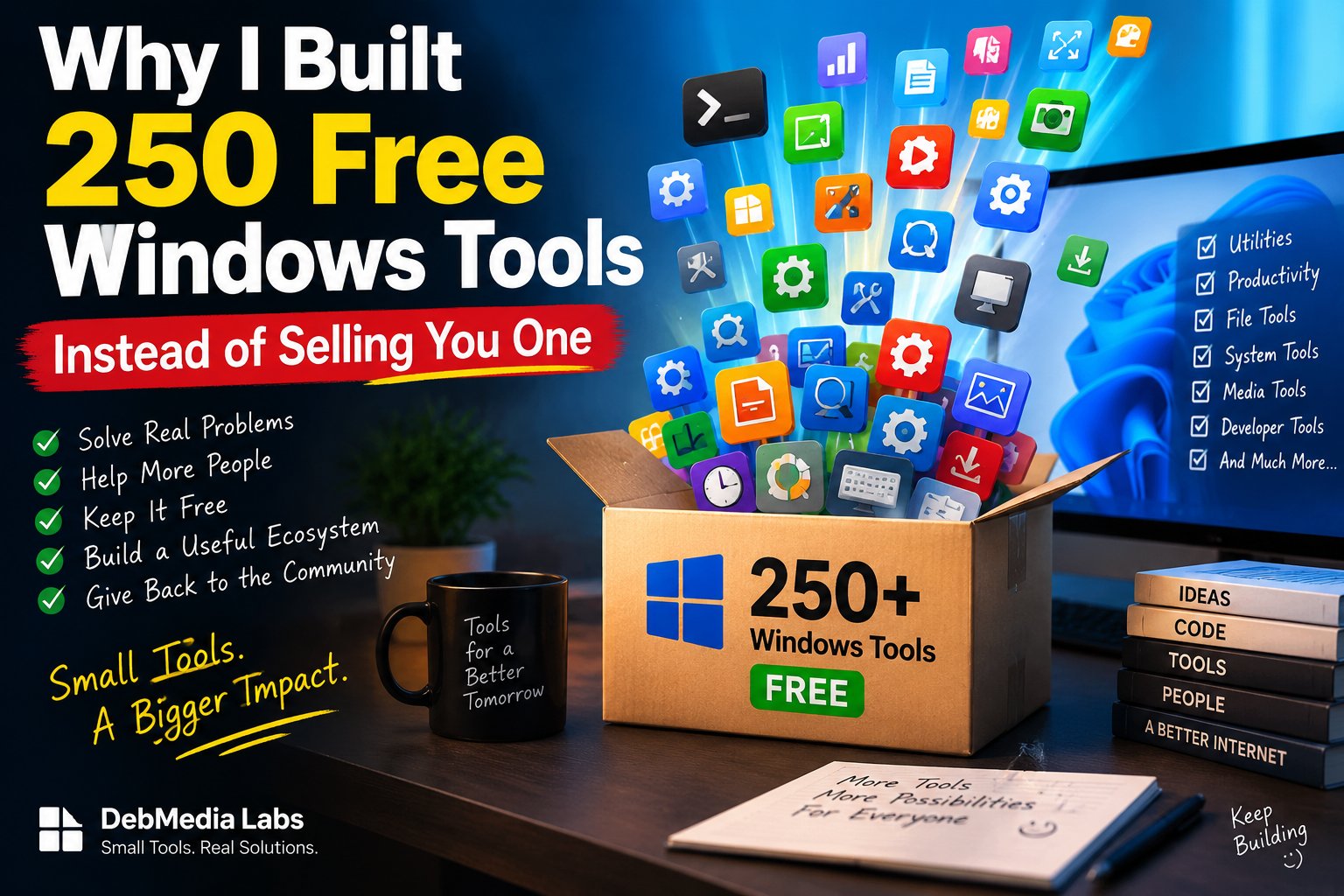
# Why I Spent Years Building 250 Free Windows Utilities (And Why I’m Giving All of Them Away)
It was almost midnight, and I was staring at a progress bar that hadn’t moved in eleven minutes.
I needed to do something that should have taken thirty seconds — batch-rename about sixty image files before sending them to a client the next morning. A simple task. The kind of thing a computer should handle without me even thinking about it. Instead, I had downloaded a “free” renaming tool that turned out to be free for the first ten files and then wanted forty dollars a year for the rest. I closed that one, downloaded a second tool, and watched it try to install a browser toolbar I never asked for. I said no to the toolbar, and the installer quietly changed my default search engine anyway. I uninstalled that one too, opened a third tool, and got hit with a full-screen ad before I could even see the file list.
I remember sitting back in my chair and just laughing, in that tired, slightly bitter way you laugh when something is absurd but also completely normal. Here I was — a working software developer, someone who had built commercial applications, POS systems, ERP software, tools that businesses depended on every day — and I couldn’t find a decent, honest, ad-free way to rename a folder of files without either paying a subscription for a five-minute job or handing over control of my browser to get it.
That night is the actual, specific moment I can point to as the beginning of what eventually became the Debmedia Freeware collection — 250 small Windows utilities, built one at a time, all completely free, with no subscriptions, no bundled toolbars, no telemetry phoning home, and no ads bolted onto the side of a file renamer like it’s some kind of billboard. But the real story goes back further than that one night, and I want to tell it properly, because I think it explains not just what I built, but why it matters to me more than almost anything else I’ve shipped.
## The problem I kept running into, over and over
I’ve been writing software for a long time, and if there’s one pattern that has followed me through nearly every project, every client, every job, it’s this: the “small stuff” is never actually small.
You’d think that after decades of Windows being the dominant desktop operating system, the basic, boring, everyday utilities — the things you need maybe once a week, not once a day — would be a solved problem. Need to split a PDF? Solved. Need to check if a file was silently duplicated somewhere on your drive? Solved. Need to convert a batch of images, calculate a hash, clean up a messy CSV, generate a QR code, strip metadata from a photo before you send it to a stranger on the internet? All solved, right?
Except they’re not solved. Not really. What actually happened, over the last fifteen or so years, is that the small-utility space got quietly colonized by two kinds of software, and both of them are, in their own way, hostile to the person just trying to get a small job done.
The first kind is the “freemium” trap. You install something that looks free, and it is free — for the first file, the first five minutes, the first low-resolution export. The real functionality sits behind a paywall, and increasingly that paywall isn’t even a one-time purchase anymore, it’s a subscription. I have genuinely seen a $19.99-a-year subscription requested for a tool whose entire job is to resize an image. Not edit it. Not enhance it. Resize it. That’s the whole feature.
The second kind is worse, honestly, because it’s dishonest about what it’s doing. These are the tools bundled with adware, browser hijackers, “optional” toolbars that aren’t really optional because the checkbox to decline them is pre-ticked and hidden below the fold of the installer window, or worse, buried behind a “custom install” option that 95% of people will never click because who reads installer screens carefully at 11 PM when they just want their file converted. I’ve watched non-technical family members — people who trust that a “free download” from a Google search result is basically safe — end up with three new browser extensions and a hijacked homepage because they needed a simple screen recorder for a five-minute Zoom clip.
And somewhere in between those two categories sits a third, quieter problem: even the utilities that are genuinely free and genuinely clean often look like they were built in 2003 and never touched again. Gray, cramped windows. No icon. No sense that anyone cared about the experience of using the thing. They work, technically, but using them feels like a chore, like you’re doing the software a favor by tolerating it.
I kept hitting all three of these walls, personally, as a developer who just wanted a quick tool to get something done so I could get back to my actual work. And every single time, I had the same frustrated thought: *this is a genuinely small, solvable problem, and somehow nobody has just… solved it properly and given it away.*
## Why I didn’t just build one tool and move on
For a long time, my response to this frustration was exactly what you’d expect from a developer: I built the tool myself, used it, and moved on. Over the years I quietly accumulated a personal folder of little `.exe` files — a batch renamer here, a duplicate file finder there, a quick QR code generator, a tiny screen recorder, a PDF splitter. None of them were built to be released. They were built to be used once, or maybe a dozen times, by me, and then forgotten about until I needed them again.
At some point — and I genuinely can’t tell you the exact day this shifted, only that it happened gradually — I stopped seeing that folder as “my personal toolbox” and started seeing it as evidence of something bigger. If I, a person who actually knows how to write software and could theoretically build any tool I needed on demand, was still hitting this wall constantly, what was happening to everyone else? What was happening to the small business owner who needed to compress a hundred product photos before uploading them to their store, and had no idea how to tell a real free tool from a toolbar-installing trap? What was happening to the student who needed to merge some PDFs for an assignment and ended up with a browser extension that redirected their search results for the next six months because they clicked “Next” too fast on an installer?
That’s when the project stopped being “let me build a tool I need” and became “let me build the tools an entire category of people need, and never make them pay for it, and never sell their attention or their browser settings to do it.”
I want to be honest about something here too: I run a software company. Debmedia Technologies LLP builds paid products — desktop applications, ERP systems, SaaS tools, the kind of software businesses license because it solves a real, ongoing operational problem for them. I’m not opposed to charging for software. I think good software that saves people real time and money deserves to be paid for, and I build plenty of things with exactly that model. But there’s a difference between “software that runs your business” and “the fifteen tiny utilities everyone needs at some point but nobody wants to pay a subscription for.” The first category is worth building a company around. The second category, in my opinion, should just be a public good — the digital equivalent of a well-stocked toolbox in a garage that anyone in the neighborhood can borrow from.
So I made a decision that, looking back, has quietly shaped a huge amount of my time over the past couple of years: I was going to build not five, not twenty, but as comprehensive a collection as I reasonably could of these small, honest, everyday Windows utilities — and give every single one of them away for free, with none of the traps I’d been fighting through for years.
## Setting a bar for what “free” actually means
Once I committed to this, I had to decide what rules I was going to hold myself to, because “free” on its own doesn’t mean much anymore — plenty of genuinely predatory software calls itself free too. So before I wrote a line of code for the collection, I wrote down a short list of promises to myself, and I’ve tried to hold every one of the 250 apps to them:
**No bundled installers, no toolbars, no browser hijacking.** Ever. Not even the borderline “optional” kind that looks innocent in a wizard. If you install one of these tools, you get exactly the tool and nothing that touches your browser, your search engine, or your homepage.
**No telemetry, no phone-home analytics, no tracking what you do with the tool.** These are offline desktop utilities. What you rename, convert, split, merge, or process on your own machine is your business, not mine.
**No artificial paywalls or “free trial” countdowns.** If a feature is in the app, it works, fully, indefinitely. I’m not going to build a five-minute PDF splitter and then ask for money to split the sixth page.
**No ads.** Not banner ads, not “sponsored” results inside the tool, not a nag screen every time you open it. If I can’t sustain something without turning the user into the product, I’d rather not build it at all.
**A real, professional interface.** This one might sound like a small thing next to the others, but it mattered a lot to me. I didn’t want these to feel like the gray, forgotten-looking freeware you download from a sketchy site in 2009. Every utility in the collection got a proper header, a clean layout, a status bar, a real “About” dialog, and its own icon — because free shouldn’t mean cheap-looking, and it definitely shouldn’t mean untrustworthy-looking. People are (rightly) suspicious of downloading unfamiliar `.exe` files these days, and a polished, consistent interface is one honest way of saying “this was made with care, not thrown together to bait a click.”
Those five rules turned out to be a lot harder to hold to at scale than I expected. It’s one thing to build a single clean, honest, well-designed utility. It’s another to do it 250 times, consistently, without cutting corners on the fiftieth app because you’re tired and just want to ship it. But I think holding that line is exactly what makes this collection different from the sea of “free download” sites out there.
## What actually ended up in the collection
Two hundred and fifty is a big number, and I want to give you a real sense of what it covers rather than just quoting the figure. The collection spans the categories that, in my experience, cover almost everything an ordinary Windows user, freelancer, or small business runs into:
File management tools — duplicate finders, batch renamers, folder synchronizers, file splitters and joiners, secure file shredders for when “delete” isn’t really delete.
Document and PDF tools — PDF splitters, mergers, compressors, converters to and from Word/Excel, watermarking tools, and metadata cleaners so you’re not accidentally sharing more information than you meant to when you send a document out.
Image tools — batch resizers, format converters, background removers, simple editors for cropping and adjusting without needing a full Photoshop-grade application for a two-minute job, EXIF viewers and strippers.
Audio and video utilities — format converters, simple trimmers and mergers, screen recorders, audio extractors from video files.
System and productivity utilities — clipboard managers, hash calculators and checksum verifiers, QR code generators, password generators, unit converters, simple backup tools.
Developer-adjacent tools — JSON/XML formatters, Base64 encoders/decoders, regex testers, the kind of small utility a developer reaches for a dozen times a week and shouldn’t need a browser tab and an ad-supported website for.
The common thread across all of them is the same: these are jobs that take two to ten minutes, that almost everyone runs into sooner or later, and that the current software landscape has decided are either worth a subscription or worth bundling with something you didn’t ask for. I disagree with both of those defaults, and the 250 apps are my answer to that disagreement.
## Why I think this actually matters for the industry
I know it might sound like I’m overstating the importance of, say, a free batch image resizer. But step back from any individual tool and look at the pattern instead, and I think there’s something real here about where software has drifted.
Somewhere along the way, the software industry — the part of it that serves ordinary consumers and small businesses, not enterprises with procurement departments — normalized the idea that literally everything should be a subscription, that literally everything should try to monetize your attention if it isn’t charging you directly, and that “free” is something to be suspicious of rather than something to expect for genuinely simple tasks. I think that’s a bad direction, and I think it disproportionately hurts the people with the least power to push back on it: students, freelancers just starting out, small business owners who don’t have an IT department vetting every download, people in regions where a $9.99/month subscription for a file converter is a real and meaningful expense rather than a rounding error.
I’ve built plenty of paid software, and I’ll keep building paid software, because complex, ongoing, business-critical tools deserve to be funded properly — that’s not hypocrisy, it’s just recognizing that different categories of software have different honest economics. But the small, everyday utility category doesn’t need that model. It needs someone willing to do the unglamorous work of building 250 small, well-made tools and just… not charging for them, not trapping people in them, not selling their data to make the math work.
That’s the gap I’m trying to fill. Not because I think it will make me famous, and honestly not because it’s a smart business move in any conventional sense — a free utility collection doesn’t generate revenue on its own. I’m doing it because I got tired of watching people I care about, and people I’ve never met who just find these tools through a search result, get quietly taken advantage of for wanting to do something as simple as rename a batch of files without a fight.
## What I hope happens next
The Debmedia Freeware collection is live now, all 250 utilities, organized by category, each with a proper download — installer, MSI, or portable version depending on what’s been built out so far — and I’m continuing to expand and polish it. My hope is straightforward: that the next time someone searches for a small, specific tool at 11 PM because they need to get something done before a deadline, they land on something clean, honest, and immediately usable, instead of another round of toolbar roulette.
If you’ve read this far, I’d genuinely love for you to go try a few of them. Grab whichever one solves a problem you actually have this week — not the one that sounds most impressive, just the boring one that saves you the ten minutes I used to lose myself. And if something’s missing, or something could work better, tell me. This collection grew out of my own frustration with what was already out there; it’ll keep growing out of everyone else’s too.
I built these because I was tired of the alternative. I’m giving them away because I don’t think you should have to be tired of it too.