
There is one decision in web push notification setup that determines whether your subscriber list becomes an asset or a source of annoyance, and it is not the platform you use, the notification design, or the copy you write. It is a single question: when exactly does the permission prompt appear?
I have watched sites get this wrong in both directions. Show the prompt too early and visitors deny it before they have any reason to trust you. Show it in completely the wrong context and it feels manipulative, which creates a bad brand impression even when the visitor clicks Allow. Get the timing right and opt-in rates double — sometimes triple — compared to the default configuration most people never touch.
This matters to me personally because I built PushPro — my own web push notification platform — after spending time running push on my sites and realising that the opt-in strategy was the single highest-leverage variable in the entire system. Everything downstream of that moment depends on whether the person who clicks Allow is someone who will remain subscribed and engage with your notifications, or someone who clicked Allow reflexively and will either ignore your messages or revoke permission within a week.
Here is everything I have learned about timing push notification opt-ins correctly — and why most sites are still getting it wrong in 2026.
The Default Behaviour — And Why It Fails
Most push notification platforms, when set up with default configuration, show the browser permission prompt the moment a new visitor loads the page. Sometimes within the first two seconds. Sometimes as an overlay before any content has loaded at all.
From the platform’s perspective, this maximises the number of users who see the prompt. From the site visitor’s perspective, it is the equivalent of a restaurant asking you to subscribe to their loyalty programme before you have sat down and seen the menu.
The data reflects this. Industry averages for push opt-in rates on immediate prompts run between 3% and 8%. That means 92 to 97 out of every 100 visitors who see the prompt click Deny. And in some browsers, clicking Deny repeatedly triggers a “blocked” state where future prompts from your domain are automatically rejected. You are not just failing to get subscribers — you are actively poisoning your domain’s ability to ask in the future.
The comparison to email is instructive. If you showed an email subscription form in a modal the instant someone landed on your site — before they read a word — what would your conversion rate be? It would be terrible. The reason it is terrible for email is the same reason it is terrible for push: you have not given the visitor any reason to want to hear from you.
What “The Right Time” Actually Means
The right time to show a push notification prompt is when the visitor has done something that indicates genuine interest in your content. That moment is specific to your site’s structure, but it generally looks like one of the following:
- They have scrolled through at least 60-70% of an article or page
- They are visiting their second or third page in the same session
- They have spent at least two minutes on the site
- They have completed a meaningful action (watched a video, downloaded something, used a tool)
All of these represent moments where the visitor has already received value from your site and has therefore some basis for trusting you enough to receive future messages. The permission request at that moment is asking: “Would you like more of what you just experienced?” rather than “Would you like notifications from a site you just arrived at and know nothing about?”
The difference in conversion rate between these two moments is significant. On my own content sites using PushPro, moving from page-load prompts to scroll-depth prompts (showing after 65% scroll on a full article) roughly doubled the opt-in rate — from about 6% to about 12%. That means collecting roughly twice as many subscribers from the same visitor traffic, with a subscriber pool that is meaningfully more engaged because they self-selected at a moment of demonstrated interest.
The Three Categories of Push Notification Sites
In practice, most sites fall into three categories based on how they time their push prompts. Understanding which category you fall into is the first step to improving your results.
Category 1: The Ambush
Prompt appears on page load, often within the first two seconds. Visitor has not read anything. The site may be publishing excellent content, but the prompt asks for trust before trust has been earned.
Typical opt-in rate: 3-6%. High deny rate. Significant proportion of opt-ins come from accidental clicks, which produce subscribers who never engage and often revoke permission within days.
Category 2: The Polite Request
Prompt appears after a short time delay — usually 5-30 seconds — or after the visitor has scrolled somewhat into the first page. Better than Category 1, but still often too early because time on page does not equal engagement with content. A visitor who stays for 15 seconds and then decides to leave is not a warm audience for a subscription request.
Typical opt-in rate: 6-9%. Better quality than Category 1, but still not optimal because the trigger is time rather than demonstrated interest.
Category 3: The Earned Ask
Prompt appears after the visitor has engaged meaningfully with content — completed reading an article, visited multiple pages, or spent meaningful time engaging with what your site offers. The request is contextually timed and feels like a natural next step rather than an interruption.
Typical opt-in rate: 10-18%. Subscribers from this category show higher CTRs on notifications and significantly lower unsubscribe rates. The list takes slightly longer to build in absolute terms but produces better outcomes per subscriber indefinitely.
How to Configure Delayed Prompts in PushPro
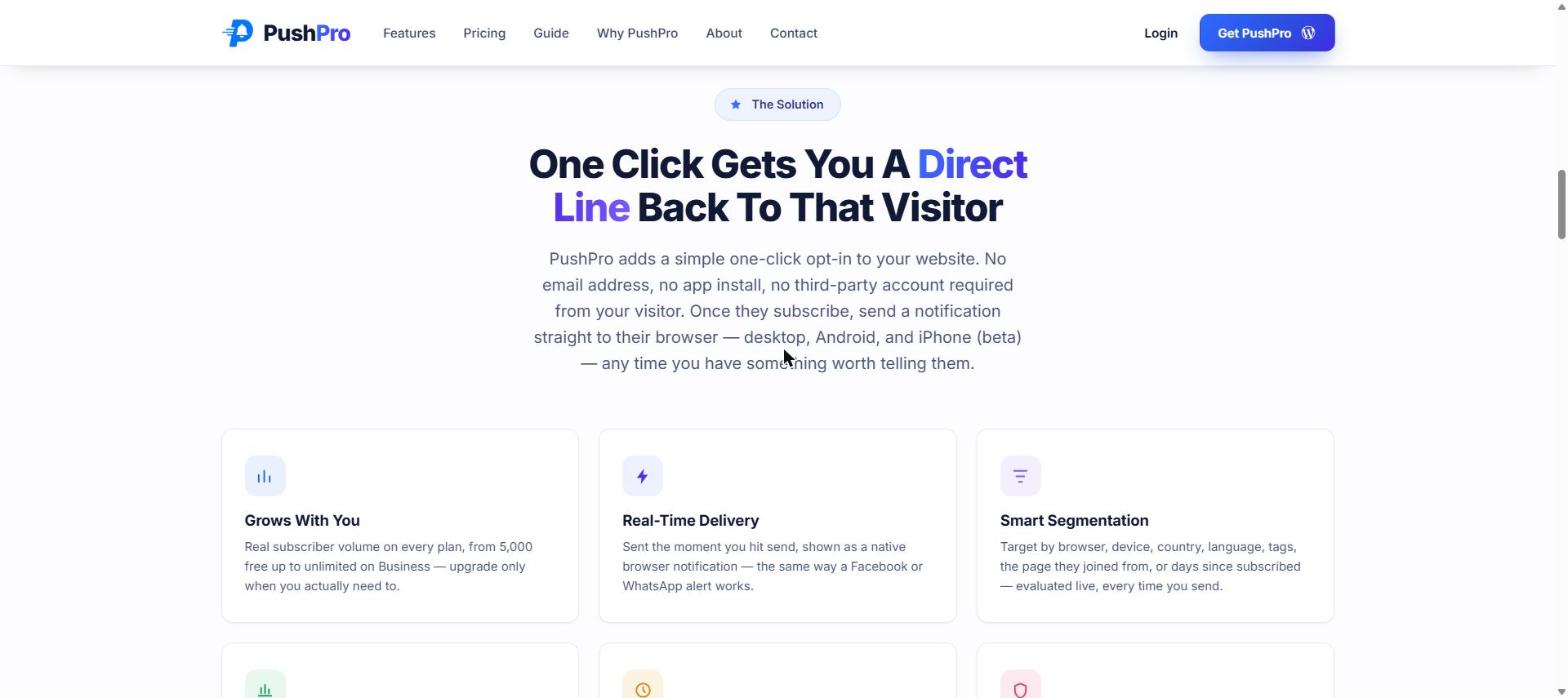
PushPro’s opt-in prompt can be configured through the dashboard to fire based on:
- Scroll depth: Show after the visitor has scrolled to a specified percentage of the page (I use 65% as a default)
- Time on page: Show after a specified number of seconds have elapsed
- Page count: Show on the visitor’s nth page view in the session
- Exit intent: Show when the visitor’s cursor moves toward the browser’s tab/address bar area, indicating they may be leaving
For a content site publishing articles, I recommend scroll depth at 60-70% as the primary trigger. This ensures the visitor has genuinely engaged with the content rather than just landing and waiting.
For an e-commerce site, page count works well — show the prompt on the third or fourth page view within a session, after the visitor has demonstrated browsing intent.
For a service site or portfolio, time on page combined with minimum page count gives a more conservative trigger that ensures the visitor is genuinely exploring the site rather than landing on one page and waiting.
The Copy on the Prompt Matters as Much as the Timing
Most push platforms show the browser’s native permission dialog — a small box that says “[site name] wants to: Show notifications” with Allow and Block buttons. This is the minimum required, and some sites stop there.
More effective is to show a soft opt-in step before the native browser dialog — your own custom message that explains what the visitor is being asked to allow and why it is worth doing. The native browser dialog then appears only for visitors who click through your soft prompt, which means it appears only for people who have already decided they want to subscribe.
Effective soft prompt copy is:
- Specific about what you will send: “I publish two articles per week about [topic]. Click Subscribe to get them in your browser — no email needed.”
- Honest about frequency: “Twice a week, no more.” is more compelling than “Stay informed!” because it tells the subscriber exactly what they are signing up for.
- Transparent about privacy: “No email address required. You can unsubscribe any time in your browser settings.” reduces the perceived risk of clicking Allow.
Generic copy like “Get notified” or “Subscribe to updates” does not give the visitor any reason to opt in beyond a vague sense of staying informed. Specific copy about what they will actually receive consistently outperforms generic copy in every test I have run.
Comparison: Opt-In Strategies Across Platforms
| Feature | OneSignal | PushEngage | VWO Engage | PushPro |
|---|---|---|---|---|
| Soft opt-in (custom pre-prompt) | Yes | Yes | Yes | Yes |
| Scroll depth trigger | Yes (paid) | Yes (paid) | Yes | Yes (all plans) |
| Page count trigger | Yes (paid) | Yes (paid) | Yes | Yes (all plans) |
| Exit intent trigger | Yes (paid) | Yes (paid) | Yes | Yes (all plans) |
| Custom prompt design | Limited (free) | Yes (paid) | Yes | Yes |
| A/B test prompt variants | Yes (paid) | Yes (paid) | Yes | Yes (paid) |
| Branding-free on free tier | No | No | No | Yes |
One thing to note in the table: most platforms lock the advanced opt-in timing options — scroll depth, exit intent, page count — to paid tiers. In PushPro, all timing configurations are available on all plans, including the free tier. The reasoning is simple: if you get the opt-in timing wrong, you collect bad subscribers who drag down your performance data. I want every PushPro user, regardless of plan, to collect subscribers at the right moment.
What Happens to Your Metrics When You Fix This
When you move from an early prompt to an earned-ask prompt, the immediate effect is that your opt-in count per day may appear to drop. Fewer visitors see the prompt because it fires after engagement rather than on arrival.
What actually happens over thirty days is that the quality of your subscribers improves substantially. The CTR on notifications sent to a list built with earned-ask prompts consistently runs 3-5 percentage points higher than the same notifications sent to a list built with early prompts. Unsubscribe rates are lower. The list retains value for longer.
A smaller, higher-quality list will outperform a larger, lower-quality list in every metric that matters: clicks, return visits, and audience retention.
The One Mistake That Undoes All of This
You can get the opt-in timing exactly right and still destroy the list’s value within a month if you misuse what happens after the subscriber joins.
The most common way sites undo a well-built push subscriber list is by sending too frequently or without genuine reason. A subscriber who opted in after reading a thoughtful article about a specific topic does not want to receive daily notifications about whatever you felt like publishing that day. They opted in because your content was good enough to want more of it on their terms.
The rule I apply: every notification I send needs to be something I would personally want to receive as a subscriber to a similar site. If I would dismiss it or feel slightly annoyed, I do not send it. If I would click it, I send it. This requires some discipline when you have something you want to promote, but it is the only way to maintain the relationship with a push subscriber list over time.
Quick Summary
- The timing of the push notification opt-in prompt is the single highest-leverage decision in web push setup.
- Showing the prompt on page load — the default for most platforms — achieves 3-6% opt-in rates and trains visitors to click Deny.
- Showing the prompt after demonstrated engagement (scroll depth, multiple page views, time on site) achieves 10-18% opt-in rates with higher-quality subscribers.
- Custom soft opt-in copy explaining specifically what subscribers will receive outperforms generic “get notified” copy significantly.
- PushPro includes all opt-in timing configurations — scroll depth, page count, exit intent — on all plans including free.
- A smaller, high-quality subscriber list built with earned-ask prompts will outperform a larger list built with early prompts over any meaningful time horizon.
If you already have web push set up and the results have been underwhelming, the first thing to check is the timing of your opt-in prompt. Nine times out of ten, changing this one setting is what moves the needle. PushPro makes this configurable from day one, on any plan.