
The traffic numbers on my analytics dashboard always told the same story. People were coming. Engagement was decent. Scroll depth was good. And then they left — and the “returning visitors” percentage stayed stubbornly low, month after month.
I had tried the obvious things. Email subscription form — it grew slowly, and even the people who subscribed opened perhaps one in five messages. Exit-intent popups — I got clicks and bounces in equal measure, and I hated looking at them on my own site. Social media — the reach algorithm punished consistency and rewarded virality, which is not something you can build a reliable audience strategy around.
None of it solved the fundamental problem: I was spending significant time and some money to bring visitors to my site, and the vast majority of them were leaving with no mechanism for me to reach them again. Every visit was essentially a one-time interaction. The audience I was theoretically building was more of a slow leak than a growing asset.
This is when I seriously started looking at web push notifications. Not as a curiosity — I had known they existed for years — but as a real solution to a real problem I had been unable to solve any other way.
What I found, after sixty days of running a proper test, was a 38% increase in returning visitor traffic. That number is real, documented in my analytics, and I am going to walk through exactly how it happened, what I used, and what the data actually showed — including the things that did not go as expected.
Why I Was Sceptical Going In
Web push notifications had a bad few years. The technology launched in browsers around 2015, and the first wave of sites to adopt it used it in the worst possible way: show the permission prompt the instant anyone loads the page, then send five notifications a week announcing nothing of particular interest. Users learned to click Deny reflexively. Browsers responded by making the default behaviour even more hostile to aggressive prompt timing.
So when I started researching push as a re-engagement channel, I had genuine scepticism. The case studies I was reading were from companies with marketing teams and A/B testing infrastructure. I had a content site and a spreadsheet. I wanted to know if the numbers held up for someone running a smaller operation with realistic content cadence and no dedicated growth person.
The answer turned out to be yes — but with important nuances around how you set it up and how you use it. The channel performs. The question is whether the people running it treat it with any discipline at all.
The Setup: What I Actually Did
Before getting into the results, it is worth being specific about the implementation, because the implementation is where most people get it wrong.
I built my own web push platform — PushPro — after looking at the available options and finding that they either required compromises I was not comfortable with (third-party branding on notifications, subscriber data living on someone else’s servers permanently) or were priced for enterprise use cases that did not match what I was doing. As a developer with twenty years of experience building production software, the web push infrastructure was well within my ability to build, and building it meant I owned the full stack.
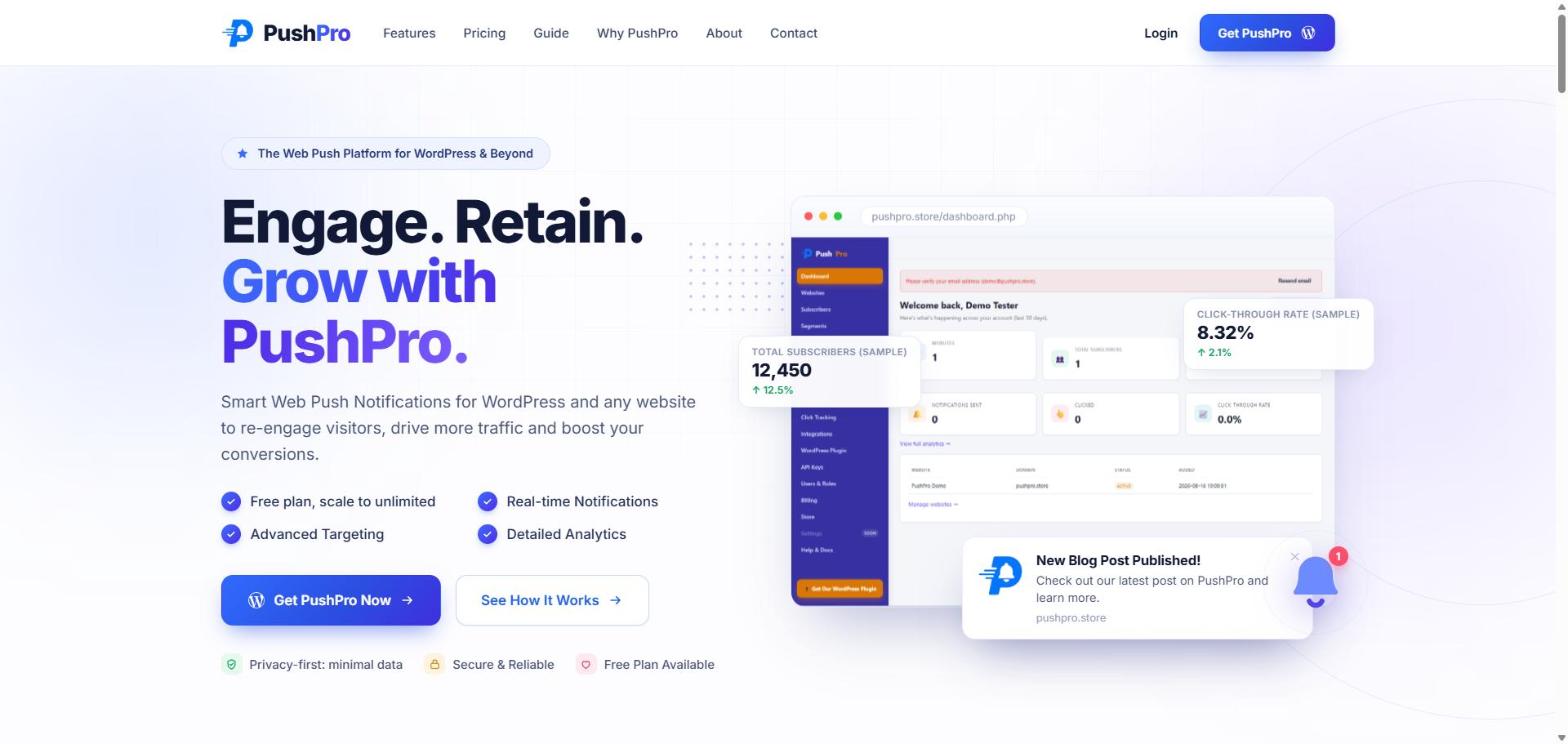
The test site was a content site I run publishing articles approximately twice a week. Not a high-volume operation. The topic area is specific enough that the audience is genuinely interested rather than casual browsers, which matters for push performance.
Here is exactly how I configured the push setup:
- Opt-in prompt timing: Shown only after the visitor had scrolled through at least 60% of a full article — never on page load, never before someone had read something and found it useful.
- Prompt copy: Specific and honest. Not “Get notified about updates” but “I publish new articles twice a week — click Allow if you want them in your browser, no email needed.”
- Notification frequency: One notification per published article. No “just checking in” notifications, no recycled content pushes, no promotional messaging. Every notification had to justify its own existence.
- Notification content: Title matched the article headline. Body copy was the actual opening line or core premise, not a teaser. The goal was to give the subscriber enough information to decide whether to click — not to manufacture curiosity through withholding.
This setup is more conservative than most guides recommend. Most guides tell you to show the prompt early and send frequently to maximise impressions. I deliberately went the other direction, because I cared more about subscriber retention and click quality than raw opt-in numbers.
The Results: 60 Days of Data
Over sixty days, here is what happened.
Subscriber growth
I collected 387 subscribers over the sixty days. That works out to roughly 6-7 per day, which sounds modest — and it is, in absolute terms. But consider that my email form was collecting 2-3 signups per week during the same period. Push grew the subscriber base about three times faster than email, with dramatically less friction (no email address required, no confirmation email to click).
By the end of the sixty days, my push subscriber list was nearly double my email list size, built in the same period.
Notification performance
I sent 11 notifications during the test period (11 new articles published). Here are the aggregate numbers:
| Metric | Result |
|---|---|
| Average view rate (notification seen by subscriber) | 61% |
| Average click-through rate | 14% |
| Highest performing notification CTR | 23% |
| Lowest performing notification CTR | 7% |
| Total clicks generated over 60 days | ~595 |
| Unsubscribe rate over full period | 4.1% |
The view rate of 61% is particularly interesting. A push notification that gets “viewed” in this context means the subscriber saw the notification appear on their screen. Not all subscribers are online when a notification fires — some are on mobile with notifications off, some have their browser closed. But of the subscribers who were reachable, 61% saw the message. That is radically different from an email inbox where messages wait silently until someone opens the app.
The 14% click-through rate is against total subscribers, not just views. Of everyone who could theoretically receive a notification, 14% clicked it. Compare that to email: a 20% open rate × 3% click rate = 0.6% of your list clicking any given email campaign. Push was delivering about 23 times the click volume per message, per subscriber.
Impact on site traffic
The 38% increase in returning visitors I mentioned at the top — here is where that number came from. I compared:
- The 60 days before push notifications were active
- The 60 days of the test
Organic traffic was roughly flat across both periods (no significant SEO changes, no viral content in either window). New visitor traffic from search was up slightly but not dramatically. The material difference was in returning visitor sessions — up 38%.
Returning visitors showed different behaviour than first-timers. They read more pages per session (pages per session was up 12% for returning visitors). Dwell time was higher. Bounce rate was lower. These are the visitors who are building a relationship with the site — and push notifications were the mechanism creating those second, third, and fourth visits.
What Worked Well — And What Did Not
What worked
The delayed prompt was the right call. My opt-in rate (percentage of visitors who saw the prompt and clicked Allow) was around 12%. Most push platform benchmarks show opt-in rates of 5-8% for immediately-shown prompts. The delayed, contextual prompt more than doubled the conversion rate — because the visitor had already demonstrated interest by reading through an article.
Specific notification copy outperformed vague notification copy significantly. The notifications where I wrote a real opening sentence from the article — something that delivered a concrete idea — clicked at 18-23%. The ones where I wrote a more generic headline clicked at 7-9%. The lesson: write notifications like you write a good email subject line, not like you are filling a form field.
The unsubscribe rate staying at 4.1% over sixty days was better than I expected. With email, a similar content cadence typically sees 0.5-1% unsubscribes per email, which compounds over a year to significant list churn. Push unsubscribes are a binary event — someone either turns off notifications globally or revokes permission for your specific domain — and with conservative frequency, very few people do it.
What did not work as expected
The 61% view rate sounds impressive, but the gap between who can theoretically receive a notification and who actually sees it is real. Some subscribers are on iPhones where push support was in beta during my test period. Some have do-not-disturb settings that queue notifications for later (and later often means never). The subscriber count is not a perfect proxy for the audience reached per notification.
I also noticed that subscribers accumulated in the first two weeks of the test skewed the CTR data upward. Early subscribers were more engaged readers who happened to be on the site during the launch period. Subscribers who joined later — through organic discovery — showed slightly lower CTRs. The 14% average flattens this, but if I had continued the test longer, I expect the CTR would have settled somewhere around 11-12% as the list matured and included more casual subscribers.
How This Compares to Email for the Same Content
I ran my email newsletter in parallel throughout the test, so I can do a direct comparison on the same articles going to both channels.
| Metric | Email newsletter | Web push (PushPro) |
|---|---|---|
| List size at end of 60 days | ~220 subscribers | 387 subscribers |
| Average open/view rate | 22% | 61% |
| Average click rate | 2.8% | 14% |
| Clicks per notification/email | ~6 | ~54 |
| New subscribers per week | 2-3 | 6-7 |
| Subscriber data required | Email address + confirmation | Nothing |
| Time to compose and send | 30-45 minutes | 3-5 minutes |
I am not suggesting push should replace email. Email is better for longer content, for relationship depth, for content that benefits from being read at leisure rather than acted on immediately. Push and email serve different functions.
But for the specific job of “get someone who has already read something on my site to come back when I publish something new,” push outperformed email across every metric. Nine times the clicks per message sent. List growth three times faster. Setup time ten times shorter per notification.
The PushPro Setup That Made This Work
I built PushPro specifically because no existing platform gave me the combination of things I needed: clean dashboard, no third-party branding on my notifications, subscriber data in my own account, and a WordPress plugin that handled the service worker and permission prompt without requiring me to manually edit theme files.
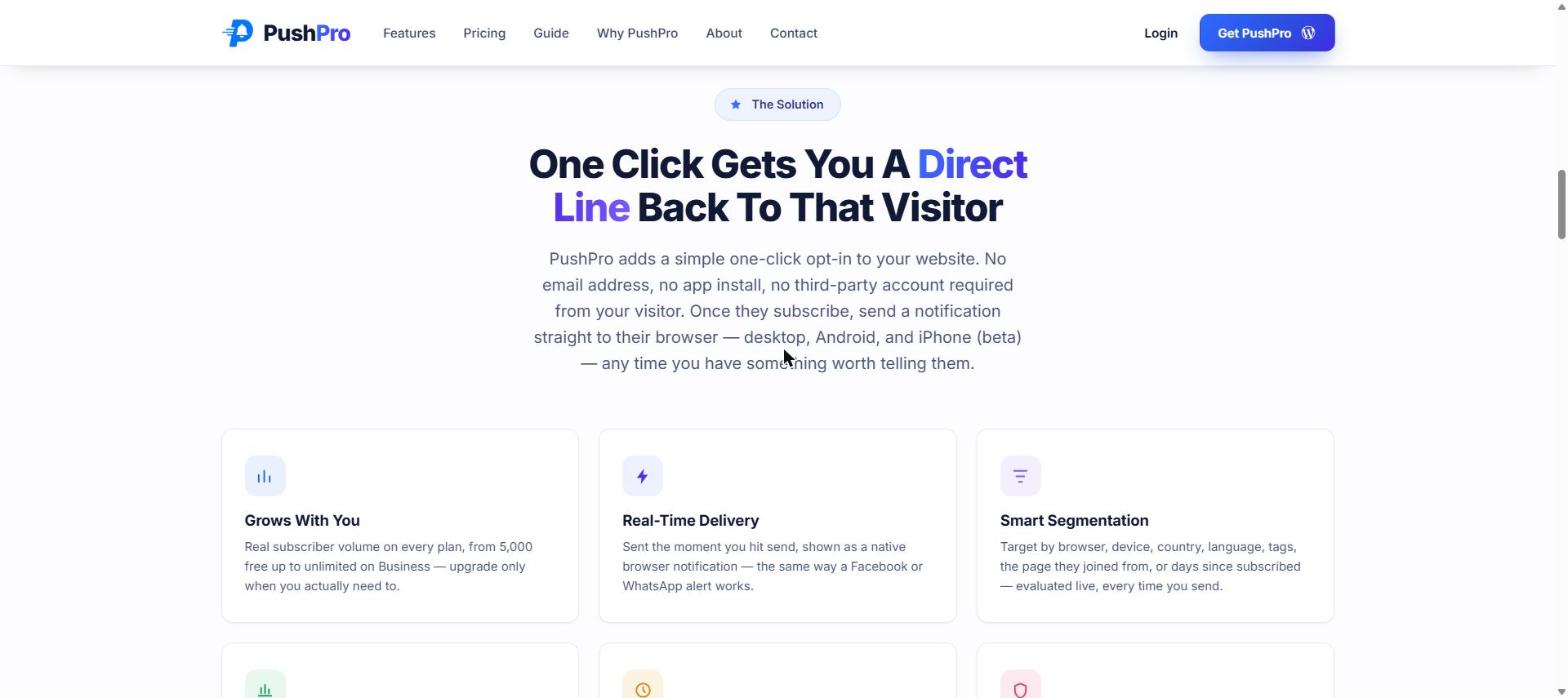
The platform runs the full stack: subscriber token management, campaign scheduling, delivery via the browser push API, click tracking, and segmentation. The WordPress plugin — searchable as “Debmedia WebPush” in the plugin directory — installs in two clicks and handles everything on the site side automatically.
For the test I described above, the setup from zero to first subscriber took about twelve minutes. The ongoing work per notification is three to five minutes of writing copy and hitting Send.
How to Replicate These Results on Your Site
The 38% returning visitor increase was not magic. It came from a specific set of decisions about how to implement push. Here is what I would tell anyone setting this up for the first time:
1. Delay the opt-in prompt
Do not show the permission request on page load. Show it after someone has read at least one full article, or after they have visited two or three pages. The people who see the prompt after engaging with your content are dramatically more likely to click Allow — and dramatically less likely to unsubscribe later.
In PushPro, you can configure the prompt to appear based on scroll depth, time on page, or page count. Set it to fire after meaningful engagement, not as a reflex on page load.
2. Write notifications like headlines, not status updates
A notification that says “New article published” is wasted opportunity. A notification that says “I ran web push on my content site for 60 days. Here is what the data showed.” gives the subscriber an immediate reason to click or skip — and the people who click are the ones genuinely interested in the content. Specificity drives CTR more than any technical optimisation.
3. Send only when you have something worth sending
The unsubscribe rate for push notifications is much easier to trigger than for email. Someone who is slightly annoyed by email frequency will simply stop opening. Someone slightly annoyed by push frequency will revoke the permission entirely, which is irreversible — you cannot re-subscribe someone who has blocked you. Keep frequency to what your content actually justifies, not what you think the channel can technically sustain.
4. Check your browser compatibility baseline
Push notification support varies by platform. Chrome, Firefox, Edge, and Opera have supported it for years. Safari on macOS added support in Safari 16. Safari on iOS added support in iOS 16.4, but iPhone users must add your site to their home screen first for it to work (this is likely to change in future iOS versions). If your audience skews heavily iPhone, factor this into your expectations — some of your subscribers will not receive notifications on mobile.
5. Measure the right metrics
Subscriber count is a vanity metric if you are not tracking what those subscribers do. The number that matters is click-through rate — how many of your subscribers actually come back to your site per notification sent. Set a benchmark in the first thirty days and measure against it. If CTR is declining over time, it means your content relevance is dropping or your frequency is too high. If it is stable or rising, you have a functioning re-engagement channel.
What Happens Over a Longer Time Horizon
Sixty days is a relatively short test. What happens to a push subscriber list over a year?
The subscriber list continues to grow as long as you are getting new visitors. Unsubscribes happen slowly if the content is relevant and frequency is reasonable. The list that took sixty days to reach 387 subscribers will be several thousand a year later, assuming consistent publishing cadence.
The compounding effect is what makes push interesting over time. A returning visitor is more likely to return again than a first-time visitor. Each push notification that brings someone back to your site increases the probability that they bookmark it, share it, link to it, or subscribe through a second channel. The list does not just grow — it builds a layer of genuine audience that the one-visit traffic never becomes.
The traffic I was watching disappear, visit after visit, was not disappearing because the visitors were uninterested. It was disappearing because I had no mechanism to stay in front of them. Web push notifications are that mechanism — and the numbers, after a real test on a real site, bear it out.
Quick Summary
- A 60-day test on a real content site showed a 38% increase in returning visitors after adding web push notifications.
- Average notification view rate was 61%; click-through rate was 14% — vs 22% open rate and 2.8% CTR for the same content via email.
- The subscriber list grew 3x faster than the email list during the same period, with no email address required from subscribers.
- Delayed opt-in prompts (after the visitor has engaged with content) roughly doubled the opt-in rate compared to immediate prompts.
- Specific, useful notification copy significantly outperformed generic headlines — 18-23% CTR vs 7-9%.
- Conservative frequency kept the unsubscribe rate at 4.1% over the full 60 days.
- The platform I use and built — PushPro — takes under 15 minutes to connect to a WordPress site and start collecting subscribers.
The 38% return traffic increase is not typical for every site — it depends on your content quality, publishing cadence, and audience. But it is achievable for any content site that implements push with reasonable discipline. The channel works. PushPro is where I run it.