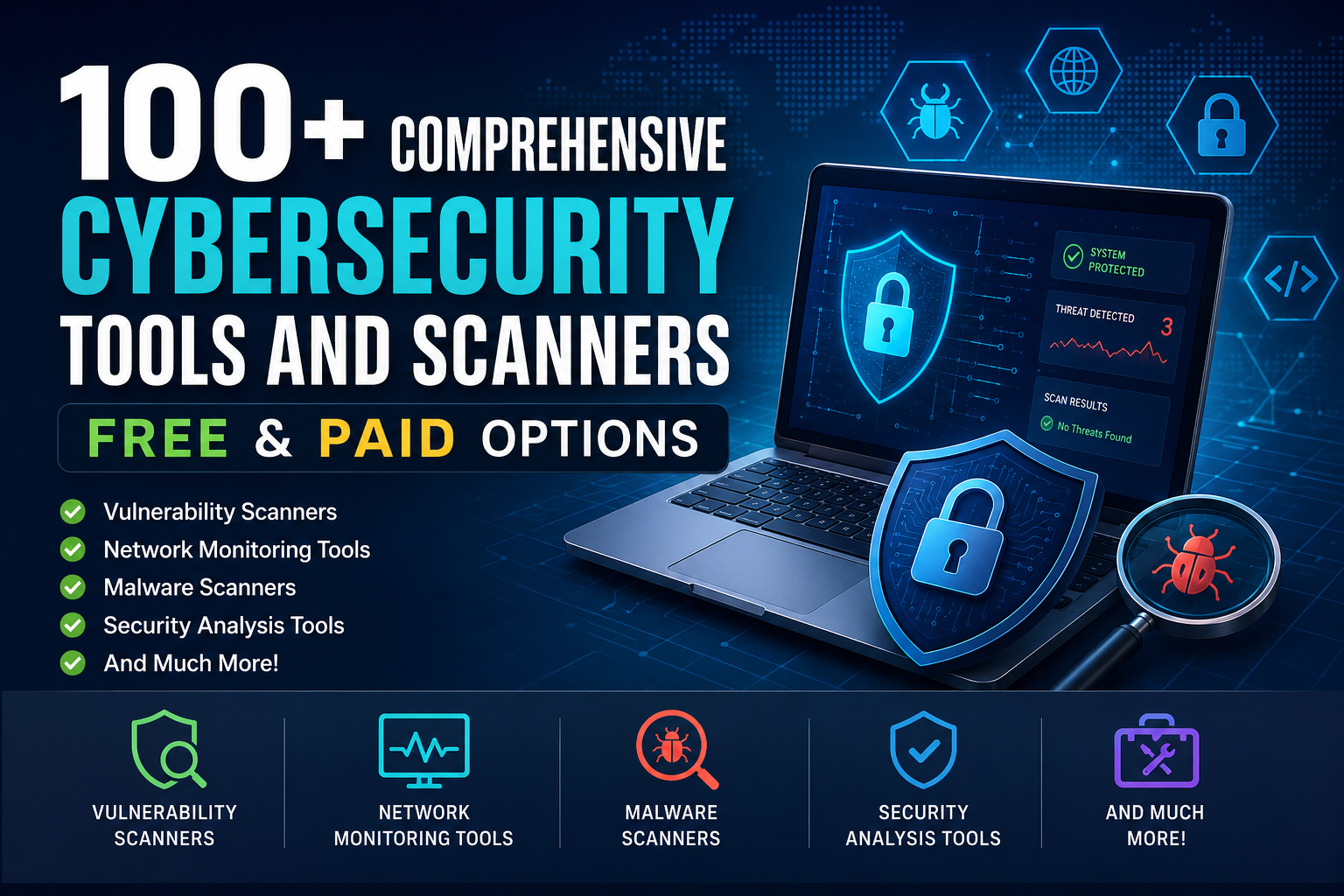
In today’s digital age, protecting your assets is paramount. With a plethora of cybersecurity tools free available, you can bolster your defenses against online threats without a substantial financial commitment. From malware scanners to network monitoring solutions, this detailed guide will help you navigate through an extensive collection of over 100 cybersecurity tools and technologies designed to safeguard your information. Equip yourself with the right tools and knowledge to stay ahead in the constantly evolving cybersecurity landscape.
Understanding Free Cybersecurity Tools
Exploring free cybersecurity tools can significantly empower you to improve your security posture without requiring a huge investment. These tools are designed to offer essential functionalities such as scanning, monitoring, and reporting, enabling you to identify and mitigate potential risks effectively. By leveraging these free resources, you can take proactive steps to maintain your digital safety.
Benefits of Using Free Cybersecurity Tools
Free cybersecurity tools provide various benefits for individuals and small businesses alike, including:
- Cost-effectiveness: Ideal for budget-conscious users.
- Access to Advanced Features: Many free tools come with features that, in paid versions, would incur additional costs.
- User-Friendly Interfaces: Designed with ease of use in mind, making them accessible for all levels of tech-savviness.
- Continuous Updates: Many free tools receive regular updates to keep up with emerging threats.
Key Categories of Cybersecurity Tools
1. Vulnerability Scanners
Vulnerability scanners are essential for assessing security weaknesses across systems and applications. Tools like OpenVAS and Nessus Essentials are excellent options that help detect vulnerabilities, misconfigurations, and software flaws that could be exploited by malicious actors. Regular scans with these tools ensure your systems remain secure and compliant with industry standards.
2. Network Monitoring Tools
Network monitoring tools are critical in keeping an eye on your network’s performance and security. Solutions such as Wireshark and ntopng provide in-depth analysis of your network traffic, enabling efficient detection of anomalies and troubleshooting of issues. With these tools, you gain comprehensive visibility into network activities, allowing for swift responses to any suspicious behavior.
For instance, Wireshark captures network packets and offers detailed insights about traffic on your network, facilitating the identification of network issues and malicious activities. Similarly, ntopng provides real-time analytics and monitoring that help visualize network status, highlighting unusual activities that may signal a breach.
3. Online Cybersecurity Checkers
Utilizing online checkers is an invaluable aspect of maintaining your cybersecurity. These tools are designed to help identify vulnerabilities in your systems and ascertain whether your data has been compromised. For a holistic overview, resources such as Best Cybersecurity Tools for Beginners provide insights on top free tools to enhance your security approach.
Complementary Paid Cybersecurity Solutions
While many effective free options exist, investing in paid cybersecurity solutions greatly enhances your defense against sophisticated threats. Paid tools typically offer advanced features, including robust threat detection, premium customer support, and consistent updates tailored to combat emerging risks. Depending on your specific requirements, you have the flexibility to choose subscription models that provide comprehensive security or focus on particular vulnerabilities.
Comprehensive Security Suites
Comprehensive security suites consolidate multiple functionalities such as antivirus, firewall, VPN, and anti-malware into a convenient package. Renowned products like Norton and Bitdefender deliver all-in-one solutions that streamline security management. These suites ensure you have the protection needed, minimizing the hassle of juggling multiple subscriptions.
Specialized Security Tools
Specialized security tools focus on specific components of cybersecurity, enabling more targeted protection. For example, Nessus excels at vulnerability assessments, while Malwarebytes specializes in malware removal. Such tools can effectively address certain security concerns that broader security software may overlook.
Website and Privacy Checkers
Website security checkers enable you to scan your site for known vulnerabilities, malware, and outdated software. Tools like Sucuri SiteCheck and Detectify generate reports that highlight security issues, helping you maintain a secure online presence. Regular checks are essential to ensure your website is safe from potential threats.
On the other hand, privacy and security checkers evaluate your online privacy level while identifying data leaks and trackers. Tools like PrivacyBadger and Ghostery aid in managing cookies and trackers effectively, enhancing your online privacy while engaging with web applications.
Best Practices for Selecting Cybersecurity Tools
Choosing the right cybersecurity tools demands a strategic approach tailored to your distinct environment. Here are some recommendations for making an informed selection:
Assessing Your Cybersecurity Needs
Begin by conducting a thorough assessment of your cybersecurity needs. Identify the types of data your organization handles, potential threats, and any regulatory requirements. This analysis allows you to prioritize tools critical for protecting your assets. For example, if your organization deals with sensitive customer information, investing in data encryption and breach detection becomes paramount.
Leveraging Reviews and Recommendations
Reading reviews and seeking recommendations from trusted sources can greatly enhance your understanding of the tools available. User experiences can reveal valuable insights about the performance of cybersecurity tools, as real-world feedback often uncovers advantages or limitations not found in marketing materials. Engaging in professional forums and tech communities offers tailored suggestions specific to your industry or vulnerabilities.
Websites like G2 and Capterra contain user-generated reviews across various aspects of cybersecurity tools, from ease of integration to customer support quality. Additionally, expert-led webinars and industry conferences can expose you to practical perspectives that align with your security goals.
Maximizing the Effectiveness of Cybersecurity Tools
To fully harness the power of your cybersecurity tools, understand their functionality and how they integrate into your operations. Here are key strategies:
Integration with Existing Systems
Seamlessly integrating cybersecurity tools with your existing systems is crucial for creating a cohesive security environment. Opt for tools that support APIs or have native integrations with your software stack. This integration minimizes security gaps and fosters automated responses to incidents, thereby enhancing your overall security posture.
Staying Updated with Tool Features
Remaining informed about the latest features and updates of your cybersecurity tools is critical for effective usage. Developers regularly release patches and enhancements that improve performance and security capabilities. Subscribe to newsletters or follow developers on social media to stay informed about important updates. Conducting regular training sessions on new features ensures that your team leverages all the tool’s capabilities effectively.
Conclusion
In conclusion, exploring the diverse range of over 100 cybersecurity tools free and paid options empowers you to enhance your digital security. By integrating these resources into your routine, you can better protect your sensitive information and ensure a safer online experience. Remember to select tools that best fit your unique needs and take proactive steps towards safeguarding your digital presence.
Frequently Asked Questions
What are some popular free cybersecurity tools available?
Some popular free cybersecurity tools include Avast Free Antivirus, Malwarebytes, Bitdefender Free Edition, and ZoneAlarm Free Firewall.
Are free cybersecurity tools as effective as paid ones?
While many free cybersecurity tools offer basic protection, they may not provide the comprehensive features and support that paid versions offer, such as advanced threat detection and real-time support.
Can I use multiple free cybersecurity tools at the same time?
It’s generally not recommended to use multiple antivirus programs simultaneously, as they can conflict with each other. However, you can use a combination of different types of tools, like an antivirus and a firewall.
How do I know which free cybersecurity tool is right for me?
Consider your specific needs, the types of protection you require, user reviews, and ease of use before choosing a free cybersecurity tool.
Are there any risks in using free cybersecurity tools?
Yes, some free cybersecurity tools may collect user data or contain ads. It’s essential to research the tool, check reviews, and ensure it comes from a reputable source.