
A Pod in Kubernetes is the smallest deployable unit that can contain one or more containers sharing the same network namespace. In contrast, a Deployment manages the lifecycle of Pods and ensures that the specified number of replicas are running at all times.
In depth
A Pod is essentially a wrapper around one or more containers, providing them with shared storage, network, and specifications on how to run them. Pods are ephemeral and can be created, destroyed, or modified by higher-level abstractions, like Deployments. A Deployment, on the other hand, is a Kubernetes object that provides declarative updates for Pods, allowing you to manage the lifecycle of the Pods it controls. This means that when you define a Deployment, you specify how many replicas you need, and Kubernetes takes care of creating, updating, or deleting the Pods as necessary to maintain that desired state. Understanding the distinction between these two is crucial for effectively managing applications in Kubernetes, especially when scaling or rolling out updates.
Example scenario
In a microservices architecture, you might have several services running in your Kubernetes cluster. For example, the front-end service could be managed by a Deployment that ensures three replicas of the service's Pods are always running. Each Pod can contain a container that runs the front-end application, potentially with a sidecar container for logging or monitoring. This setup allows you to easily scale the application up or down by adjusting the replica count in the Deployment, with Kubernetes automatically handling the creation or deletion of the necessary Pods.
Common mistakes
One common mistake is assuming that Pods are permanent entities; however, Pods are designed to be ephemeral, and they can be terminated and recreated by Kubernetes under various conditions which can lead to data loss if persistent storage is not used properly. Another mistake is trying to use Pods as a deployment strategy rather than utilizing Deployments, which can lead to challenges in managing scaling, health checks, and rollbacks effectively. Each mistake can result in disruptions that impact application availability and reliability.
Follow-up questions
- How do you manage the configuration of Pods?
- What strategies do you use for scaling Deployments?
- Can you explain how Services interact with Pods and Deployments?
- How do you handle health checks for your Pods?
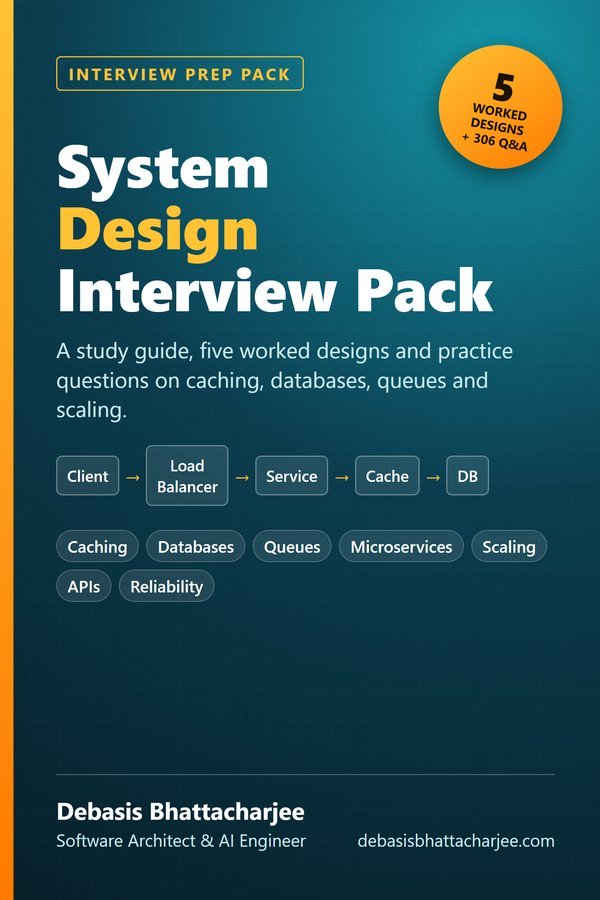
Preparing for a system design interview?
- A 7-step method for answering any system design question, plus estimation numbers
- 5 worked designs: URL shortener, rate limiter, chat, news feed and file storage
- Guides to caching, databases, queues, consistency and reliability, with a 4-week study plan
- 306 practice questions with answers on caching, databases, queues, microservices, APIs and more
5 worked designs, a 4-week plan and 306 practice questions with answers.

The material stays free to read online. This is the organised, offline, print-ready PDF edition. Secure payment by PayPal; your personal download link is emailed after payment is confirmed. Digital product, no shipping.