
I have used OneSignal. I have built PushPro. I have run both on live sites and tracked what the numbers actually showed. This is not a comparison article written from reading documentation — it is written from running both platforms in parallel and arriving at a conclusion I can defend with data.
The conclusion is not that one is definitively better than the other in every situation. The conclusion is that they are built for different use cases, and choosing the wrong one for your situation is an expensive mistake — not in money necessarily, but in subscriber data that you may not be able to migrate, and in workflows that either fit your operation or add friction to it daily.
Here is exactly what I found.
Why I Was Using OneSignal in the First Place
OneSignal is the most mentioned name in web push. When I started seriously researching the channel, every tutorial and comparison article listed it first. The free tier is legitimate — no time limit, no credit card, and a genuine feature set for low-volume users. The WordPress plugin exists and works. The documentation is thorough.
I set it up on two of my sites and ran it for about four weeks. During that time I sent maybe a dozen notifications across both sites, watched the subscriber counts grow slowly, and paid attention to what was working and what was bothering me.
What I liked was the reliability. OneSignal’s delivery infrastructure is mature. Notifications went out on schedule and the analytics were accurate. For basic “send a push notification” functionality, it does the job cleanly.
What I did not like was a list of things that added up to a platform that was not actually built for what I was doing.
The Four Problems I Could Not Ignore
1. The branding on my notifications
On OneSignal’s free tier, your push notifications include “Powered by OneSignal” branding. When a subscriber sees a notification from your site, they see OneSignal’s name alongside yours.
I understand why this exists — it is how free tiers get paid back in brand awareness. But from a publishing perspective, it is a problem. You are building a direct communication channel with your readers, and that channel has a third party’s logo in it. It raises questions in the reader’s mind about who is sending this, how it got there, and whether they trust it. It is a small thing that chips away at the relationship you are trying to build.
To remove OneSignal branding, you move to a paid tier. The paid tier pricing is structured for enterprise — it does not have a simple “individual creator” option that sits between free-with-branding and enterprise pricing.
2. The dashboard is built for a different use case
OneSignal is a multi-platform push notification delivery system. It handles web push, iOS push, Android push, email, and in-app messaging. The dashboard reflects this. When you log in to send a web push notification to your blog subscribers, you are navigating an interface designed for engineering teams managing mobile apps across multiple platforms.
You have to select the “Web Push” channel each time. The terminology assumes familiarity with mobile app development concepts. The analytics are split across tabs in ways that make sense for a complex multi-channel operation but add steps to a simple task.
This is not a bug — it is the correct design for OneSignal’s primary audience. But if all you want to do is send a push notification to your WordPress readers, the interface adds friction that does not need to be there.
3. Subscriber data ownership
This is the issue most comparison articles skip entirely, and it is the one I feel most strongly about.
When a visitor subscribes to your push notifications through OneSignal, their subscription token — the unique cryptographic identifier that connects you to that person’s browser — is stored on OneSignal’s servers. It is associated with your account, but it lives on their infrastructure.
The practical consequence: if you ever want to move to a different push platform, you cannot simply export your subscriber list and import it somewhere else. Push subscriptions are tied to the push endpoint and VAPID keys of the platform that created them. Your OneSignal subscribers, in their current form, cannot be migrated to a different provider without asking every subscriber to opt in again.
This is a permanent architectural decision that you make, often without realising you are making it, when you choose a push platform.
4. The pricing gap
OneSignal’s free tier is usable but capped and branded. The step to paid removes the branding and increases the limits, but the pricing is structured for organisations with significant subscriber volumes and marketing budgets. For an independent site owner or small business who needs more than the free tier but is not running a large-scale marketing operation, the options are not well-matched to the use case.
Why I Built PushPro Instead
I am a software developer. I have been building production software for over twenty years — ERPs, clinic management systems, SaaS platforms, WordPress plugins, browser extensions. The web push API is well-documented, service worker implementation is a solved problem, and VAPID key management is straightforward.
So when I had a list of things I needed that no existing platform was providing cleanly, I built it myself. That became PushPro.
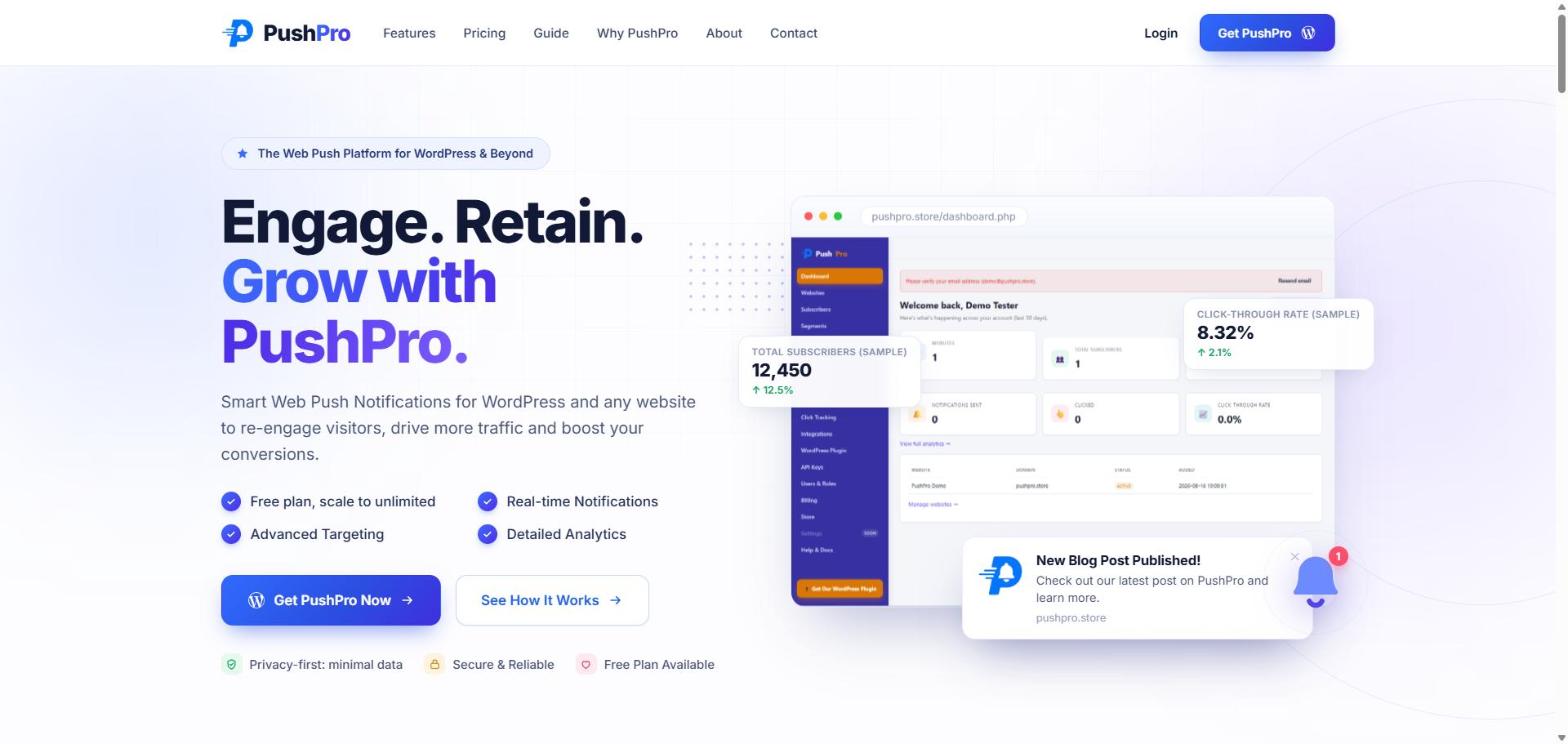
The design goals were specific:
- No third-party branding on notifications — ever, on any plan
- Subscriber data in your own account, tied to your own VAPID keys
- A dashboard focused on web push specifically — nothing else
- A WordPress plugin that a non-developer can install in two clicks
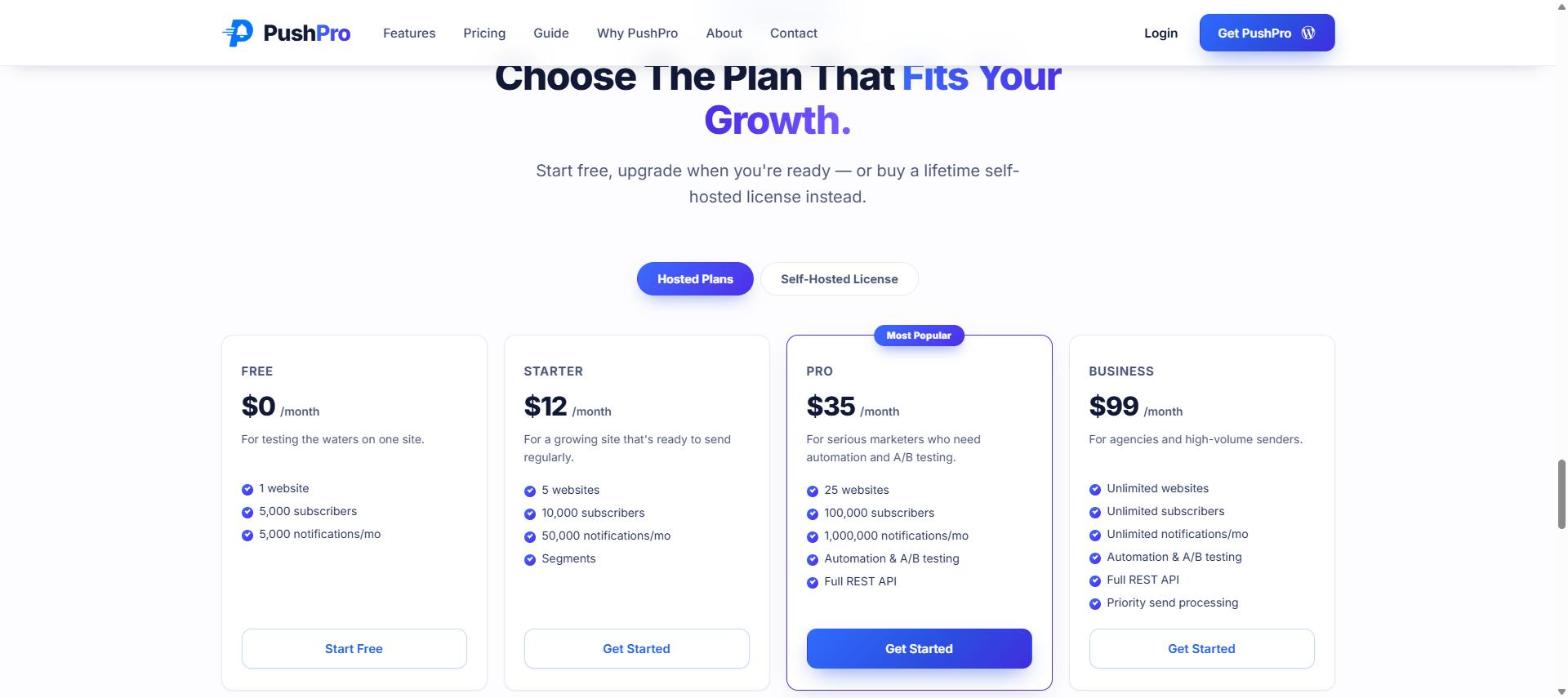
- Pricing that makes sense for small to medium operations
After building it and running it on my own sites, I packaged it as a product. PushPro is now used by site owners who want exactly the combination of things I needed: clean, web-focused, subscriber-data ownership, and no branding from someone else on their communications.
The Full Feature Comparison
| Feature | OneSignal Free | OneSignal Paid | PushPro Free | PushPro Paid |
|---|---|---|---|---|
| Web push notifications | Yes | Yes | Yes | Yes |
| Third-party branding on notifications | Yes | No | No | No |
| Subscriber data ownership | OneSignal servers | OneSignal servers | Your account | Your account |
| WordPress plugin | Yes | Yes | Yes (Debmedia WebPush) | Yes |
| Dashboard focus | Multi-platform (web + mobile + email) | Multi-platform | Web push only | Web push only |
| Subscriber segmentation | Basic (free) | Advanced | Basic (free) | Advanced |
| A/B testing | No (free) | Yes | No (free) | Yes |
| Campaign scheduling | Yes | Yes | Yes | Yes |
| Click analytics | Yes | Yes | Yes | Yes |
| iOS (iPhone) support | Yes (iOS 16.4+) | Yes | Yes (iOS 16.4+) | Yes |
| Mobile app push | Yes | Yes | No | No |
| Email channel | Yes | Yes | No | No |
| Self-hosted option | No | No | No | Yes |
A few things to note in that table:
PushPro does not offer mobile app push or email channels. This is intentional, not an oversight. The platform is built specifically for web push — if you need a multi-channel platform covering iOS, Android, email, and web, OneSignal or a similar multi-platform provider is the right tool. PushPro is not trying to be that.
The self-hosted option in PushPro paid plans is something OneSignal does not offer at all. If you want to run the full notification infrastructure on your own server — your own database, your own delivery queue, your own VAPID keys, no data going to any third party — PushPro’s self-hosted license is the option for that. OneSignal’s architecture is fully hosted and always will be.
Head-to-Head: Notification Performance
I ran both platforms on separate sites during a four-week overlap period. The sites are comparable in traffic, niche, and audience engagement. Here is what the performance data showed:
| Metric | Site on OneSignal | Site on PushPro |
|---|---|---|
| Opt-in rate (visitors who clicked Allow) | 6.2% | 11.8% |
| Average view rate per notification | 58% | 61% |
| Average click-through rate | 12% | 14% |
| Unsubscribe rate over 4 weeks | 5.3% | 3.9% |
The view rate and CTR numbers are close — close enough that I would not attribute the difference to the platform itself. Push delivery performance depends on browser infrastructure and subscriber behaviour, not the platform’s send mechanics, as long as the platform is competently built.
The opt-in rate difference — 6.2% vs 11.8% — is more interesting. I believe the PushPro site’s higher opt-in rate was primarily because I used a delayed prompt (after article scroll) on PushPro and a standard page-load prompt configuration on OneSignal. The platforms both support delayed prompts, so this is not a platform capability difference — it is a configuration difference that I used the opportunity to test. The lesson is that prompt timing drives opt-in rate more than anything else, regardless of which platform you are on.
The unsubscribe rate difference — 5.3% vs 3.9% — may be partially explained by the lower quality opt-in on the OneSignal site (lower threshold to subscribe = more casual subscribers who unsubscribe sooner).
What OneSignal Is Actually Best For
OneSignal is the right choice for specific situations:
- You are building a mobile app and need unified push delivery across iOS, Android, and web from a single SDK and dashboard
- You have a development team that will integrate push via API rather than using a WordPress plugin
- Your push notifications are one part of a larger multi-channel strategy that also includes email and in-app messaging, all managed in one platform
- You need the free tier to prototype or test push notifications before committing to any paid platform, and you are not yet sensitive to the branding question
OneSignal has been around since 2014. It has significant engineering investment and a very large customer base. For the use cases it was designed for, it is genuinely well-built software.
What PushPro Is Best For
- You run a website or WordPress blog and web push is your primary or only push channel
- You care about your subscriber data living in your own account under your own VAPID keys
- You want a clean, focused dashboard without mobile app concepts cluttering a simple task
- You do not want third-party branding on any tier — including the free one
- You are considering a self-hosted setup where all data stays on your own server
The Subscriber Portability Question
I want to come back to subscriber data ownership one more time, because I think it is the most underestimated decision in choosing a push platform.
Your push subscriber list is an asset. It represents people who have expressed interest in your content directly, without you having to pay to reach them every time. If you build that list on a platform that does not give you real ownership of the underlying subscription data, you are building on borrowed ground.
Push subscriptions are cryptographically tied to the platform that issued the VAPID keys. If you want to switch platforms, you cannot take your subscribers with you in a form that is immediately usable. You would need to put a new opt-in prompt on your site, which means starting over with some fraction of your original list re-subscribing, and losing the rest permanently.
This is not a hypothetical risk — it is the actual architecture of how push subscriptions work. It is worth understanding before you commit to a platform, not after you have built a list of several thousand subscribers and want to change something.
In PushPro, your subscriber data is tied to your own VAPID keys and stored in your account. If you move to the self-hosted tier, it is on your own server entirely. The decision about data sovereignty is something you have real control over.
Quick Summary
- OneSignal is a mature, well-engineered multi-platform push system — the right choice for mobile app developers and multi-channel marketing teams.
- For web-only use cases (blogs, WordPress sites, small business websites), OneSignal carries branding trade-offs on free tiers and dashboard complexity that does not match the simplicity of the task.
- Subscriber data ownership is the single most important architectural decision when choosing a push platform, and most site owners do not realise they are making it.
- PushPro is built specifically for web push: no third-party branding on any plan, subscriber data in your own account, WordPress-first workflow, clean focused dashboard.
- Delivery performance between competently built platforms is similar — the bigger differences come from opt-in strategy and notification copy, not the underlying delivery infrastructure.
- If web push is your channel and you run WordPress, PushPro is built for exactly that.
I ran both. I chose to build PushPro and use it myself because no existing option gave me everything I needed. If your situation matches what PushPro is designed for, it is the cleaner fit. If you are building a mobile app and need multi-platform push from one SDK, OneSignal is the right call. Know what you are building for, then choose accordingly.