
SNP-2025-0004
Home / Code Snippets / SNP-2025-0004
SNP-2025-0004  Β·  CODE SNIPPET

Mastering HTML Essentials to start your Tech Blog πŸ”₯

HTML Β· Published: 2026-06-08 Β· Debasis Bhattacharjee
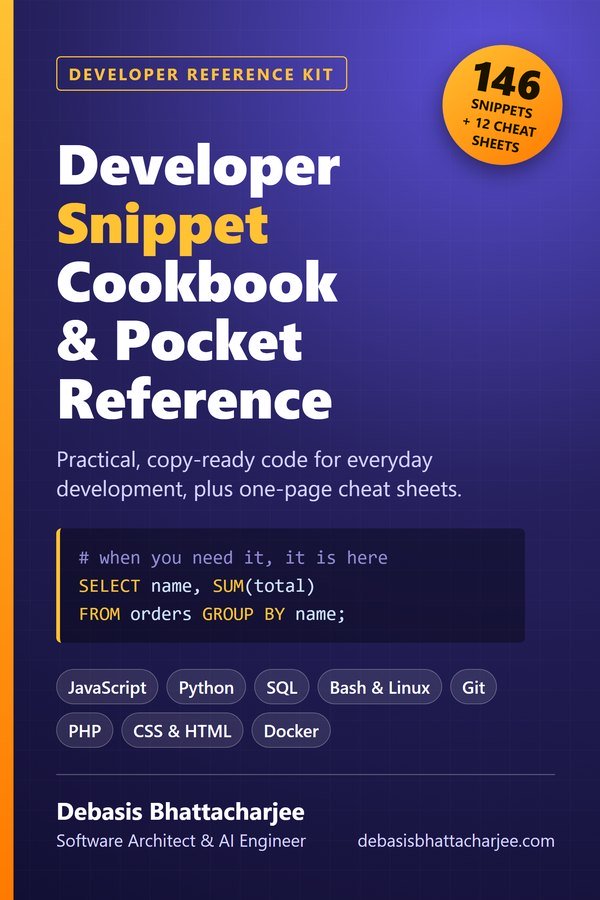
Developer Snippet Cookbook and Pocket Reference PDF cover
Developer Reference Kit · PDF

Want a clean, checked snippet book?

  • 146 copy-ready snippets: JavaScript, Python, SQL, Bash & Linux, Git, PHP, CSS & HTML, Docker
  • Each one says when to use it, how it works and what to watch out for
  • 12 one-page cheat sheets for Git, Linux, cron, HTTP, SQL, regex and more
  • Code was checked with real tools, and the SQL was run against a sample database

146 snippets and 12 cheat sheets, each snippet with a "watch out" note.

$3.99 one-time · instant email delivery
2,000 Interview Questions & Answers cover
Also available: 2,000 Interview Questions & Answers $7.99 The questions developers get asked in interviews, across 89 topics, with short answers, in-depth explanations, common mistakes and follow-ups. See what's inside →

The material stays free to read online. This is the organised, offline, print-ready PDF edition. Secure payment by PayPal; your personal download link is emailed after payment is confirmed. Digital product, no shipping.

01
Problem Statement & Scenario
The Problem

Prerequisites

Before we embark on this HTML journey, ensure the following:

  1. Text Editor: Have a reliable text editor, such as Visual Studio Code or Sublime Text, installed on your computer.
  2. Basic Understanding of Web Technologies: Familiarize yourself with the basics of web technologies, including how HTML works alongside CSS and JavaScript.

Step 1: Setting Up Your HTML Document

Create a new HTML document and set up the basic structure. Every HTML document should include the following:

<!DOCTYPE html>
<html lang="en">
<head>
  <meta charset="UTF-8">
  <meta name="viewport" content="width=device-width, initial-scale=1.0">
  <title>Your Tech Blog Title</title>
</head>
<body>

  <!-- Your content goes here -->

</body>
</html>

Step 2: Structuring Content with HTML Tags

HTML provides a variety of tags to structure your content. Here are some essential ones:

  • Headings:
  <h1>Your Main Heading</h1>
  <h2>Subheading</h2>
  • Paragraphs:
  <p>This is a paragraph of text.</p>
  • Lists:
  <ul>
    <li>Item 1</li>
    <li>Item 2</li>
  </ul>

  <ol>
    <li>Step 1</li>
    <li>Step 2</li>
  </ol>
1-on-1 Technical Mentorship

Want to master snippets like this?

Debasis Bhattacharjee offers direct mentorship sessions for developers looking to level up their code quality, architecture decisions, and production engineering skills. Two decades of real-world experience β€” no theory, just craft.