
A Pod in Kubernetes is the smallest deployable unit that can contain one or more containers. Pods provide a way to manage and group containers that need to work together and share resources like networking and storage.
In depth
In Kubernetes, a Pod encapsulates one or more closely related containers that share the same network namespace and can communicate with each other using localhost. This design allows containers within a Pod to share storage volumes, making it easier for them to work together while maintaining isolation from other Pods. Pods are transient by nature; they can be created, destroyed, and replicated as necessary to meet the application's needs. Understanding Pods is crucial for scaling applications and managing microservices effectively, as they serve as the basis for deployment strategies such as rolling updates or canary releases. Additionally, Pods can be deployed as single instances or in groups called ReplicaSets, enhancing fault tolerance and availability in production environments.
Example scenario
In a web application, you might have a Pod containing an NGINX container and another container running a custom backend service. These containers need to communicate effectively, so they are deployed within the same Pod to enable local networking. The NGINX container can act as a reverse proxy, forwarding requests to the backend service without complicating external routing. This setup is efficient for service interaction and resource sharing, ensuring that both components can scale together.
Common mistakes
A common mistake is to misunderstand Pods as the same as containers; however, a Pod can host multiple containers that need to collaborate closely, while containers can exist independently. Another mistake is failing to recognize that each Pod gets its own IP address and is ephemeral, meaning it's crucial to design external communication and data persistence accordingly. This can lead to issues if developers expect Pods to retain their state or configuration without implementing persistent volumes or other storage solutions.
Follow-up questions
- What are some other Kubernetes components that work alongside Pods?
- How do you manage Pods in a production environment?
- Can you explain the difference between a Pod and a Deployment?
- What happens when a Pod is terminated?
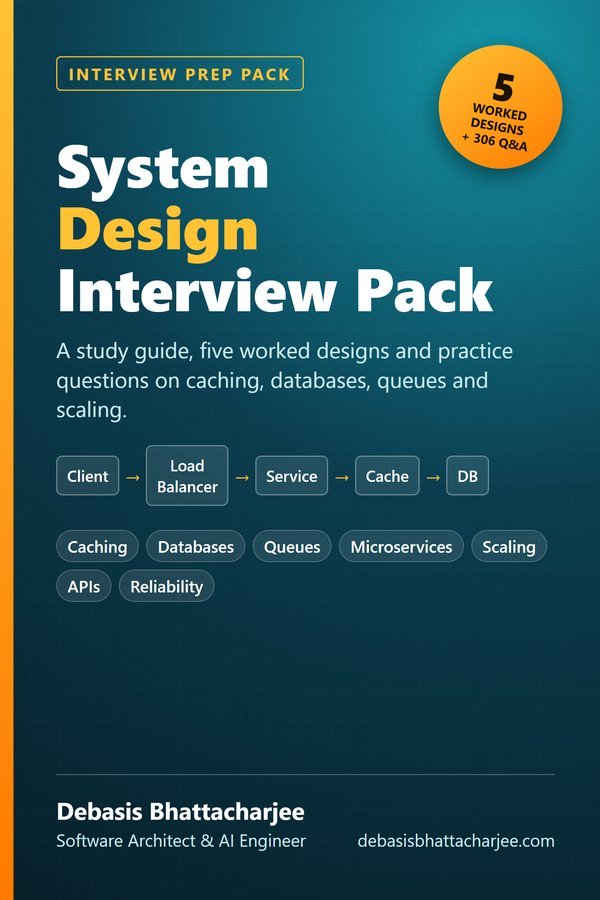
Preparing for a system design interview?
- A 7-step method for answering any system design question, plus estimation numbers
- 5 worked designs: URL shortener, rate limiter, chat, news feed and file storage
- Guides to caching, databases, queues, consistency and reliability, with a 4-week study plan
- 306 practice questions with answers on caching, databases, queues, microservices, APIs and more
5 worked designs, a 4-week plan and 306 practice questions with answers.

The material stays free to read online. This is the organised, offline, print-ready PDF edition. Secure payment by PayPal; your personal download link is emailed after payment is confirmed. Digital product, no shipping.